

Feature Flags
Create and manage feature flags in Swetrix to control feature rollouts and target the visitors who receive each experience.
Feature flags allow you to toggle features on and off for your users without deploying new code. This is useful for rolling out new features gradually, testing in production, or quickly disabling a feature if something goes wrong.
On Swetrix Cloud, Feature Flags are available on Plus and Enterprise plans. Self-hosted instances can use them without a cloud subscription.
Overview
With Swetrix Feature Flags, you can:
- Create flags in your dashboard.
- Assign rules to target specific user segments (e.g., by country, browser, or custom attributes).
- Roll out features to a percentage of your users.
- See when a flag is linked to an experiment.
Client-Side Implementation
To use feature flags in your application, you can use the Swetrix tracking script.
import { getFeatureFlags } from "swetrix";

const flags = await getFeatureFlags();

if (flags["new-checkout"]) {
  // Show new checkout flow
}
Caching
Feature flags are cached for 5 minutes by default to minimize network requests. You can force a refresh or clear the cache if needed:
import { clearFeatureFlagsCache } from "swetrix";

// Clear cache to force a fresh fetch on next call
clearFeatureFlagsCache();
Experiment-linked flags
Linked feature flags gate experiment eligibility. Variant split and result decisions live in Experiments.
Experiments can create a new feature flag or link to an existing one. When a flag is linked to an experiment, the Feature Flags list shows an Experiment linked badge and a short note explaining that variant split and result decisions live in Experiments.
Click the linked badge to open the experiment results. The flag gates experiment eligibility, while the experiment controls the variant allocation, exposure tracking, and conversion analysis.
Starting or resuming an experiment enables its linked flag. Pausing or completing the experiment disables it. If Swetrix created the flag for the experiment, deleting the experiment also deletes that flag. If you linked an existing flag, deleting the experiment keeps the flag and removes the link.
Managing Flags
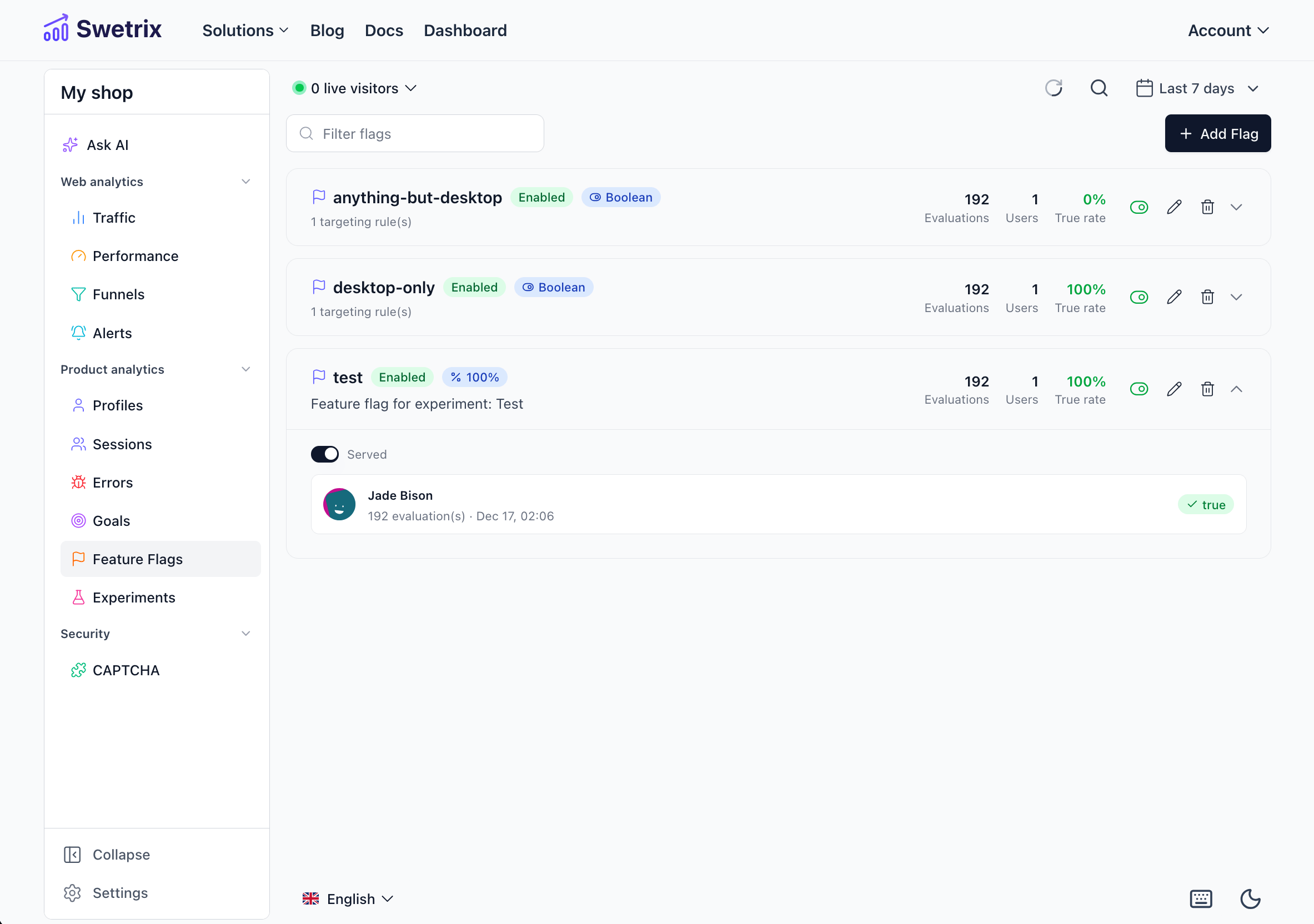
You can create and manage your feature flags in the Feature Flags tab of your project dashboard.

Help us improve Swetrix
Was this page helpful to you?