

Experiments (A/B Testing)
Run A/B tests in Swetrix, configure experiment variants and goals, and compare results to evaluate changes to your website.
Experiments let you run A/B or A/B/n tests and compare how different variants affect a goal. Use them to test product changes, pricing pages, onboarding flows, copy, layouts, or any other change where you want to measure the effect before rolling it out.
On Swetrix Cloud, Experiments are available on Plus and Enterprise plans. Self-hosted instances can use them without a cloud subscription.
Experiments are backed by feature flags
Every experiment is connected to a feature flag. Use the flag to gate eligibility in your application, then let the experiment handle variant allocation, exposure tracking, and result analysis.
Overview
With Swetrix Experiments, you can:
- Create experiments with 2 to 20 variants, one of which must be the control.
- Store a hypothesis so the decision is tied to what you expected to happen.
- Use rollout percentages to control how traffic is split across variants.
- Link the experiment to a goal so conversions can be attributed to exposed visitors.
- Back the experiment with a new feature flag or link it to an existing flag.
- Choose whether exposure is recorded from feature flag evaluation or from a custom event.
- Review launch guardrails before starting an experiment.
- Estimate required sample size from baseline conversion, minimum detectable effect (MDE), and daily exposures.
- Analyze segmented, time-bucketed results with Bayesian probability of winning.
Experiment lifecycle
Starting or resuming an experiment enables its linked feature flag. Pausing or completing an experiment disables that flag.
Creating an experiment
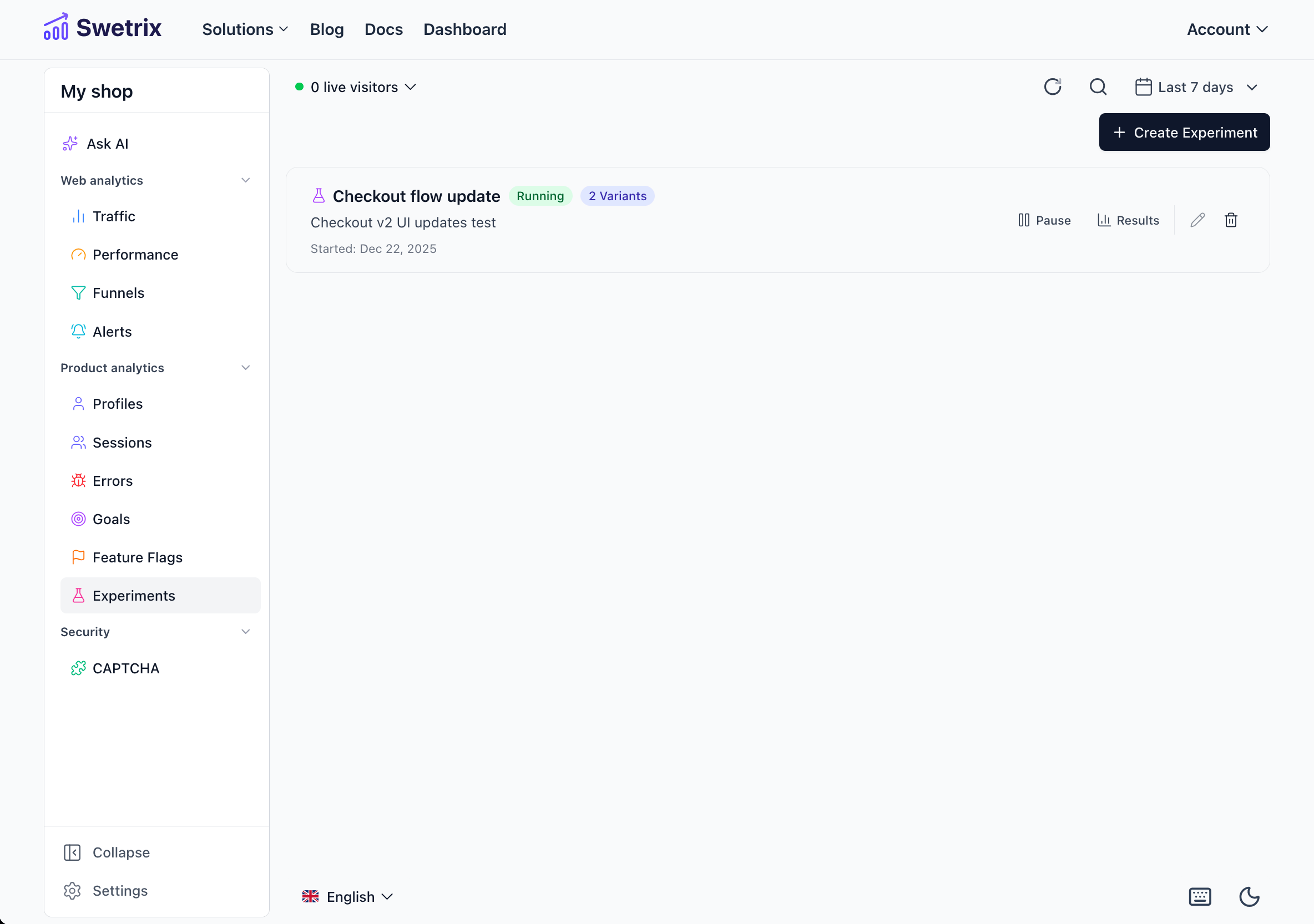
Open the Experiments tab in your project dashboard and click Create Experiment.
Name the experiment
Add an experiment name, optional description, and optional hypothesis. The hypothesis helps you interpret mixed or flat results later.
Configure variants
Each variant needs a name, a stable key, and a rollout percentage. Mark exactly one variant as the control.
Variant keys are what your code compares against, so keep them stable once an experiment is running.
Set the traffic split
Make sure rollout percentages add up to 100%. Every variant must receive some traffic before the experiment can launch.
Select a goal
Choose the goal that should count as a conversion. You can save a draft without a goal, but you must add one before launch.
Review launch guardrails
Resolve blockers before launch, then review any warnings about traffic split, sample size, or exposure handling.
Launch guardrails
Launch guardrails call out configuration problems before the experiment starts.
Blockers prevent launch until resolved:
- No goal selected.
- Fewer than two variants.
- Missing or multiple control variants.
- Rollout percentages do not add up to 100%.
- One or more variants have 0% allocation.
- Custom exposure tracking is selected without a custom event name.
- Existing feature flag mode is selected without a linked flag.
- The selected feature flag is already linked to another experiment.
Sample size planning
The sample size estimate helps you plan whether the experiment has enough traffic to answer the question.
| Input | Meaning |
|---|---|
| Baseline conversion | Your current conversion rate for the selected goal. |
| MDE lift | The smallest relative lift you care enough to detect. |
| Daily exposures | The estimated number of visitors who will be exposed per day. |
Swetrix shows the target conversion rate, total sample estimate, and estimated runtime. This is a planning estimate based on two-sided 95% confidence and 80% power, not a guarantee that the experiment will produce a clear result.
Feature flag source
Swetrix creates a rollout feature flag when the experiment starts. You can enter a key or use the suggested key.
If the experiment is deleted later, the created flag is removed too.
Exposure tracking
Exposure means that a visitor has entered the experiment and is eligible to be counted in the results.
Exposure is recorded when the Swetrix feature flag or experiment evaluation runs. Use this when the same code path both assigns the variant and shows the experimental experience.
Multi-variant exposure
If the same visitor is exposed to more than one variant, Swetrix can handle that in two ways:
Client-side implementation
To use experiments in your application, use the Swetrix tracking script.
import { getExperiments } from "swetrix";

const experiments = await getExperiments({
  profileId: "user-123",
});

// Returns: { 'experiment-id-1': 'variant-a', 'experiment-id-2': 'control' }
Use the experiment ID with getExperiment(), not the feature flag key. Passing a profileId is
optional, but recommended when you already identify users, because the same profile is used for
exposure and conversion attribution.
You can pass an optional third argument when you want a fallback variant if the experiment is not running or cannot be found:
const variant = await getExperiment(
  "checkout-redesign-experiment-id",
  { profileId: "user-123" },
  "control",
);
Experiment and feature flag evaluations share a 5-minute cache. You can clear it before the next evaluation if you need a fresh assignment:
import { clearExperimentsCache } from "swetrix";

clearExperimentsCache();
Attribution
Swetrix attributes conversions when the same profile:
- Is exposed to an experiment variant.
- Triggers the selected goal after that exposure.
- Falls inside the effective result window.
For pageview goals, normal pageview tracking is enough. For custom event goals, track the goal event after exposure using the same profile.
Results
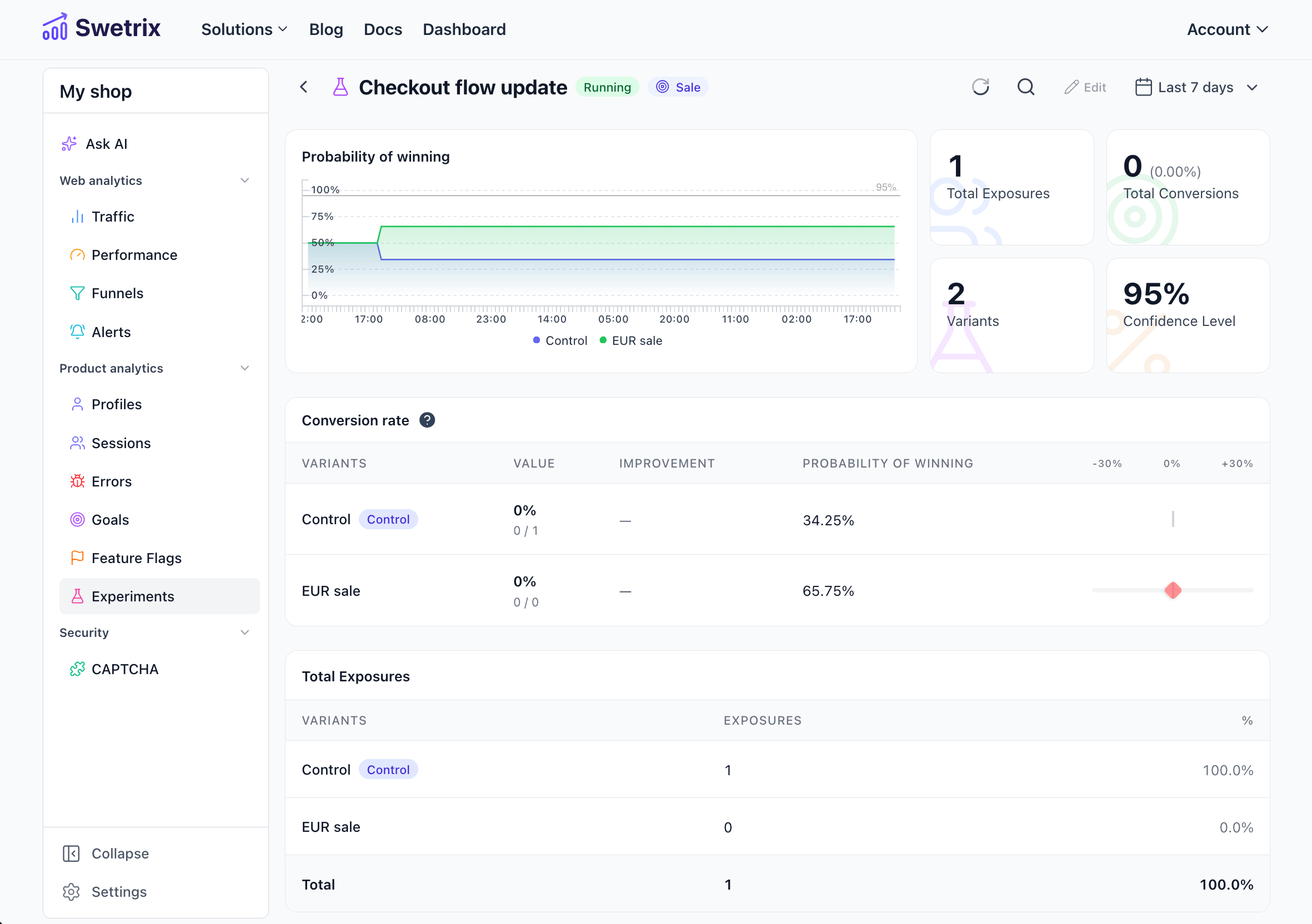
Click an experiment row or the results button to open the results view.
Completing an experiment
Review the result
Check the winner callout, probability chart, conversion table, health warnings, and any active segment filters.
Confirm completion
Click Complete and confirm the modal. The dashboard shows success or error feedback after the request finishes.
Use the final result
Completion disables the linked feature flag, sets the final result window, locks experiment settings, and keeps results available for review.
Feature Flags
Learn how linked feature flags appear in the dashboard.
Goals
Create the conversion goal your experiment will measure.
Tracking script reference
See the full API for experiment and feature flag evaluation.

Help us improve Swetrix
Was this page helpful to you?