- Date
Best 9 Social Media Management Tools in 2026 (Tested & Ranked)
 Andrii Romasiun
Social media is still one of the cheapest ways to stay in front of the people who eventually buy from you. The problem is that doing it properly across five platforms, for one brand or twenty clients, quietly turns into a full-time job. Someone has to plan the calendar, write the posts, get them approved, publish on time, answer every comment and DM, and then pull a report that proves any of it mattered.
That is what a social media management tool is supposed to absorb. The catch is that most "best tools" lists are ranked by affiliate payout, not by how the tools actually hold up when a team leans on them every day. So this guide does two things differently. It defines what a serious tool has to do before ranking anything, and it is honest about where each option is weak, because every one of them is weak somewhere.
It also covers something the rest of these lists skip entirely: none of these platforms can tell you whether your social traffic turns into signups or revenue. We will get to that at the end, because it is the number that decides whether any of this spend was worth it.
What a Social Media Management Tool Actually Needs to Do
Before comparing prices, it helps to agree on the job. A tool that only schedules posts is a calendar with extra steps. The platforms worth paying for cover five areas.
Publishing across the platforms you actually use. Scheduling, drafting, previews, bulk uploads, and reliable auto-publishing to each network's native API. The list of supported platforms matters more than it looks, because the newer ones (Threads, Bluesky, Google Business Profile) are where most tools quietly fall short.
A unified inbox. Comments, mentions, and direct messages from every platform in one feed. This is where community management lives, and it is the feature small tools cut first.
Analytics that go past vanity metrics. Engagement and follower growth are the starting point. You also want best-time-to-post data, post-level performance, and trends over real time windows, not a screenshot of last week.
Collaboration and approvals. The moment more than one person touches content, you need roles, draft privacy, internal comments, and sign-off steps. For agencies, client approval is non-negotiable.
Pricing that survives growth. This is where buyers get burned. Some tools charge per user, some per social account, some stack both. A plan that looks cheap for one person can triple the moment you add a teammate or a client.
With that as the filter, here is how the nine leading options rank.
1. PostPlanify
The agency-focused all-in-one with flat pricing and white-label reporting, no per-seat fees.
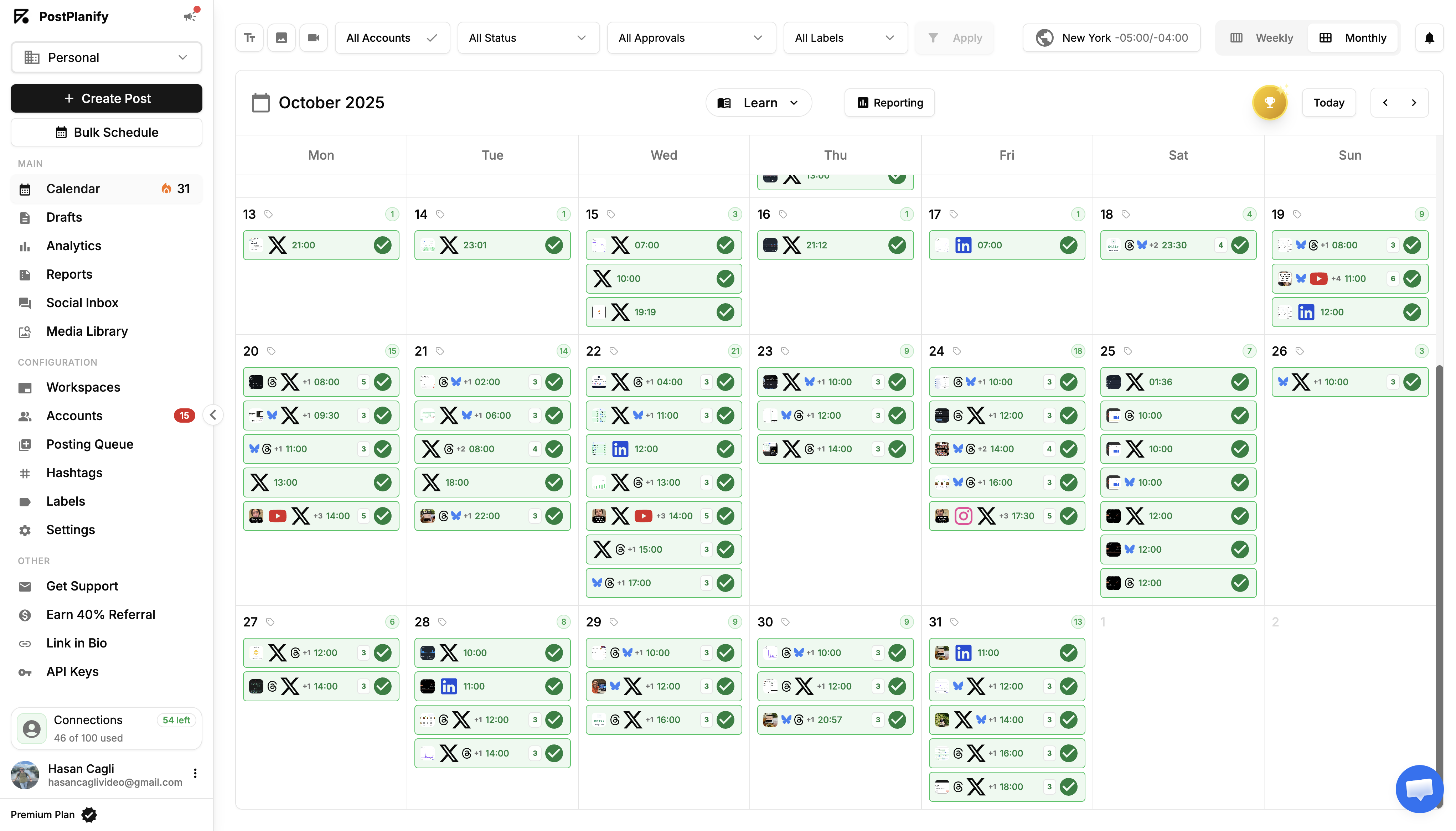
PostPlanify is built specifically for the buyer that most tools on this list punish: the agency or team that grows. Instead of charging per seat or nickel-and-diming each social account, it uses flat monthly pricing that stays the same as you add teammates and clients. It covers scheduling, a unified inbox, analytics, and reporting across 10 platforms, including Instagram, Facebook, LinkedIn, TikTok, YouTube, Threads, Bluesky, and Google Business Profile.
Where it separates from the pack is the agency layer. You can organize every client in its own workspace with separate accounts, calendars, and team access, invite clients as approvers through a dedicated Client role, and require multiple sign-offs before anything publishes. Reports can be fully white-labeled with your agency's logo and colors rather than the vendor's, which is usually locked behind enterprise pricing elsewhere. The unified inbox pulls comments from seven platforms and direct messages from Instagram and Facebook into one feed, with AI-drafted replies that match each brand's voice.
The analytics cover all 10 supported platforms with a best-time-to-post heatmap and 7, 14, 30, and 90-day trends, which is enough for most client reporting without exporting to a spreadsheet. The trade-off is honest: PostPlanify is a younger platform, so its third-party integration list is shorter than Hootsuite's, and its brand recognition is smaller than the incumbents. But for teams whose core need is publishing, engagement, analytics, and branded reporting in one place, it delivers the agency features that usually cost three times as much.
Pricing
Flat pricing with no per-seat fees. Growth starts at $99/month (15 social accounts, 3 team members), and Premium and Scale add more accounts, workspaces, and full white-label reporting, with client workspaces scaling up to 50 on Scale. There is a 7-day free trial, a 14-day money-back guarantee, and a 1:1 onboarding demo with the founder.
Pros
- Flat pricing with no per-seat fees, predictable as your team and client list grow
- Genuine white-label reporting and separate client workspaces
- 10 platforms including Threads, Bluesky, and Google Business Profile
- Unified inbox with AI-drafted replies across comments and DMs
Cons
- Smaller third-party integration ecosystem than older platforms
- Full white-label features require the higher-tier plans
- Newer brand with fewer public reviews than long-established tools
Best for: Agencies and lean marketing teams that want agency-grade approvals, white-label reports, and broad platform coverage without paying enterprise per-seat prices.
2. Hootsuite
The mature enterprise platform that puts publishing, listening, and reporting in one place.
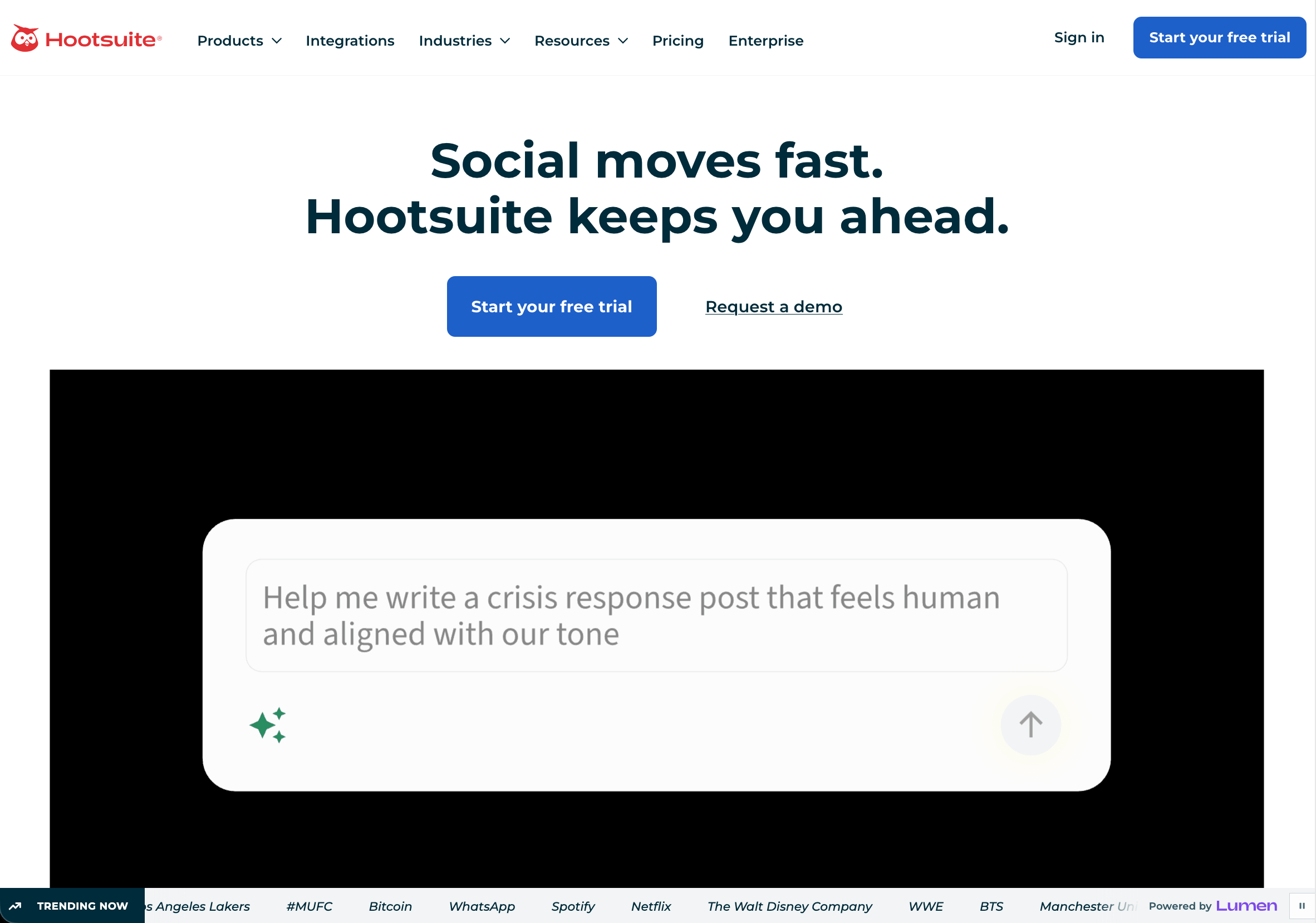
Hootsuite is the incumbent, and it earns that with breadth. It combines publishing, AI-assisted captions, best-time recommendations, inbox management, social listening, and competitor benchmarking in one environment, with a deep integration ecosystem for teams that already run other software. If your workflow goes well beyond scheduling and you have the budget, it is one of the most complete options available.
The cost is exactly that: budget and weight. Hootsuite is one of the more expensive tools here, and it can feel heavy if all you need is to publish and reply. Its strongest reporting and listening features are also tied to higher tiers, so the entry plan does not represent what the platform can really do.
Pricing
Standard is $249/user/month (10 social accounts) and Advanced is $499/user/month (50 accounts), with Business priced custom. There is no free plan, and annual billing saves around 20%. Because it charges per user rather than per account, a 3-person team on Standard pays $747/month.
Pros
- Very broad feature set with strong social listening
- Large integration ecosystem
- Mature, reliable, enterprise-ready
Cons
- Among the most expensive options
- Overkill for small teams that only need scheduling
- Best features gated behind higher tiers
Best for: Larger organizations that need listening and enterprise reporting and have the budget to match.
3. Sprout Social
The premium, analytics-first platform built for enterprises that can spend.
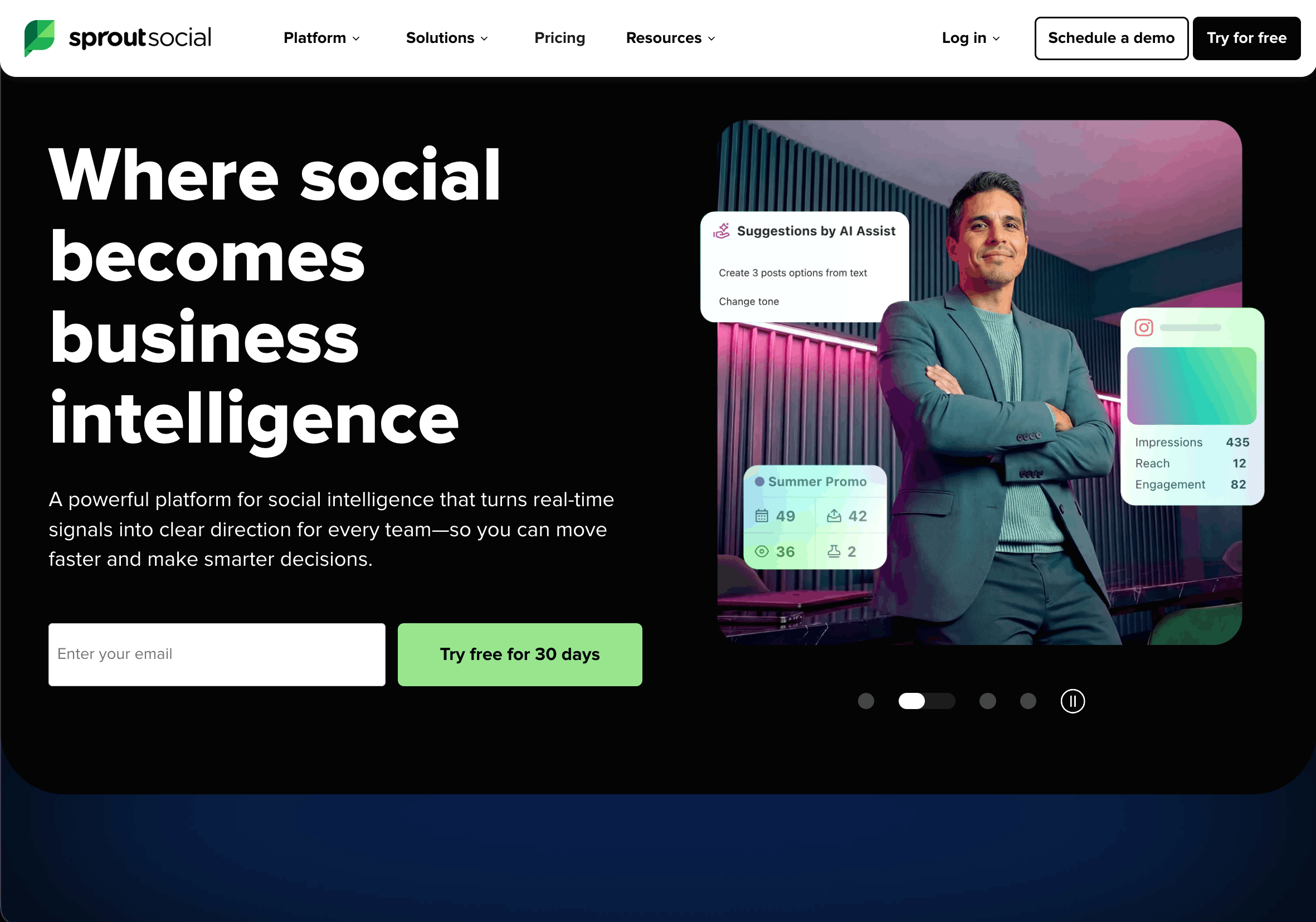
Sprout Social is the polished, premium end of the market. Its reporting is genuinely excellent, its interface is clean, and its analytics and CRM-style features are strong enough that marketing leaders like presenting from it. For brands where the reporting quality justifies the spend, it is hard to beat.
The pricing is the entire conversation. Sprout charges per seat at a level that adds up fast for any team beyond a couple of people, which is why it tends to land with enterprises rather than lean teams or agencies watching margins.
Pricing
Standard is $199/seat/month (5 profiles), Professional is $299/seat/month (unlimited profiles), and Advanced is $399/seat/month, with a custom Enterprise tier. Pricing is per seat on annual billing, so a 3-seat team on Standard already runs $597/month.
Pros
- Best-in-class reporting and analytics
- Clean, professional interface
- Strong engagement and listening tools
Cons
- Expensive, charged per seat
- Overpowered for small teams
- Advanced features push you to top tiers
Best for: Enterprise marketing teams that prioritize reporting quality over cost.
4. Buffer
The simple, affordable scheduler for solo creators and small teams.
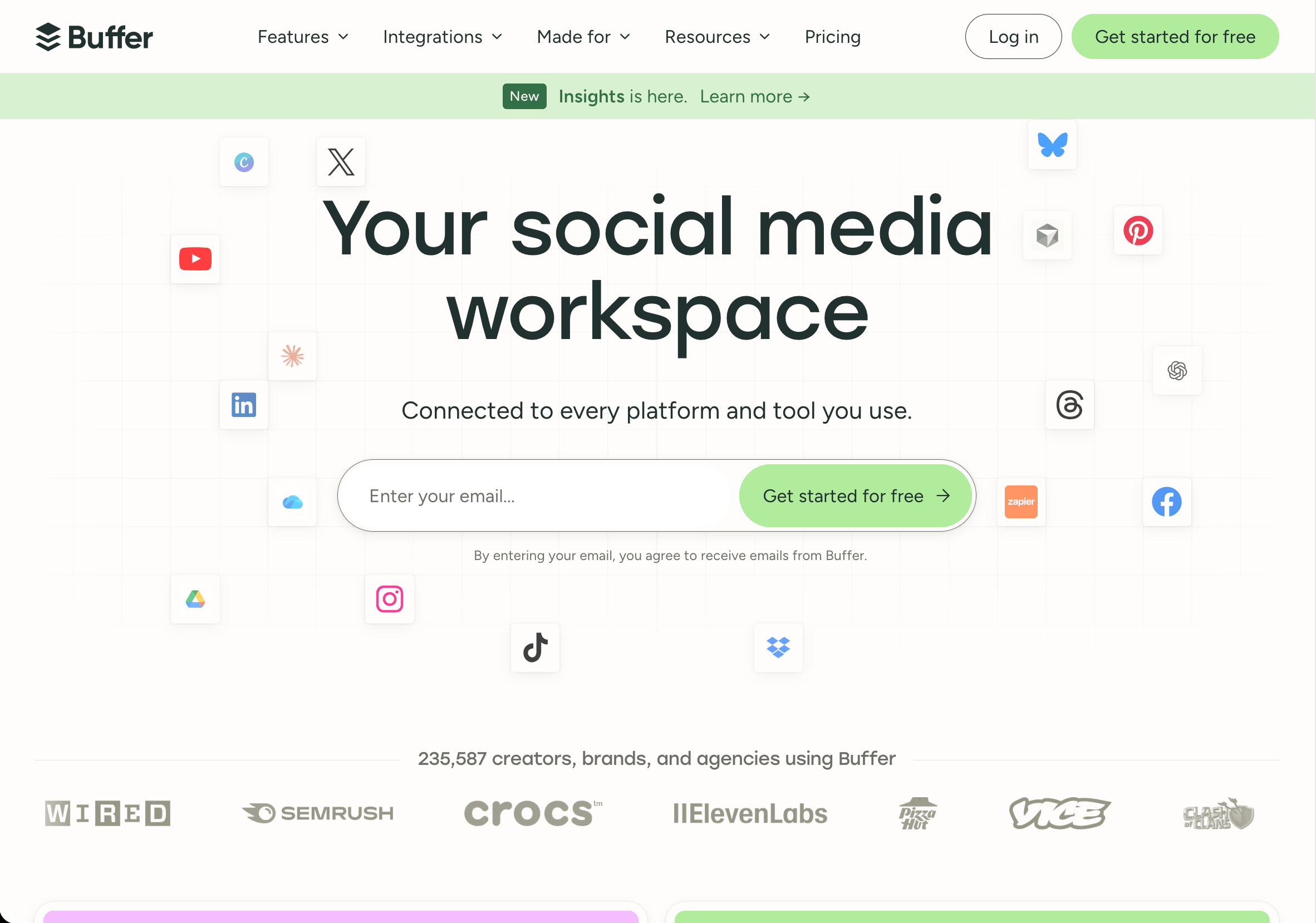
Buffer built its reputation on simplicity, and it still delivers there. It is clean, fast to learn, and cheap to start, with a free plan and low per-channel pricing that suits individuals and small teams who mostly need to queue content and keep a consistent posting rhythm. Its link-in-bio tool is a nice bonus.
The limits show up as you scale. Its inbox and analytics are lighter than the heavier tools here, and approval workflows only appear on paid team plans. Buffer is a scheduling tool that does a few extra things well, not a full agency command center.
Pricing
There is a free plan for 3 channels, then Essentials at $6/channel/month and Team at $12/channel/month. Because it prices per channel, costs scale with every connected account: one brand across 5 networks is 5 channels, so budget accordingly.
Pros
- Simple and genuinely easy to use
- Affordable, with a free plan
- Reliable core scheduling plus link-in-bio
Cons
- Lighter analytics and inbox
- Approvals only on team plans
- Not built for multi-client agency work
Best for: Creators and small teams that want dependable scheduling without complexity.
5. SocialBee
The category-based scheduler built around consistency and evergreen content.
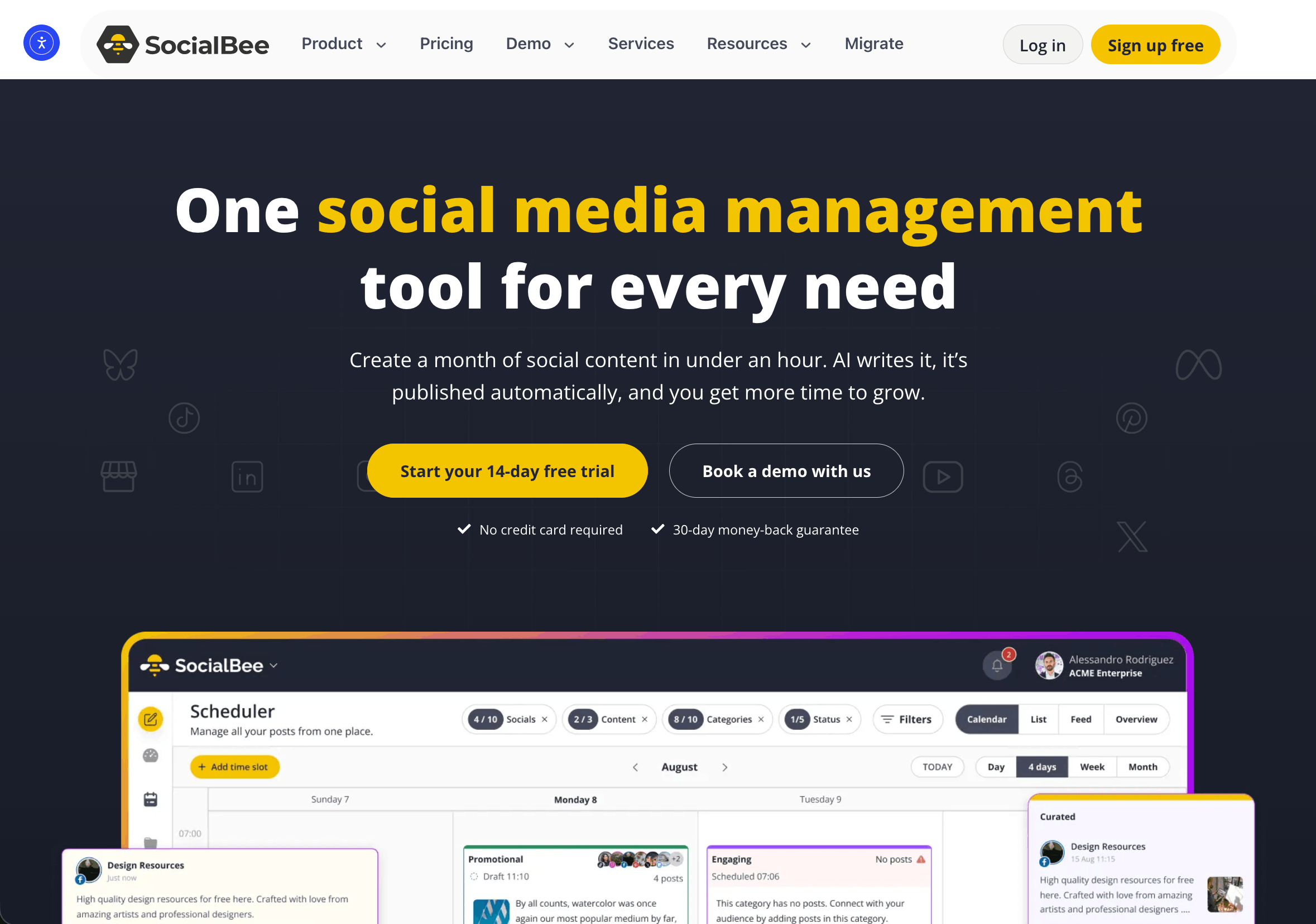
SocialBee's signature feature is category-based scheduling. Instead of loading posts one at a time, you organize content by theme, queue it by category, and keep a balanced posting mix automatically. Its evergreen recycling is genuinely useful if you regularly repurpose educational or promotional content, and it includes AI support and a Canva integration for lean teams.
It does not go as deep on listening or enterprise reporting as the bigger tools, and larger agencies may find the ceiling low. But for consistent day-to-day publishing at an approachable price, it offers strong value.
Pricing
Bootstrap is $29/month (5 profiles, 1 user), Accelerate is $49/month (10 profiles), and Pro is $99/month (25 profiles, 3 users, 5 workspaces), with agency tiers running up to $449/month for 150 profiles. All plans come with a 30-day money-back guarantee.
Pros
- Excellent category-based scheduling
- Evergreen recycling that actually saves time
- Affordable entry pricing
Cons
- Lighter listening and reporting
- Less suited to large agency operations
- Advanced analytics on higher tiers
Best for: Small businesses and solopreneurs focused on consistency.
6. Sendible
The budget-friendly agency toolkit with white-label reporting built in.
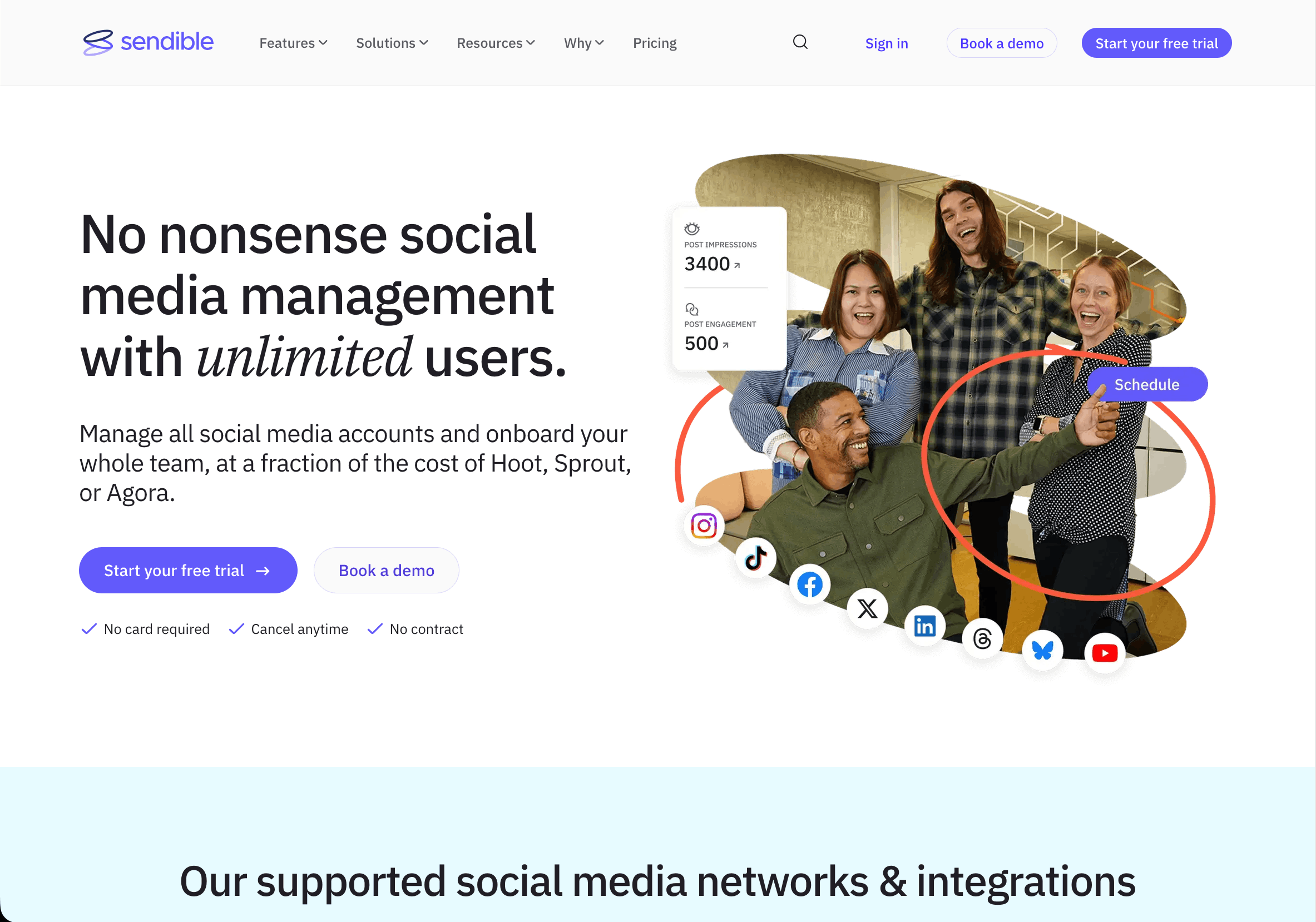
Sendible has long positioned itself for agencies, and it shows in the feature set: a priority inbox, client dashboards, white-label options, and solid scheduling across the major networks. For a small agency that wants recognizable agency features without enterprise pricing, it is a reasonable middle ground.
The interface can feel dated next to newer tools, and its platform coverage and analytics depth trail the leaders. It is a competent all-rounder rather than a standout in any single area, which is either exactly what you want or a reason to keep looking.
Pricing
Creator is $29/month (6 profiles, 1 user), Traction is $89/month (24 profiles, 4 users), Scale is $199/month (49 profiles, 7 users), and Advanced is $299/month (100 profiles), with a $750/month Enterprise tier. There is a 14-day free trial, and annual billing saves around 15%.
Pros
- Agency-focused features including white-label
- Priority inbox for engagement
- Reasonable mid-market pricing
Cons
- Interface feels older
- Analytics depth trails leaders
- Platform coverage is narrower
Best for: Small to mid-size agencies wanting white-label basics affordably.
7. Vista Social
The modern, feature-rich all-rounder at a genuine value price.
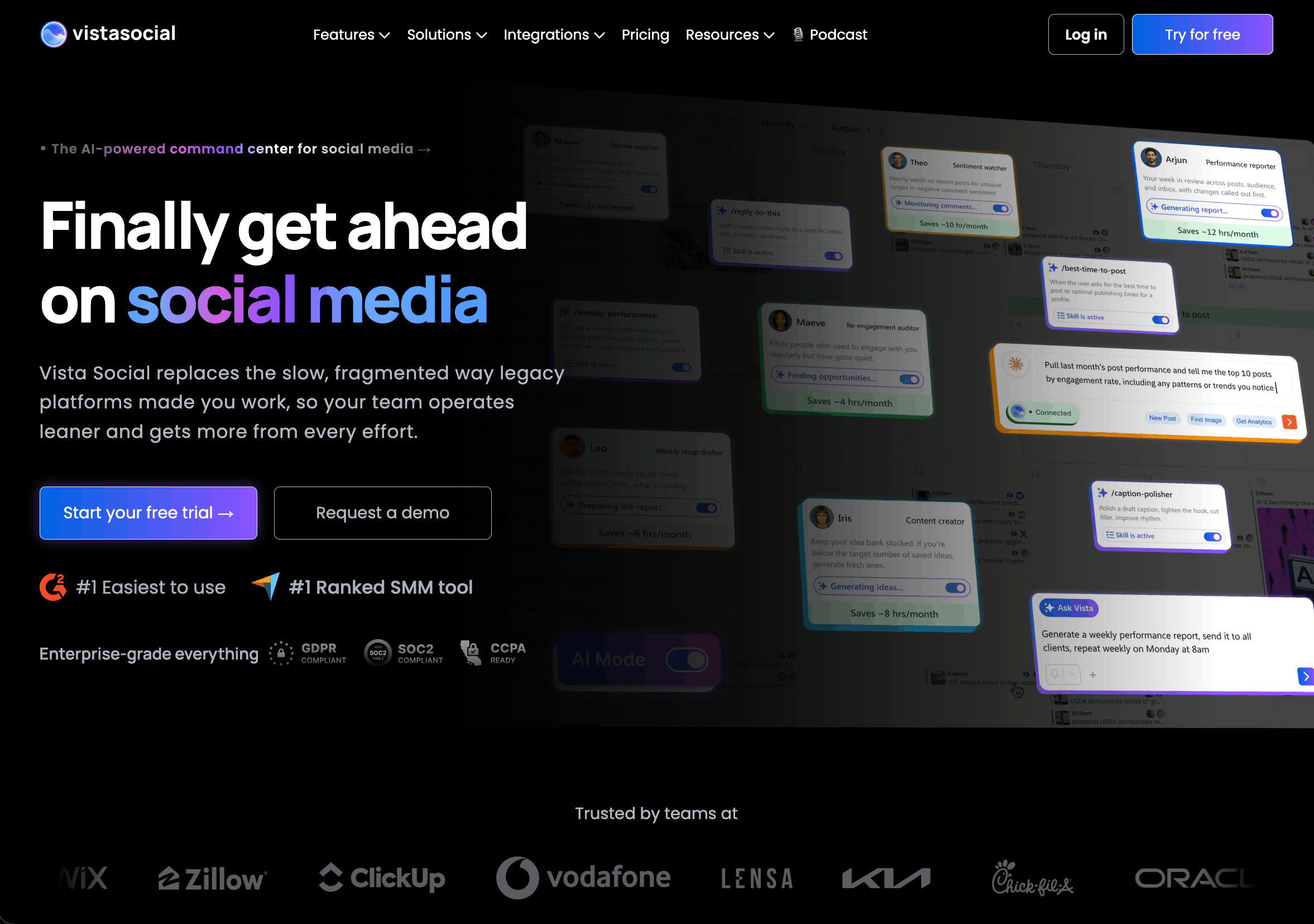
Vista Social is one of the better value plays in the market. It is modern, covers the major platforms well, and offers scheduling, engagement, reviews management, and listening add-ons at a price that undercuts most established tools. For teams that want a lot of capability without a big commitment, it punches above its price.
Because it moves fast and packs in features, some areas feel less mature than the incumbents, and the depth of any single feature can trail a specialist tool. But as an affordable, capable all-rounder, it deserves a look.
Pricing
Professional is $79/month (15 profiles, 3 users), Advanced is $149/month (30 profiles, 6 users), and Scale is $379/month (70 profiles, 10 users), with a custom Enterprise tier. There is a 14-day free trial, and annual billing saves around 20%. Note that X (Twitter) and advanced listening are paid add-ons.
Pros
- Strong value for the price
- Broad feature set including reviews and listening
- Low $79 entry that undercuts pricier incumbents
Cons
- Some features less mature than incumbents
- Reporting depth trails premium tools
- Can feel feature-dense at first
Best for: Budget-conscious teams and small agencies that want maximum features per dollar.
8. Metricool
The analytics-forward tool that puts organic and paid performance in one dashboard.
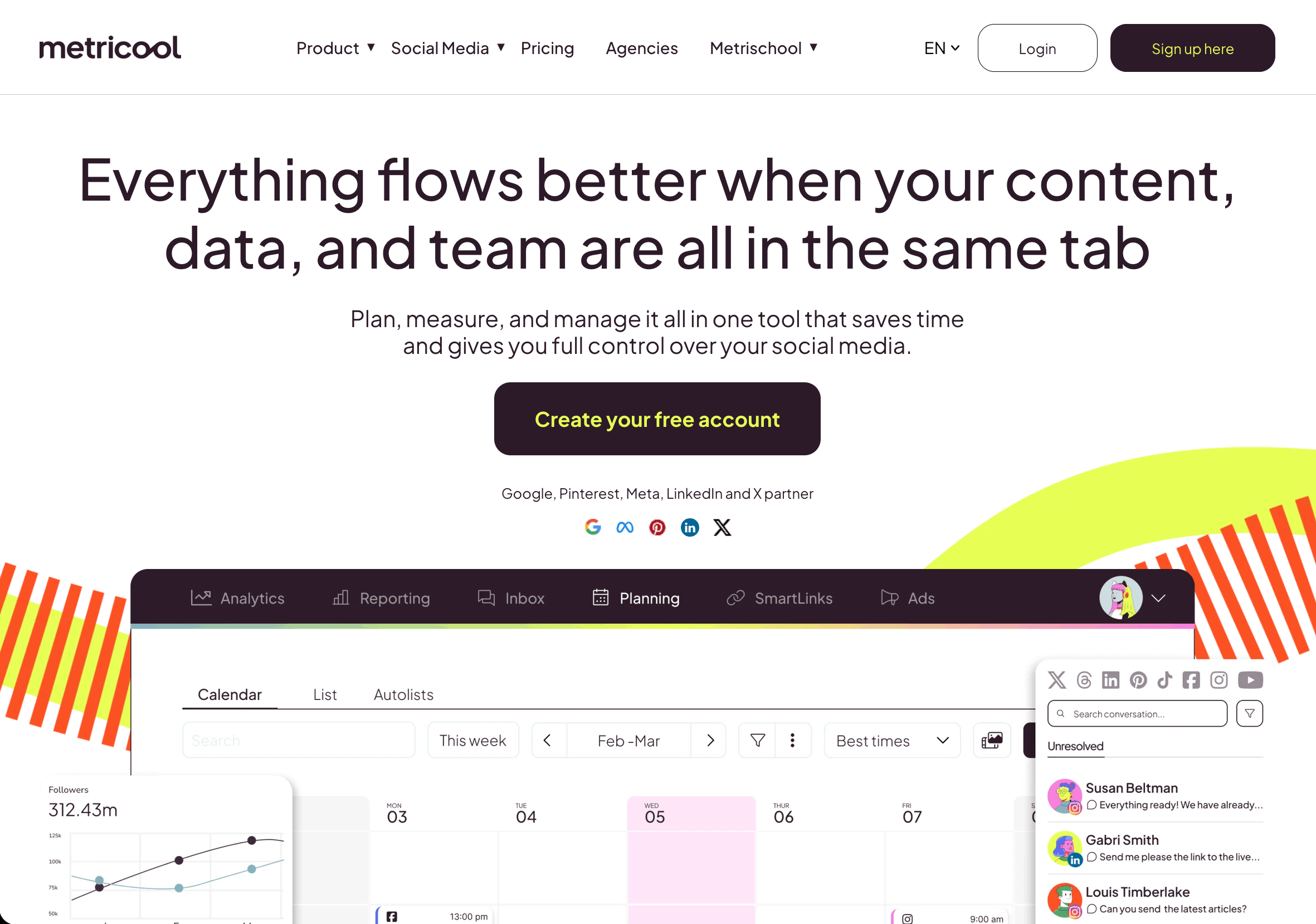
Metricool has built a loyal following among freelancers and small agencies by packing a lot into a low price. It covers scheduling across the major networks, but its real draw is analytics and paid-ad management in the same dashboard, alongside a link-in-bio tool and competitor tracking. For anyone who wants to see organic and paid performance side by side without paying enterprise rates, it is strong value.
The breadth comes with a busier interface, and the depth of any single feature can trail a specialist tool. Some of the more useful reporting and connection limits sit on higher tiers, so model your account count before committing. As an affordable analytics-forward all-rounder, though, it earns its place.
Pricing
There is a free plan for 1 brand, then Starter from $25/month (up to 10 brands) and Advanced from $54/month (up to 50 brands), with a custom tier above that. X (Twitter) is a $5/month add-on and is not available on the free plan.
Pros
- Organic and paid analytics in one dashboard
- Affordable, with a usable free tier
- Competitor tracking and link-in-bio included
Cons
- Interface can feel busy
- Feature depth trails specialists
- Connection limits and best reports on higher tiers
Best for: Freelancers and small agencies that want analytics and ads together on a budget.
9. Loomly
The structured content calendar built around approvals and collaboration.
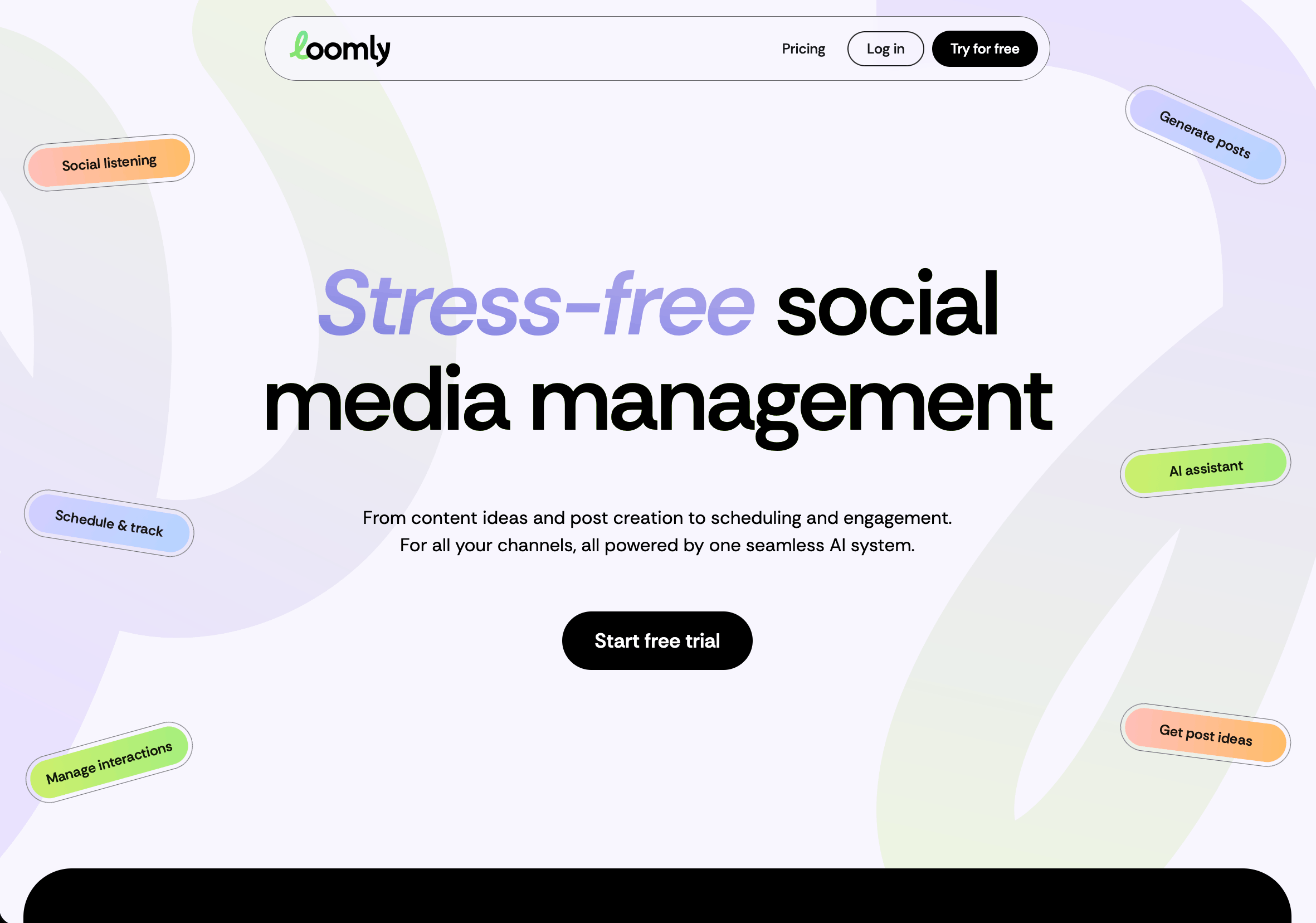
Loomly's strength is the content calendar and its approval flow. It is designed around the idea of a shared editorial calendar where posts move through defined review stages, with post ideas, optimization tips, and brand asset management built in. For teams whose main pain is coordination and sign-off, it is well organized and pleasant to use.
Its analytics and inbox are serviceable rather than best-in-class, and pricing scales with the number of users and social accounts, so larger operations should model the cost before committing. As a calendar-and-approval tool, though, it does its core job cleanly.
Pricing
Starter is $65/month (12 accounts, 3 users) and Beyond is $332/month (60 accounts, unlimited users), with a custom Enterprise tier. There is no free plan, only a 15-day trial, and the jump from Starter to Beyond is steep, so model your account and user count before committing.
Pros
- Clean content calendar with strong approvals
- Post ideas and optimization prompts
- Good brand asset organization
Cons
- Analytics and inbox are only adequate
- Cost scales with users and accounts
- Less suited to heavy engagement workflows
Best for: Teams that want structured calendar planning and approvals above all else.
Quick Comparison
| Tool | Best For | Standout Strength | Starting Price | Approval Workflows | White-Label |
|---|---|---|---|---|---|
| PostPlanify | Agencies and teams | Flat pricing, 10 platforms, white-label | $99/mo flat | Multi-approver | (Scale) |
| Hootsuite | Large teams | Listening + breadth | $249/user/mo | (Advanced) | Partial |
| Sprout Social | Enterprises | Premium reporting | $199/seat/mo | Partial | |
| Buffer | Creators, small teams | Simplicity | Free / $6 per channel | Team plans | |
| SocialBee | Small businesses | Category scheduling | $29/mo | Higher tiers | Limited |
| Sendible | Small agencies | White-label on budget | $29/mo | ||
| Vista Social | Budget teams | Value for money | $79/mo | Partial | |
| Metricool | Freelancers, small agencies | Organic + paid analytics | Free / $25/mo | Limited | Partial |
| Loomly | Calendar-focused teams | Approvals + calendar | $65/mo |
Verify current pricing on each vendor's site before purchase, since plans change often.
How to Choose Without Overpaying
The right tool depends less on the feature list and more on how your team is shaped.
If you are a solo creator or a small team, simplicity and price win. Buffer or SocialBee cover the essentials without overwhelming you or your budget. You do not need enterprise listening; you need to post consistently and reply.
If you are an agency or a growing team, the deciding factor is how pricing behaves as you add people and clients. This is where per-seat tools quietly become the biggest line item in your stack. Flat-priced platforms like PostPlanify keep the cost predictable, and the client workspaces plus white-label reporting are the features you will actually use every week. Sendible and Vista Social are the budget alternatives if you can trade some polish for a lower price.
If you are an enterprise, budget is less of a constraint than reporting quality and listening depth. Sprout Social and Hootsuite are built for that, and the per-seat cost is easier to justify when the reporting is what leadership presents from.
Whatever size you are, map your must-haves to plan tiers before you buy. The common trap is choosing on the entry price, then discovering that approvals, white-label reports, or the platforms you need are two tiers up.
The Missing Piece: Knowing Whether Social Actually Converts
Here is the uncomfortable part every tool on this list shares. They all stop at the edge of the platform. They will tell you a post got 4,000 impressions, 120 likes, and 30 link clicks. What none of them can tell you is whether those 30 clicks became signups, demo bookings, or paying customers on your website. That is the only number that decides whether your social spend paid for itself, and it lives on your site, not inside the social tool.
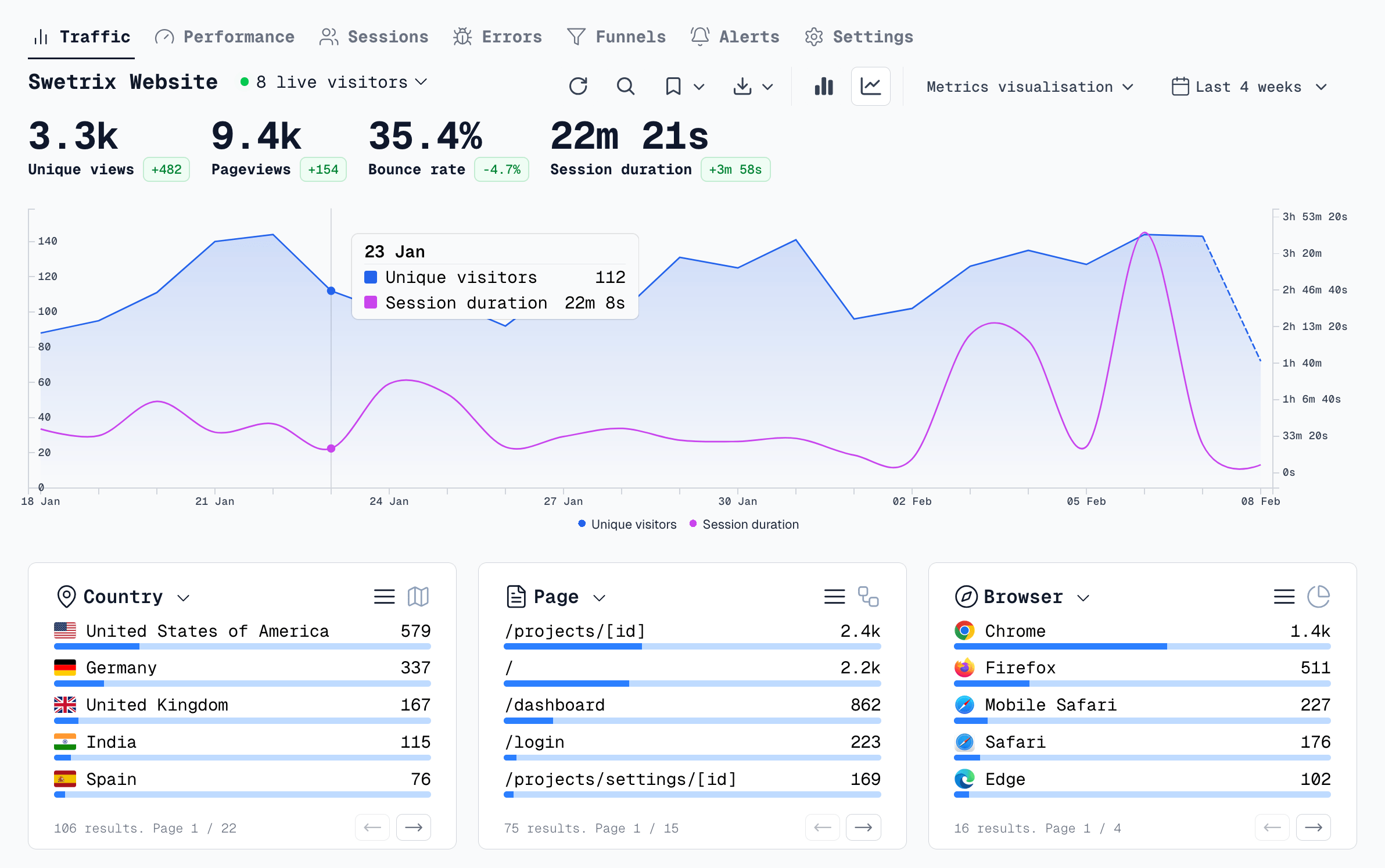
Closing that gap means connecting the click that leaves the platform to what happens after it lands. Historically that meant cookies, banners, and a mess of consent prompts that lose data. It does not have to anymore. A privacy-first, cookieless analytics tool like Swetrix is built for exactly this: attributing social and campaign traffic to real outcomes without the cookie banner, so you can see which platform, campaign, and post actually produced revenue.
A few things it handles that the social tools cannot:
- Cookieless attribution. Track which social traffic converts without cookie consent friction, using a privacy-first model. If you want the background, Swetrix's guide to traffic attribution explains how it works.
- UTM-based campaign tracking. Tag every social link and see performance by source, medium, and campaign. Their walkthrough on tracking UTM parameters effectively is a practical starting point.
- Social ROI measurement. Move past likes to revenue attributed to social, which is the framing in their guide to tracking social media ROI in 2026.
- Agency-ready, privacy-safe reporting. Cookieless analytics you can put in front of clients without compliance worries, covered in their piece on website analytics for agencies in a cookieless world.
Pair a strong social management tool with proper attribution and the whole loop closes: you plan and publish in one place, engage in one inbox, and then prove, in revenue terms, that it worked. For the wider view on connecting spend to outcomes, Swetrix's guide to measuring marketing campaign ROI is worth a read.
The Verdict
For most agencies and teams in 2026, PostPlanify is the pick. It delivers the agency features that matter, client workspaces, multi-approver sign-off, white-label reporting, and coverage of 10 platforms, at flat pricing that does not punish you for growing. Hootsuite and Sprout Social remain the enterprise answers when budget is no object and listening depth is the priority, while Buffer, SocialBee, and Vista Social are the value picks for creators and small teams.
But whichever tool you choose, do not stop at the platform boundary. The social tool runs your publishing and engagement. Cookieless analytics tells you whether any of it turned into customers. Run both, and social finally stops being a channel you hope is working and becomes one you can prove is.
Frequently Asked Questions
What is the best social media management tool in 2026?
There is no single winner for everyone, because the right tool depends on your team size and how you are billed. For agencies and growing teams, PostPlanify is our top pick thanks to flat pricing, client workspaces, and white-label reporting. Large enterprises that need deep listening lean toward Hootsuite or Sprout Social, while solo creators do well with Buffer or SocialBee.
What is the best social media management tool for agencies?
Agencies should weight three things: client workspaces, approval workflows, and white-label reporting, then check how the price behaves as clients and seats are added. Flat-priced tools like PostPlanify keep costs predictable, whereas per-seat tools like Sprout Social and Hootsuite climb fast as the team grows. Sendible is a solid budget alternative with white-label built in.
Is there a free social media management tool?
Yes, but the options are limited. Among the major tools, Buffer offers a free plan for 3 channels and Metricool offers a free plan for 1 brand. Both strip out team features like approval workflows and advanced analytics, so a free tier works for one person testing the waters, but teams and agencies quickly need a paid plan for collaboration and reporting.
How much does a social media management tool cost?
Entry pricing ranges widely. Per-channel and per-brand tools like Buffer and Metricool start around $5 to $25 per month, flat-rate tools like PostPlanify start at $99 per month for a full agency feature set, and per-seat enterprise tools like Sprout Social and Hootsuite start at $199 to $249 per seat and climb with every user you add. The real cost is rarely the entry price, it is what you pay once you add the platforms, seats, and features you actually need.
What is the best social media scheduling tool for small businesses?
Small businesses usually want simple, affordable, and consistent. SocialBee's category-based scheduling and Buffer's clean interface both fit that need without overwhelming a one or two-person team. If you also want organic and paid analytics in the same dashboard, Metricool is a strong value pick.
Can one tool manage multiple social media clients?
Yes, as long as it supports separate client workspaces and role-based access. This is where agency-focused tools separate from creator tools. PostPlanify gives each client its own workspace with a dedicated Client approver role, Sendible and Vista Social offer similar multi-client structures, and Loomly is built around per-client calendars and approvals.
How do I know if my social media is actually working?
The engagement metrics inside any of these tools tell you reach and interaction, but not revenue. To know whether social traffic turns into signups or sales, you need web analytics with attribution on your own site. Pair your social tool with a privacy-first analytics platform like Swetrix and set up social media ROI measurement so you can connect specific posts and campaigns to pipeline, not just likes.
Prove your social media actually pays off: try the Swetrix 14-day free trial and see which platforms, campaigns, and posts drive real signups and revenue — no cookies, no consent banners, no guesswork.

The web analytics your site deserves.
Tired of bloated dashboards, privacy concerns, and data you can't trust? Switch to Swetrix and get simple, powerful analytics that respects your users.