

Reset your project's data
Learn how to reset a Swetrix project’s analytics data and understand what is deleted before clearing your website statistics.
On your site settings page, you can reset your project's data. This permanently deletes analytics data while keeping the project, its settings, and Project ID intact.
This action is irreversible. Once you reset your project's data, all analytics data will be permanently deleted and cannot be recovered.
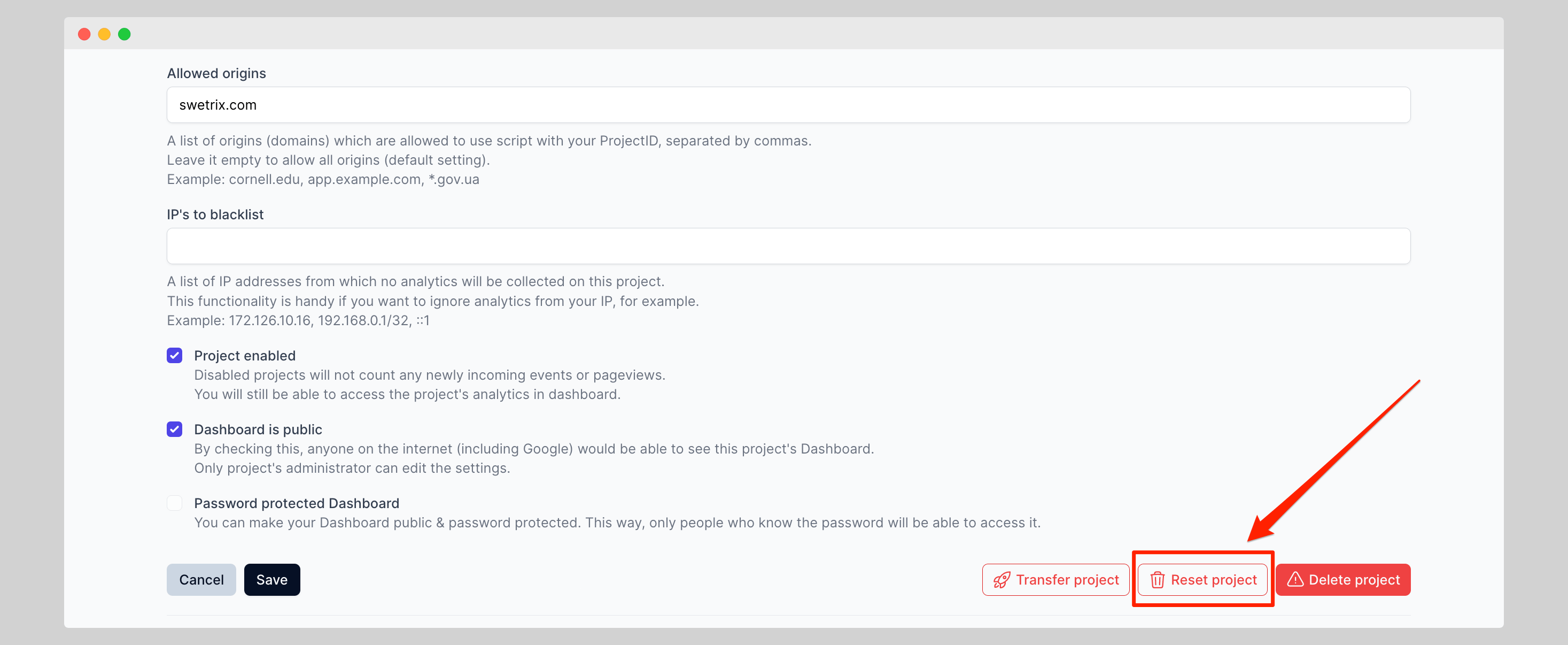
To reset your project's data, click Reset project:
In the confirmation dialog, you will find 3 options:
- Reset all analytics data: Permanently deletes all analytics data for this project. The project itself, its settings, and Project ID will remain.
- Reset by date range: Deletes analytics data from a specific start and end date.
- Reset by filters: Deletes only the analytics data that matches the filters you select, such as a specific referrer, country, or page.

Help us improve Swetrix
Was this page helpful to you?
Get analytics email reports
Set up scheduled Swetrix analytics email reports for your website and manage report recipients, frequency, and delivery settings.
Annotations
Add annotations to your Swetrix charts to connect traffic changes with product releases, campaigns, outages, and other website events.