- Date
How To Track User Signups Without Relying On Cookies
 Andrii Romasiun
A visitor lands on your marketing site, reviews the pricing tiers, and decides to create an account, but a consent banner interrupts their screen before they fill out the first field. They hit "Decline" to dismiss the popup quickly. Because standard analytics platforms respect that choice by dropping the session thread, your dashboard records a nameless pageview and misses the resulting conversion. Learning how to track user signups accurately requires moving past persistent client-side identifiers and adopting a privacy-first data model.
Before starting the transition, you must secure access to your frontend codebase, obtain permission to remove your existing consent banner, and provision an active workspace in a cookieless analytics platform. Upgrading your infrastructure requires defining custom events, mapping funnel drop-offs, and attributing modern search traffic accurately.
Why Traditional Signup Tracking Fails in 2026
The rollout of Google Consent Mode v2 and stricter enforcement of regional privacy laws broke standard browser cookie tracking. When users interact with cookie banners, they frequently opt out of performance and marketing trackers, which causes marketers to lose visibility into those sessions. European SaaS sites often see a majority of visitors decline these prompts, while US-based platforms face rising rejection rates, though these figures vary depending on the specific industry and content type.
This widespread rejection creates a surge in unassigned traffic. Platforms like GA4 attempt to fill the void with modeled data, guessing how many conversions occurred based on historical trends, but this approach fails for low-volume B2B SaaS products or highly segmented campaigns. A startup generating fifty signups a week cannot rely on machine learning averages to determine which specific LinkedIn ad drove three of those new accounts.
Swetrix eliminates this attribution blind spot by abandoning cookies in favor of temporary, server-side data processing. You track the complete user journey from the first referring click to the final signup confirmation without asking for consent to store persistent tracking files on the user's device.
How to Track User Signups: Step 1: Switch to a Cookieless Infrastructure
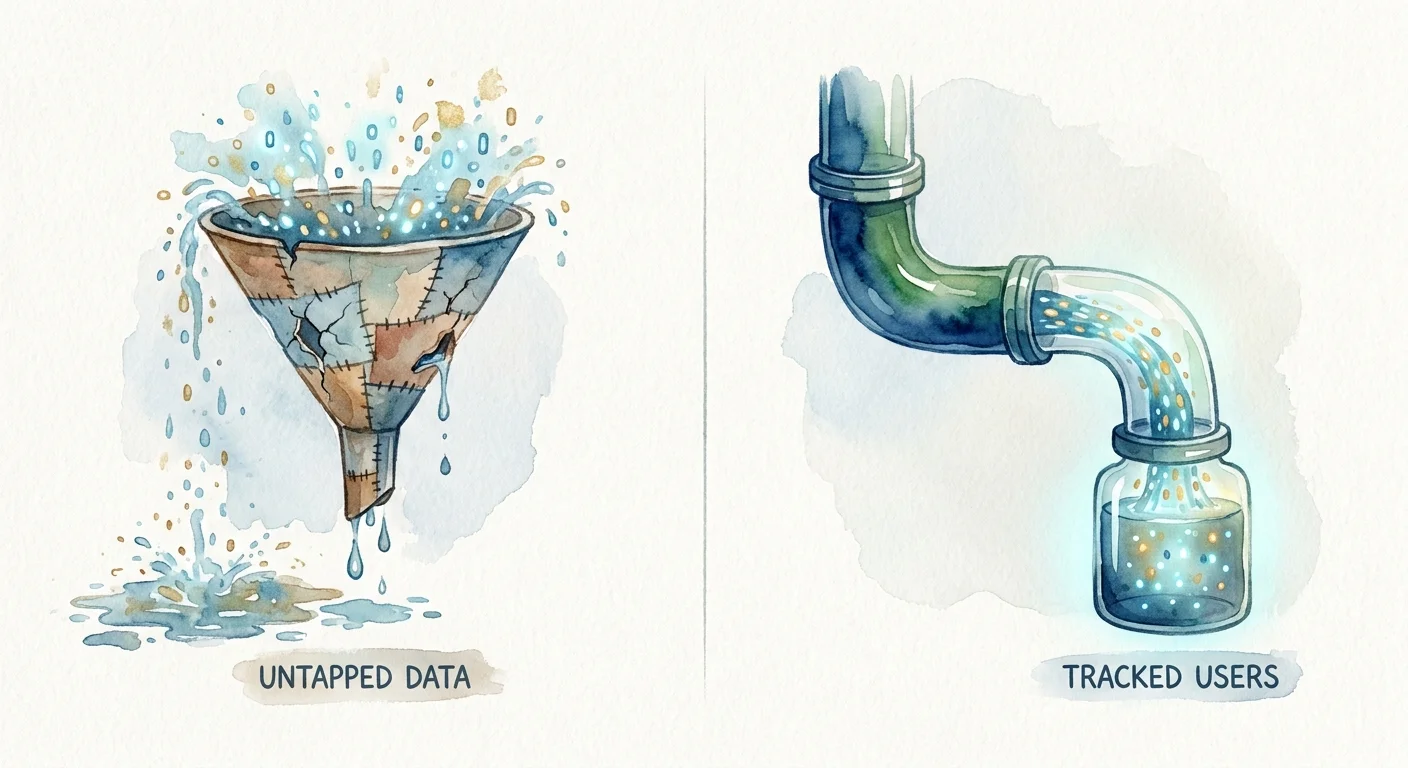
If your data pipeline depends on long-term browser storage to remember a user, it breaks the moment storage access is denied. Fixing this pipeline requires replacing your tracking script with one built on daily rotating cryptographic salts.
Using Daily Rotating Salts
A cookieless system assigns a unique identifier to a user by hashing their IP address and User-Agent string against a random, server-generated text string called a salt. This hash string tracks the user's progression across your marketing site and into your application dashboard for a single day.
At midnight, the server deletes the current salt and generates a new one, making the previous hashes mathematically impossible to reverse or connect to the next day's traffic. The system monitors the exact flow of a session through your signup forms before permanently severing the connection. Because no cross-site profiles are built, no personally identifiable information remains in the database.
Removing the Consent Banner Legally
Because daily hashes cannot track users across distinct domains or profile their behavior over time, this method qualifies as anonymous data collection under GDPR and CCPA. Operating under the lawful basis of legitimate interest means you no longer need explicit user consent to count a pageview or log a form submission.
Delete the cookie banner from your domain to remove a major point of friction from your user experience, which restores analytics visibility to 100 percent of your visitors. Replacing a bloated legacy script with a lightweight Google Analytics alternative also reduces page load times, directly impacting early-stage funnel retention.
Step 2: Configure API-Driven Custom Events
Pageview tracking works well for static blogs, but it fails for modern web applications built on React, Vue, or Angular. When the entire onboarding flow happens inside a single-page application without triggering a page reload, URL destination goals cannot log the conversion.
Moving Beyond URL Destination Tracking
Transition your data collection to decoupled Event APIs. Instead of telling the analytics tool to wait for a specific URL, configure your application logic to send a direct message to the analytics server whenever a user completes an action.
This approach isolates your tracking from your user interface. If a designer changes the URL structure of the onboarding flow or renames the submit button, the tracking event remains intact because the code fires based on the successful database submission.
Using Descriptive Event Naming Taxonomy
A common tracking failure involves sending generic, non-descriptive events to the database. A dashboard filled with hundreds of button_clicked events becomes unreadable when analyzing user behavior, so you must establish a strict, action-based taxonomy before writing any code.
| Bad Event Name | Good Event Name | Why It Matters |
|---|---|---|
submit_2 | signup_step_two_completed | Identifies the exact stage of a multi-step form. |
clicked_pricing | pricing_tier_selected | Focuses on the user intent rather than the physical mouse click. |
success_page | signup_completed | Works regardless of whether the user is redirected or sees an inline success message. |
Once you define the taxonomy, you can dispatch custom JavaScript events directly from the frontend codebase. Swetrix handles these payloads natively without requiring complex tag manager setups.
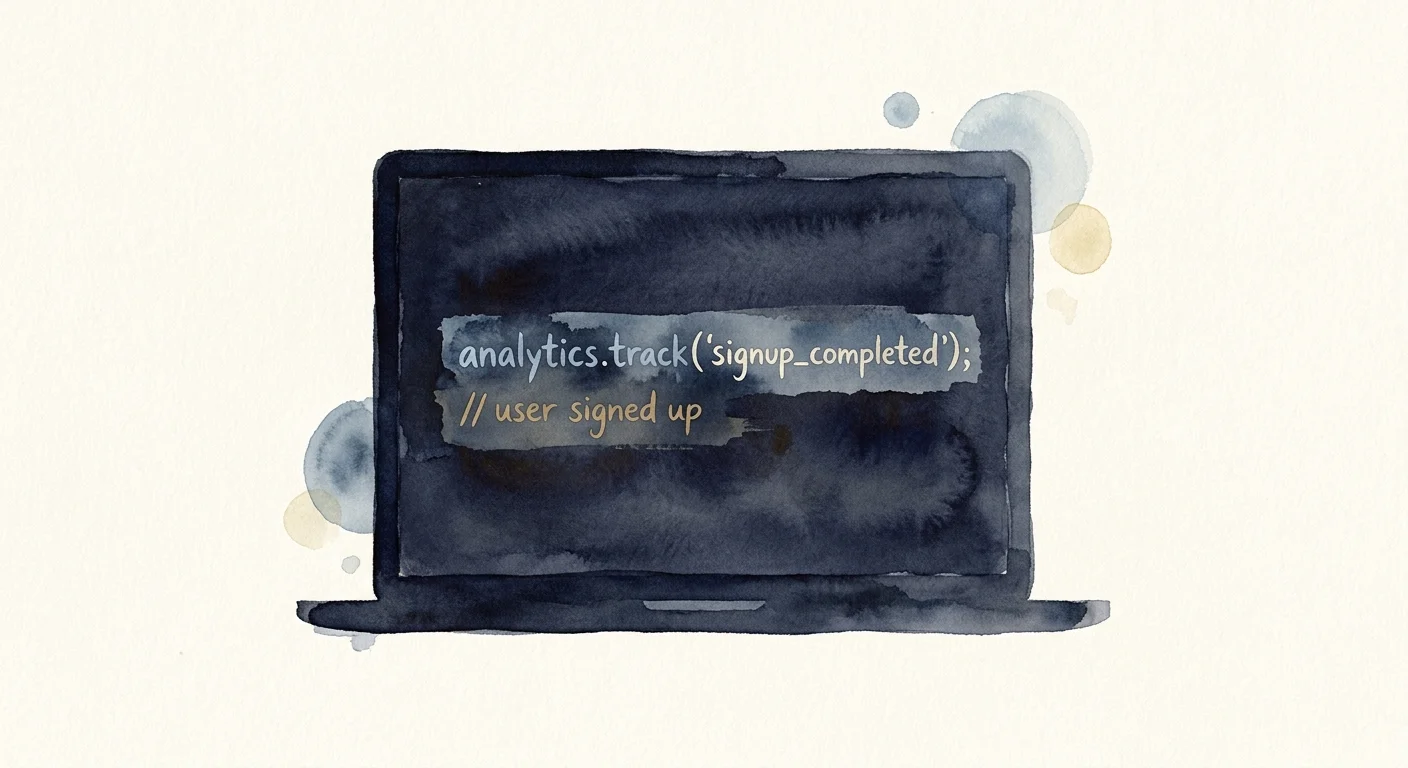
// Example of firing a custom event upon successful API response
async function handleSignupSubmit(userData) {
  const response = await api.registerUser(userData);

  if (response.ok) {
    swetrix.track({
      name: "signup_completed",
      meta: {
        plan_tier: "pro_monthly",
        referral_source: "internal_blog",
      },
    });
    showSuccessState();
  }
}
The meta object allows you to append custom properties to the event. Passing the selected plan tier or billing cycle directly into the analytics payload lets you segment your signup data later without writing complex database queries.
Step 3: Map Out Your Signup Funnel Stages
A conversion rate represents a single number that tells you how many people finished the process, hiding exactly where the rest of them gave up. Building a step-by-step funnel report exposes the specific points of friction leaking potential revenue.
Tracking Cross-Device Discrepancies
Define your funnel using a sequence of specific actions, starting with the marketing pageview, followed by the pricing pageview, the start of the form, and finally the signup_completed custom event.
Segment this funnel by device type immediately because device formatting heavily dictates form performance, and mobile completion rates frequently lag behind desktop benchmarks. If your mobile drop-off rate spikes between the pricing page and the first form field, the layout likely forces users to scroll excessively to find the start of the form.
Pairing Funnels with Error Monitoring
You might assume an abandoned funnel indicates a pricing problem or a copy issue, but the drop-off frequently stems from a silent technical failure. When a user attempts to submit the form, a CORS error blocks the request, the button remains stuck in a loading state, and the user leaves in frustration. Standard analytics platforms register this sequence as a normal abandonment.
Identify these technical failures by combining funnel analytics with active error tracking. Monitoring frontend JavaScript exceptions alongside user behavior reveals whether a spike in abandonment correlates with a broken API endpoint or a failed third-party script. Catching these hidden console errors early prevents a broken submit button from destroying a week of paid ad spend.
Step 4: Attribute AI Search Referrals Accurately
Software discovery has shifted as users abandon traditional search engines in favor of prompting AI agents to recommend solutions. These agents summarize information and provide direct outbound links to the cited tools, making this specific referral path a primary tracking challenge.
Identifying AI Search Visibility
Standard analytics platforms often group AI chat referrals into generic direct traffic or broad referral buckets, requiring you to apply specific filters to your dashboard to isolate these sources. Look for referrers containing domains like chatgpt.com, perplexity.ai, or claude.ai.
Create a dedicated segment for these AI referrers. Tracking how many signups originate from these platforms reveals whether your product documentation and PR efforts successfully feed the training data of large language models.

Filtering Bots from Actual Users
You must distinguish between an AI bot scraping your site and a human clicking a link inside an AI chat interface to attribute signups and behavioral metrics accurately.
Inspect the user-agent strings when analyzing referral traffic. A human interacting with an AI interface triggers a click with a standard browser user-agent and a referring domain like chatgpt.com, whereas backend crawlers fetching real-time data to answer a prompt announce themselves with bot-specific user-agents like OAI-SearchBot.
Swetrix automatically filters out known bots from your primary behavioral metrics. To proactively audit how these specific crawlers view your site before they serve it to users, run your marketing pages through an AI search LLM crawlability checker to ensure the agents can parse your pricing tables and feature lists accurately.
Step 5: Reduce Friction to Increase Conversion Rates
Once your custom events fire and your funnels accurately reflect human behavior, you must act on the data. The final step in mastering how to track user signups involves optimizing the interface based on where users abandon the process.
Maximizing Autofill Support
Every manual keystroke required to complete a form increases the probability of abandonment. Modern browsers and password managers possess the ability to fill out entire registration forms instantly, but they can only do so if you tag the HTML fields correctly.
This correct tagging allows a form optimized for autofill to reduce the probability of abandonment across e-commerce and SaaS platforms compared to poorly coded alternatives. Append standard autocomplete attributes to every single input element.
- Use
autocomplete="given-name"andautocomplete="family-name"instead of a genericnameattribute. - Use
autocomplete="email"to trigger the browser's stored contact lists. - Use
autocomplete="new-password"to prompt password managers to generate a secure credential automatically.
When a user taps a form field on a mobile device, correct autofill tags trigger a native operating system prompt. They authenticate with FaceID or a fingerprint, causing the form to populate entirely so they can submit the payload in three seconds instead of forty.
Using Dedicated Landing Pages
Placing your signup forms inside generic pop-up modals on the homepage creates a distracted environment where the user is surrounded by navigation links, footer menus, and unrelated product copy. If your funnel shows a high drop-off rate at the start of the form, isolate the registration process.
Route high-intent traffic to dedicated landing pages. Industry performance metrics show that dedicated signup pages achieve a 23 percent conversion rate, dominating the 3 percent average of standard pop-up modals. A dedicated page removes the main navigation header and the footer, leaving the user with only two options: complete the form or close the tab.
Measure the exact impact of this structural change by calculating the performance delta between the two layouts. Running the numbers through a conversion rate calculator provides the statistical confidence needed to permanently retire the pop-up modal and commit to a focused onboarding flow.
Tracking conversions accurately without compromising user privacy requires the right infrastructure. By replacing cookie-based scripts with server-side hashes and defining precise API events, you recover the data lost to consent banners and gain a clearer picture of your growth. Start mapping your user journeys legally and accurately today by setting up your analytics project at Swetrix.