

Delete your account
Learn how to delete your Swetrix account and review the consequences for your projects and analytics data before proceeding.
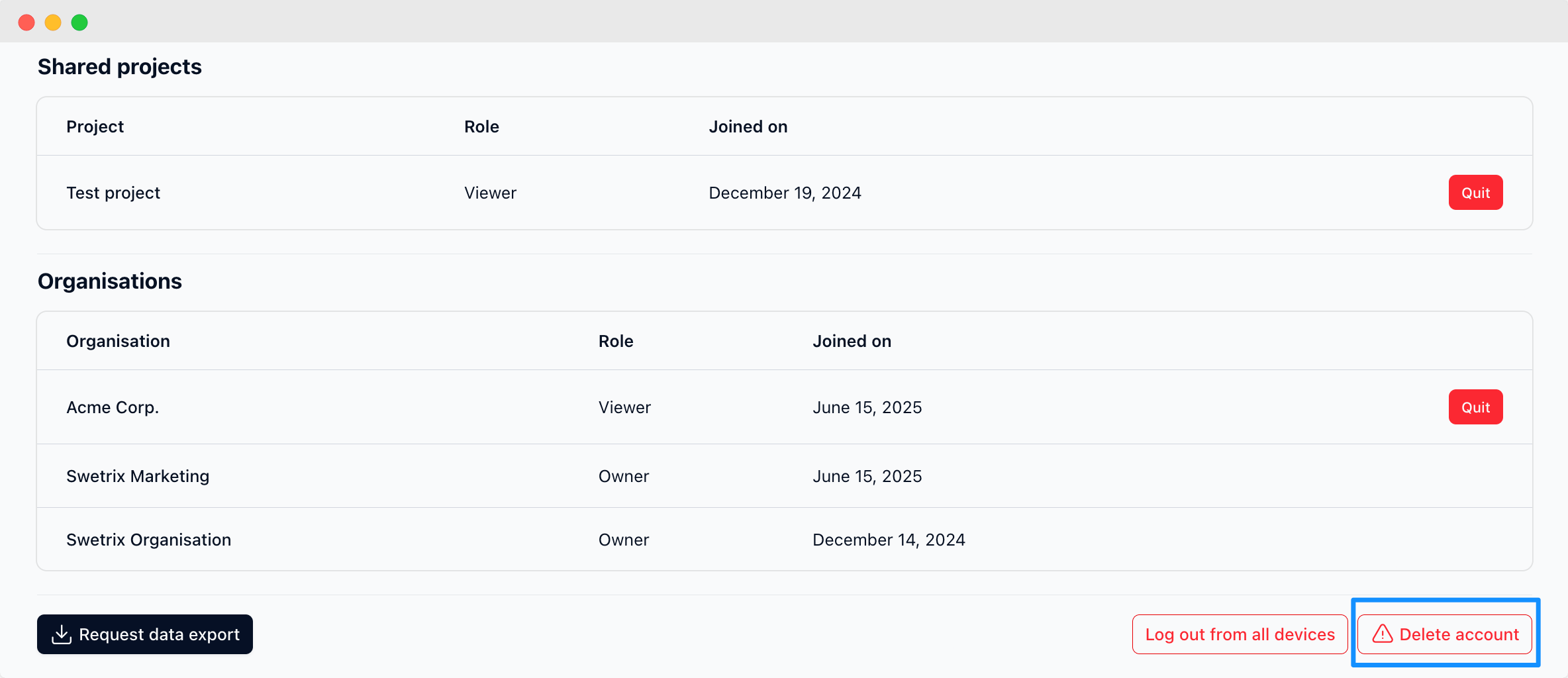
To delete your Swetrix account, you need to log in to your account and go to the account settings page.
Make sure you unsubscribed from the paid subscription if you have one. You can do this on the Plan and billing page.
Click on the "Account" tab and then down to the end of the page. There you will see the "Delete account" button that will allow you to delete your account.
Deleting your account will delete all your data permanently and you will not be able to recover it.

Help us improve Swetrix
Was this page helpful to you?
How to change or reset your Swetrix account password
Change your Swetrix account password or reset a forgotten password to regain access to your website analytics securely.
Other account settings
Manage your Swetrix account preferences and other settings to customise how you use your website analytics dashboard.