- Date
Umami vs Plausible: A Practical Analytics Comparison
 Andrii Romasiun
Replacing Google Analytics means finding an interface that fits your team's daily routine, so comparing Umami and Plausible comes down to choosing between a product-analytics suite and a consolidated traffic dashboard. Both platforms provide privacy-friendly tracking, but they serve different primary use cases.
If you operate a blog or content site and want a fast, scannable view of your top pages and referral sources, Plausible delivers that clarity. When you manage a SaaS application and need to map user journeys through custom events, funnels, and retention reports, Umami offers a deeper behavioral toolset. For teams that want traffic reporting alongside documented funnels, session replay, experiments, and Search Console integration, Swetrix acts as a bridge between clear metrics and technical diagnosis.
No single platform wins every category. Your decision depends on event volume limits, hosting appetite, and the specific reporting features included in the plan you intend to buy.

Compare Umami and Plausible on the same criteria
Moving to a privacy-focused analytics tool does not mean abandoning behavioral data, because both platforms offer capabilities beyond basic visitor counts. They do place different features behind specific plan gates.
| Feature Area | Umami | Plausible | Swetrix |
|---|---|---|---|
| Primary Workflow | Product analytics, retention, and custom events | Consolidated traffic, source, and campaign dashboard | Web traffic paired with technical SEO and behavioral diagnosis |
| Events and Goals | Custom events, properties, and goals available | Custom events and goals available | Custom events, ordered funnels, and revenue tracking available |
| Funnels and Journeys | Included in standard product analytics tools | Business plan feature, also available during the free trial | Included across plans with step-by-step conversion logic |
| Session Replay | Business or Enterprise on Cloud | Unverified in core documentation | Available, recording starts on request, self-hosted requires S3-compatible storage |
| Search Console | Unverified in core documentation | Included, query data is delayed and sampled | Included, requires a verified property and OAuth |
| Cloud Metering | Pageviews + custom events + stored event properties | Pageviews + custom events across all sites in a team | Pageviews + custom events with plan-specific limits |
| Hosting Options | Cloud subscription or free self-hosted edition | Cloud subscription or self-hosted Community Edition | Cloud subscription or self-hosted Community Edition |
Understanding these limits requires looking at how each platform measures usage. Umami Cloud's usage rules count pageviews, custom events, and each stored event property as a separate event, while Plausible's subscription guide bases a team's usage tier on pageviews and custom events across all sites. Estimate event volume before comparing cloud plans, since stored properties count against Umami's event allowance and can trigger per-event charges above the plan limit, while Plausible lists custom properties as a Business-plan feature. (umami.is)
Self-hosting introduces different trade-offs. Umami lets you self-host its platform for free, giving you control over the database and infrastructure costs, while Plausible offers a self-hosted Community Edition. Check the current open-source repository for feature parity before assuming the free version matches the Cloud Business plan.
Umami: product analytics with self-hosting options
Umami focuses heavily on product analytics rather than functioning as a basic traffic counter. You can configure custom events and properties to support complex goals, funnels, journeys, and retention charts.
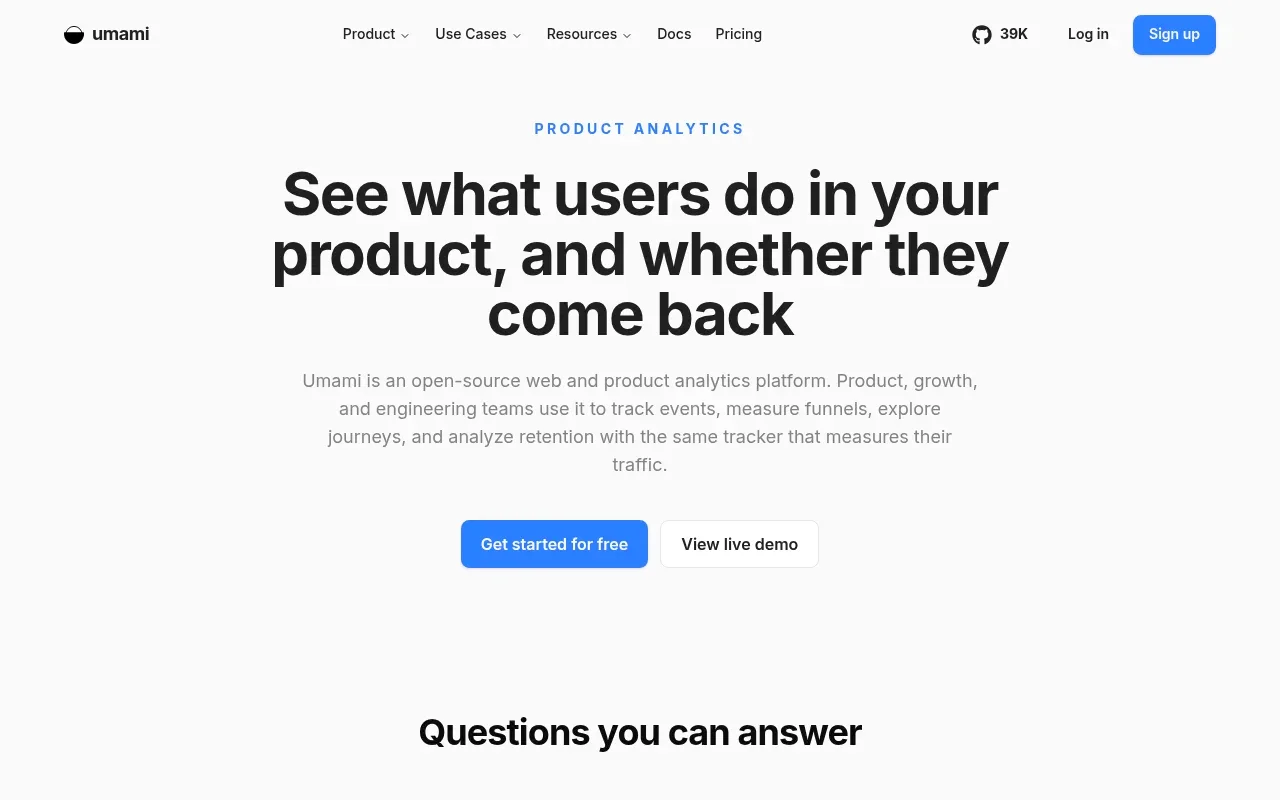
For a paid campaign, plan the conversion sequence you want to analyze, from the landing-page visit through the pricing-page click, signup, and activation. Umami's plan comparison lists custom events and properties alongside goals, funnel analysis, user journeys, and retention reports, so compare those features with your measurement plan. (umami.is)
Behavioral diagnosis can also include session replays and heatmaps. Umami's Cloud feature table places both tools in Business and Enterprise. If you self-host, check the feature availability for your installed release before planning around either tool. (umami.is)
Choosing the self-hosted route removes the monthly Cloud subscription fee, but your engineering team takes on maintaining the servers, handling database updates, and monitoring uptime. For agencies or product teams building custom dashboards, Umami provides an API, team management, and sharing features.
To compare variants in Umami, tag each variant and handle random assignment in your application code. This lets you measure the result, though the assignment logic remains part of your own product.
Plausible: a clear dashboard with more depth on higher plans
Plausible emphasizes a unified, easy-to-scan dashboard that surfaces traffic, referrers, and campaign data in one place. This design serves content creators and independent publishers well, allowing you to spot trends without digging through multiple configuration menus.

The Plausible subscription guide lists funnels, user journeys, revenue tracking, and custom properties as Business plan features, and says the 30-day trial includes all Business features and limits. That means trial users can explore those tools before choosing a plan. (plausible.io)
Search performance context comes through an external integration. Plausible documents a Google Search Console connection that pulls clicks, impressions, click-through rates, and position data directly into the dashboard, adding aggregate context for publishers monitoring their organic reach. According to the Plausible Search Console guide, query data is delayed by about 24 to 36 hours even in Google Search Console itself, and Google heavily samples keyword data. The dashboard only displays queries that generated at least one click, so its report covers search terms that sent visitors to the site. (plausible.io)
For managing multiple clients or integrating analytics into a separate platform, Plausible provides a Stats API and a white-label integration guide. Review the Community Edition's current license before embedding it in a separate product.
Where Swetrix fits: analytics plus diagnosis
Teams that need a Google Analytics alternative for traffic reporting and diagnosing why users fail to convert can use Swetrix, which combines web analytics with product features and specialist SEO utilities.
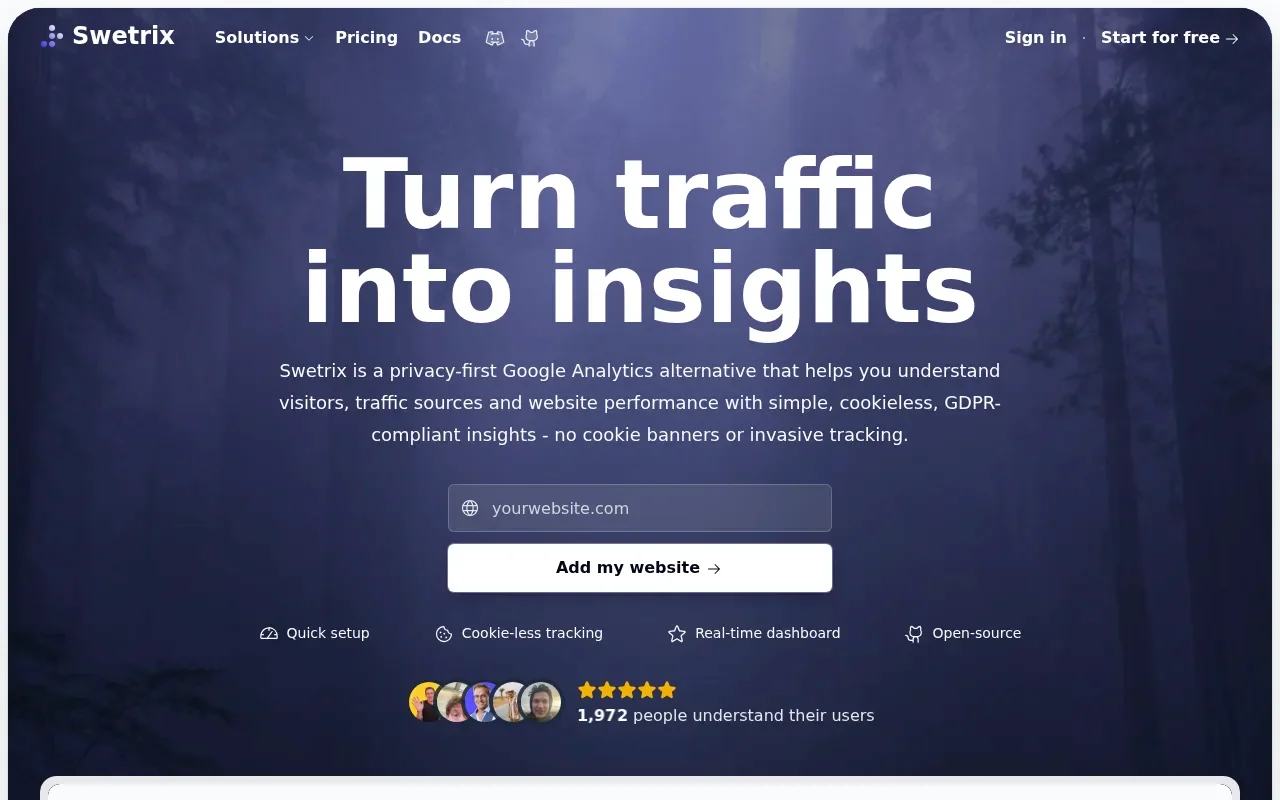
Funnels in Swetrix use ordered page or event steps to calculate conversion rates and pinpoint drop-off locations. When you notice a sudden spike in exits on a checkout page, you can investigate the cause using session replays.
Swetrix handles replay capture differently from an automatic recorder. You call startSessionReplay() to begin recording, which gives you control over when the tool captures mouse movements and scrolling behavior. The Swetrix session replay guide confirms the feature is available on Cloud and Community Edition and that self-hosting requires S3-compatible storage. (swetrix.com)
When fixing a poorly performing page, Swetrix provides an integrated experiment workflow. You connect feature flags to variant allocations, track user exposure, and measure the results directly in the dashboard. This lets teams review test outcomes in the same dashboard, while more complex experimentation programs may still call for a dedicated optimization platform. Cloud access for experiments requires a Plus or Enterprise plan, while self-hosted instances can use the feature without a Cloud subscription.
Technical diagnosis extends to search visibility through a dedicated Search Console dashboard. You verify your website property first, and self-hosted Community Edition users configure an administrator OAuth setup to authenticate the connection. Since Plausible also documents a Search Console integration and Umami offers session replays, the primary reason to choose Swetrix is combining these tools in a single environment.
You can review conversion flows, watch a user struggle with a broken form, and check search query performance without switching tabs.

What cookieless tracking does and doesn’t mean
Selecting a cookieless platform does not guarantee complete legal compliance across every configuration. The baseline tracking scripts are designed to measure traffic without setting cookies, but that alone does not mean every event or identifier is anonymous.
Your privacy responsibilities also depend on the data you send through custom events. An email address, account identifier, or transaction receipt may be personal data if it can be linked to an individual. The provider supplies the infrastructure, but you control the payload and the identifiers you send.
Session replay tools introduce another privacy consideration because what they record depends on the page, privacy mode, and masking settings. In Swetrix's default total mode, all text and inputs are masked, but less restrictive configurations may expose non-password inputs or page text. The Swetrix replay privacy guidance recommends reviewing masking, privacy notices, consent flow, and legal basis before recording sessions. (swetrix.com)
Review your implementation and masking rules, and seek advice on your jurisdiction's requirements to determine whether a consent banner is needed.
Choose by workflow, then validate a migration
There is no universal winner in the analytics market. The right choice depends on your required workflow, your budget for higher plan tiers, and your team's ability to operate self-hosted infrastructure.
Match the tool to your site and team
Bloggers and independent publishers usually prefer speed and clarity. If your primary goal involves monitoring which articles generate traffic and identifying which social networks send referrals, Plausible provides a highly scannable interface. You can check your stats in seconds and return to writing. If you want self-hosting options or plan to implement deeper behavioral segments later, Umami warrants a close look.
Agencies and SMB marketers face a different set of requirements, evaluating client access roles, shared workspaces, and volume billing. Compare the cost of upgrading to Plausible Business for funnel access against the cost of an Umami Cloud plan that bills for heavy custom event usage.
For SaaS teams measuring complex conversion flows, product analytics take priority. Umami documents funnels across its Cloud plans, making it a strong candidate for teams mapping out detailed user journeys. Swetrix fits this workflow when you want to pair those funnels with session replays, feature flags for A/B testing, and technical error monitoring.
B2B companies evaluating embedded analytics look past the dashboard to check API rate limits, white-label rights, and tenant separation. An open-source license grants the right to run the software, but it does not guarantee the specific enterprise support model a procurement team might demand.
Stage a fair comparison
After choosing a platform, validate its data against your existing setup. Running a new analytics script alongside your old setup often reveals discrepancies, and staging the migration can help you minimize them.
- Align your custom event names exactly. A "Newsletter_Signup" in one tool needs to match the identical casing and spelling in the other.
- Standardize your UTM conventions so both platforms read your campaign parameters using the same logic.
- Match your conversion definitions. If one tool uses flexible funnel logic and the other requires strict sequential steps, your completion rates will diverge.
- Configure internal traffic exclusions equally by blocking your office IP addresses and developer networks in both systems.
- Set identical timezones and date ranges before pulling comparison reports.
Test a specific user path yourself by clicking through a campaign link, reading a landing page, clicking to a pricing tier, and submitting a test signup form. Open both dashboards and verify that the entire sequence registered correctly. Because different bot filters, ad blockers, and session timeout rules can cause user counts to diverge, focus on directional accuracy and whether the workflow helps you improve your website.
Check the current pricing and plan gates for your chosen platform, map out your custom events, and start measuring your traffic without relying on intrusive tracking methods.
Looking for a platform that combines privacy-friendly web analytics with deep product insights and technical SEO tools? Explore Swetrix to see how cookieless tracking can deliver the funnels, session replays, and search performance data your team needs to grow.