- Date
Redirect Loop SEO Impact: How to Fix Crawl Failures
 Andrii Romasiun
A search engine crawler requests a legacy URL on your website, prompting the server to respond with a 301 status that routes the bot to a new category page. The new category page issues another 301 status, sending the bot back to the original legacy URL. Trapped in this endless cycle, the bot spins until safety limits trigger an abort, which wastes your daily crawl allocation and bleeds domain authority. The SEO impact of a redirect loop extends beyond inconveniencing users, as these server errors prevent search engines from discovering, indexing, and rewarding your content. When bots cannot reach a final destination, organic visibility collapses.

How a Redirect Loop Damages Crawl Budgets and Link Equity
Routing users and bots properly requires clear instructions. A standard redirect chain moves traffic linearly across multiple hops, sending visitors from URL A to URL B, and finally to URL C. Chains degrade performance, but they eventually resolve to a readable page. An infinite loop creates a closed circuit where URL A points to URL B, and URL B points back to URL A, preventing the page from ever loading.
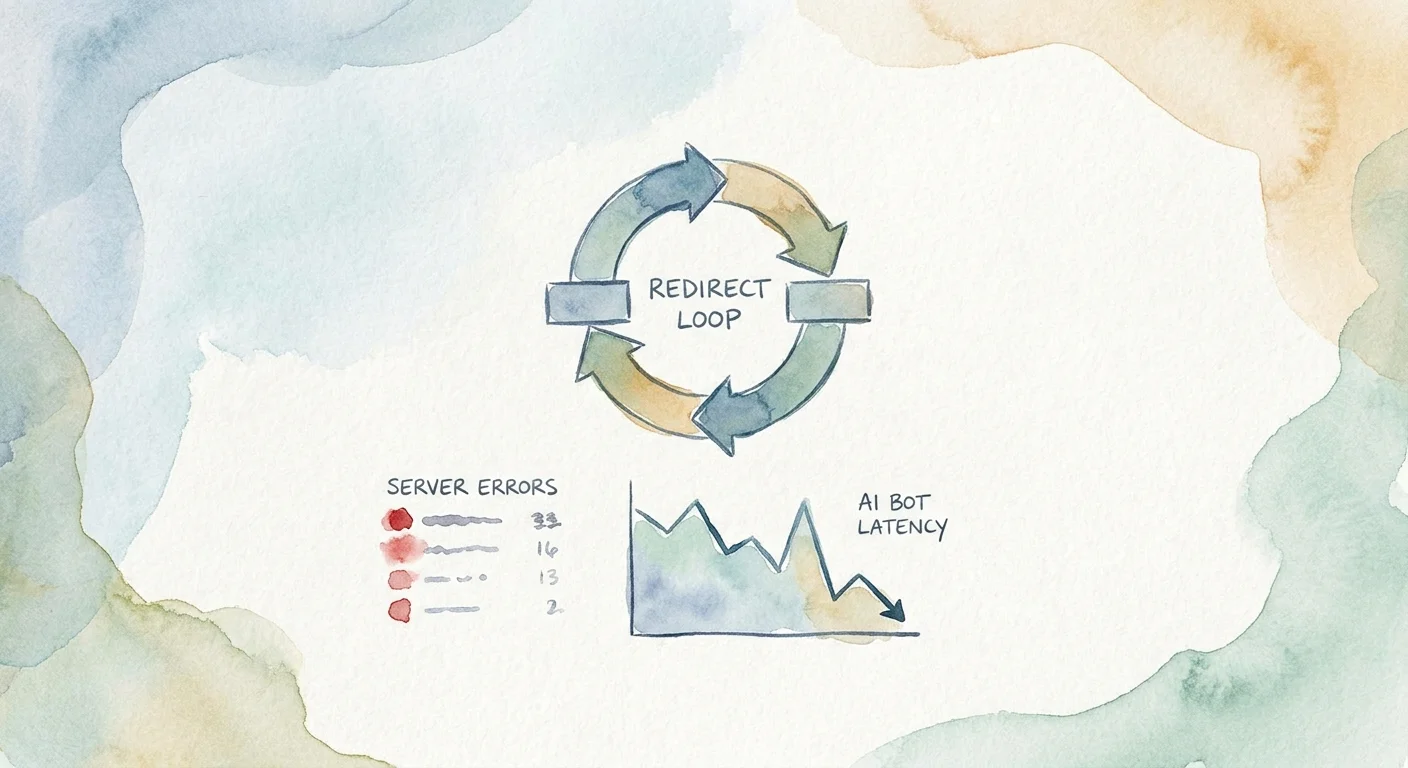
Search engines assign every domain a strict crawl budget that dictates how many pages a bot will request during a visit. Bots abandon broken architecture. Google Search Central documentation indicates that Googlebot generally abandons a path after 10 redirect hops, marking the page as a crawl failure. Every second a bot spends trapped in a loop prevents it from indexing your new product launches or updated blog posts.
Beyond wasting your crawl budget, loops destroy link equity. A clean, single-hop 301 redirect transfers ranking power from an old URL to a new one, provided the destination page loads. Because a loop prevents the final destination from being reached, all historical backlinks pointing to the original URL lose their value and the accumulated equity evaporates.
Catching these errors early prevents permanent ranking drops. Instead of parsing thousands of raw server log lines manually, you can use the error monitoring dashboard in Swetrix to spot traffic drop-offs. The platform flags unresolved server requests in real time, showing which URLs fail without requiring complex engineering resources.
Why Redirect Loops Trigger Browser Security Blocks
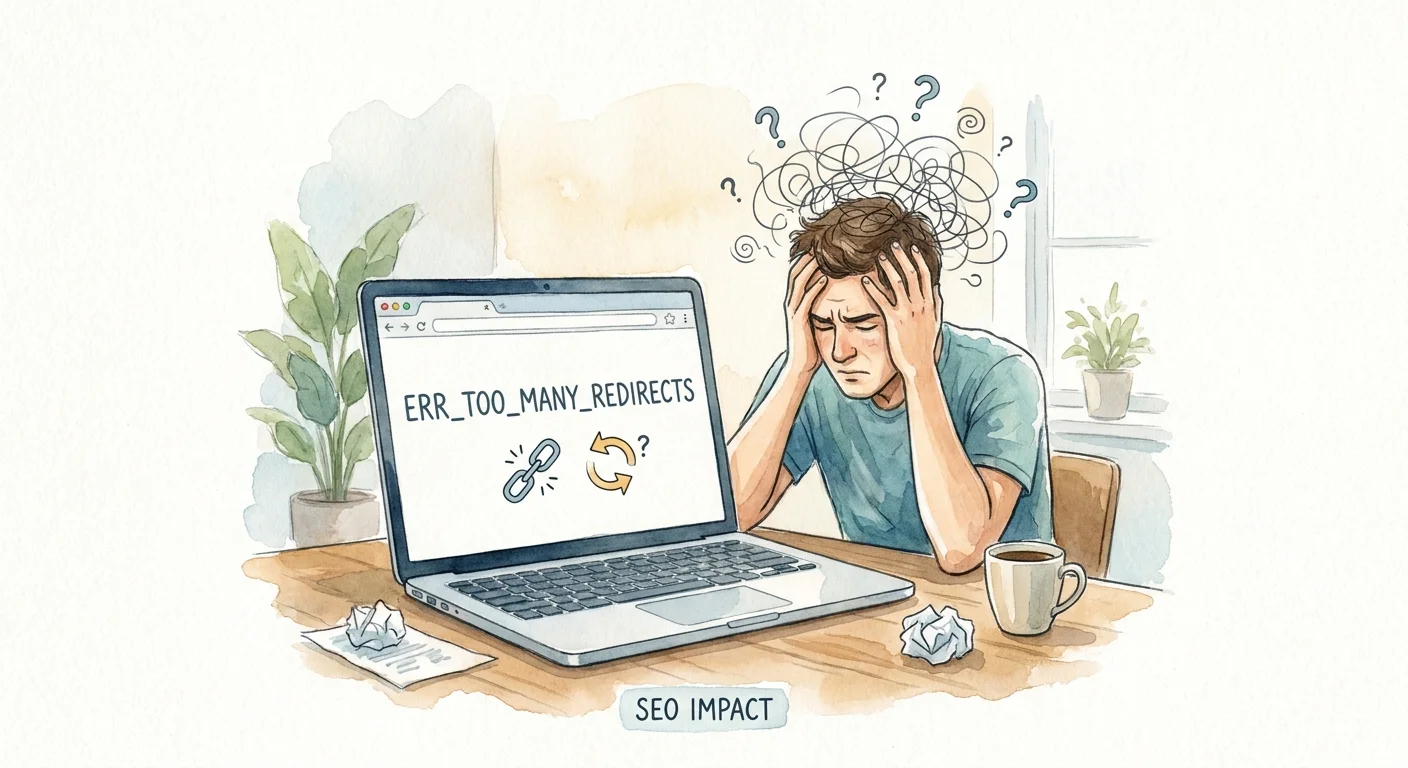
Browsers drop connections at routing limits to protect human users. An endless request cycle consumes memory, prompting browsers to kill the connection to prevent the application from crashing the device. This defensive behavior generates an ERR_TOO_MANY_REDIRECTS code on the screen. The error stops the session and leaves the page inaccessible, preventing the visitor from scrolling, reading cached text, or navigating to your homepage. They hit a dead end and leave the domain.
Modern browsers also treat poorly configured server routing as a potential security threat. Multi-hop chains and endless loops trigger strict security blocks where the browser displays a bright red screen warning the user about a potential phishing attack. Brand trust vanishes the moment a prospective customer sees this warning. They will close the tab and buy from a competitor before your server registers the bounce. A site that passes a rudimentary SEO plugin scan but fails in a live Chrome environment remains broken, so you must test your high-traffic paths to ensure they load for real people.
Formatting Server Architecture for AI Search Agents
Search visibility shifted in 2026 as modern AI search agents, including Google AI Overviews and Perplexity, began reading the web in real-time to generate immediate answers. This real-time retrieval model imposes strict latency windows. AI scrapers cannot wait for your server to negotiate five different routing protocols. If an AI agent encounters a redirect chain or loop, it abandons the path and cites a competitor's direct URL instead, because a looping server response fails their core requirement for fast data delivery.
Optimizing for these models requires pristine server architecture that does not rely on legacy redirects to hold the site structure together. If documentation pages bounce visitors between subdomains before loading, AI tools will ignore the content. Testing this new environment requires specific tools, such as the AI search LLM crawlability checker from Swetrix that simulates the behavior of modern generative agents. Entering your target URL verifies whether the page resolves within the strict latency windows required by AI models. Fixing these paths ensures your brand remains the primary citation when users ask AI for industry answers.
Identifying the Three Main Causes of Infinite Redirect Cycles
Loops rarely happen on purpose, emerging instead when different software layers on your server give conflicting instructions. Finding the root cause requires checking three specific configuration areas.
Conflicting CMS Plugin Rules
Content management systems like WordPress often run multiple plugins that manage URL structures, creating conflicts when two tools attempt to control the same routing logic. A common scenario involves trailing slashes. Your SEO plugin might include a rule that forces a trailing slash at the end of every URL for consistency, while a performance optimization plugin might strip trailing slashes to reduce duplicate content issues. When a visitor requests a page, the SEO plugin adds the slash and redirects, prompting the performance plugin to remove the slash and redirect back. To stop these infinite cycles, audit your CMS environment to ensure only one tool handles routing rules and disable the redirection modules in your secondary plugins.
Server Configuration Clashes
Your web server handles requests before they reach your CMS, meaning loops occur if server-level rules contradict your application-level settings. Nginx and Apache (.htaccess) configuration files control this foundational routing. If you set your .htaccess file to force all traffic to a specific folder, but your application database expects traffic at the root directory, the server will bounce the request back and forth. Aligning your server blocks with your application's expected base URL prevents this conflict.
Mixed Protocol and Subdomain Directives
Protocol clashes represent the most common source of endless cycles during site migrations, typically occurring when site owners try to force HTTPS and a specific subdomain using disjointed rules. A setup with two separate rules might force all HTTP traffic to HTTPS and all "www" traffic to "non-www". If a user types http://www.example.com, the server redirects them to https://www.example.com, triggering the second rule which redirects them to http://example.com. The first rule then sees the HTTP protocol and sends them back to the secure "www" version. Consolidating these directives into a single server block that handles protocol and subdomain routing allows you to route http://www.example.com to https://example.com in one definitive hop.
Diagnosing and Fixing Redirect Errors via Server Logs
Finding broken paths before they destroy your organic traffic requires a systematic approach to log analysis and internal linking, starting at the server level.
Finding the Footprint in Server Logs
Server log files record every interaction between a bot and your website. When a bot encounters a circular path, it leaves a specific footprint in these files. Export your raw access logs and filter the status column for 301 and 302 codes, looking for a cluster of identical IP addresses requesting the exact same two URLs repeatedly within milliseconds. You will see a sequence of 301 statuses bouncing between URL A and URL B, followed by an abrupt stop where the bot terminates the connection after hitting its safety threshold. Even if a chain eventually resolves, it causes massive request bloat. A standard five-hop chain requires six separate HTTP requests to complete, which can exhaust the daily crawl limit of a large ecommerce site in hours, although limits differ based on site authority and server capacity.
Updating Internal Links to Bypass Server Routing
Relying on server routing to handle user navigation introduces unnecessary friction. If you change a URL, adding a 301 rule in your .htaccess file is only the first step, while the second step requires updating the href attributes on your website. Every time a user or search bot clicks a link that relies on a server redirect, they experience latency. Updating your internal links to point to the final destination URL bypasses the server routing and resolves the underlying latency issues.
Use an internal link analyzer to scan your domain for legacy URLs and replace every outdated link with the current, resolving address. Your navigation menus, footer links, and contextual blog links must resolve in a single click.
Consolidating to a Single Hop
When structural changes force you to route traffic, map out rules to route from the oldest legacy URL to the newest final URL rather than daisy-chaining your updates over time. If a 2022 blog post moved to a 2024 category, and that category moved to a 2026 pillar page, the 2022 URL must point to the 2026 page. Delete the intermediate hop and verify your new routing logic using a redirect checker to confirm that the path resolves in one step.
Automating Error Monitoring for Future Deployments
Manual audits catch problems weeks after they happen, meaning the damage to your crawl budget is done by the time you notice a ranking drop. Protecting your site structure requires integrating automated monitoring into your deployment process.
Shifting to Continuous Pipeline Auditing
Development teams are moving away from monthly technical audits toward continuous CI/CD pipeline monitoring. This setup runs automated diagnostic crawls every time an engineer pushes new code to a staging environment, flagging new routing chains or looping logic before the code reaches the production server. If an update introduces a conflict between a CMS plugin and an Nginx configuration block, the deployment halts automatically. For major site overhauls, running an SEO migration redirect validator ensures your spreadsheet of URL changes translates to the server, preventing hundreds of broken paths from going live at once.
Privacy-First Performance Tracking
Achieving deep technical visibility does not require compromising user privacy. Legacy analytics platforms force you to deploy intrusive cookie consent banners to track basic page performance, whereas cookieless tracking platforms solve this by relying on server-side performance monitors. Swetrix allows developers to spot .htaccess and Nginx routing loops without deploying tracking cookies. Because the platform monitors server responses and event data anonymously, it remains GDPR, CCPA, and PECR compliant out of the box.
B2B software companies integrating analytics into their customer dashboards gain an advantage by offering users advanced product analytics, including anonymized session replays, to identify friction points. If a user abandons a checkout flow due to extreme latency caused by a multi-hop chain, the session replay reveals the delay so you can pinpoint the second the user gave up waiting for the server to resolve. Combining compliant data collection with enterprise-grade error monitoring protects your users' privacy while securing your site's technical architecture against performance failures.
Transitioning away from legacy trackers should not mean losing the technical data that drives growth. Swetrix bridges the gap between ethical compliance and deep product analytics. Track conversion funnels, monitor server errors, and validate your site architecture without deploying a cookie banner. Protect your crawl budget today at swetrix.com.