- Date
No Tracking Search Engines: What They Protect
 Andrii Romasiun
A no-tracking search engine can return relevant results without building an ongoing personal profile, though some providers retain de-identified query text. Every search provider processes your current keywords to return results, but providers differ in whether they retain plain-text queries in server logs, link data to an IP address, or route requests to third-party partners.
For site owners, choosing a private search engine only dictates how the initial query is handled, which means measuring what happens after a visitor clicks a link requires a separate methodology. You can use privacy-first tools like Swetrix to measure post-click analytics and conversion goals without attempting to identify private searchers. Understanding search privacy requires looking at both sides of the click: how the engine handles the prompt, and how the destination website measures the visit.
What Is a No-Tracking Search Engine?
Rather than a uniform technical standard, "no tracking" describes a collection of data-handling policies that dictate how a company manages your search data. Because the engine must process your keywords to find relevant links, it handles the query while returning results. Privacy protections depend on what happens during processing, as well as whether the provider retains the query or links it to identifying data.
Some standard search engines log query text alongside an IP address, browser fingerprint, or account identifier. They can use this linked data to build a history of your interests and inform the advertisements they show you across different services. A private search provider breaks this chain. Instead of attaching the query to a personal profile, the provider might discard the text entirely, store it in an anonymized format, or strip away identifying metadata before passing the request to a larger index.
These technical choices determine the level of privacy a service provides, so understanding the distinction between discarding a query and anonymizing it helps you choose a provider that aligns with your requirements.

Compare DuckDuckGo, Brave Search, and Startpage
Evaluating a privacy-focused search provider requires looking at specific data-handling claims rather than marketing labels. As of our November 2024 review, the three major providers handle query retention, device linkability, ad targeting, and partner routing differently. These distinctions stem from the companies' published policies rather than independent security audits.
| Provider | Retains Plain-Text Queries? | Links Searches to IP or Device? | Ad Targeting Model | Routes Queries to Partners? |
|---|---|---|---|---|
| DuckDuckGo | No | No | Contextual | Yes |
| Brave Search | Yes (de-identified) | No | Contextual | No |
| Startpage | No | No | Contextual | Yes (Google, Bing) |
DuckDuckGo: No Individual Search History
DuckDuckGo operates on a strict non-retention model for personal search histories. According to the official DuckDuckGo privacy policy, the company does not save or share your search or browsing history, nor does it save IP addresses or unique identifiers in a way that ties them to your specific queries.
Because DuckDuckGo doesn't save a personal search history, it doesn't use that history to influence future results. The engine still generates revenue through advertising by using contextual targeting rather than profile-based targeting. If you search for "mechanical keyboards," you will see ads for mechanical keyboards on that specific results page. Once you close the tab, that interest disappears instead of entering a profile to target you with keyboard ads on other websites. DuckDuckGo does forward queries to search partners like Bing to populate some of its results. However, its policy focuses on ensuring no personal history accompanies those requests.
Brave Search: De-Identified Query Retention
Brave Search takes a different architectural approach by relying primarily on its own independent search index. The Brave Search privacy notice states that the company stores de-identified query data, including the plain-text query and certain contextual fields, to ensure that Brave Search is relevant, useful, and secure.
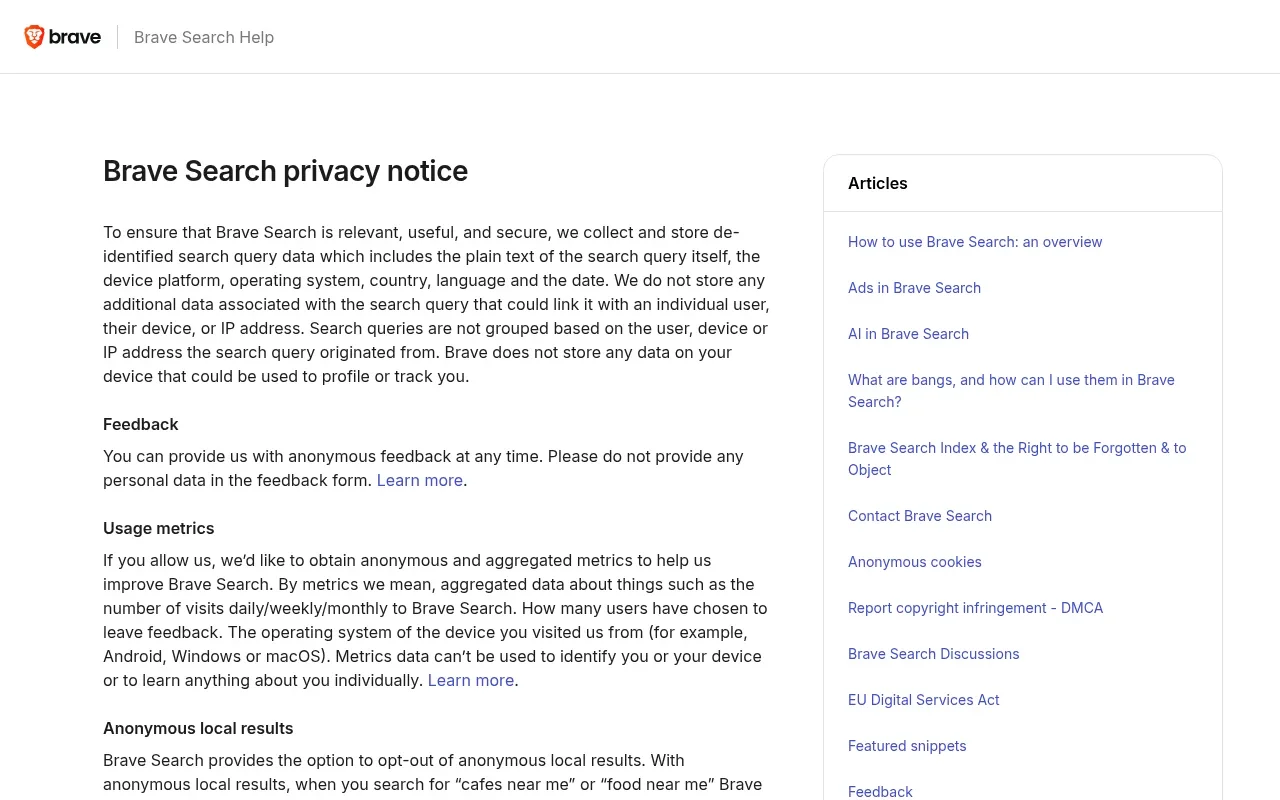
While the text of the search remains on the server, Brave does not link that data to an individual, device, or IP address. This highlights an important distinction in search privacy: no tracking does not automatically mean zero data retention. If you prioritize an independent index that does not route queries to Microsoft or Google, you might choose Brave and accept the trade-off that your de-identified text remains in a database. If your search query contains specific personal information, the text itself is retained even without an attached IP address.
Startpage: Stripping Identifiers Before Partner Handoffs
Startpage acts as a privacy intermediary between users and its search and content providers. The Startpage privacy policy says it removes unnecessary metadata, including the user's IP address and other identifying information, before sending an anonymized query to those providers and returning the results.
The company states that it does not log searches. Startpage does use preference and security cookies to maintain your settings across sessions, though it classifies these as non-tracking cookies that do not build a behavioral profile. This intermediary model suits anyone who wants the exact algorithmic results of Google but refuses to feed their queries into a unified Google account history. The query still reaches the partner network with the identifying tags removed at the proxy level.

What Search Privacy Does and Does Not Protect
A search engine's privacy policy only governs the servers owned by that specific company. It does not dictate what your browser records, what your network administrator monitors, or what a destination website collects once you leave the search results page.
Incognito Mode Is Not Private Search
Google explains that Chrome limits what the browser retains on your device: when you close all Incognito windows, Chrome removes temporary cookies and site data and does not save the sites you visited to your browsing history.
Incognito mode does not prevent your internet service provider, your employer, or the websites you visit from seeing which sites you visit. If you use a standard search engine while in Incognito mode, that engine can still log your IP address and associate the query with a temporary session. To limit how the search provider retains or links your query, use a private search engine regardless of which browser mode you have open.
Your Privacy Model Changes After a Click
After you click a search result, the destination site applies its own data collection practices and sees your IP address and browser type, plus potentially the search terms you used, depending on how the referring URL is structured.
Startpage warns its users directly about this transition. The destination website and its advertising or tracking partners can load their own tracking pixels, set third-party cookies, and begin building a profile of your activity. A private search engine can limit how the provider handles your query, but it cannot control the tracking practices of destinations you visit after leaving the results page.
Contextual Ads and Google Search History
Seeing an advertisement on a search results page does not prove that the provider is building a profile on you. Contextual advertising relies strictly on the keywords you submit. It requires no historical data, cross-site tracking, or identity resolution, meaning you see a car ad because you searched for cars.
Conversely, profile-based advertising relies on linking your current search to past behavior. Google documents account settings that allow you to pause or manage your Search Services History. When enabled, this setting saves your activity to customize future results and ads. The company also notes that even when you are signed out, your results might be customized based on short-term session activity, and some data not associated with an account may still be collected for security and system maintenance. Checking your account settings gives you a clearer picture than assuming every major provider logs every keystroke permanently.
Verdict: Choose the Trade-Off You Prefer
Selecting a search provider requires deciding which specific data practice concerns you most. There is no single universal ranking, as different privacy architectures serve different threat models.
If your primary goal is avoiding an individual search history and preventing plain-text retention of your queries, DuckDuckGo provides a strict non-logging environment. It drops the data entirely, though it relies on Bing for some results.
If you care most about reducing reliance on major corporate search indexes, Brave Search offers an independent index in exchange for storing de-identified plain-text queries to improve its algorithmic accuracy.
If you want the familiar quality of Google results but refuse to attach your IP address to them, Startpage offers an intermediary proxy where your queries flow to partner networks with the identifying metadata removed before the handoff.
Before switching, review this baseline checklist:
- Check the privacy policy to see whether the provider retains query text.
- Determine if the provider links searches back to your account, device, or IP address.
- Verify whether the advertisements on the results page are contextual or profile-based.
- Check if your keywords are forwarded to third-party search partners.
- Note which tracking protections disappear once you click a link and land on a new website.

Measure What Happens After the Search Click
Understanding the boundary between search privacy and website analytics helps you manage your traffic sources accurately. A private search engine can limit how the provider retains or links a visitor's query. After the visitor clicks through to a website, you need to measure whether that content resolved the visitor's problem. This requires a robust Google Analytics alternative that respects user privacy while delivering actionable business data.
Swetrix bridges this gap by providing standard analytics through a cookieless tracking model. It separates search visibility metrics from on-site behavioral metrics. Through the Swetrix Google Search Console integration, you can grant read-only access to your verified property to pull in search-performance data like impressions, clicks, click-through rates, and average positions for specific queries.
The integration shows how a page performs in search, while the Swetrix dashboard shows what users do once they arrive. You can review Search Console data to see which branded and non-branded queries generate traffic, and then use Swetrix to track aggregate traffic sources and measure specific conversion goals like a newsletter signup. The system avoids joining a private search query to a named visitor or creating an invasive user-level trail.
Post-click measurement extends into custom events, conversion funnels, and campaign attribution. When a page fails to convert, technical issues are often the cause. Integrating error tracking allows you to monitor front-end JavaScript failures that block checkouts or form submissions without relying on intrusive tracking scripts. You can also utilize the AI search LLM crawlability checker to ensure your technical SEO remains sound as search engines evolve.
Advanced product analytics require careful configuration to maintain the privacy standards expected by visitors using private search tools. Session replays provide detailed insights into user friction, but the recording only begins when the site explicitly calls the recorder. Depending on the masking settings, replays capture the page state and non-password input values. Review your privacy choices and consent requirements before enabling these advanced captures.
For B2B software environments, Swetrix supports embedded analytics. You can embed an iframe dashboard directly into customer-facing portals, complete with specific theme and tab selections, to offer web analytics to your end users. An iframe alone does not constitute full white-labeling or strict tenant isolation, so evaluate your specific architecture requirements before deployment. The primary advantage remains the ability to offer detailed post-click analytics without forcing cookie consent banners onto every page view.
Common Questions About Search Privacy
How Private Search Engines Process Your Query
The search engine must process the plain-text query you submit to return matching results. The term "no tracking" refers strictly to what the provider does with the query after processing it. It governs whether the text is retained, linked to your device, or used to build an ongoing advertising profile. Processing the keywords is a functional requirement of search.
Incognito Mode and Search Tracking
Incognito mode only restricts what your local browser saves to your hard drive after you close the window. When you close the window, it clears local cookies, history, and cache. It does not stop a search engine from logging your IP address, nor does it prevent your internet service provider or network administrator from observing which websites you request.
Search Ads Without Tracking
Private search engines generate revenue through contextual advertising. If you search for hiking boots, the engine displays an ad for hiking boots based solely on the words currently in the search bar. This does not require a personal profile. Tracking occurs when an engine records that search and uses it to show you hiking boot ads on unrelated websites days later.
Privacy Limits After You Click
The privacy policy of a search provider only covers its own servers and search results page. The moment you click a link, your browser sends a request to the destination website. That new website applies its own analytics, advertising scripts, and data collection policies. Search privacy manages the query, meaning it does not cloak your device as you navigate the broader internet.
Google Search Retention Policies
Google's data retention depends on your specific account configuration. The company provides a Search Services History setting that saves your search activity when enabled. If you pause this setting or log out, Google might still customize results based on short-term session activity and collect unassociated data for security purposes. The platform relies on customizable settings rather than a single, universal retention policy.
Stop forcing visitors to accept intrusive cookie banners to measure your website traffic. Swetrix provides GDPR-compliant, cookieless analytics with the advanced product insights you need, including custom events, funnels, and Search Console integration. Start tracking your post-click performance ethically today.