- Date
IP Lookup: What the Results Actually Mean
 Andrii Romasiun
IP geolocation provides an approximate location, but MaxMind says its data is never precise enough to identify or locate a specific household, individual, or street address. Because accuracy varies by country, distance, IP type, and ISP practices, treat city-level results as estimates, and use another tool when you need to diagnose something beyond location and network registration.
What an IP Lookup Can and Cannot Tell You
ARIN's Whois database provides searchable network records that define IPv4 or IPv6 address ranges and show the organizations and points of contact with authority over them, so a registry lookup can identify the organization associated with an IP block.
The access provider that assigned an address may be able to connect it to a subscriber account at a particular time, if its records contain the necessary details. Public lookup databases do not expose that private mapping. They show network registration details and an approximate service area, not a subscriber's identity.
You can test this distinction directly with Swetrix IP Lookup, which detects the public address visible from your current connection and returns associated network information. The tool gives an estimate of the provider and regional location, showing the kind of network details a website may see when you connect.

How to Look Up a Public or Known IP
You can use a lookup tool to check your active connection or query any known public IPv4 or IPv6 address. The result reflects the public-facing connection the tool sees. If you connect through a virtual private network or an enterprise proxy, the lookup will generally report that service's exit address and location, rather than the IP address your internet service provider assigned to your router.
On a home or small-office network, Network Address Translation can connect a private-address network to external networks. Its NAPT form maps each local address-and-port pair to a registered address-and-port pair, allowing multiple devices to access those networks through the single IP address assigned to their router by a service provider.
The lookup returns two primary sets of data. The location fields display a country, region, and sometimes a city associated with the IP address. The network fields identify an internet service provider, hosting company, or autonomous system number responsible for routing the traffic.
Understanding address format helps contextualize the network assignment: IPv4 addresses use a 32-bit format, while IPv6 addresses use 128-bit identifiers, so IPv6 has a larger address space.
Read the Location and Network Details Separately
To interpret the results accurately, treat network registration and geolocation as two distinct pieces of information. Registration records can identify an organization associated with an address block, but they do not establish where a specific user is located.
An autonomous system is a network or connected group of networks that follows a single routing policy, and an ASN represents that system. For registration details, ARIN's database guide says an ASN record displays the number and organization with authority over it, while network records show the organizations and points of contact with authority over IPv4 or IPv6 address blocks. The guide also notes that customers associated with a provider organization can be searched in Whois.
Geolocation is an estimate layered on top of network registration and routing information. Providers use different sources and methods, so a result may point to a provider's regional network hub rather than the user's neighborhood.
Treating a city-level result as proof of someone's exact location leads to incorrect assumptions. For its GeoIP products, MaxMind estimates 99.8% accuracy at the country level. For IP addresses in the United States, it estimates about 80% accuracy at the state or regional level and 66% at the city level when the reported location is within 50 kilometers of the city. These are MaxMind's own estimates, not a universal accuracy rate, and the company says results vary by country, distance, IP type, and ISP practices.
The network provider name also needs context. A consumer internet service provider may indicate a residential, business, or mobile network, but the label does not identify the person using the address. A cloud infrastructure provider's name may mean the address belongs to a hosted server, VPN endpoint, or another service, but it does not prove that a particular visitor is using a VPN or corporate gateway.
Why an IP Location Can Look Wrong
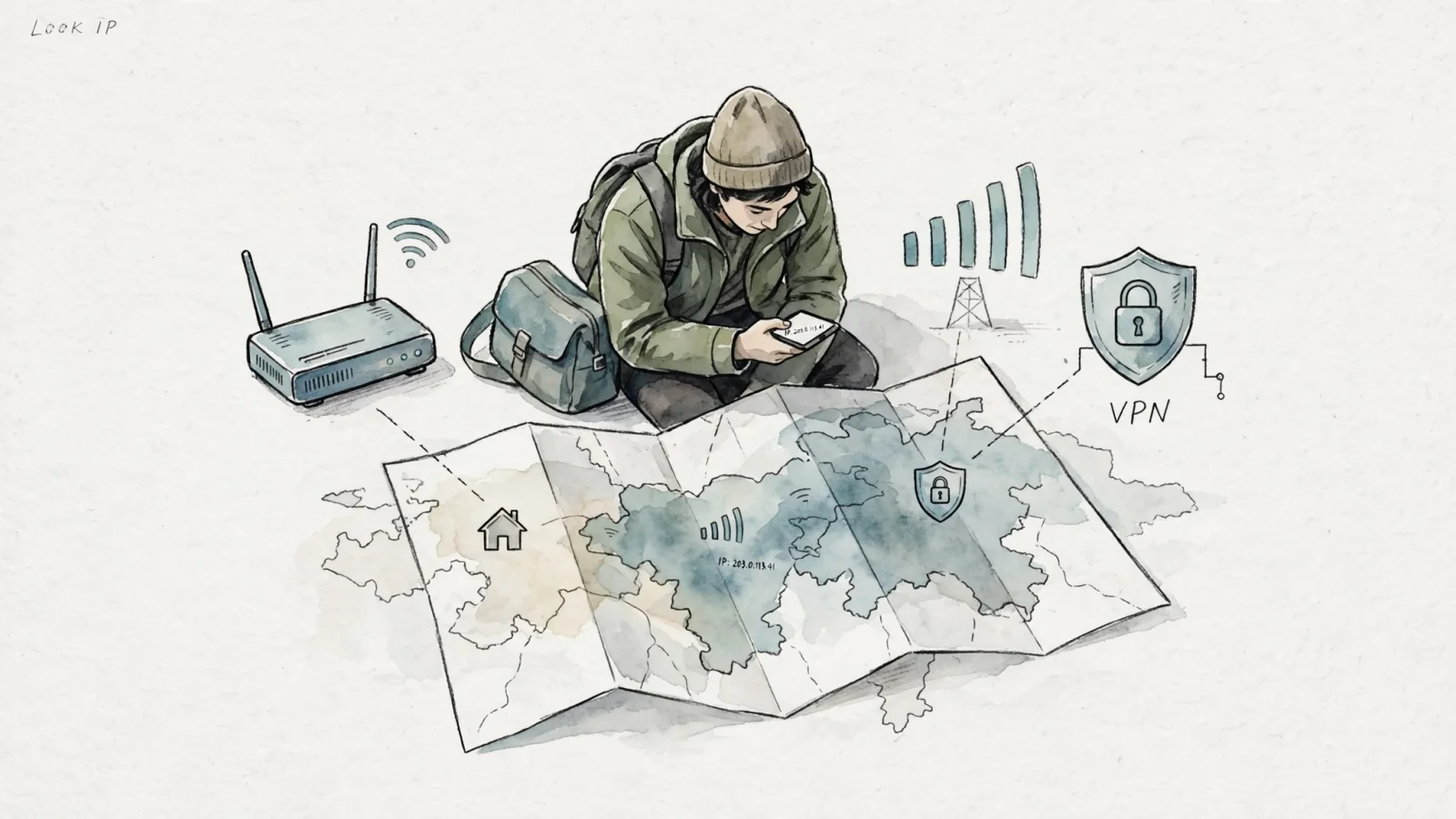
Several common network configurations can make a user's location differ from the one reported by an IP lookup. Virtual private networks and proxy servers are common causes: when a user routes traffic through a VPN, the public IP address becomes that of the VPN's exit node, so someone in London might appear to be browsing from Tokyo if they select a Japanese server.
Mobile carrier routing introduces another layer of geographic shifting. Some mobile providers use Carrier-Grade Network Address Translation to let many subscribers share a public IPv4 address through a provider gateway. RFC 6598 notes that geolocation systems may identify the carrier-grade NAT server rather than the end host, so a lookup can show the gateway's region instead of a phone's location.
Satellite internet can produce a similar mismatch. Starlink warns that its IP geolocation may appear several states, provinces, or subregions away from a subscriber's actual location, and a location-specific IP address is not guaranteed. The reported location can reflect the provider's mapped network region rather than the terminal's physical position.
IP address assignments and routes can also change, which can affect the location estimate. Different geolocation providers may not reflect those changes in the same way, so a result can show an earlier or broader region.
Different geolocation providers can return different results for the same IP address. MaxMind says it does not guarantee exact matches to competitors' data, and it notes that an IP address used in a mobile network may be used by phones across a large distance, so treat city-level results as estimates when providers disagree.
When to Use DNS Lookup or Traceroute
An IP lookup works well for inspecting a known public address, but understanding how a domain connects to a server or how traffic travels across the internet infrastructure requires a different diagnostic approach.
Use a DNS lookup to see which IP address a domain currently resolves to. Domain name systems translate human-readable website addresses into machine-readable IP addresses, using A records for IPv4 and AAAA records for IPv6. You can check these records using the Swetrix DNS Lookup utility. Many large sites use content delivery networks and reverse proxies, so a DNS lookup may return an edge or proxy address rather than the origin server hosting the website's files. Some networks use Anycast or other routing methods to direct traffic, which means the returned address may represent the delivery network rather than the company's central infrastructure.
Use a traceroute to diagnose the network hops between your computer and a destination server. A traceroute sends probe packets with increasing hop limits and records routers that respond along the path. It estimates transit delays for responding hops and can help identify where replies stop, though a silent hop does not prove that the connection has failed at that router.

For Website Audiences, Use Analytics
Running individual network lookups falls short of helping you understand a website audience. A single lookup cannot show what brings a group of visitors to a site, which marketing campaigns generate the most engagement, or how users navigate through a checkout flow. Aggregate geographic reporting and behavioral tracking answer those questions directly.
Analytics platforms process visitor data to provide a broad view of audience trends without requiring you to manually investigate network addresses. Swetrix analytics offers aggregate geographic reporting alongside custom events, conversion funnels, and session replays. This infrastructure allows you to track performance and attribute campaigns in a privacy-first environment. Replacing heavy tracking scripts with a cookieless Google Analytics Alternative can reduce reliance on cookies while still providing visibility into user behavior.
Handling network data carefully forms the foundation of an ethical analytics stack. The Swetrix Events API documentation explains that the API uses a visitor's IP address to calculate a temporary session identifier and fill geolocation reports, without storing the address in raw form. For accurate server-side analytics, include the visitor's IP in the X-Forwarded-For header. Otherwise, the platform may use your server's address, and the reports can reflect your server's location rather than your audience's.
Visitor identification in a privacy-centric system operates on cryptographic hashes rather than static network addresses. To protect user privacy, Swetrix identifies visitors using a session salt that rotates every 24 hours and a profile salt that rotates monthly. Rotating salts limit how long identifiers remain linkable while supporting daily session grouping and monthly returning-visitor estimates. This approach lets teams group sessions and assess returning visitors without storing raw IP addresses.
Frequently Asked Questions
How do I look up my public IP address? Use a checking tool like the Swetrix IP Lookup to detect the address your current connection presents to the internet. If you connect through a virtual private network or an enterprise proxy, the result will represent that intermediary network rather than your local internet service provider.
Can an IP lookup show someone’s exact home address? No. Geolocation provides an approximate regional estimate, while the network fields identify the organization routing the traffic. Public lookup databases lack the subscriber information required to identify a person or pinpoint a specific physical house.
Why might the result show the wrong city? Virtual private networks, proxy exit points, mobile carrier routing, and changes to ISP address assignments can cause a device's physical location to differ from its reported IP location. Different geolocation databases may also return conflicting regional estimates.
What is the difference between an IP lookup, a DNS lookup, and a traceroute? An IP lookup inspects a known public address to provide location and network registration details. A DNS lookup checks which IP address a domain name resolves to. A traceroute measures the network hops and transit delays between your device and a destination server.
Does Swetrix store visitor IP addresses? Swetrix says it does not store raw visitor IP addresses in its database. The platform uses an IP address to calculate temporary sessions and geolocation reports, then discards the raw value, as explained in the Swetrix Events API documentation.
How can I exclude my own visits from Swetrix? You can block your internal traffic by configuring the project settings to exclude your own visits. Blocking a shared public IP address may also exclude other people who use that address, such as colleagues on an office network, so apply this setting carefully.
Stop managing intrusive cookie banners and start focusing on your website performance. Try Swetrix for a privacy-first analytics dashboard that delivers aggregate geographic reporting, conversion funnels, and session replays without storing raw IP addresses. Visit Swetrix.com to set up your cookieless tracking.