- Date
Free Website Analytics: Tools and Trade-Offs
 Andrii Romasiun
Free website analytics comes in three distinct models: a hosted service with a restricted tier, open-source software you install on your own servers, or a temporary trial of a paid platform. Understanding which model a specific tool uses helps you avoid surprise maintenance hours or sudden paywalls. For instance, Swetrix provides a Community Edition that costs nothing to license, but you provide the server hardware and handle the maintenance to run it. We built this dual approach so you can choose between maintaining the infrastructure yourself or paying for a managed cloud environment.
A free tier from a managed provider might suffice for a personal blog, but outgrowing its traffic limits often forces an immediate migration. Self-hosting trades that monthly subscription for active infrastructure management. You decide whether your time or your budget is the more abundant resource.

Defining Free Website Analytics
Evaluating analytics providers starts with defining what you are avoiding paying for. The market labels several different software delivery methods as free, and confusing them leads to mismatched expectations and abandoned installations.
A free hosted service means the vendor pays for the server, processes the data, and maintains the application. You pay no subscription fee, but you accept the tool’s specific feature restrictions, data retention limits, and privacy model. These services often cap the number of pageviews you can process per month or limit your access to advanced behavioral reports.
Free self-hosted software gives you access to the source code without a licensing fee. You control the data entirely, but the operational costs fall on your shoulders. Provisioning a server, configuring a database, managing SSL certificates, installing security patches, and maintaining regular backups become your responsibility. The software itself is free, but the computing power and the time required to keep it running are not.
A free trial provides temporary access to a paid hosted product as a testing window. For example, Swetrix Cloud operates as a paid hosted service with a 14-day trial, requiring a payment method to start. You get full access to the managed infrastructure for two weeks, after which the regular billing cycle begins.
Free Website Analytics Tools Compared
Comparing these tools requires looking past the marketing descriptions to understand the underlying infrastructure requirements and feature depths. The table below outlines how different platforms handle basic traffic reporting, conversion depth, and privacy configurations.
| Tool | Free Model | Setup & Upkeep | Traffic & Referrers | Conversion Depth | Privacy Configuration | Limitations |
|---|---|---|---|---|---|---|
| Swetrix Community Edition | Free to self-host | Requires server management and database maintenance | Full dashboard, sources, and landing pages | Custom events, funnels, and error tracking | Cookieless design; self-hosted data ownership | Requires S3-compatible storage for session replays |
| Swetrix Cloud | Paid (14-day trial) | Managed by vendor; no server upkeep | Full dashboard, sources, and landing pages | Standard tier covers funnels; Plus adds replays | Cookieless design; fully managed compliance | Trial requires a payment method to initiate |
| Cloudflare Web Analytics | Free hosted service | Added via Cloudflare dashboard or JavaScript snippet | Pageviews, referrers, and real-user performance | None | Does not collect or use visitors’ personal data | Focuses strictly on traffic and performance metrics |
| Matomo On-Premise | Free to self-host | Requires a web server with PHP and MySQL/MariaDB | Full dashboard, sources, and visitor logs | Custom events and goals (plugins vary) | Configurable data retention and anonymization | High server resource usage on high-traffic sites |
| Google Analytics 4 | Free hosted service | Managed by vendor; complex interface configuration | Extensive traffic, user, and demographic reporting | Deep event tracking, funnels, and attribution | Stores a first-party _ga cookie by default | Steep learning curve; data privacy concerns in some regions |
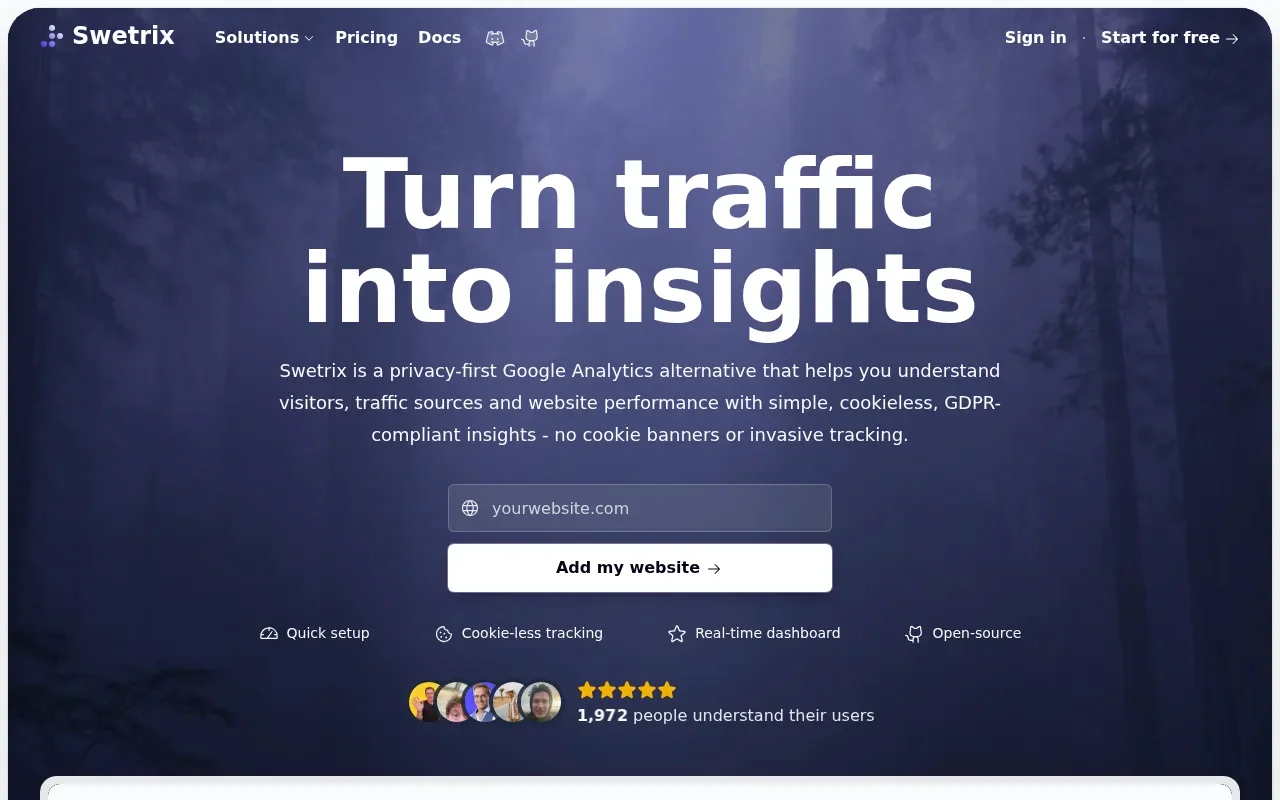
Swetrix Community Edition provides a clear path from basic traffic reports toward custom behavioral analysis. Because it is free software you self-host, you maintain total ownership of the database. You can track pageviews, monitor incoming referral sources, and configure custom events to measure actions like form submissions or button clicks. The platform includes conversion funnel analysis and server-side error investigation, allowing developers to see where a user encountered an issue. Using the session replay feature in the Community Edition requires connecting an S3-compatible storage bucket to handle the recording files.
Swetrix Cloud removes the infrastructure burden by offering the same analytics suite as a managed, paid service. The 14-day trial requires a payment method to activate. The Standard tier includes funnel analysis and error tracking, while upgrading to the Plus tier unlocks session replays and A/B testing. This model fits teams that want privacy-focused analytics without the responsibility of patching servers or managing database backups.
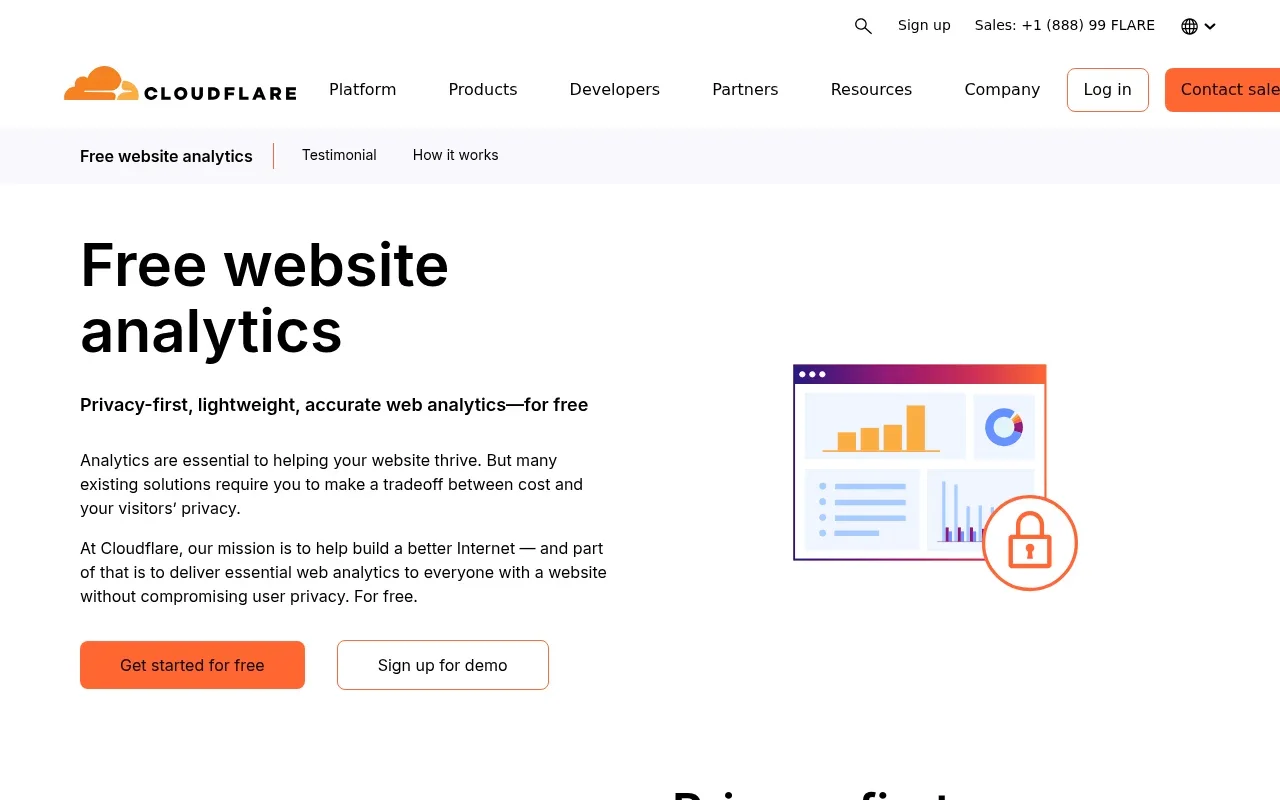
Cloudflare Web Analytics is a free analytics service. Cloudflare states that you can add it to your site without changing your DNS settings or routing traffic through Cloudflare’s proxy. The service provides information on pageviews and visitors, while the data displayed in Web Analytics is real-user monitoring (RUM) focused on page performance. It does not collect or use visitors’ personal data. Together, those measures make it useful for broad questions about page performance and traffic volume.
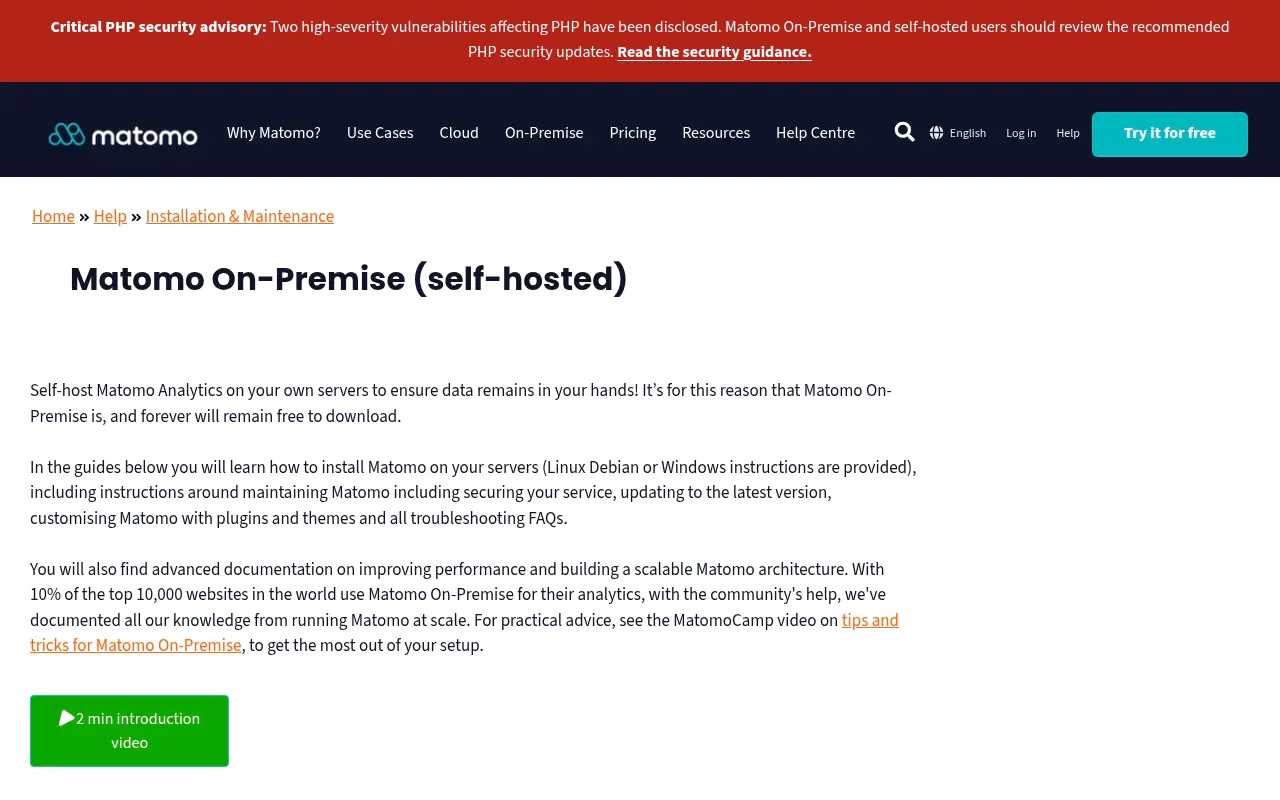
Matomo On-Premise offers a highly customizable, open-source core that you host on your own infrastructure. Running it requires a web server equipped with PHP and a MySQL or MariaDB database. You get granular control over data retention policies and anonymization settings, making it a powerful choice for organizations with strict internal data governance rules. The free core provides extensive traffic reporting, though some advanced features require purchasing premium plugins. Managing a Matomo instance on a high-traffic site requires database optimization and server tuning.

Google Analytics’ default web implementation stores a first-party _ga cookie to distinguish unique users on a website, as Google's data collection documentation explains. The documentation also says Analytics does not store the client ID when analytics storage is deactivated through Consent Mode.

Choosing a Tool Based on Site Needs
Evaluating analytics software based on a feature checklist often leads to overcomplicated installations. Match the tool to the questions you need to answer about your website. Basic reporting works perfectly well when it gives you actionable information; you only need to look beyond it when you start asking questions about specific user behaviors, complex funnels, or technical errors.
For content creators and bloggers, the primary questions usually revolve around traffic acquisition and content popularity. You want to know which external websites send you visitors, which articles hold their attention, and which pages prompt a newsletter signup. Cloudflare Web Analytics handles these broad traffic and performance questions without adding unnecessary complexity. It gives you a clean view of your landing pages and load speeds without requiring you to build custom event tags.
Agencies and small business marketers face a different set of requirements. You need to measure campaign effectiveness, track specific conversion events, and analyze funnel drop-offs. When evaluating a Google Analytics alternative, ensure the new platform can still attribute traffic to your marketing efforts accurately. Swetrix Community Edition fits this role well for agencies capable of managing their own servers. It allows you to build custom funnels, track which marketing channels drive specific actions, and maintain strict control over the client data. If you prefer to skip the server maintenance, Swetrix Cloud provides the same campaign attribution and funnel tools in a managed environment.
Technical teams and product developers require data that connects user behavior to application performance. Investigating front-end errors, monitoring server-side performance, and occasionally watching session replays helps explain how a user interacted with a broken interface element. Swetrix integrates error tracking directly into the analytics dashboard, allowing you to pinpoint which browser or device triggered a failure. Matomo On-Premise also serves technical teams well, provided you have the database administration skills to maintain its performance as your traffic scales.
Consider your workflow during major site updates. If you are executing a full website redesign, your analytics platform needs to track how the new layout affects user navigation and conversion rates. A basic pageview counter will not tell you if the new checkout button fails on mobile devices. You need a platform that supports event tracking and error logging to confirm the redesign improves the user experience.
Website Analytics and Google Search Console
Website analytics platforms and Google Search Console answer different questions about your digital presence. On-site analytics tools measure what visitors do after they arrive on your website. They report on the pages users view, the buttons they click, the errors they encounter, and the funnels they complete.
Google Search Console’s Performance report focuses on how your site appears in Google Search results and the clicks those results generate. To show that visibility, the Search Console performance report includes clicks, impressions, average click-through rate, and average position; its Queries dimension groups data by the search term users typed. Because impressions count how often your site appeared in Search results, the report can show which queries produced impressions even when users did not click.
These tools function as complementary systems rather than substitutes. You use Search Console to understand how Google indexes your site and how searchers find your listing. You use website analytics to understand what those searchers do once the page loads. Combining search impression data with on-site conversion metrics is a standard practice in thorough website optimisation, allowing you to see the entire journey from search query to final purchase.
Swetrix includes a read-only integration that connects directly to Google Search Console. Once authenticated, this integration pulls your search-performance metrics into the Swetrix SEO dashboard. While it leaves tasks like submitting sitemaps to the native Google Search Console interface, it allows you to view your search queries, impressions, and clicks alongside your on-site behavioral data in a single workflow.

Privacy, Cookies, and the Cost of Free Tools
Deploying a free or cookieless tracking script does not automatically render your website compliant with all privacy regulations. The legal requirements surrounding data collection extend far beyond the presence or absence of a standard HTTP cookie. Understanding these rules ensures you configure your analytics platform correctly and present the appropriate consent interfaces to your visitors.
Current Information Commissioner's Office (ICO) guidance on storage and access technologies covers any method used to store information on, or access information from, a user’s device. This includes local storage, session storage, browser fingerprinting, and certain types of tracking pixels. The UK GDPR applies whenever personal data is involved in this process. Removing cookies does not exempt you from these regulations if your tracking methodology still relies on accessing device-specific information to build persistent user profiles.
Different regulatory bodies interpret audience measurement exemptions differently. The French data protection authority, CNIL, provides a specific exemption for audience-measurement tools that operate without consent, but this exemption remains strictly conditional. The tool must only produce anonymous statistical data, it must not track users across different websites, and the data cannot be cross-referenced with other datasets. Review the CCPA vs GDPR requirements applicable to your specific audience and configuration.
Session replay features require an entirely separate privacy evaluation. Swetrix session replays can capture the exact state of a page, mouse interactions, scroll depth, and non-password input values depending on your specific masking settings. The replay function only begins when you explicitly invoke it in the code. Because these recordings capture direct user interactions, configure aggressive masking for any fields containing personally identifiable information. We strongly recommend requesting explicit consent before recording sessions on public pages or interfaces where users might input personal data. Even with a cookieless traffic tag, recording user sessions requires strict oversight.
Common Questions About Free Website Analytics
Navigating the different pricing models, technical requirements, and privacy implications of analytics software leads to several recurring questions. Whether you choose a hosted service, a self-hosted installation, or a time-limited trial, understanding the specific capabilities of your chosen tool prevents frustrating limitations later.
Are free website analytics tools free?
Hosted services cost you nothing in subscription fees, but they frequently restrict your feature access, cap your monthly traffic allowances, or limit your historical data retention. Self-hosted software requires no licensing fee, but you provide the server hardware, the storage space, and the ongoing maintenance hours necessary to keep the system secure and functional.
Is Swetrix free?
Swetrix Community Edition is free software that you install and maintain on your own infrastructure. Swetrix Cloud is a paid, managed service. The Cloud platform provides a 14-day trial that requires a valid payment method to activate.
Can free analytics track signups or purchases?
The ability to track specific actions depends on the tool's feature set. Basic hosted traffic counters often stop at simple pageviews and referrers. Self-hosted platforms like Swetrix Community Edition and Matomo On-Premise support custom event tracking, allowing you to measure specific actions such as form submissions, button clicks, or completed checkout events.
How is Google Search Console different from website analytics?
Google Search Console measures your visibility in the search engine, reporting on the queries people type, the impressions your pages receive, and your click-through rates. Website analytics platforms measure user behavior on your website, tracking the pages they visit and the actions they take after the initial click.
Does cookieless analytics mean no consent banner?
A cookieless setup may remove the need for a specific analytics cookie banner, but this depends on the underlying technology, your specific configuration, and applicable local laws. If your analytics tool captures personal data, utilizes other device-access methods, or employs session replays, regulators may still require you to obtain explicit user consent.
Transitioning from basic pageview counters to a platform that supports funnels, custom events, and error tracking gives you a clearer picture of user behavior. Swetrix bridges simple traffic reporting and deeper product analytics, allowing you to measure what matters in a privacy-focused environment. Explore the features and start your free trial at Swetrix.com.