- Date
500 Message: Internal Server Error Explained
 Andrii Romasiun
HTTP is a client/server request-response protocol, and servers send response messages that include status codes. The RFC 9110 specification describes this protocol.
A 500 Internal Server Error is deliberately generic, identifying a symptom rather than the root cause of the failure. A single route, form submission, API request, or user state can fail while the rest of the site remains available. Because HTTP status codes describe individual responses, finding a 500 on one URL does not mean the entire web server is offline.
Server-side monitoring can identify the response even when the requested page does not load. Once monitoring registers the code, platforms like Swetrix help analyze the affected sessions, pages, conversions, and client-side errors. Using a privacy-first Google Analytics alternative gives you a view of behavioral changes after the infrastructure recovers, while server-side monitoring remains responsible for detecting the initial response.
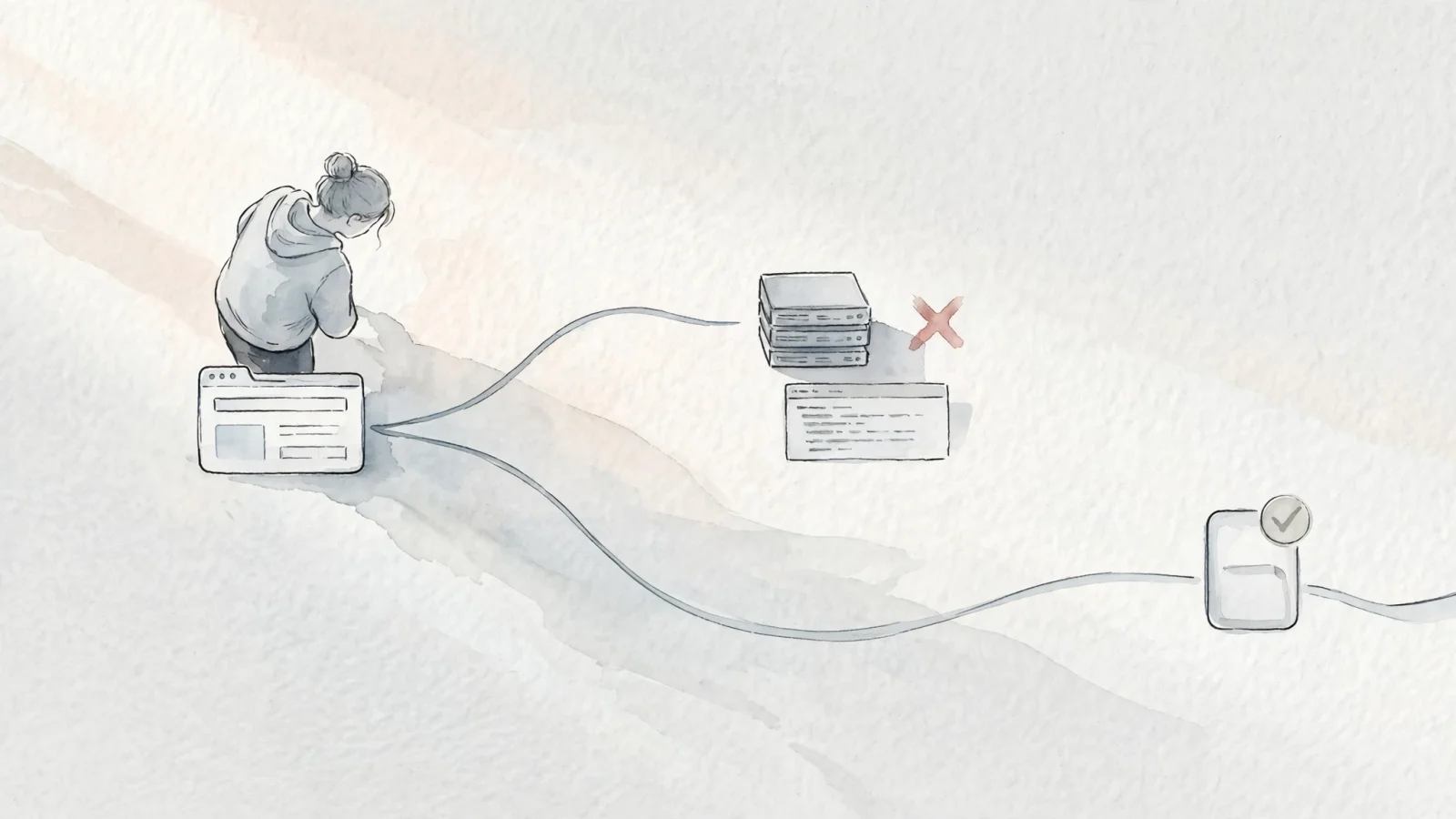
How to Respond to an Unexpected Server Error
A generic server failure leaves visitors guessing. They cannot access application logs or restart services, but they can gather helpful information and protect their own data while the site owner investigates.
Reload Once and Test Another Page
Momentary server overloads or transient application conditions sometimes trigger a temporary failure, so reload the page once to see if the request succeeds. Repeated refreshing rarely solves a genuine configuration issue, and hammering a struggling server degrades performance further.
After one reload, navigate to a different URL on the same domain. Testing the homepage, a blog post, or a category page helps determine the scope of the outage. If a single product page fails, the problem likely relates to a specific database query or template route, whereas an identical error screen across every page points to a broader application, configuration, or dependency problem.
Capture Details for the Site Owner
Technical support teams need context to find the corresponding failure in their logs, so record the exact URL, the time of the request, and your local time zone.
Save any request ID, trace ID, or reference number displayed on the screen. Cloud platforms and reverse proxies may generate unique request or trace codes on error pages, allowing the site administrator to search log entries and locate the exact transaction that failed. Forward these details to the host or website owner through a working contact channel to skip hours of manual filtering.
Avoid Duplicate Form or Payment Requests
Submitting data requires caution during a server failure. If you hit submit on a checkout screen, account registration, or contact form and receive a 500 response, the response does not prove that the transaction was rolled back.
The backend might process the payment or database write, then fail while generating the final confirmation HTML. Resubmitting the form immediately creates a risk of duplicate orders, multiple credit card charges, or redundant account records. Check your email for a confirmation receipt, look for a new charge on your bank statement, or verify your account status before attempting the exact same submission again. Clearing cookies or switching browsers does not resolve an origin failure, though it helps rule out a corrupted local session after the owner announces a fix.

Common Causes of a 500 Internal Server Error
Visible browser messages offer almost no technical context, so administrators start with the most frequent triggers when resolving an unexpected failure.
Configuration, Permissions, and Resource Limits
A 500 error can result from several server-side problems, and MDN's reference on 500 errors lists improper server configuration, out-of-memory issues, unhandled exceptions, and improper file permissions among possible causes.
A syntax error in a main configuration file prevents a web server like Nginx or Apache from routing traffic correctly. Similarly, incorrect file ownership or restrictive read permissions block a script from executing, which forces the runtime to abort the request. Memory leaks consume available server RAM over time, causing worker processes to crash during standard traffic volumes. These resource limits often manifest as intermittent failures during high-traffic periods.
Unhandled Application Failures
Robust code execution paths account for missing variables and broken logic. An unhandled exception occurs when an application encounters a scenario lacking a fallback routine, aborting request processing and often producing a 500 response.
Consider a contact form that accepts attachments. If the application logic assumes every attachment includes a valid file extension, uploading a file without one might crash the image-processing library. The homepage and blog continue functioning normally, but anyone using that specific form triggers the exception. Identifying these logic gaps requires careful testing across different user inputs and edge cases.
Deployments and Upstream Dependencies
Modern architectures rely on interconnected services, so a failure in a database cluster, caching layer, or external payment API can leave the application unable to complete the request and surface as a 500 or another 5xx response to the end user.
If an entire dynamic site fails immediately after a scheduled deployment, the timing often points to the release itself. A missing environment variable, a failed database migration leaving tables incompatible with the new code, or an unresolved dependency package can break the application on startup. Teams can isolate the breaking change by comparing the failure timeline with recent deployment logs.
How Site Owners Troubleshoot a 500 Error
Guessing the cause by changing arbitrary settings often creates secondary outages, whereas a systematic runbook narrows down the possibilities and points to the specific broken component.
Confirm the Response and Its Scope
Browser caching or intermediary proxies can display stale error pages. Confirm the actual response coming from the server using a direct terminal request rather than relying on a web browser.
Run a command like this against the exact URL:
curl -sS -L -D - -o /dev/null -w '\nFinal URL: %{url_effective}\nResponse time: %{time_total}s\n' https://example.com/problem-page
Record the HTTP status code, final URL, response headers, and approximate response time. You establish the scope by repeating the test across different routes, comparing the behavior of GET requests against form submissions, anonymous visits against authenticated sessions, and static assets against dynamic templates. A failure restricted to a newly deployed API endpoint requires a different investigation path than a failure affecting every static image across the domain.
Check Logs Before Changing Settings
Correlate the exact time and URL of the failing request with your infrastructure logs. The generic browser message does not specify whether the application, the database, or the proxy crashed.
Start by reviewing web server and reverse-proxy logs to see if the request reached the application runtime, then check error trackers for unhandled exceptions, missing variables, or runtime crashes. Deployment records show whether a pipeline executed right before the first error appeared, while database query logs reveal timeouts or API rejections. Matching the timestamp of the error precisely across all systems lets you trace the failure backward from the user to the underlying infrastructure.
Fix, Retest, and Monitor
Prioritize changes made immediately before the incident began by reviewing the most recent application deployment, environment variable update, CMS plugin installation, or database migration.
If the timing aligns with a known release, executing a controlled rollback can be faster and safer than attempting to debug a complex architecture live in production. After applying the fix or rolling back the change, retest the original request from the terminal, load the affected page in a browser, and submit the previously failing form. Once the infrastructure handles requests normally, Swetrix fits into the recovery phase by showing behavioral changes in page traffic, conversion funnels, and client-side drop-offs, while server monitoring remains responsible for detecting the initial HTTP failure.
500 vs. 502, 503, and 504
HTTP status codes describe responses, and the RFC 9110 specification includes them among the protocol's core semantics.
| Status Code | Meaning | Typical Investigation Direction |
|---|---|---|
| 500 | Unexpected server condition | Application logic, configuration files, file permissions, or resource exhaustion. |
| 502 | Gateway received an invalid upstream response | Reverse proxy configuration and upstream application availability. |
| 503 | Temporary inability to serve the request | Scheduled maintenance, severe server overload, or deliberate traffic shedding. |
| 504 | Gateway did not receive a timely upstream response | Slow database queries, unresponsive worker processes, or network timeouts. |
Match the status to the specific incident. Intentionally taking a database offline for a planned migration calls for a 503 status to indicate temporary maintenance, and the response may include a Retry-After header. If a load balancer cannot reach a backend container within the configured timeout window, it may return a 504. Emitting a generic 500 message for a planned maintenance window misleads monitoring systems and delays future troubleshooting.
How a 500 Error Can Affect SEO
Google adjusts crawling when a server returns a 5xx error, so persistent failures can affect how often affected URLs are revisited.
Persistent 5xx Responses and Google Crawling
A 5xx response affects how Google processes your content because Google's documentation on HTTP status codes says that 5xx responses prompt its crawlers to slow down temporarily.
Google reduces its request volume while the problem continues. Content returned with a 5xx response is ignored, and Google's indexing pipeline can eventually remove URLs that persistently return server errors. The practical effect is reduced crawling and possible loss of indexing until the responses recover.
Why a Failed Page Should Not Return 200
Website owners often build branded, user-friendly error templates to replace default browser screens. While a custom design improves the visitor experience, the underlying network response must remain accurate.
Returning a successful 200 status code for a page that displays "Something went wrong" creates a soft 404 when the page tells users that the requested content does not exist, and Google's troubleshooting guidance for soft 404s says that such pages are excluded from Search. If the page and content are no longer available and there is no replacement, return 404 or 410; if the page has moved or has a clear replacement, return a 301 redirect.
Recovery Checklist for Important URLs
Validate search visibility after an extended outage, because affected URLs need manual verification once the responses return to normal.
- Review affected paths in Google Search Console URL Inspection.
- Check the Crawl Stats report to identify unexpected drops in availability.
- Test representative landing pages to confirm they return a 200 status.
- Verify that customized error templates return the appropriate 5xx code.
- Recheck high-traffic URLs immediately following major infrastructure deployments.
- Compare organic traffic volumes and conversion totals around the incident window.
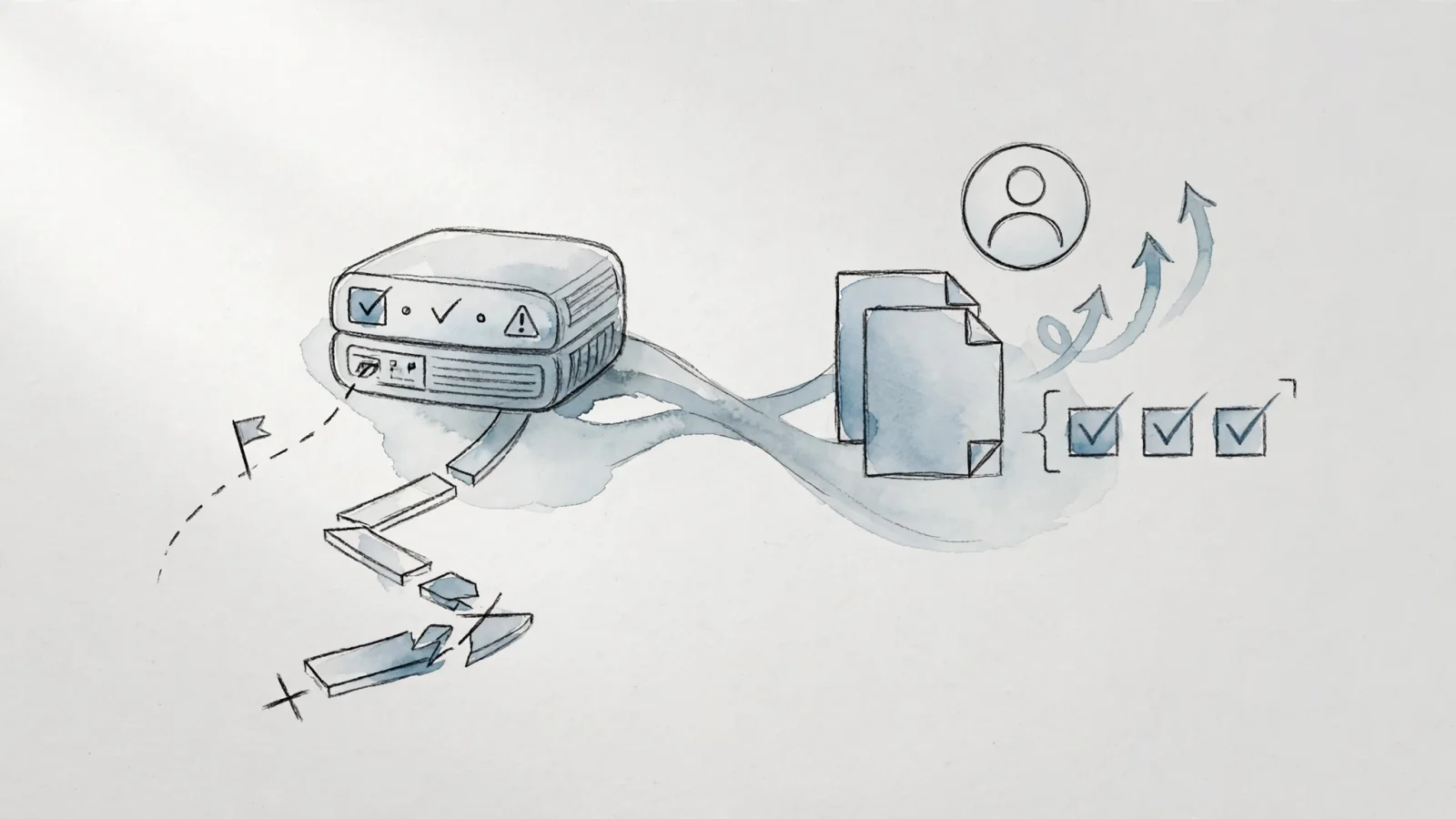
Monitor 500 Errors and Their User Impact
Separating technical detection from behavioral analysis prevents blind spots, because an HTTP error is recorded at the response stage, before the requested page can deliver its normal assets.
Detect the Response Outside the Browser
An origin failure can stop the application from generating the requested HTML, so the browser may never receive the page or execute its client-side analytics.
Client-side analytics tags cannot reliably alert administrators when an origin failure prevents the page or script from loading. Uptime monitoring, synthetic API tests, server log aggregation, and reverse-proxy metrics act as the technical detection layer, querying the application constantly and triggering alerts the moment a status code changes. Running the Swetrix Http Status Bulk Checker validates long lists of URLs during migrations, content audits, or post-deployment regression tests. Establishing this baseline helps administrators identify when a page stops functioning.
Connect Incidents to Users and Conversions
Once the technical monitoring layer detects the response, analytics software can measure some of the resulting human impact. After the server recovers and normal HTML delivery resumes, this behavioral layer helps quantify changes in traffic, forms, and conversions.
The Swetrix error tracking documentation outlines how developers capture JavaScript exceptions, stack traces, and affected sessions. Mapping the exact timeline of the incident against a dashboard helps assess whether the outage coincided with a spike in abandoned checkout sessions, failed form submissions, or lost organic visits. Tracing user paths shows if visitors who encountered partial failures on an API endpoint ultimately converted or left the site entirely, helping quantify the business consequences in a privacy-focused analytics setup.
Frequently Asked Questions
What does a 500 message mean?
An HTTP 500 Internal Server Error indicates that a server-side component encountered an unexpected condition and could not complete the request. It points to the website's server-side processing, not a browser or mobile-device setting.
Can a visitor fix a 500 error?
Visitors generally cannot fix an origin server failure, making reloading the page once or returning later the safest options. Clearing cache and cookies can help rule out local browser conflicts but rarely resolves a backend configuration crash.
Is a 500 error temporary?
It depends entirely on the root cause. A transient resource or dependency problem may clear after the server recovers, while a broken code deployment or database crash requires a site administrator to intervene and manually restore the service.
What is the difference between 500 and 503?
A 500 represents an unexpected application failure, code exception, or configuration error, while a 503 indicates a temporary inability to handle the request, including during scheduled maintenance or overload.
Does a 500 error affect SEO?
Persistent 5xx errors cause Google's crawlers to slow down and ignore content returned with those responses. URLs that continue returning server errors can eventually be removed from Google's index.
Should a custom error page return 200?
A failed page should not return a 200 OK status when it represents an error, because that can create a soft 404 and prevent status-based monitoring from recognizing the failure.
Can analytics tools monitor 500 errors?
Client-side analytics tools execute in the browser and cannot reliably track a complete server failure that prevents HTML from loading. Administrators use server logs and synthetic HTTP monitors to catch the 500 response, then use analytics platforms to measure the resulting behavioral impact on sessions and conversions.
Measuring user behavior without invasive tracking requires proper sequence. Fix the server-side cause first, then use privacy-first analytics to understand which pages and conversions changed during the incident. Explore Swetrix today to monitor traffic, track client-side errors, and build complete conversion funnels while keeping your analytics setup privacy-focused.