- Date
How to Diagnose a Sudden Website Traffic Drop
 Andrii Romasiun
A sharp downward line on your analytics dashboard triggers panic. When investigating a website traffic drop sudden and steep, your immediate assumption is a Google penalty or a competitor stealing your rankings. Often, your audience remains intact, but your tools stopped recording them. Identifying the true cause requires separating tracking failures from real audience abandonment. Modern traffic deficits stem from three main culprits: consent banner data loss, zero-click AI search trends, and hidden technical misconfigurations dragging down your pages. Swetrix bypasses these blind spots by providing privacy-first analytics that track behavior without relying on fragile cookie consent.

How to Differentiate Real Traffic Loss from Tracking Glitches
Before rewriting your content strategy or hiring an SEO consultant, confirm the drop happened. You might confuse a tracking tag failure with true audience abandonment. A broken script or an expired tag container makes traffic appear to zero out overnight, even while visitors continue interacting with the site.
Cross-Referencing Analytics with Google Search Console
Compare your analytics dashboard directly against Google Search Console (GSC). If your standard analytics show a 40% drop over a three-day period while GSC impressions and clicks remain stable, your audience hasn't left. Search impressions reflect visibility on Google, and clicks represent users initiating a visit, which means flat clicks paired with plummeting sessions point to a failure between the user landing and your tracking script firing. Swetrix integrates directly with Google Search Console, placing both datasets in one unified dashboard. This layout lets you observe the immediate correlation between search clicks and recorded sessions to spot any discrepancy indicating a script failure rather than an organic penalty.
Spotting Broken Tracking Tags
Open your browser's developer tools and load a few core pages. Check the network tab to see if your analytics payloads are firing properly, because a recent site deployment might have overwritten the global header file and stripped your tracking tags. Your development team might wrap tracking codes in conditional logic that breaks on mobile devices or specific browsers, causing a segmented traffic drop. If the tags fail to send data, reinstall your snippets immediately and review your recent repository commits to find when the code disappeared. Using the GSC export analyzer maps historical click stability against your analytics timeline, letting you pinpoint the exact hour the tracking failed.
Ad blockers also cause isolated tracking drops. If your target demographic shifts toward technical users, standard Google Analytics tags face network-level blocking by default. The visitors still navigate your site, but the client-side script fails silently. Transitioning to a custom subdomain for your tracking endpoints bypasses standard blocklists, restoring visibility for users running aggressive browser protections.
How Cookie Consent Banners Erase Traffic Data
Traffic drops often align with the activation of a legal compliance tool. Implementing GDPR or CCPA-compliant cookie banners creates false traffic deficits because legacy tracking requires active opt-ins.
The Impact of Active Opt-Ins on Session Tracking
When you give visitors a clear choice, they reject tracking, as only 17% of U.S. consumers accept third-party cookies when presented with explicit options, though this rate varies by region and audience technical literacy. If a visitor clicks the decline button or ignores the banner while continuing to read, standard analytics platforms fail to record their session. This mechanism makes traffic look artificially low and heavily skews your new-visitor acquisition data. You might experience sudden recorded traffic drops ranging from 20% to 40% immediately after activating consent platforms integrated with Google's Consent Mode. The visitors are on your site clicking links, but the analytics dashboard remains blank because the browser blocked the cookie.
Switching to Cookieless Analytics for Full Visibility
Relying on consent-based tracking leaves you with a fraction of your audience data. Depending on regional enforcement strictness, consent-bound reports often capture as little as 55% of total traffic compared to cookieless alternatives. This reduction turns your analysis into guesswork based on modeled data algorithms. You cannot optimize marketing campaigns or measure conversion rates reliably when nearly half your visitors remain invisible.
Swetrix tracks users without cookies or personally identifiable information. This architectural difference keeps you compliant with GDPR and CCPA out of the box, meaning you can legally remove the cookie consent banner and restore full traffic visibility. Instead of trying to extrapolate audience behavior from a small subset of opted-in users, you see every pageview and interaction logged in your dashboard. Removing the banner also improves the initial user experience by letting visitors land on your page and start reading rather than navigating a complex preference popup. Eliminating the barrier and switching to cookieless analytics brings your reported metrics back to their true levels, providing a reliable baseline to measure growth.

AI Overviews and the Rise of Zero-Click Search
The search environment changed following the May 2026 Google Core Update. AI Overviews now answer complex queries directly on the search engine results page, structurally altering organic traffic patterns across all industries.
Shifting Strategy for Top-of-Funnel Content
Informational content suffers the steepest declines under the new AI search model, as benchmarks indicate that over 60% of searches now end without a click, an average that fluctuates by query type. When users search for a quick tutorial or a basic comparison, the AI summarizes the answer from multiple sources so the user closes the tab without visiting your site. If your analytics show a permanent traffic deficit on high-volume, top-of-funnel blog posts while product pages remain stable, AI cannibalization is the likely cause. You cannot reverse this trend by optimizing the same informational content. Shift your strategy toward point-of-view content, proprietary data, and first-hand experiences that AI models cannot summarize.
Filtering Out AI Bot Scraping from Analytics
High bandwidth usage paired with plummeting conversions often indicates that machines have replaced human visitors. Headless browsers and AI agents mimic human traffic patterns while scraping your content for large language model training, which muddies direct traffic metrics and skews your engagement data. Run your URLs through an AI search LLM crawlability checker to monitor how agent bots access your pages. If you detect spikes in automated traffic dragging down your conversion rates, implement strict bot-blocking rules at the server level.
Blocking aggressive scrapers cleans up your analytics data and reduces server load, ensuring your reports reflect human intent. Examine your server logs for specific user agents associated with AI crawlers, such as GPTBot, ClaudeBot, or Google-Extended, because these bots ignore standard rate limits and pull thousands of pages in minutes. When your analytics platform records these rapid programmatic pageviews as normal sessions, your average time-on-page plummets while bounce rates skyrocket. Filtering out known AI agents within your analytics settings prevents automated scraping from polluting your human behavioral data.
Fixing Core Web Vitals to Reverse Algorithmic Drops
Google's core algorithm updates evaluate site quality through automated metrics rather than manual actions. When a severe traffic drop occurs across all pages simultaneously, technical performance is often the trigger.
Removing Heavy Third-Party Scripts
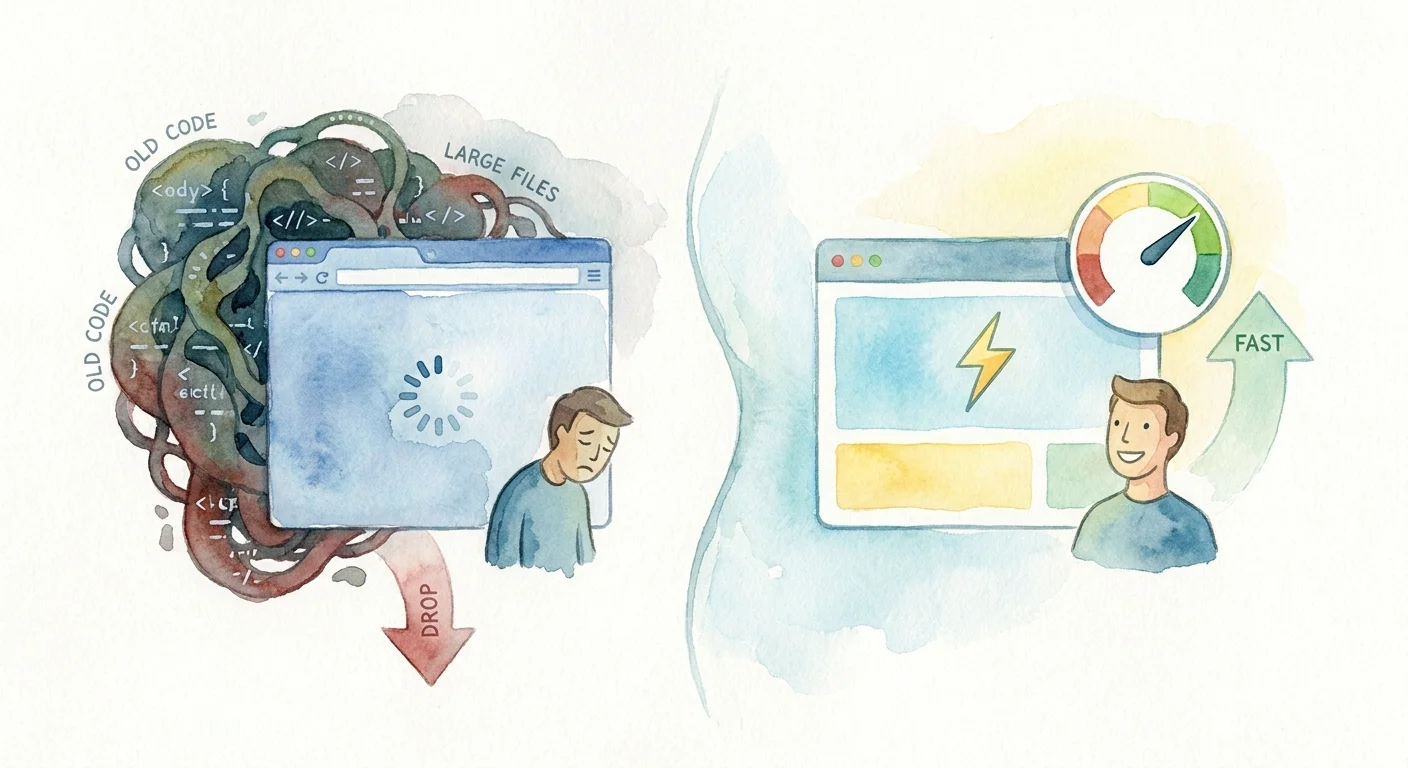
Analytics tags, advertising pixels, and session recording scripts add heavy processing weight to a webpage. Client-side tags like GA4 and Google Tag Manager drag down Core Web Vitals, specifically degrading metrics that measure interactivity. The browser must download, parse, and execute every JavaScript file before the user can click a button or open a menu. When a site requires megabytes of third-party code to load, it fails Google's performance thresholds, triggering an algorithmic ranking drop that slides pages down the search results and slashes organic clicks.
Optimizing Interaction to Next Paint (INP)
Interaction to Next Paint (INP) measures how quickly a page responds to a user's click or keystroke. Google integrated INP into its continuous quality evaluations in 2025 and 2026, penalizing sites where the main browser thread locks up under the weight of tracking scripts. Replacing bloated third-party trackers with lightweight, cookieless analytics frees up browser resources. Swetrix uses a minimal script payload that executes asynchronously, ensuring it never blocks the main thread.
Read a website optimisation guide to audit your current script load. Minifying your code, removing legacy tracking pixels, and relying on a single privacy-first analytics provider improves your INP score. Fixing these technical bottlenecks insulates your site against UX-based algorithmic ranking drops while providing a smoother experience for visitors on slower mobile connections. Delaying non-critical scripts until after the initial page load further improves interactivity metrics. Configure your tag manager to fire marketing pixels only when the user scrolls or interacts rather than blocking the initial render, because every millisecond saved on script execution builds a stronger defense against automated ranking penalties.
Using Product Analytics to Find UX Roadblocks
Traffic volume sometimes remains stable while conversions plummet. When the audience arrives but fails to buy, you need behavioral data to find the roadblock.
Pinpointing Specific Checkout Failures
Users abandon processes when encountering broken elements or confusing layouts. The average e-commerce cart abandonment rate sits near 70%, a figure that varies by industry. However, Baymard Institute research shows that 35% of this is recoverable via checkout UX improvements. A broken address validation script, an unclickable submit button on mobile, or a confusing shipping calculation can halt all sales in hours. Standard pageview analytics only show that the user left the checkout page, offering zero insight into the failure. You need tools that track specific interactions, clicks, and scrolling behavior to pinpoint the moment of frustration.
Deploying Anonymized Session Replays
Session replays provide a video-like reconstruction of a user's journey through your site. Product teams utilizing this technology identify up to 55% more website usability issues on complex interfaces than those relying on traditional analytics alone. Watching a user repeatedly click a broken dropdown menu highlights the bug, allowing you to fix specific friction points and recover lost conversions.
Recording user sessions traditionally carries high privacy risks. Swetrix solves this by providing enterprise-grade session replays, conversion funnels, and A/B testing in an anonymized environment. The platform masks sensitive keystrokes and forms automatically, allowing you to diagnose UX failures without collecting PII or violating privacy laws. If your metrics show a sudden dip, load up the replays from that specific funnel step to observe the interactions causing the drop-off and deploy a fix. Pair replays with custom event tracking to monitor key actions, like adding a product to a cart or opening a pricing modal. When an event fires at half its normal rate, filtering your session recordings to only show users who attempted that action prevents you from wasting hours watching random visits and focuses your debugging efforts on the leaking revenue.
Resolving Server-Side Errors and Indexation Failures
A site architecture failure removes pages from the search index without warning, destroying traffic pipelines while the content itself remains viable.
Fixing Redirect Chains and SSL Lapses
A routine site deployment can break your indexing configuration and remove your site from Google's view if you push a misconfigured robots.txt file blocking Googlebot, add a noindex tag to your core templates, or botch a canonical URL setup. Expired SSL certificates trigger red warning screens in browsers, halting incoming traffic before the analytics script loads. Validate your infrastructure routinely to catch these errors.
Run your updated URLs through an SEO migration redirect validator after every deployment to ensure old pages point to their new destinations. A broken redirect chain results in a 404 error, prompting search engines to drop those dead links from the results page.
Establishing Server-Side Performance Monitors
Slow server response times prevent search engines from crawling your site. When your server takes three seconds to respond to a request, Googlebot reduces its crawl rate, leading to deindexed pages and lower rankings. Check your server logs for spikes in 500-level errors, which indicate database timeouts or application crashes that manifest as a traffic cliff.
Implement server-side performance monitors and automated alerts to ping your development team the moment error rates exceed normal thresholds. Monitoring the infrastructure catches bugs before they impact your organic visibility and throttle user acquisition. Regularly audit your server configurations to ensure cache layers serve HTML documents efficiently, because a bypassed cache forces the server to render every page dynamically and overwhelms your database during moderate traffic spikes. Fixing these backend bottlenecks guarantees that search engines can fetch your content, preserving your indexation status and keeping your organic traffic flowing.
Stop losing traffic data to cookie banners and bloated scripts. Try Swetrix for a privacy-first, cookieless analytics platform that delivers product insights, anonymized session replays, and GSC integration without slowing down your site.