- Date
Best Free Web Analytics Tools in 2026
 Andrii Romasiun
Searching for free web analytics tools usually returns a mix of entirely different business models presented as a single software category. A hosted platform offering a capped monthly allowance differs entirely from open-source software you install, patch, and monitor yourself. Evaluating these options requires matching your team's technical capacity and data volume against the specific constraints of each tool.
For teams moving from Google Analytics, Swetrix bridges privacy-focused traffic measurement with more advanced product analytics. With conversion funnels, session replays, and Google Search Console data available across its offerings, a cookieless transition doesn't have to mean losing sight of growth data or technical SEO insights. The available features depend on the Swetrix option you choose and, for self-hosted session replays, how you configure storage.
Every analytics provider limits free access in some way. Those constraints typically take the form of event quotas, shortened data retention windows, restricted feature sets, or the transfer of infrastructure costs directly to your team. Understanding exactly what happens when you reach a monthly cap, or what server maintenance a self-hosted platform requires, helps prevent unexpected bills and sudden data loss.
What Free Means in Web Analytics
The analytics market divides free access into four distinct categories. The first is a hosted plan with a hard monthly usage allowance, where the provider covers the server costs but limits what the platform records once you hit your cap. The second is self-hosted software, which has no licensing fee but requires you to pay for your own servers, databases, and backup storage. The third is an exchange model, where a provider covers unlimited hosting costs in return for using aggregated behavioral data to train machine learning models. Finally, many platforms only offer a time-limited trial of their paid service.
Swetrix fits into this market through two separate routes. Swetrix Cloud operates as a managed service without a free tier, providing a 14-day trial that requires a valid payment method before the subscription activates. For teams requiring a permanently free license, Swetrix Community Edition is a self-hosted alternative that you download and operate entirely on your own infrastructure. This gives teams a choice between managed analytics with a trial and open-source software they can run themselves.

To compare these models accurately in 2026, look past the zero-dollar headline price to examine their operational limits. The table below evaluates five options across their primary constraints.
| Tool | Free Model | Monthly Volume Limit | Retention | Replays & Funnels | Cap Behavior |
|---|---|---|---|---|---|
| Swetrix CE | Self-hosted software | Hardware dependent | Hardware dependent | Yes (replays require S3 setup) | Hardware dependent |
| Umami Hobby | Hosted plan | 100,000 events | 6 months | No (paid tier only) | Stops tracking |
| Microsoft Clarity | Hosted exchange | Unlimited | 13 months | Yes | Unlimited |
| PostHog | Capped allowance | 1M events, 5k replays | 12 months | Yes | Drops data |
| Matomo Core | Self-hosted software | Hardware dependent | Hardware dependent | No (paid plugins) | Hardware dependent |
As the table shows, Swetrix Community Edition avoids a hosted monthly event quota while retaining funnels and replay support, with your infrastructure determining its practical limits. Evaluating these limits against your site traffic and engineering capacity will point you toward the correct tool for your project.
1. Swetrix Community Edition
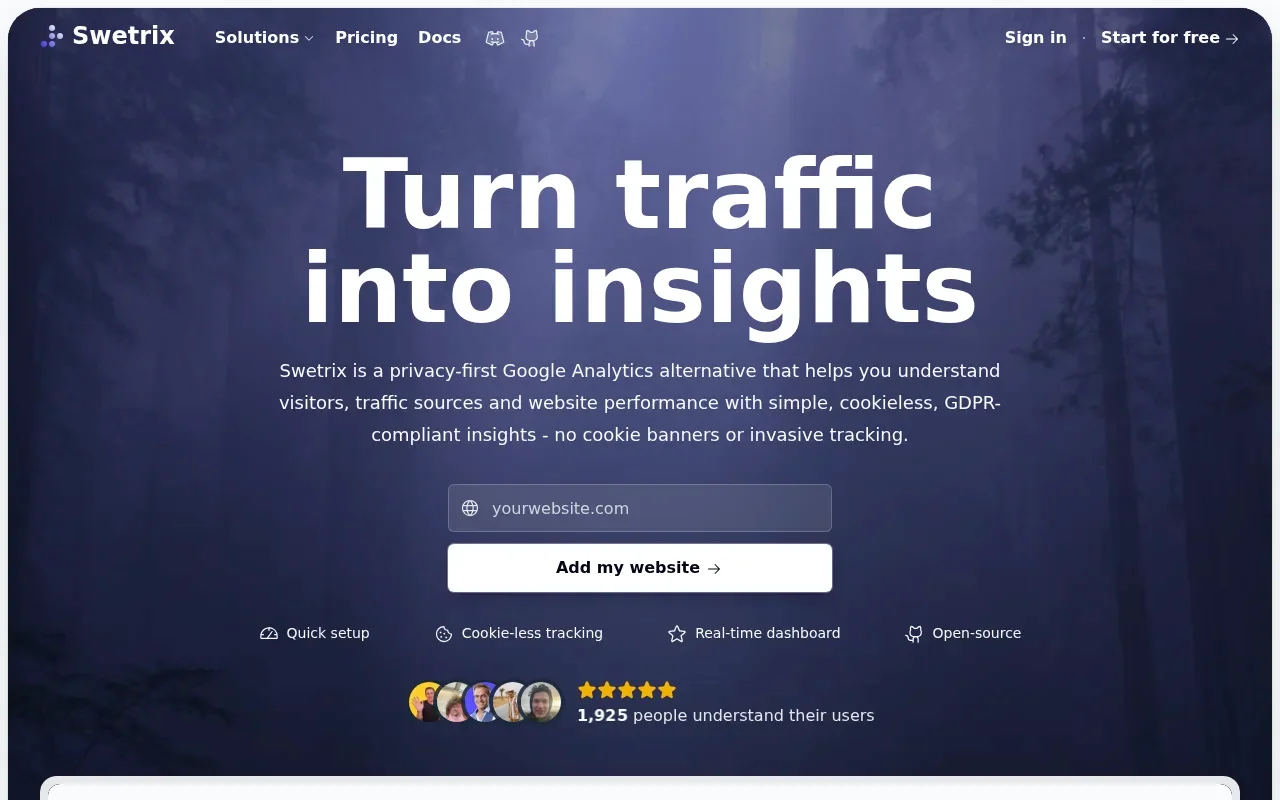
Swetrix Community Edition is an open-source analytics platform designed for developer-led teams. It provides a privacy-focused environment that tracks traffic sources, custom events, sessions, and performance errors. Because you install and maintain the platform on your own servers, you bypass the monthly event quotas that restrict hosted cloud plans. This makes Swetrix a useful starting point for teams that want straightforward website tracking and a path to deeper product analysis without a hosted event cap.
Running your own analytics infrastructure requires continuous maintenance. Setting up the environment means provisioning the initial server, configuring the database architecture, and managing SSL certificates. Your team also applies security patches as Swetrix releases them and scales server resources during traffic spikes to prevent the database from failing under load.
The Community Edition supports session replays without imposing a monthly recording quota. Configuring this feature requires private S3-compatible storage, such as AWS S3 or Cloudflare R2. Once connected, your servers process the recording data and write it directly to that designated bucket. Administrators control the retention period by configuring lifecycle rules, meaning you only pay your storage provider for the accumulated data footprint.
While the self-hosted edition shares the core traffic and funnel analysis capabilities of the managed cloud service, the feature sets are not identical. Advanced commercial tools including revenue tracking, AI analysis, and A/B testing sit exclusively within Swetrix Cloud. You can calculate a sample size with an A/B test calculator, but native deployment of an experiment requires Swetrix Cloud. For organizations capable of managing a production database environment, the Community Edition delivers deep behavioral data without subscription fees, while Swetrix Cloud offers a managed route to its advanced commercial tools.
2. Umami
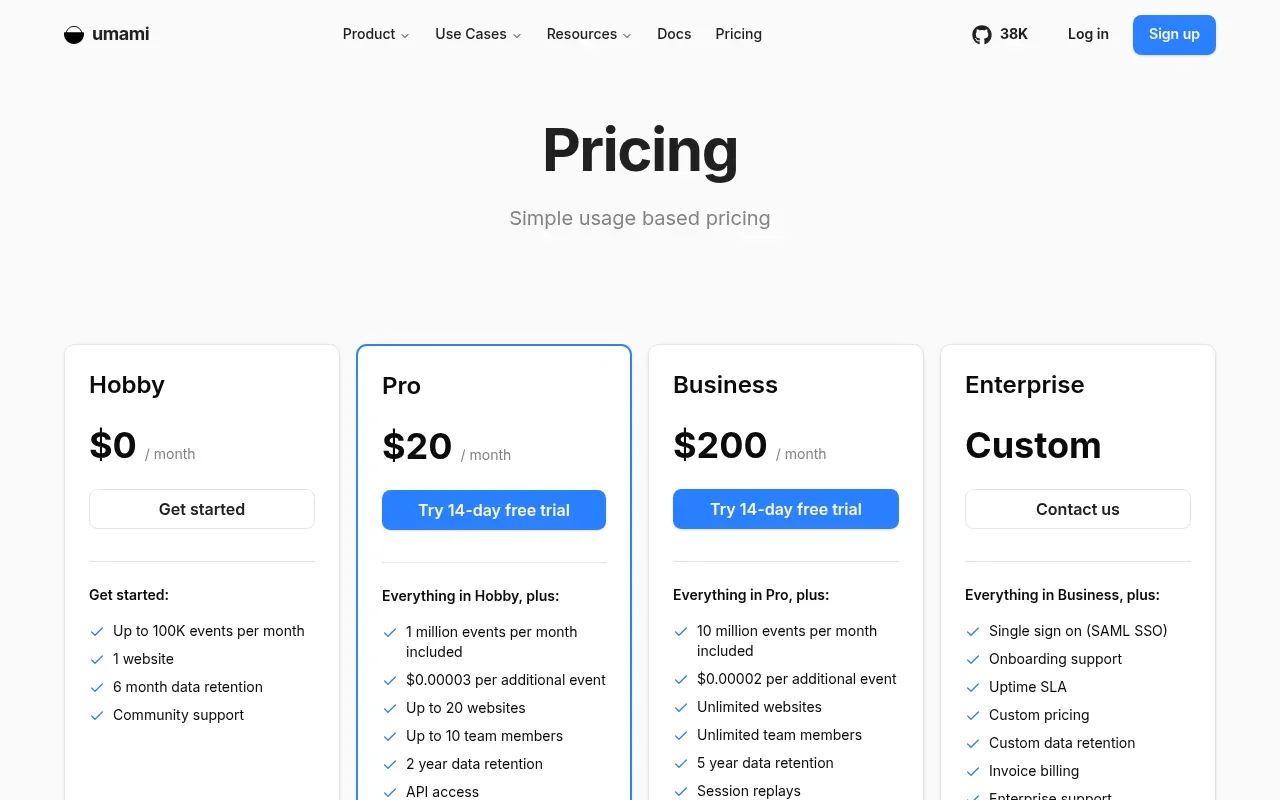
For a hosted option, Umami's Hobby plan is free for one website. According to Umami's published pricing, it includes up to 100,000 events per month and six months of data retention.
That event limit requires careful calculation, as an event in Umami is not a unique visitor. Every pageview counts against the allowance alongside custom events and saved event properties. Tracking outbound link clicks, newsletter form submissions, and video plays means a single visitor browsing multiple pages might generate ten or more events. A site receiving 15,000 visitors a month could easily exhaust a 100,000-event quota if the owner implements heavy custom tracking.
Umami restricts its behavioral analysis features to paid plans. Heatmaps and session replays are excluded from the free hosted tier, making it strictly a quantitative traffic tool. The company also offers the software as a free self-hosted package, which lifts the artificial event caps but transfers the database hosting and maintenance costs to the user. The hosted Hobby plan works best for low-traffic projects that only need to measure pageviews and referral sources. By comparison, Swetrix Community Edition includes core funnel analysis and supports session replays when private S3-compatible storage is configured, though your team takes on the infrastructure and maintenance.
3. Microsoft Clarity
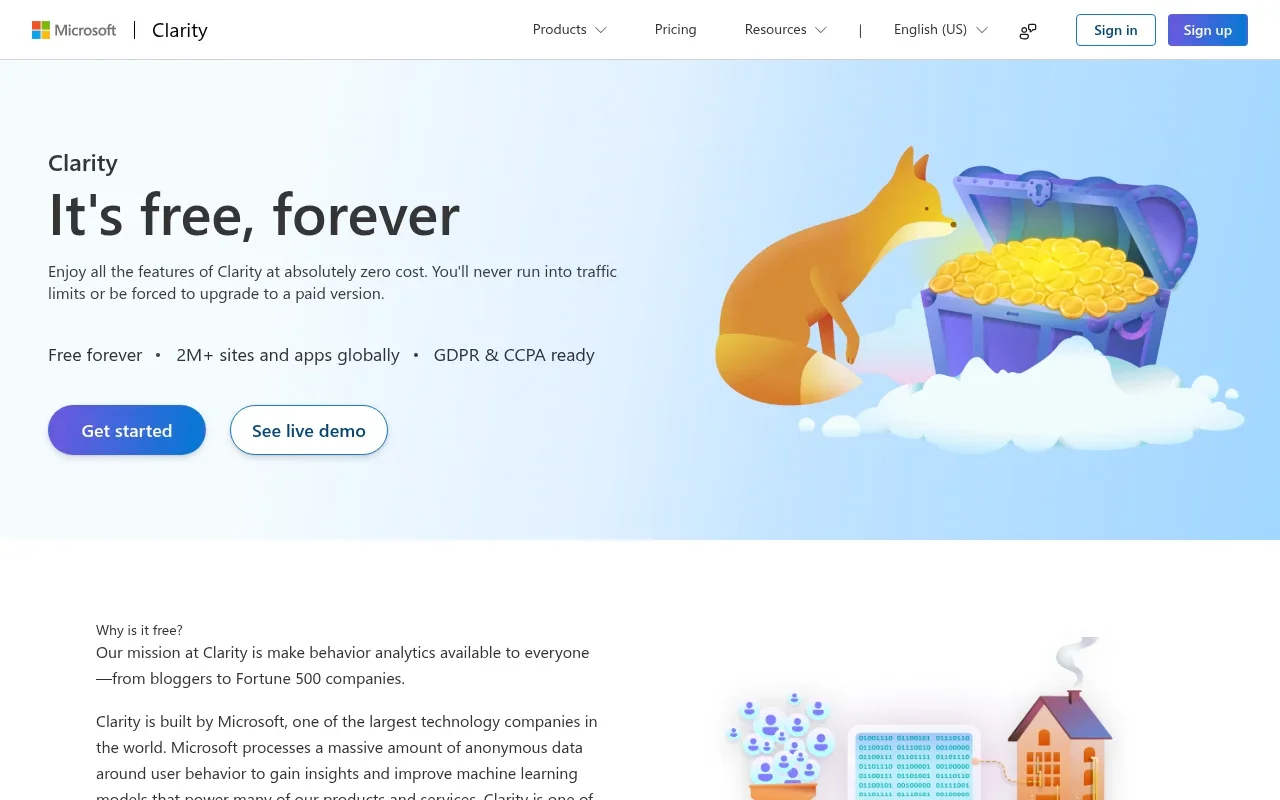
Microsoft Clarity focuses entirely on qualitative behavioral analysis rather than traditional traffic metrics. It offers session recordings, heatmaps, and scroll depth tracking without imposing traffic limits or charging subscription fees. You can install it on unlimited websites and invite unlimited team members to view the data.
Clarity is a free user behavior analytics tool with session replays and heatmaps, according to Clarity's pricing page. Teams evaluating it should also assess how its data practices fit their internal privacy policies and client agreements.
Clarity also lacks the deep acquisition reporting found in dedicated analytics platforms, meaning it does not replace a tool designed to parse UTM parameters, track campaign performance, and analyze marketing channels. Most teams deploy Clarity alongside a primary traffic counting tool. This pairing uses the behavioral software to see how users interact with a specific page, and the traditional analytics tool to understand how those users found the site. Teams looking for traffic and funnel analysis alongside replay support can also consider Swetrix Community Edition, which combines those capabilities when its required S3-compatible storage is configured.
4. PostHog
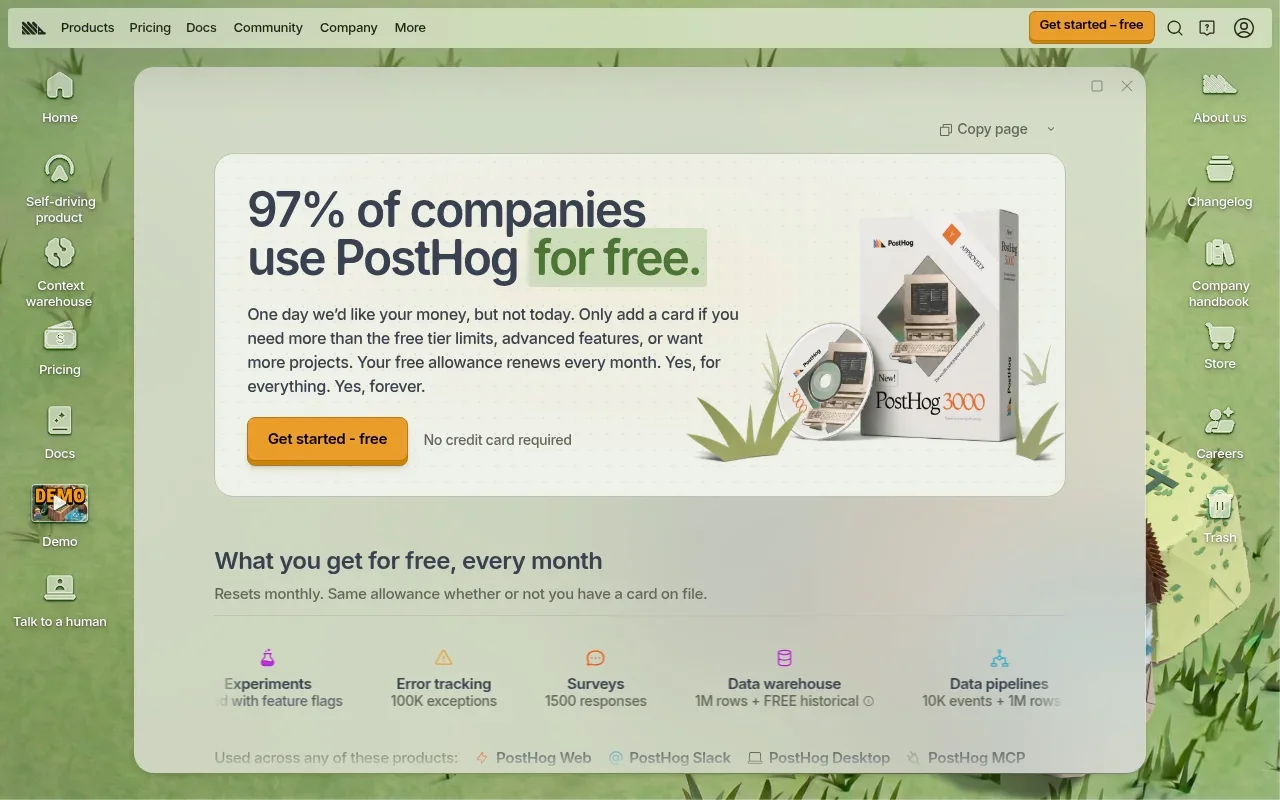
PostHog is an event-based product analytics platform built for software teams. It tracks user paths through complex applications and helps developers monitor feature usage. The free tier operates on a strict monthly allowance model.
For the broader pricing structure, PostHog's pricing page describes monthly free tiers across its products, followed by usage-based pricing.
The mechanics of this cap define how you use the platform. On the free tier, the system drops any usage beyond the monthly allowance. If a viral marketing campaign pushes your app past 1 million events on the twentieth of the month, the dashboard stops recording new actions until the first of the next month. PostHog offers a pay-as-you-go billing route that prevents this data loss by charging for excess volume. Remaining strictly on the free plan requires accepting the risk of dropped data during traffic spikes, a setup that suits engineering teams capable of accurately forecasting their event volume. For teams that prefer to avoid a hosted monthly event quota, Swetrix Community Edition has no monthly event cap, though the self-hosted system still depends on available hardware and ongoing maintenance.
5. Matomo On-Premise
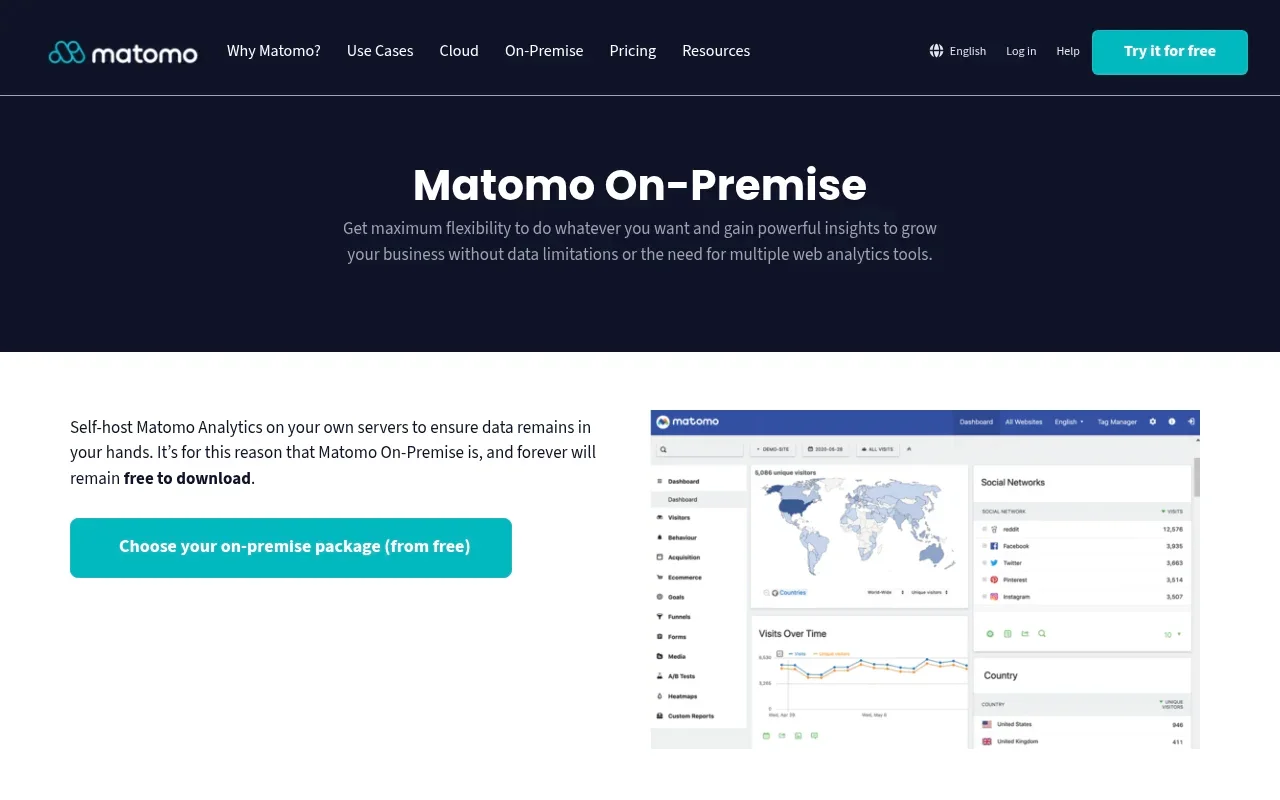
For self-hosting, Matomo Core, the on-premise version, is free to download and use on your own server, and it requires a web server with PHP and a MySQL or MariaDB database, according to Matomo's official documentation.
Administrators control the data retention schedules and user access, completely isolating the analytics environment from third-party advertising networks. The trade-off is the significant technical overhead required to secure and maintain a complex PHP application handling high-frequency database writes.
Matomo monetizes the self-hosted version through premium plugins. The free core software covers standard traffic reporting, referrers, and basic goal tracking, while advanced product analytics capabilities like heatmaps, session recordings, and multi-step conversion funnels require paid yearly subscriptions. Teams choosing Matomo On-Premise gain excellent infrastructure control, but they need to budget for premium extensions if their analysis requires behavioral tools. Swetrix Community Edition is another self-hosted option for teams that need core funnel analysis and session replays, with the replay feature requiring S3-compatible storage and both options placing infrastructure maintenance on your team.
Choose by Use Case and Count the Real Cost

Selecting the right platform depends entirely on what you intend to measure. If you run a small personal blog and only need to count daily visitors, a capped hosted plan provides a functional dashboard without the burden of server maintenance. Conversely, if your primary goal is understanding why users abandon a checkout form, installing Microsoft Clarity gives you immediate access to heatmaps and recordings. For teams that also need traffic sources, custom events, and conversion funnels, Swetrix Community Edition combines those measures with session replays when S3-compatible storage is configured, though it requires your team to maintain the infrastructure.
Product teams building web applications often need distinct events, feature flags, and user identification. A capped allowance model fits this requirement well, provided the application's user base remains small enough to avoid dropped data. Organizations refusing to share user data with third parties turn toward self-hosted software instead. Setting up your own analytics environment ensures absolute data ownership, though it replaces subscription fees with hardware costs and engineering time. Swetrix Community Edition fits teams considering this route, with the added option of Swetrix Cloud for organizations that prefer a managed service and need its commercial features.
Many teams evaluate these tools as a Google Analytics alternative when migrating away from Universal Analytics. Google Analytics 4 remains a dominant standard for website and app measurement. Google operates a Standard GA4 property separately from the enterprise Analytics 360 tier, though deploying GA4 involves navigating a complex event-based interface and its association with Google's broader advertising ecosystem. For teams making that move, Swetrix offers a privacy-focused, cookieless alternative that can keep essential growth measures in view, including funnels, session replays, and technical SEO data, with the available features depending on the chosen plan and setup.
Configuring Swetrix allows you to connect it directly to your search data. The platform integrates with Google Search Console to pull clicks, impressions, average position, and query data directly into your analytics environment. This bridges the gap between technical search visibility and on-site behavior, showing which search terms drive actual engagement. Paired with funnel analysis and session replays, this gives teams a way to connect technical SEO insights to what visitors do after they arrive.
Agencies managing multiple client websites face different pricing pressures. A hosted allowance that caps a single project rarely covers an entire agency portfolio. Using a centralized cloud platform means calculating the combined event volume across all client domains to accurately estimate your tier. If you plan to provide client reporting directly inside your own application, look for tools that support iframe embedding. Generating a secure iframe places a traffic dashboard within your admin panel, though this offers a visible reporting window rather than complete tenant isolation or structural white-labeling. Swetrix can suit agencies comparing managed and self-hosted approaches, but they should confirm that the available embedding and access controls match their reporting requirements.
Questions to Settle Before You Choose
Before committing your engineering resources or risking your historical data, answering a few technical and financial questions helps clarify the long-term viability of an analytics platform.
Is Swetrix Free?
Swetrix Cloud does not offer a free tier. The managed service provides a 14-day trial, and continuing to track data after that trial expires requires a valid payment method. In contrast, Swetrix Community Edition is entirely free to download, modify, and run. This self-hosted software includes the core traffic, custom event, and funnel features, provided you supply the hardware to host it.
What Does Free Self-Hosting Cost?
Self-hosted analytics software eliminates software licensing fees, but you still pay for the underlying infrastructure. A basic deployment requires a virtual private server and a managed database. As your traffic grows, the system will need load balancers, larger database instances, and dedicated storage for automated backups. Organizations also need to account for the engineering hours spent monitoring system health, applying security updates, and troubleshooting database performance. These costs apply to self-hosted options such as Swetrix Community Edition, so weigh them against your team's available time and infrastructure budget.
Which Free Plans Include Replays or Funnels?
Swetrix Community Edition allows unlimited session replays and core conversion funnels, provided you configure and pay for the necessary S3-compatible storage buckets. Microsoft Clarity provides unrestricted session recordings and heatmaps, while PostHog includes a strict monthly allowance of 5,000 recordings on its free tier. Hosted tier options from other providers usually restrict heatmaps and recordings entirely to their paid plans. This makes Swetrix a strong self-hosted option for teams that need both replay and funnel analysis and are prepared to manage the storage setup.
Does Cookieless Mean No Consent Banner?
Cookieless tracking mechanisms do not automatically exempt a website from privacy regulations. Platforms that avoid storing persistent identifiers on a visitor's device remove one of the primary triggers for a consent banner. This technical approach simplifies compliance, but it does not guarantee it.
The European Commission notes that any de-identified or pseudonymized information capable of re-identifying a person remains personal data under the General Data Protection Regulation. So review what your tracking setup records and which data-protection rules apply before removing a consent banner.
Can I Embed a Dashboard for Customers?
Providing analytics directly to your users requires specific embedding features. A platform that supports secure iframe generation allows the insertion of a themed, interactive dashboard into your existing customer portal. Administrators can restrict access using password protection and customize which tabs the viewer sees. This embedding capability displays the reporting interface effectively, but it operates differently from a full white-label integration. An iframe does not completely mask the underlying analytics provider or separate the database architecture at the tenant level. Agencies considering Swetrix for client reporting should check whether its available embedding options meet their requirements, since an iframe alone does not provide full white-labeling or tenant isolation.
If your team is ready to move beyond basic traffic limits and take ownership of behavioral data, Swetrix provides the necessary tools. Our open-source platform tracks campaigns, custom events, and technical performance without relying on intrusive tracking cookies. Download the Community Edition to host your own analytics infrastructure, or start a trial of our managed cloud service at Swetrix to access advanced AI insights and A/B testing today.