- Date
How to Track Single Page Application Pageviews in 2026
 Andrii Romasiun
A user lands on your React application from a paid search campaign. They navigate through four different product categories, open three item details, add an item to their cart, and then leave. Checking your default analytics dashboard the next morning, you see that session shows one pageview and a 100% bounce rate. Because the platform recorded the initial landing but missed every subsequent action, it filed the visit as an immediate failure.
Default analytics scripts listen for a full server response to log a visit, but single page applications load only once. After that initial HTML document arrives, client-side routing takes over. The framework rewrites the browser URL and updates the interface dynamically without requesting a new page from the server, which breaks standard tracking templates. You can track single page application pageviews accurately without reverting to fragile DOM scraping. Tools like Swetrix handle client-side routing natively, capturing the user journey while replacing invasive cookie banners with privacy-first data collection.
Why Client-Side Routing Breaks Default Analytics Tracking
Single Page Applications define modern React development. Most new React projects rely on SPA architecture, though this adoption rate fluctuates across different company sizes and industries. While React alone powers over 11 million active websites globally, standard reporting platforms treat those applications like collections of static documents.
When a visitor enters a traditional website, their browser requests a new HTML file for every click, allowing legacy trackers to piggyback on that request. They wait for the document window to load, fire a payload to an external server, and record the view. In an SPA, the browser downloads a JavaScript bundle on the first visit. When the user navigates to a new section, the JavaScript unmounts the current component and mounts the next one while updating the URL in the address bar. Because the hosting server never sees the request, traditional tracking fails.
Since standard tracking scripts rely on that server reload, they go silent after the first click. Your dashboard records the entry event and stops listening, meaning a visitor could spend thirty minutes interacting with a SaaS dashboard, filtering data tables, or finishing a multi-step checkout while the system logs them as an immediate bounce.
Fixing this requires a tracking architecture that understands client-side state changes. You might cut budgets from profitable campaigns because the analytics setup drops the attribution referrer during the first client-side route change. Similarly, B2B SaaS platforms report user drop-offs that do not exist. To make accurate product decisions, you must deploy a tracking layer built for asynchronous rendering.

Detecting Transitions with Chrome's Soft Navigations API
Browser developers recognize that relying on router guesswork causes inaccurate performance and analytics data. Because Cumulative Layout Shift and page load times diverge between lab tests and real users, traditional lab metrics fail on asynchronous API calls and delayed hydration.
Google Chrome addresses this discrepancy with the Soft Navigations API. Moving through final origin trials in early 2026 across versions 147 to 149, this API standardizes how browsers report client-side transitions. The browser emits a standardized signal when a user transitions between logical views, eliminating the need to write fragile custom listeners that watch the document object model or intercept internal router functions.
The API establishes strict criteria for a soft navigation. The browser requires a user gesture, a URL modification, and a subsequent DOM update to group these actions into a single detectable event. This implementation allows modern tracking SDKs to natively detect these page-like transitions without reverse-engineering how Next.js or Nuxt handles a route change.
Check your analytics vendor's technical documentation to see if they support Soft Navigations natively. Platforms adapting to this standard capture SPA views, pushing data accurately alongside Core Web Vitals. Older tools remain dependent on manual configuration and constant maintenance, so if your current tool relies solely on traditional load events, you must switch to an alternative that captures browser-level signals.
Configuring Google Tag Manager for History Changes
Organizations relying on Google Tag Manager to handle tracking logic face manual configuration steps. Forcing a tag manager to understand an SPA requires tapping into the browser's History API. You must configure specific listeners for pushState and replaceState events to catch URL changes that do not trigger a network request.
Open your GTM container, create a new trigger, and select "History Change" from the configuration menu. This forces the tag manager to fire a tracking tag every time the application's router updates the browser URL.
Relying on history changes introduces a race condition. SPA frameworks frequently update the URL in the address bar milliseconds before the title tag updates in the DOM. If your tracking script fires upon the history change, it grabs the document title of the previous page, creating a dashboard that shows users visiting the checkout URL while logging the page title as the home page.
| Metric | Traditional Server Load | SPA History Transition |
|---|---|---|
| Analytics Trigger | Window onload event | pushState or replaceState |
| Document Title | Updates synchronously | Lags behind URL change |
| Network Request | Fetches new HTML document | Fetches JSON or API data |
| Tracking Accuracy | High out of the box | Requires manual URL extraction |
You must extract the URL manually to create a fallback identifier.
- Open the GTM variables tab and create a Custom JavaScript variable.
- Write a brief script to return the current window location pathname.
- Map this custom variable to the page path field in your analytics tag configuration.
- Set the page title field to pull from a custom dataLayer push rather than the default document object.
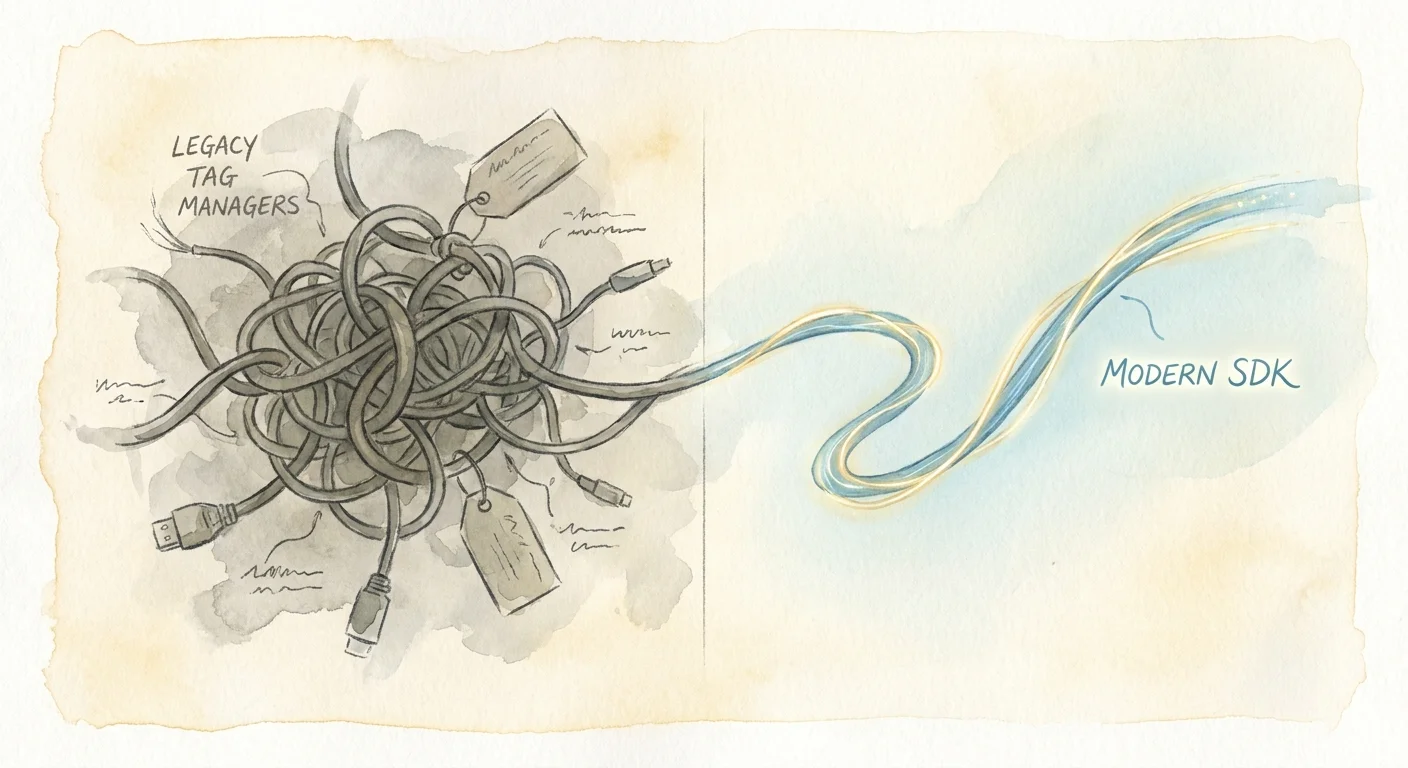
This setup ensures the analytics platform categorizes the visit under the correct route, even if the document title lags behind the transition. While functional, this method bloats your application with third-party scripts and requires constant developer intervention whenever you launch a new campaign or change the routing structure.
Integrating Native Tracking with Lightweight Framework SDKs
Dumping a 50KB tracking script into an optimized React application ruins Lighthouse scores, though the exact penalty varies by device capabilities and network conditions. The JavaScript execution time blocks the main thread, delaying component hydration and degrading the user experience. To fix this, you integrate tracking alongside the application's routing logic using lightweight framework SDKs.
Developers prefer native tracking hooks that stay under 5KB. Swetrix provides dedicated SDKs for React, Next.js, Vue, Nuxt, and Svelte. You import the tracking hook into your root layout or component tree, bypassing external DOM listeners that guess when a user navigates.
In a Next.js application, you initialize the script in your root layout file to let the SDK hook into the framework's internal router events. When a user clicks a navigation component, the framework transitions the view, and the SDK fires a virtual pageview payload simultaneously.
This programmatic approach ensures tracking matches the moment the application state updates, eliminating the race conditions common with GTM triggers. By dropping a few lines of code into your repository and deploying the application, your analytics dashboard populates with accurate client-side navigation data. This bridges the gap between simple traffic counting and product analytics without sacrificing site speed or Core Web Vitals.
Carrying Marketing Attribution Through Client-Side Routes
Marketing campaigns lose attribution data when users land on a single page application because the initial referrer data sits on the first page load. When the user navigates via client-side hydration, traditional tracking scripts drop the source parameters.
If a Google Ads campaign brings a high-intent buyer to your landing page and they click a link to view the pricing component, they trigger a client-side route change. The analytics script fires a new pageview but forgets the UTM parameters from the initial entry, crediting the eventual conversion to a generic direct visit. As a result, you lose the ability to calculate the return on ad spend for your best channels.
Swetrix retains marketing attribution across the session natively. The tracking SDK passes the entry source forward through subsequent virtual pageviews without writing that data to persistent browser cookies. This allows agencies to offer product analytics to their clients and prove the performance of paid campaigns. You maintain accurate conversion funnels while adhering to privacy laws and bypassing intrusive cookie consent requirements. B2B platforms can securely embed these cookieless metrics into their own admin dashboards via white-labeling, granting end-users access to traffic data without third-party data leakage.
Eliminating Cookie Banners While Maintaining GDPR Compliance
European regulators enforce consent requirements for persistent tracking identifiers. Cumulative EU GDPR fines reached €5.65 billion by 2026, targeting systems that drop cookies or store local identifiers without explicit user permission. Tracking an SPA user across multiple client-side views requires linking those separate events together, but doing so with persistent browser cookies triggers mandatory consent banners that interrupt the user journey and lower conversion rates.
You can maintain visibility into user flow legally by replacing cookies with server-side hashing, a privacy requirement Swetrix handles out of the box.
When a request hits the tracking endpoint, the server combines the visitor's IP address and User-Agent string with a daily rotating cryptographic salt to create a unique, anonymized hash for that user on that day.
The system purges the salt at midnight, breaking the link between a user's activity today and their activity tomorrow. Preventing cross-site profiling and historical tracking keeps the platform compliant with GDPR, CCPA, and PECR regulations. No personal data sits on the user's device, and the hash cannot be reverse-engineered to identify a specific person. You track the SPA session and calculate daily visitor counts securely without disrupting the user experience with a cookie banner.
Firing Custom Events for Dynamic In-Page Elements
Virtual pageviews map only a portion of the user journey. SPAs rely on dynamic in-page elements like modals, slide-outs, accordion menus, and multi-step forms that update the interface without triggering a URL change. Auto-capture click tracking scripts fail in these dynamic environments.
Modern styling tools like Tailwind CSS or CSS Modules generate obfuscated, randomized class names during the build process. A signup button classed as standard in your development environment might compile to a random alphanumeric string in production. If your analytics tool relies on CSS selectors to track clicks, that data breaks on every new deployment.
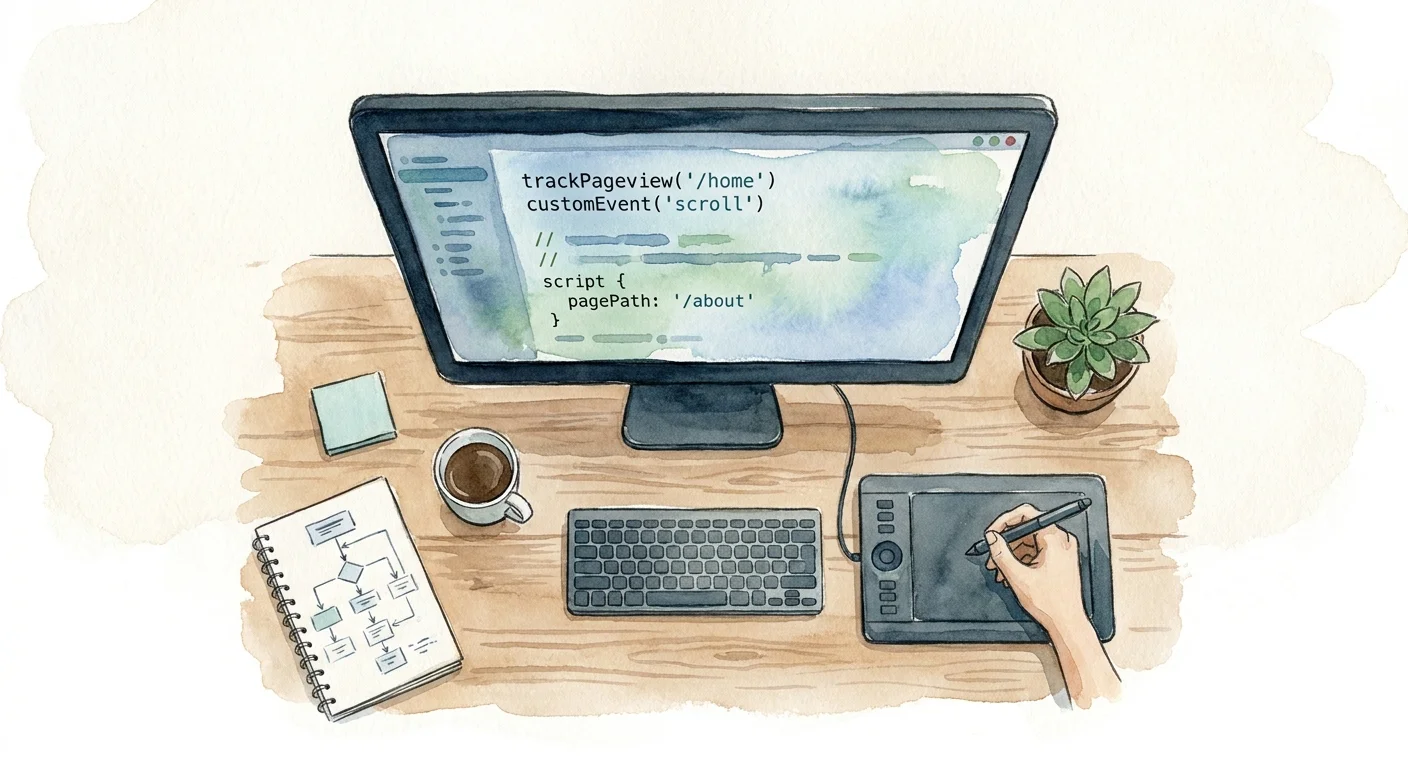
Tracking these interactions requires firing custom events programmatically from within your components by binding the tracking payload to the framework's native event handlers.
- Inside a React form submission function, execute the tracking method for that onboarding step.
- When a user toggles a pricing tier from monthly to annual, attach the tracking call to the click handler of the toggle switch.
- For dynamic sign-up modals, trigger the event when the component lifecycle mounts, capturing how users sign up without relying on fragile DOM scrapers.
To track when a specific component mounts, place the tracking call inside a useEffect hook with an empty dependency array. The event fires once when the component renders on the user's screen, and this explicit control prevents duplicate event firing during React re-renders.
To understand how visitors navigate these dynamic views, pair your custom events with anonymized visual data. A raw event confirms a user reached the checkout screen, but a visual record shows them repeatedly clicking a broken submit button because an asynchronous API call failed silently in the background. As an open source session replay tool, Swetrix integrates this behavioral context with your cookieless event data to turn fragmented click events into actionable product insights.
Stop losing visibility into your single page applications and ditch the heavy tag managers. Start capturing accurate client-side routing, custom events, and marketing attribution without cookie banners using Swetrix.