- Date
Outrank Alternatives: 4 Options and a Practical Switching Checklist
 Andrii Romasiun
If you are looking for an Outrank alternative, start with the part of your current workflow you want to improve. A different writing style, a smaller monthly allowance, more editorial control, or a different integration can justify a switch. The fact that another tool also promises automatic SEO does not.
RankPine is the best overall Outrank alternative for teams that want researched articles, built-in editing, images, and automatic publishing in one workflow. Also consider SEObot for a smaller entry plan, RankYak for another daily-publishing option, and Arvow for additional content and SEO agent workflows.
Outrank Alternatives at a Glance
| Product | Monthly price reference | Included articles | Reason to evaluate it |
|---|---|---|---|
| Outrank, as the baseline | $99 | 30 | Compare the workflow you already have |
| RankPine | $99 per site | 30 | Research, calendar, writing, and publishing together |
| SEObot | $49 entry plan | 9 | Start with a smaller monthly commitment |
| RankYak | $99 per site | 30 | Daily publishing with Search Console workflows |
| Arvow | Check the selected plan | Plan-dependent | Content workflows plus additional SEO agents |
These are USD monthly list prices where stated, excluding taxes and optional extras. Verify your billing interval and selected plan. Do not compare an annual-billing discount with a monthly subscription without showing the commitment.
First, Check What Outrank Already Includes
Outrank's official pricing page lists 30 articles per month, keyword research, AI images, unlimited users, publishing integrations, and backlink exchange access at $99/month. It also lists separate upgrades.
That matters because replacing a tool without checking its current capabilities can move the same problem into a new dashboard. Write down the missing requirement in concrete terms: “We need to review every article before publication,” “The examples are too generic,” or “Our CMS needs a webhook.” Then verify the requirement against the current product.
If your existing articles are good and the integration is reliable, first try correcting your instructions or publishing process. A migration has a cost too.
1. RankPine: Best Overall Outrank Alternative
RankPine takes a topic through research, drafting, editing, image creation, and publication. Its anti-slop checks remove repetitive wording and filler, while editorial passes improve the flow and verify claims against sources. You can inspect the keyword research workflow, review the calendar, and evaluate articles against your own brand and factual standards.
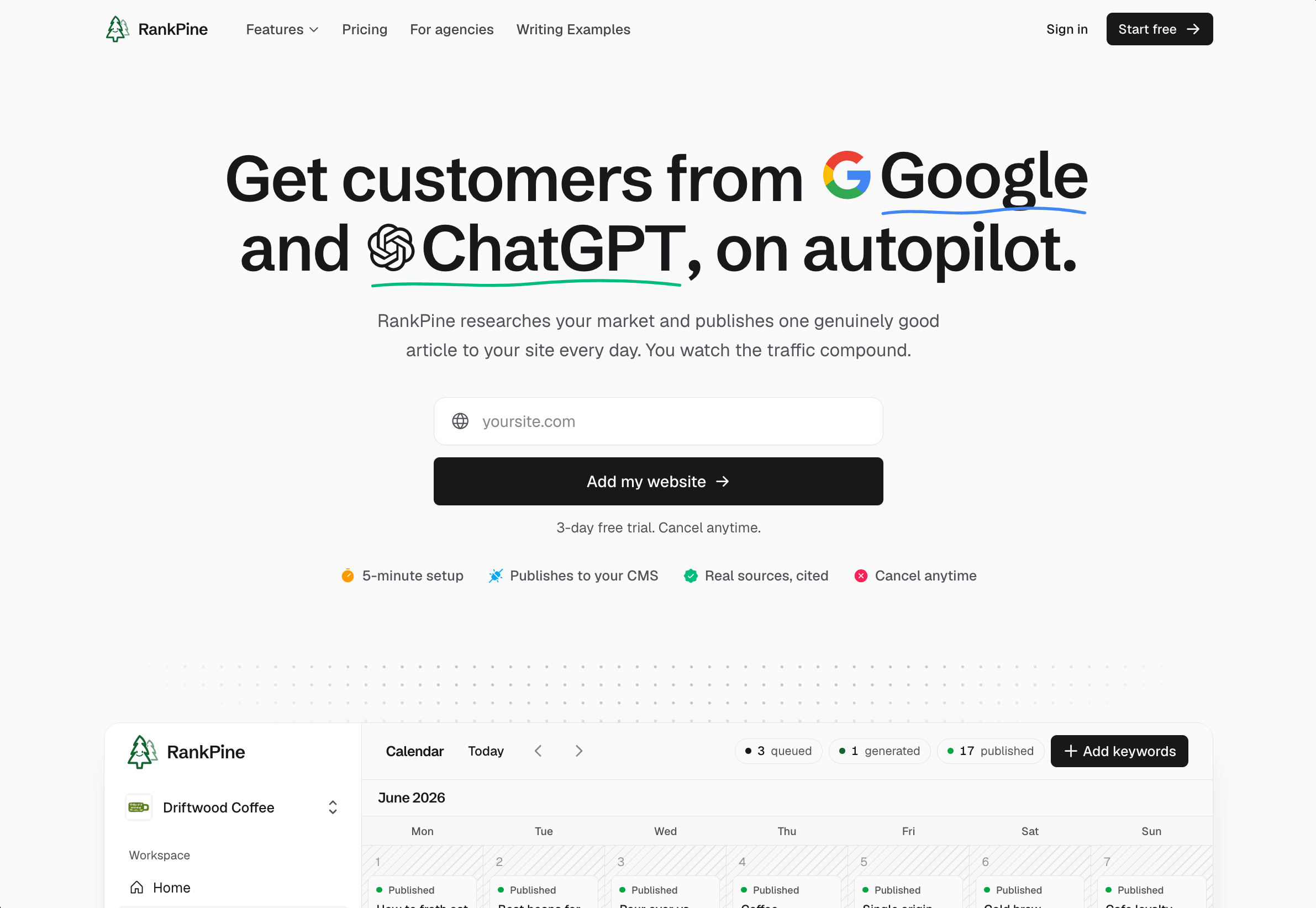
The writing plan costs $99/site/month for 30 articles. That matches Outrank's base article allowance. The reason to choose RankPine is how much of the work around the draft it handles: research, editing, images, and the final CMS handoff.
RankPine also has a separately billed AI visibility add-on. The $49/site/month add-on requires a paid writing subscription and is not included in the writing trial. If you do not need monitoring, leave it out of your cost comparison.
Get started: start a RankPine trial, inspect the suggested topics, and review one article before connecting an automatic publishing schedule. Use your own topic to see the writing, images, and publishing workflow together.
2. SEObot: A Smaller Starting Plan
SEObot's published subscription tiers start at $49/month for nine articles. Its $99 plan includes 20, and the $199 plan includes 50.
It is worth comparing if you do not need a daily article. The entry plan has a lower monthly bill, but a smaller allowance: $49 divided by nine is about $5.44 per included article before editing. That is useful budgeting arithmetic, not a quality score.
Ask whether the generated topics, review process, and publishing cadence fit the time you actually have to review content.
3. RankYak: Another Daily-Publishing Option
RankYak's current plan lists 30 articles at $99/site/month, with draft or live publishing and Search Console-related workflows. Site Guard is advertised as an additional offering.
This makes it a relevant alternative when you want to compare recurring production and existing-page work. Be specific about what the base plan covers and what requires an add-on. During a trial, test changing a topic and reviewing the article before it goes live.
4. Arvow: Broader Content and SEO Agent Workflows
Arvow advertises article writing, autoblogging, on-page SEO agents, and AI visibility tracking. Shortlist it if those additional jobs are part of the reason you are switching.
A broader platform needs a more specific evaluation. Pick one workflow you intend to use, confirm its plan allowance, and follow it through to a usable result. Do not pay for a bundle because its feature list is longer than another vendor's.
Use the Same Article Brief for Every Trial
A generic homepage example tells you little about your niche. Use one brief that includes:
- Your intended reader and the decision they are trying to make.
- A real question that is not already answered by one of your pages.
- Two or three reliable sources or first-hand facts.
- Product claims the writer must get right, including limitations.
- The relevant product or documentation page to link to.
Record the minutes required to verify facts, fix wording, replace weak examples, and publish. Review the article on mobile as well as in the editor. Check that the sources support the sentences attached to them.
One trial article is enough to reveal an integration problem or a mismatch in style. It is not enough to establish which product produces better long-term rankings.
Keep Backlink Features Out of the Writing-Quality Score
RankPine, Outrank, RankYak, and Arvow advertise backlink features. Examine participation rules and editorial control separately. Google evaluates manipulative linking practices regardless of which tool supplied the link; see its link spam policy.
A comparison should not exempt its author's own product from that scrutiny. If you only need articles, confirm that you can use the content workflow with the linking settings you want.
A Switching Checklist That Preserves Your Existing Work
- Export the current topic list and content you need to retain.
- Record published URLs, titles, canonical URLs, and existing redirects.
- Keep useful published articles at their current URLs. Changing the writer is not a reason to change the address.
- Pause the old schedule before enabling a new one, so both tools do not publish overlapping topics.
- Test one new draft through the destination CMS. Inspect formatting, images, links, metadata, and author.
- Check that only the intended article goes live and that the new schedule behaves as expected.
- Compare editing time and usable output over the first month, then review search and conversion data over a longer period.
Do not re-create the whole archive to make every post come from the new provider. Improve existing pages when there is a specific reason to do so.
Judge the Switch by Useful Output and Customers
Track three separate things: accepted articles, qualified visits, and customer actions. Search Console helps with Google visibility; Swetrix helps examine landing-page traffic and conversions. Our SEO ROI guide includes a worked cost example.
If the real issue is that your content targets people who will never buy, switching generators will not fix it. Revisit topic selection before increasing output.
For a hands-on comparison, try RankPine with a topic from your own site. Keep the brief consistent and judge the draft, editing time, and publishing workflow for yourself.