- Date
How Website Analytics Estimates Visitor Location
 Andrii Romasiun
Website analytics estimates a visitor's location by mapping the source IP address of a network request to a database of geographic assignments. The result may describe the country, region, or city associated with the network routing the traffic, but it does not read GPS coordinates or verify where a person is physically sitting. A dashboard's location report therefore describes a network estimate, not a user's exact physical position.
When a browser requests a page, the server can observe the source IP address of the network connection and return the requested files. IP-based analytics services compare that address with geographic lookup data and record an estimated place. Swetrix uses this estimate in its geographic reports, helping you compare regional performance without using GPS to locate visitors.
How Analytics Platforms Determine Geography
An IP address identifies a network connection or interface, not a person's precise physical location. A public address may be assigned to a router or shared by many users behind a cellular carrier or corporate gateway. Geolocation services maintain databases that associate IP ranges with approximate locations, which is why a lookup can return a country, region, or city without pinpointing the person using the connection.
When an analytics request reaches a service, the server checks the source IP against one of these databases. The match reflects the provider's estimate for that network address, not necessarily the visitor's current location. Since IP allocations and network routes can change, providers refresh their databases on different schedules, so reported locations may shift over time.
This lookup requires no action from the visitor because the server receives the source IP as part of the network connection. For Swetrix, its data policy says the IP is processed transiently for location lookup and temporary session calculation, while raw IP addresses are not stored in the database or logs. The platform records geographic fields such as country, region, and city, so the report can support aggregated analysis without keeping the network address as a persistent identifier.

Reading Your Geographic Dashboard
A standard geographic analytics dashboard breaks traffic down into country codes, country names, regions, and cities. These dimensions allow you to group visitors by increasingly narrow geographic boundaries. A global map visualization typically accompanies these tables, shading regions based on session volume to reveal broad distribution patterns at a glance.
The `Accept-Language` request header indicates a client's preferred languages, and browsers typically set its values according to their active interface language, while users can configure additional preferences in browser settings.
The browser's Geolocation API asks the user for permission to access device location. If permission is granted, the browser uses the best available functionality on the device, such as GPS, to retrieve location data. By contrast, MaxMind's GeoIP products estimate location from IP addresses, and the company says its GeoIP geolocation data is never precise enough to identify or locate a specific household, individual, or street address.
The Accuracy Limits of IP-Based Geography
Geographic accuracy varies by level of detail, provider, and connection type. MaxMind's reported figures estimate 99.8% country-level accuracy for its GeoIP products and around 80% state or region accuracy for U.S. IPs. These are provider-specific estimates, not universal benchmarks, and they show why country-level trends are more dependable than city-level detail.
City-level data is less dependable because some IP addresses used in mobile networks can serve phones across a large area. For its U.S. data, MaxMind estimates 66% accuracy for city-level results within a 50-kilometer radius. This provider-specific figure highlights the limits of IP geolocation, so treat city-level reports as estimates, especially when analyzing small audiences.
Accuracy also varies by country, IP type, and ISP practices. MaxMind notes that mobile networks and VPNs can place users far from the location associated with an IP address, and different providers may return different results for the same IP. If a provider supplies an accuracy radius or confidence score, use it to judge how much weight to give a city-level result.
Google says that Google Analytics 4 uses IP addresses at collection time to determine location information and discards them before the data is logged, so the address is used for that location determination even though it is not retained in the logged data.

Why Visitors Appear in Unexpected Places
Because geographic reports describe network routing rather than physical presence, several common technologies can cause visitors to appear in unexpected places.
A virtual private network (VPN) or proxy server intentionally masks a user's origin. If a visitor in London connects to a VPN node in New York before navigating to your website, analytics will report the network address of the New York node. The platform describes the network making the final request, not the visitor's physical location.
Mobile carrier networks introduce another layer of indirection. Carriers may use Carrier Grade NAT (CGNAT) to let multiple subscribers share a public IPv4 address. When phone traffic exits through a gateway in a different city, the dashboard may show that gateway's location rather than the phone's. Corporate networks work similarly, routing traffic from branch offices through a central gateway. An employee working in Texas might therefore appear in reports as visiting from a server in Illinois.
Incorrect server-side setup can also cause geographic misattribution. When tracking events server-side, the backend receives the visitor's request and forwards an event to analytics. If it omits the visitor's IP, the platform sees the backend's IP address and may attribute the event to the server or CDN location. Configure your trusted backend or proxy to set the visitor's actual IP in the X-Forwarded-For header and pass it to the Swetrix Events API, which uses that value for geolocation when events are sent from a server or proxy.
Pairing Geographic Data with Conversion Metrics
Geography operates best as a segmentation layer rather than a standalone performance metric. Knowing that a thousand visitors arrived from a specific country provides little value unless you connect that origin to landing pages, referrers, campaigns, and conversion goals.
When evaluating regional traffic, you can pair geographic data with specific blog posts and newsletter signups. If a site receives a sudden influx of traffic from Germany, check which pages those visitors land on and whether they engage with the content. High traffic volume with a zero percent conversion rate suggests the visitors found the site through a misaligned search query or need localized language support. You can test translating high-traffic pages and monitor whether the signup rate improves among that regional segment.
You can also use location metrics to diagnose failing marketing campaigns. When a paid campaign drives traffic from a target region but fails to generate leads, investigate potential friction points. The issue might involve shipping restrictions, incompatible currency options, or localized page performance problems. By isolating campaign UTMs and filtering results by region, you can narrow down where the user journey may be breaking. Using a tool like a percentage calculator allows you to quantify the conversion drop-off between two regional segments. This provides concrete data to support a change in strategy before you shift the ad budget away from a region entirely.
If you integrate analytics into your own application, geographic data adds clear value to customer-facing dashboards. The Swetrix Statistics API allows you to retrieve filtered geographic data programmatically and break down goal completions by country. Its Statistics API reference notes that a newer v2 API is available, with human-readable dimensions, server-side pagination, and a consistent response format. Check the documentation for current endpoints and query options before implementing an integration.
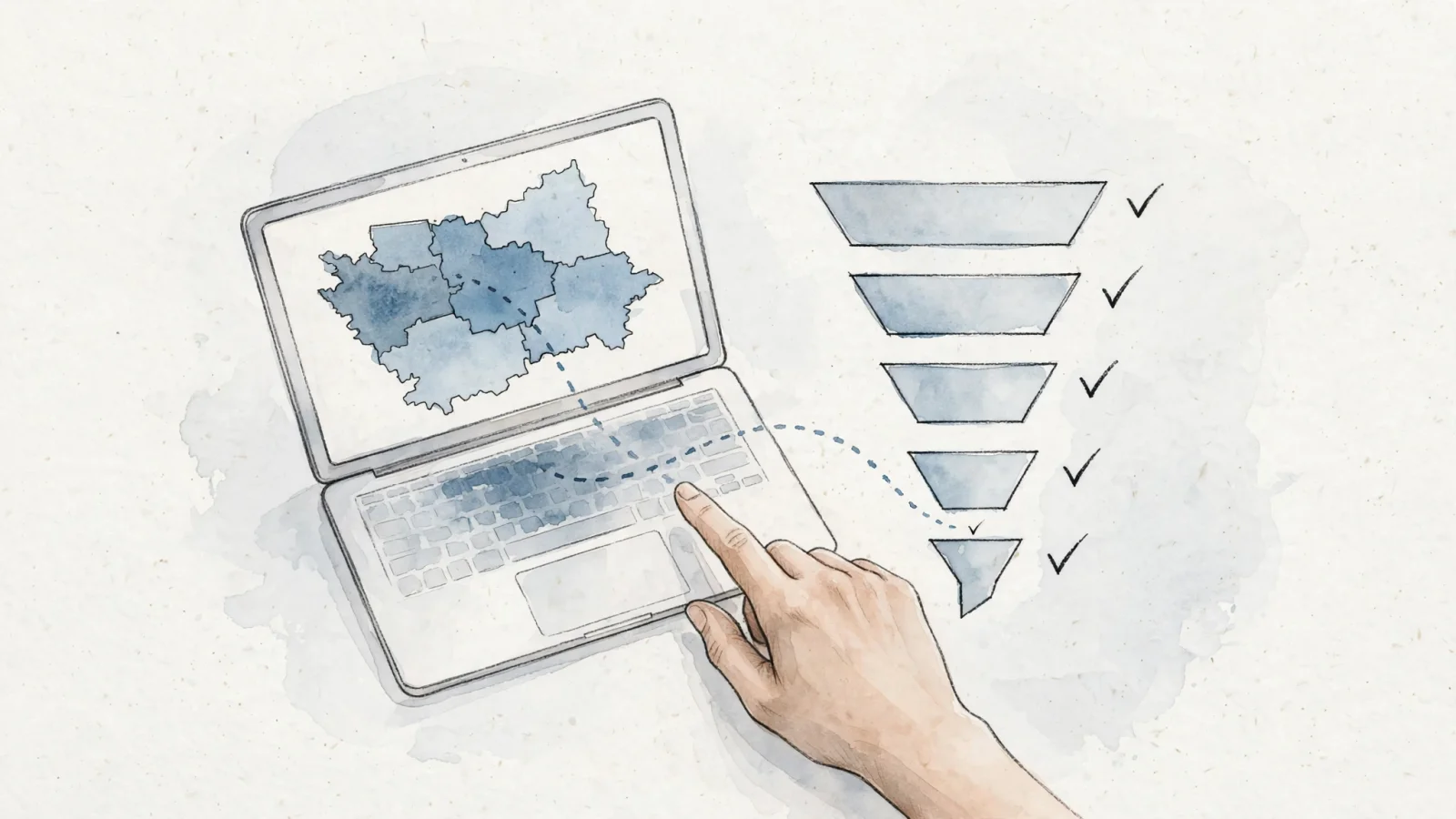
Combining geographic reporting with behavioral tracking can make transitioning to a Google Analytics alternative a practical upgrade. The Swetrix traffic dashboard combines country and region filters with custom event tracking and conversion funnels, and offers optional session replays. If you suspect a regional audience is abandoning a checkout form due to formatting issues, compare regional conversion data with session replays, when enabled, to see how visitors interact with the page fields. Testing localized landing pages with an A/B test can help you determine whether a change improves conversions, while an A/B test calculator can help you assess the results.
Keeping Geographic Tracking Privacy-Compliant
Under UK data-protection guidance, creating anonymous statistics from personal data still counts as processing and requires a lawful basis and a defined purpose, according to the Information Commissioner's Office guidance on anonymisation. Because anonymisation is itself a processing operation, those requirements apply even when the resulting information is anonymous.
Swetrix's Data Policy says its standard analytics approximates country, region, and city from an IP address but does not store raw IP addresses in its database or logs. The platform stores geographic fields for aggregated reporting. That reduces retained connection data, but the other fields and events you send still matter. Swetrix also says its standard analytics does not use cookies or other client-side identifiers and does not track users across websites, but those product details do not replace checking the notice and consent requirements that apply to your site.
You remain responsible for the data you send to your analytics provider. While Swetrix says it does not store raw IP addresses, make sure you do not inadvertently leak personally identifiable information through other channels. Never include email addresses, account names, or phone numbers in page URLs, custom event payloads, or metadata fields. A privacy-focused tool can help limit retained identifiers, but compliance still depends on careful implementation throughout your stack.
Stop trading away user privacy to see where your traffic comes from. Swetrix gives you the geographic segments, conversion funnels, and custom event tracking you need to grow your business, all without storing raw IP addresses or relying on invasive cookies. Own your data and respect your visitors by starting your free trial at Swetrix.com.