- Date
CSP Analyzer: Check and Fix Your Policy
 Andrii Romasiun
A Content Security Policy defines which scripts, styles, images, and connections a browser may load on your website. This mechanism can prevent unauthorized code from executing and reduce the risk of cross-site scripting attacks, but a careless deployment can break analytics, block payment forms, and leave your site functionally broken. Inspecting the response header, interpreting warnings, and testing changes safely requires specialized tooling. A csp analyzer moves beyond a simple pass or fail result by evaluating the live policy against known bypasses and interpreting weak source expressions. Separate monitoring features can help track violation reports over time. You can run your site through the free Csp Checker from Swetrix to inspect the live header and generate a working starter policy immediately.
What Is a CSP Analyzer?
Checking a URL for the presence of a security header serves as a basic starting point, but a proper evaluation tool combines several distinct functions to give you a broader picture of your browser security.
From a Live Header Scan to Policy Evaluation
A live scanner fetches a public URL and reads the exact string returned by the server, confirming your host or CDN delivers the intended rules. Once the text is retrieved, a policy parser breaks the long, semicolon-separated list into distinct directives and source expressions. Parsing separates the rules applying to JavaScript from those covering fonts or frames.
An evaluator then checks the parsed rules against known risk patterns to flag overly broad allowlists, identify deprecated directives, and highlight expressions that weaken overall protection.
Checker, Evaluator, Generator, or Report Monitor?
Different tools focus on distinct parts of the deployment lifecycle. A checker confirms header existence and identifies syntax errors, while a generator builds a new policy from scratch based on checkboxes and domain inputs. If you need to track breakages across thousands of daily sessions, a report monitor ingests the JSON payloads sent by user browsers when a rule is violated.
What It Can and Cannot Tell You
No analysis tool can prove the absence of cross-site scripting vulnerabilities in your application. Content Security Policy operates as defense in depth, restricting what an attacker can do if they successfully inject code into your page.
CSP Evaluator helps assess whether a Content Security Policy mitigates cross-site scripting and helps identify bypasses, but its results are not a guarantee of application security. As Google's CSP Evaluator documentation warns, its built-in list of known bypasses remains incomplete.

What Should a CSP Analyzer Check?
While a superficial scan returns a green checkmark if any policy is found, a meaningful analysis examines how the server delivers the configuration and how it behaves across different areas of your application.
Inspect the Actual Response
Security rules reach the browser either through an HTTP response header or a standard HTML meta tag. The HTTP header is the preferred delivery mechanism because it supports the entire specification, whereas meta-delivered policies face strict limitations. They cannot initiate report-only mode or enforce directives controlling framing, sandboxing, and reporting endpoints.
Following redirects helps maintain accurate evaluations. Scanning a naked domain might return a strict policy, while the final resolved address returns nothing. If you suspect your host is stripping or modifying headers, running your URL through an Http Headers Checker confirms exactly what the server sends over the wire.
Parse Directives, Fallbacks, and Source Expressions
Your evaluation tool needs to understand how directives cascade. If you omit specific instructions for images, the browser falls back to the rules defined in your default source list.
A strong analysis flags wildcards, broad protocol sources like HTTPS, and the usage of data URIs in script contexts. It identifies missing connection rules, which otherwise cause analytics requests to fail silently after the primary tracking script loads.
Check Runtime Behavior Across Routes
Scanning your homepage rarely represents the entire application, as marketing pages often require different permissions than authenticated dashboards or checkout flows. A B2B web application might need extensive WebSocket permissions, whereas a static blog only needs to allow basic font and image delivery.
Pairing external scanning tools with browser DevTools inspection provides better coverage. Checking the Console and Network panels while navigating through regular site workflows reveals the dynamic scripts and third-party widgets that a static homepage scan misses.
The CSP Directives That Matter in Practice
Directives form the vocabulary of your security rules. Understanding how the browser interprets these commands helps you make narrow, deliberate changes rather than blindly deleting rules until a broken page works again.
| Directive | What It Controls | Common Implementation Risk |
|---|---|---|
default-src | The fallback for most fetch requests | Relying on it instead of specifying individual resource types |
script-src | Which JavaScript files may execute | Allowing entire third-party domains that host user-generated code |
connect-src | Where scripts can send network data | Forgetting to authorize analytics APIs after authorizing the script itself |
style-src | Allowed stylesheets and inline CSS | Breaking CMS themes that rely heavily on dynamically injected styles |
img-src | Permitted image hostnames | Blocking tracking pixels, remote avatars, or base64 data URIs |
font-src | Allowed typography sources | Forgetting the data scheme required by some webfont providers |
frame-src | Which iframes the page can load | Blocking embedded video players or customer support widgets |
frame-ancestors | Who may embed the current page | Leaving the page vulnerable to clickjacking attacks |
`default-src`, `script-src`, and `connect-src`
The default source directive acts as a safety net that catches fetch requests lacking a dedicated rule, though it neither overrides specific directives nor covers every edge case.
Script controls are the primary defense against malicious execution, dictating which JavaScript sources the browser trusts. This covers tag managers, analytics snippets, support widgets, and inline event handlers. Connection controls hold equal importance. A script may download successfully under your script rules but fail to send telemetry data if the destination API is blocked by your connection restrictions.
`style-src`, `img-src`, and `font-src`
Modern content management systems and theme builders routinely inject inline styles to handle dynamic layouts, so restricting styles completely often breaks visual rendering. Image controls secure your page against unexpected pixel tracking and malicious remote media. Font controls ensure typography loads securely, though many font providers require allowing data URIs to support fallback rendering.
Frames, Forms, Plugins, and Reporting
Framing requires two distinct mental models. One directive controls the frames your page loads to protect visitors from malicious embeds, while a completely separate directive controls who is allowed to embed your page to prevent clickjacking.
Form action rules restrict where user submissions can be sent, preventing an injected script from quietly changing a login form's destination to an attacker's server. Reporting rules instruct the browser where to send violation details, providing visibility into blocked resources across your user base.
How to Analyze a CSP Safely
Changing security boundaries on a live website carries risk. Following a systematic approach prevents you from trading functional breakage for a minor security score improvement.
1. Inventory Dependencies and Scan Production
Start by documenting everything your site needs to run, listing analytics providers, tag managers, form processors, video hosts, font libraries, and payment gateways. Third-party tools frequently enter the site via a CMS dashboard without altering the underlying codebase.
Scan the production URL next to identify whether the returned rules come from the server configuration, a CDN edge worker, or an HTML meta tag. Compare this resulting baseline against your dependency inventory.
2. Test Changes in Report-Only Mode
Avoid deploying strict new rules directly to enforcement. Use an iterative rollout utilizing report-only mode to observe violations before breaking production traffic.
The Content-Security-Policy-Report-Only header tells the browser to monitor resource loads against your new rules. If a font or script violates the policy, the browser still loads the resource but sends a JSON report to your specified reporting endpoint. This allows testing proposed restrictions on live traffic without causing a failed checkout or missing analytics event.
3. Review, Evaluate, and Enforce
Review the gathered violation reports to distinguish between unwanted third-party requests and legitimate dependencies that were excluded from the allowlist.
Update the proposed policy, evaluate it for weak patterns, and test again. Move the rules to the enforcing Content-Security-Policy header only after confirming forms submit correctly, embeds display properly, and measurement platforms receive their events.

Fix Common CSP Analyzer Warnings
Interpreting the output of an evaluation tool requires distinguishing between a critical vulnerability and a standard compatibility tradeoff.
`unsafe-inline` and `unsafe-eval`
Analyzers routinely flag inline permissions as high-risk. Allowing inline scripts defeats a major protection mechanism because the browser loses the ability to distinguish between a script you wrote and a script injected by an attacker. Moving code into external files or utilizing cryptographic nonces represents the safest remediation.
The evaluation warning also alerts you to string-to-code execution patterns, which permit functions that convert raw text strings into executable JavaScript. Identify the specific npm package or dependency requiring this behavior and evaluate modern alternatives before granting a blanket exception.
Wildcards, `https:`, and Broad Host Allowlists
Using an asterisk or a broad HTTPS protocol scheme can create broad bypass opportunities. A policy permitting all HTTPS traffic stops mixed-content errors but provides zero meaningful restriction on script origins.
Permitting an entire third-party domain can authorize scripts from that host, so broad allowlists can weaken a CSP. OWASP guidelines state that non-strict policies that are too granular or permissive are likely to lead to bypasses and present hash-based strict policies as an option.
Missing Directives and Conflicting Policies
An absent connection rule explains why analytics requests frequently fail after the library script successfully loads, while missing frame ancestor rules leave dashboards and authenticated tools vulnerable to clickjacking.
Adding a second, more permissive CSP header does not override a strict first header, because multiple CSP policies are cumulative. Resources must satisfy every active policy to load successfully.
Keep Analytics Working With CSP
Tightening browser security often creates fears about destroying measurement data, a problem that occurs when the distinction between a script source and a connection source is misunderstood.
Why Scripts and Connections Need Separate Permissions
Analytics platforms require two distinct permissions. First, the browser needs permission to download the JavaScript library from a content delivery network. Second, that script needs permission to send behavioral data back to a processing server. Granting the first permission while ignoring the second causes your measurement platform to fail silently.
Use Swetrix's Starter Policy as a Baseline
Deploying a privacy-focused platform allows you to maintain strict security boundaries while capturing complete event data. The Swetrix generator produces a baseline configuration separating these concerns:
Content-Security-Policy: default-src 'self'; script-src 'self' https://cdn.swetrix.com; connect-src 'self' https://api.swetrix.com; img-src 'self' data: https:; style-src 'self'; font-src 'self' data:; frame-ancestors 'none'; base-uri 'self'; form-action 'self'
This acts as a starting point. Your specific CMS, payment provider, and typography choices dictate the additional sources merged into this baseline.
Verify Requests Before Enforcement
After modifying your connection rules, open the browser's DevTools Network panel and filter the traffic for your analytics API endpoint.
When using a Google Analytics alternative like Swetrix, verifying that requests to the API domain return a successful 201 status code confirms the browser allowed the outbound connection and the server accepted the payload. These concepts remain technically separate: security headers control what the browser may load, while cookieless measurement models determine how the resulting data is processed on the server.
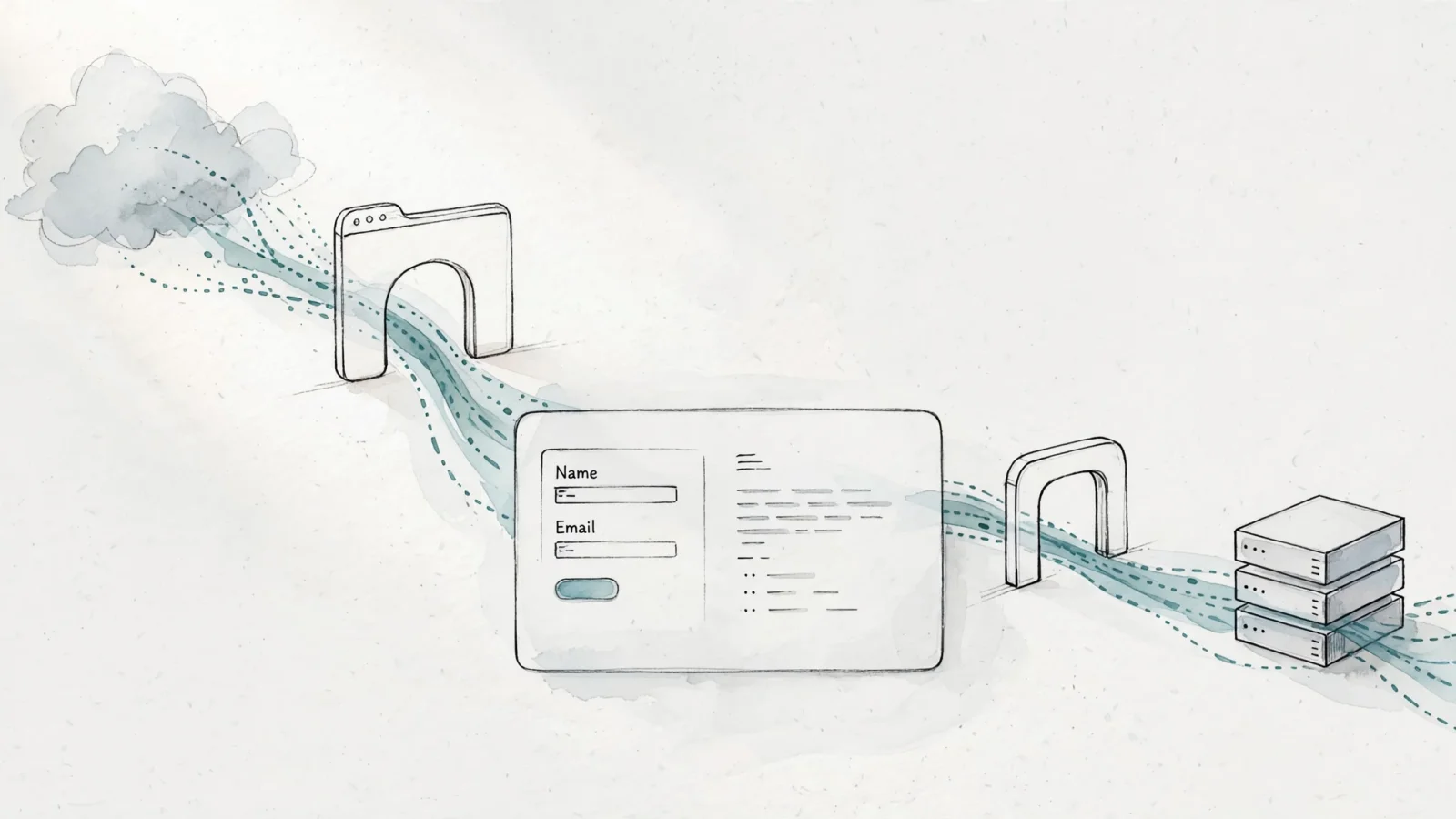
Know What a CSP Result Can and Cannot Prove
Evaluation tools provide heuristics, but they do not replace comprehensive application security testing, secure coding practices, or responsible data handling.
A Passing Scan Is Not a Security Verdict
A clean scan means the tool found no obvious misconfigurations, not that the application is impervious to attack. Because a poorly configured JSONP endpoint on a trusted domain can bypass a perfectly scored policy, defense in depth remains important. Combine strict browser rules with rigorous output encoding, input validation, and dependency reviews.
CSP, Privacy, and SEO Solve Different Problems
Deploying strict headers does not automatically make your site compliant with privacy regulations like GDPR. While security rules prevent malicious resource loading, privacy regulations govern the collection, processing, and storage of user data. Furthermore, though technical stability supports search visibility, security headers function as a browser control mechanism rather than an SEO ranking factor.
FAQ: Report-Only, Headers, XSS, and Frames
Should I test in report-only mode first? Testing substantial rule changes using the report-only header isolates breakage to your logs rather than inflicting it on visitors.
Can I use a meta tag instead of an HTTP header? Meta tags provide a fallback when server configuration is inaccessible. However, they cannot utilize report-only mode and cannot enforce framing, sandboxing, or reporting rules.
Does CSP stop all cross-site scripting? It mitigates the impact of certain injection attacks by restricting execution and data exfiltration, but it does not fix the underlying vulnerabilities in the application code.
Can CSP block Swetrix? If the connection rules omit the API endpoint, the browser refuses to send the analytics payload. Both the CDN and API domains require authorization.
What is the difference between frame-src and frame-ancestors? The source rule dictates which external iframes the website may display, whereas the ancestors rule dictates which external websites may display yours.
Is the CSP Level 3 specification finalized? Browser implementations iterate constantly. As of late 2026, the W3C document governing these behaviors remains a Working Draft rather than a finalized recommendation, so reviewing current browser compatibility tables before deploying experimental directives is recommended.
Ready to identify weak directives and generate a secure baseline without breaking your traffic? Run your domain through Swetrix's free CSP Checker to inspect live response headers and protect the application today.