- Date
Content Security Policy Checker: Test and Fix CSP
 Andrii Romasiun
A content security policy checker shows what security rules your website sends to browsers. It inspects the HTTP response header and reveals whether your policy is missing, running safely in report-only mode, or weakened by broad source allowances. Default rules often block legitimate scripts, external fonts, and marketing tools by mistake. You can inspect your policy, interpret common findings, and roll out a stricter configuration without breaking analytics, forms, or embedded content.
Before rewriting your server configuration, run a live inspection using the Swetrix CSP Checker to view your current headers and generate a practical starting point.
What a Content Security Policy Checker Can Tell You
A Content Security Policy (CSP) is a set of browser instructions that controls which resources a page may load or execute. These rules dictate exactly where a browser is allowed to fetch scripts, stylesheets, images, frames, and network connections. When you explicitly name the trusted domains, the browser blocks any unauthorized resource requests automatically.
According to W3C documentation, a CSP acts as a mechanism to reduce the impact of content-injection vulnerabilities by controlling which resources a page can fetch or execute. When a policy allows scripts only from trusted sources, it can block injected scripts from other sources, reducing the harm of cross-site scripting (XSS) attacks.
A successful scan from a content security policy checker confirms that your server delivered the header correctly and formatted the syntax properly. It does not certify that your application is impenetrable. It provides a layer of defense in depth rather than replacing input validation, output encoding, dependency review, or secure application architecture. A checker provides a snapshot of your external posture so you can identify missing restrictions and close unnecessary loopholes.

Understand What Your Checker Is Inspecting
Sending a policy header is only the first step toward securing a web application, and a present header does not automatically equal a strong policy. A basic checker looks at the raw output your web server provides, while a deeper analysis requires understanding the enforcement modes, the difference between delivery methods, and the practical context of your application.
Servers deliver these instructions primarily through the Content-Security-Policy HTTP response header. When a browser receives this specific header, it enforces the rules strictly and blocks any resource that violates the defined boundaries. Alternatively, you might use the Content-Security-Policy-Report-Only header during testing. This variant records potential violations and sends them to a designated endpoint without blocking the actual resources. This observation mode allows you to identify false positives before enforcing strict limits on live traffic.
You can configure policies using HTML meta tags for some use cases, including a client-side-rendered single-page app with static resources. A meta tag is useful in those cases, but the response header remains the preferred delivery method because meta delivery doesn't support all CSP features. Before generating a complex policy, inspect the response headers your server sends.
To audit a policy, combine a check of the URL or response headers, a review for weak or bypass-prone patterns, and runtime testing in browser developer tools. Policy evaluators help review CSP policies and identify subtle bypasses, but the Google CSP Evaluator documentation says that it isn't an official Google product, provides no guarantees or warranties, and includes a list of common allowlist bypasses that is not complete.
Check Your Website’s CSP Step by Step
Implementing a strict security policy requires methodical testing. You need a staging environment that mirrors production, access to browser developer tools, and an accurate inventory of your legitimate third-party dependencies.
Follow this sequence to inspect and validate your policy configuration.
Check the real page URLs. Do not assume your homepage policy applies uniformly across your infrastructure. Gather the specific URLs for your application routes, checkout pages, and relevant subdomains.
Run the check and save the raw result. Input your target URLs into the Swetrix CSP Checker. Copy the complete policy string exactly as the server delivered it, because a partial directive analysis often leads to incorrect assumptions about your security posture.
Verify the enforcement mode. Distinguish the active
Content-Security-Policyheader from the passiveContent-Security-Policy-Report-Onlyheader. If the result shows only a report-only configuration, your visitors currently have no active protection from the policy.Inventory your legitimate dependencies. List the external services your application requires. Include analytics platforms, content delivery networks, external web fonts, payment providers, embedded video players, chat widgets, and A/B testing scripts.
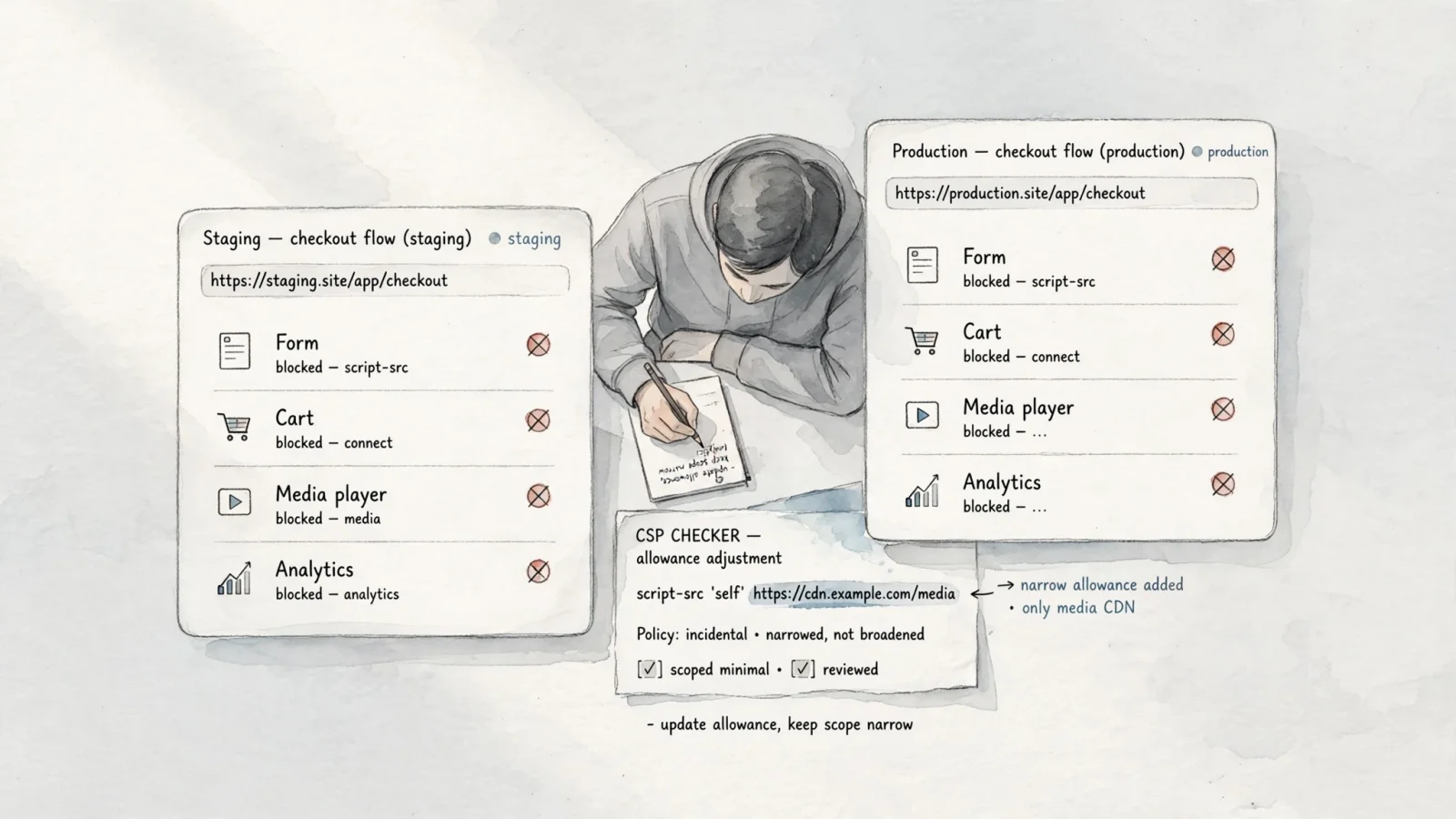
Review browser console violations. Open your staging site and access the developer console. Look for red error messages indicating blocked requests, noting the exact resource URL that failed and the specific directive that triggered the block.
Test the critical user paths. Navigate through your application exactly as a customer would. Submit newsletter forms, add items to the cart, complete a test purchase, play embedded media, and trigger custom analytics events. If a page fails to load as expected, use a redirect verification utility to ensure your external assets aren't bouncing through unnecessary hops before loading.
Determine the narrowest fix. When a legitimate dependency fails, record the affected directive and the blocked source. Propose the tightest possible origin allowance rather than adding a wildcard or a broad scheme permission.
A server-side snapshot provides the foundation, but it cannot replace manual browser testing. Dynamic scripts, asynchronous tracking events, and user-triggered popups often bypass static analysis. Retain the specific page URL alongside the raw policy string to document exactly where and why a third-party script failed.
Read the CSP Directives That Matter Most
Policies consist of individual directives that control specific resource types. Understanding what each directive governs helps you pinpoint exactly why a harmless marketing widget triggered a security violation.
- default-src: This acts as the fallback rule for most fetch directives. A strict default baseline helps secure the page, but avoid relying on it as a substitute for explicit rules tailored to individual resource types.
- script-src: This directive controls executable JavaScript and inline script behavior. It is the most common cause of blocked analytics trackers, tag managers, and inline event handlers.
- connect-src: This controls destinations for network requests made by scripts, including fetch, XHR, EventSource, beacon, and WebSocket connections. You might overlook this directive when analytics scripts load successfully but fail to transmit their event data.
- style-src: This manages external stylesheets and inline style blocks.
- img-src: This dictates where the browser may fetch images. It affects remote media, tracking pixels, favicons, and encoded data images.
- font-src: This controls typography sources, which is critical for externally hosted web fonts.
- frame-src: This restricts the frames that your page is allowed to load. Configure this correctly to support external video players, payment widgets, and embedded forms.
- frame-ancestors: This dictates which external sites are allowed to embed your current page. It provides clickjacking protection and operates independently of the frames your page loads itself.
- form-action: This restricts the endpoint URLs where your HTML forms may submit their data. Omitting this from your inventory often breaks external checkout flows, CRM integrations, and newsletter subscriptions.
- object-src: This manages legacy plugin-style objects. Disabling them entirely is a standard hardening choice.
- base-uri: This dictates the allowed URLs for the document base. Restricting this prevents injected base tags from hijacking relative resource resolution.
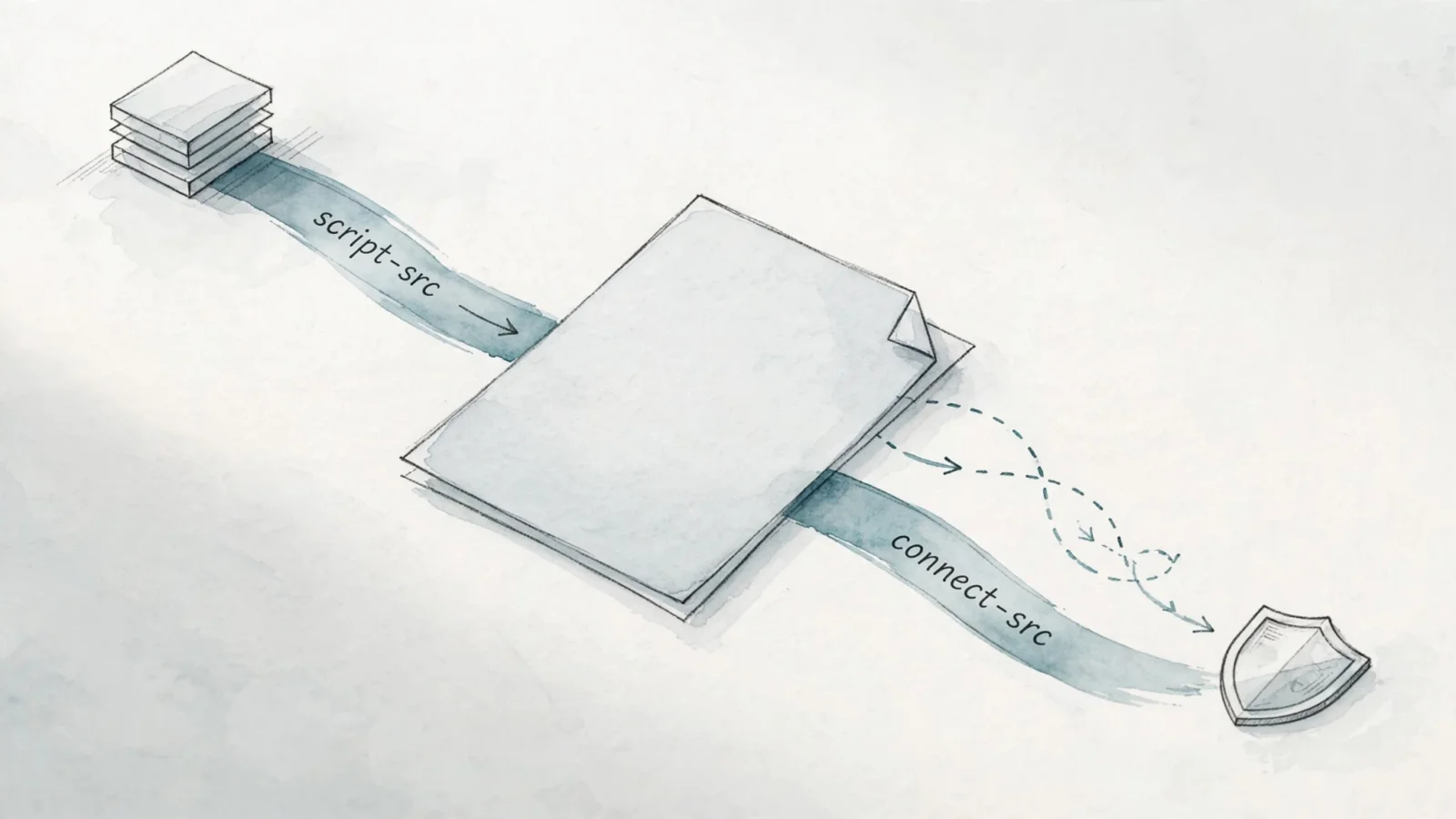
The distinction between script allowances and connection allowances causes the most confusion during deployment. A third-party tracking file requires permission to exist on the page, while the API endpoint requires separate permission to receive the visitor data.
Fix Common CSP Findings Without Over-Allowing
When your content security policy checker returns warnings, the goal is to resolve the functional failures without compromising the security perimeter. Treat the following common findings as opportunities to refactor your code rather than excuses to broaden your trusted domains.
A completely missing header means the browser has no site-defined restrictions for that specific response. Configure the policy at the server level, reverse proxy, or content delivery network, and then verify the headers across all important route types. A report-only finding means the application successfully logs violations but blocks nothing. Keep the passive mode active during testing, and avoid describing it to stakeholders as an active defense layer.
unsafe-inline is a fallback for very old browsers, but a strict CSP blocks untrusted inline scripts and inline event handlers, so refactor those patterns or protect scripts with a cryptographically strong nonce generated for each response. A strict nonce or hash strategy offers stronger protection than broad inline permissions for dynamically rendered applications. Similarly, the unsafe-eval keyword makes a strict CSP less secure, so remove uses of eval() and related patterns from your frontend code.
Remove broad host allowances, wildcard subdomains, and generic scheme permissions, replacing them with the exact origins your application requires. Evaluate whether data or blob permissions are necessary for your image and media rendering.
When a checker highlights a nonce mismatch, the random string in the response header failed to match the attribute on the HTML script tag. The server needs to generate a new, unpredictable nonce for each response and apply that identical value to the intended scripts. Hash mismatches occur when the script content changes but the policy hash remains outdated. Recalculate the SHA-256 hash whenever the inline script changes, including modifications to whitespace or formatting.
Use the following same-origin starter policy to establish a baseline.
Content-Security-Policy:
  default-src 'self';
  script-src 'self';
  style-src 'self';
  img-src 'self' data:;
  font-src 'self';
  connect-src 'self';
  object-src 'none';
  base-uri 'none';
  frame-ancestors 'none';
  form-action 'self';
This configuration disables external fonts, third-party embeds, remote images, and off-site analytics. You will need to carefully adjust the allowed sources after inventorying your dependencies. Adding new third-party trackers often impacts user experience, so you might use a website size calculation tool to estimate the bandwidth penalty before approving a new external script.
For dynamically rendered applications, a strict nonce-based pattern provides stronger protection.
Content-Security-Policy:
  script-src 'nonce-{PER_RESPONSE_RANDOM}' 'strict-dynamic';
  object-src 'none';
  base-uri 'none';
The server replaces the placeholder with a unique cryptographic string on every page load. The scripts carry the matching attribute, and the dynamic directive allows those trusted scripts to load their own required dependencies.
Roll Out a Stricter Policy Safely
Deploying a strict policy directly to production usually breaks critical user journeys. A safe rollout requires staging the changes, monitoring the failure logs, and moving to active enforcement only after the critical paths clear.
Draft your new policy and deliver it exclusively through the report-only header.
Reporting-Endpoints: csp-endpoint="https://example.com/csp-reports"

Content-Security-Policy-Report-Only:
  default-src 'self';
  report-to csp-endpoint;
  report-uri /csp-report;
This configuration instructs the browser to evaluate the resources against the rules and transmit JSON-formatted violation reports to your specified endpoint. The newer reporting mechanism utilizes the report-to directive, while report-uri remains useful as a compatibility fallback for older browser versions.
Review the incoming violation reports with user privacy in mind. Browser reports often contain the document URL, the referrer, the user agent string, the blocked resource URL, and snippets of the surrounding code context. Route these reports to an endpoint that you control directly and handle the resulting data according to your organizational privacy requirements.
Filter out browser extensions, malware injected locally on the user's device, and false positives, adjusting your directives to accommodate the legitimate missing dependencies. Once the volume of valid application violations drops to zero, switch the header from report-only to the active enforcement variant. Document the policy requirements thoroughly, and schedule a recheck anytime the engineering team adds a new analytics tool, widget, payment service, or frontend build process.
Keep Analytics and Conversions Working
A stricter security posture does not force you to abandon your marketing data. The goal is to permit the exact script and connection endpoints your site needs, verify that the events fire, and ensure the conversion paths remain functional.
Analytics platforms commonly require two distinct permissions. The browser needs permission to download the tracking library, and the library needs permission to transmit the collected data back to the server. If you authorize the script but forget the connection endpoint, the application will load the JavaScript file successfully but fail to record the pageview.
When configuring Swetrix for a hardened application, the policy reflects both requirements explicitly.
script-src 'self' https://cdn.swetrix.com;
connect-src 'self' https://api.swetrix.com;
This specific combination allows the browser to fetch the open-source tracking file from the designated content delivery network, and authorizes that script to send privacy-compliant event data to the designated API origin. Confirm the exact source values required by your specific deployment rather than copying blog examples into your production servers.
Swetrix serves as a practical first step for transitioning to privacy-first analytics. Its content security policy checker inspects your live headers and generates a starter policy, which helps identify required source categories before you move into active testing. This ensures that granular behavioral data and conversion funnels survive the security upgrade.
Before finishing, check that the correct header is present on all vital application routes and that the policy actively enforces the rules rather than remaining in report-only mode permanently. Justify any broad permissions, and confirm that analytics events arrive in the dashboard successfully, checkout forms submit without console errors, and third-party fonts render visibly.
Checking your policy is the first action toward securing your client-side architecture. Run a live inspection now and generate a practical starter configuration using the Swetrix CSP Checker.
Ready to track conversions without compromising privacy or security? Swetrix provides cookieless, GDPR-compliant analytics that work securely alongside strict security policies. Try Swetrix today to get powerful product insights, session replays, and technical SEO utilities without intrusive cookie banners.