- Date
Best Web Analytics Tools for AI Search Traffic in 2026
 Andrii Romasiun
AI search traffic reaches your site through messy paths. From ChatGPT, a buyer clicks a citation. Perplexity sends a developer to a source page. After seeing your brand in Google AI Mode, a founder searches your name and lands on pricing. In Slack, a marketer shares a copied link from an AI answer.
A pageview report confirms that a visit happened. It still leaves the business question unanswered: did that source create a signup, demo request, trial, paid account, or refund? Pick an analytics tool that can connect AI source data to events, funnels, and revenue.
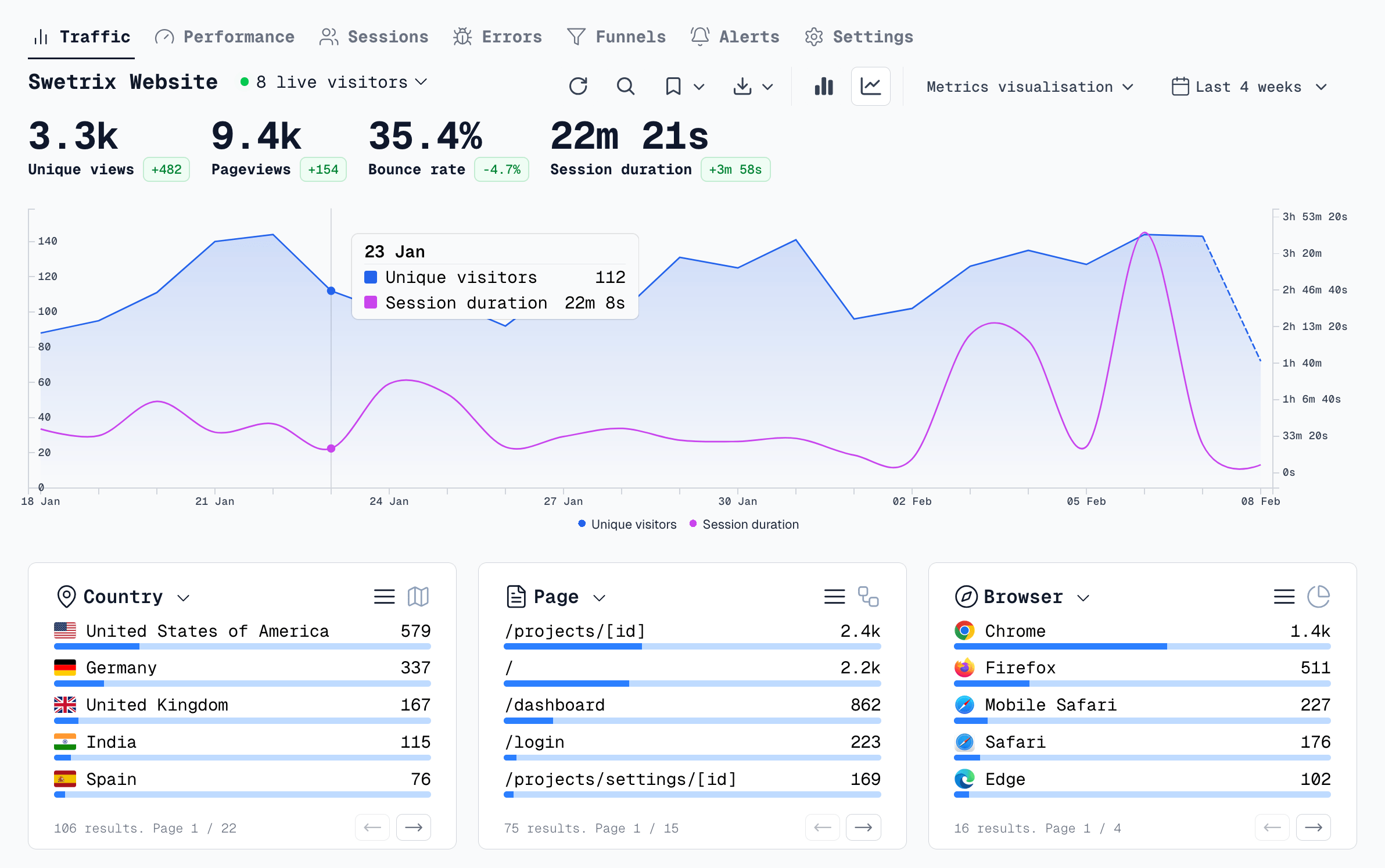
Swetrix starts at 100,000 events/month for $19/mo, includes a 14-day trial, and fits this job for teams that want cookieless analytics, referrers, UTM tracking, custom events, goals, funnels, user and session analysis, user flows, performance monitoring, error tracking, shared dashboards, organisations, experiments, feature flags, revenue analytics with Stripe, Paddle, or API data, AI Chat, open source code, self-hosting, and EU-hosted Cloud without personal data collection.
Quick Picks
| Rank | Tool | Best fit for AI search traffic | Watch out |
|---|---|---|---|
| 1 | Swetrix | Privacy-first teams that need AI referrers, UTMs, goals, funnels, revenue, errors, performance, and AI Chat in one place | Cloud plans start with a paid tier after the 14-day trial |
| 2 | GA4 | Teams that need Google Ads, BigQuery, Search Console, and enterprise reporting | Consent, setup, attribution, and report sprawl add work |
| 3 | Matomo | Teams that want a heavy self-hosted Google Analytics replacement | Setup and plugin choices can slow non-technical teams |
| 4 | Plausible | Marketing sites that want a clean dashboard with goals, funnels, and ecommerce revenue | Product analytics depth stays modest |
| 5 | PostHog | Product teams that want funnels, paths, flags, experiments, replays, and warehouse data | Web analytics can feel heavy for a content or agency team |
| 6 | Pirsch | EU-focused sites that want clean referrers, UTMs, goals, events, and funnels | Self-hosting requires an Enterprise license |
| 7 | Umami | Developers that want open source, self-hosting, UTMs, events, goals, and funnels | Revenue work needs custom event discipline |
| 8 | Simple Analytics | Marketers that want a simple, privacy-first view with goals and funnels | Less depth for product journeys and revenue systems |
| 9 | Fathom | Agencies and small teams that want low-maintenance traffic, events, and campaign reports | Funnel and revenue depth stays light |
| 10 | Cloudflare Web Analytics | Site owners that want free RUM-style page and performance metrics | No native UTM or custom event support in Web Analytics yet |
AI Tracking Requirements
OpenAI gives publishers one clean signal for ChatGPT Search. Its publisher FAQ says ChatGPT adds `utm_source=chatgpt.com` to referral URLs, so your analytics tool should preserve UTM data and referrers.
Google works through Search. On June 3, 2026, Google launched Search Generative AI performance reports in Search Console for impressions, pages, countries, devices, and dates across generative AI features. Use Search Console for visibility. Use web analytics for behavior after the click.
Build your AI source groups before you compare tools:
| Source group | Referrer or signal | Confidence | First outcome to check |
|---|---|---|---|
ai_chatgpt | chatgpt.com, chat.openai.com, utm_source=chatgpt.com | High | Signup starts by landing page |
ai_perplexity | perplexity.ai | High | Trial starts and pricing views |
ai_claude | claude.ai | High | Docs-to-activation rate |
ai_gemini | gemini.google.com, Google traffic on AI-visible pages | Medium | Goal rate on Google landing pages |
ai_copilot | copilot.microsoft.com, selected Bing traffic | Medium | Demo requests and product views |
ai_suspected_direct | Direct traffic plus form answers naming AI search | Low to medium | Content demand, not revenue credit |
Start with confirmed referrers. Add suspected direct traffic as a separate watchlist so your team can use it for content work without overstating attribution.
Feature Matrix
| Tool | Cookieless | Referrers | UTM | Events | Funnels | Revenue | Self-hosting | Ease of use |
|---|---|---|---|---|---|---|---|---|
| Swetrix | Yes | Yes | Yes | Yes | Yes | Stripe, Paddle, API | Yes | Easy |
| GA4 | No by default | Yes | Yes | Yes | Yes | Ecommerce | No | Hard |
| Matomo | Configurable | Yes | Yes | Yes | Yes | Ecommerce | Yes | Medium |
| Plausible | Yes | Yes | Yes | Yes | Yes | Ecommerce events | Yes | Easy |
| Fathom | Yes | Yes | Yes | Goals | Limited | Goal values | No | Easy |
| Umami | Yes | Yes | Yes | Yes | Yes | Via custom events | Yes | Medium |
| PostHog | Configurable | Yes | Yes | Yes | Yes | Product and warehouse data | Complex | Hard |
| Simple Analytics | Yes | Yes | Yes | Yes | Yes | Limited | No | Easy |
| Cloudflare Web Analytics | Yes | Yes | No | No | No | No | No | Easy |
| Pirsch | Yes | Yes | Yes | Yes | Yes | Custom metrics | Enterprise | Easy |
Cloudflare states that Web Analytics has no UTM parameter support or custom events yet, which makes it useful for performance and simple traffic checks but weak for AI-search outcomes.
1. Swetrix
Choose Swetrix when you want one privacy-first analytics layer for AI referrers, campaigns, behavior, performance, errors, and money. It works for founders, SaaS teams, agencies, marketers, and developers who need to act without building a data stack.
Set up a saved AI source view:
- Open Traffic Analytics and filter referrers for
chatgpt.com,chat.openai.com,perplexity.ai,claude.ai,gemini.google.com, andcopilot.microsoft.com. - Keep Google AI traffic in a separate Search Console paired view.
- Add goals for
signup_started,demo_requested,project_created, andscript_installed. - Build one funnel from AI landing page to paid conversion.
- Connect Stripe, Paddle, or API revenue so source groups show paid value.
Use Swetrix AI Chat after the report has data:
Which AI source groups drove signup_started events this week?
Which AI landing pages had the highest revenue per session?
Where did AI referral sessions drop before script_installed?
Which source groups had JavaScript errors on signup pages?
Swetrix gives you a strong default recommendation because AI search needs both web analytics and post-click analysis. With referrers, you see where people came from. With funnels, user flows, errors, performance, and revenue, you see whether that visit mattered.
2. Google Analytics 4
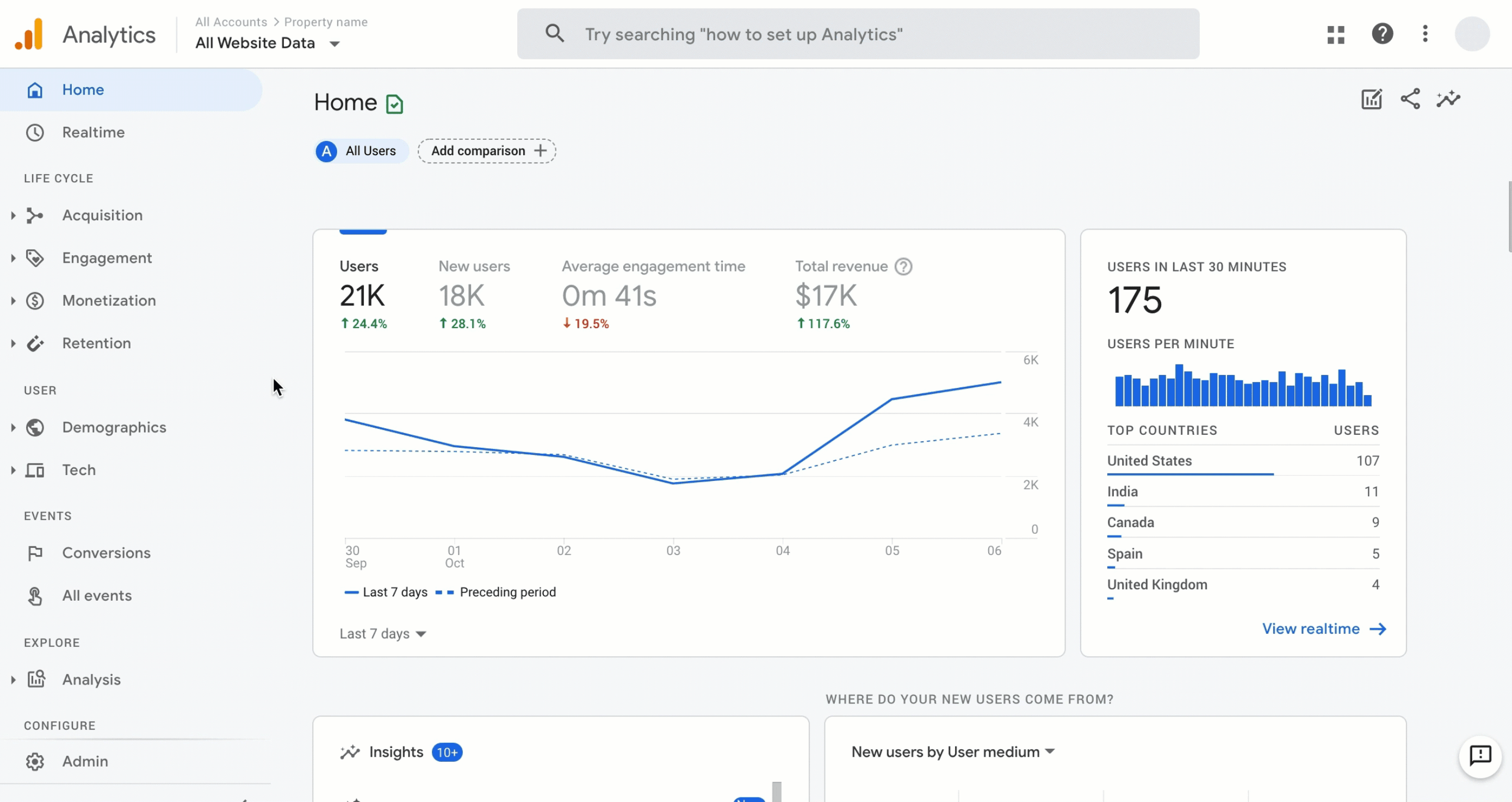
Use GA4 when your team lives inside Google Ads, BigQuery, Looker Studio, and Search Console. It can track AI referrers, UTM campaigns, events, ecommerce purchases, and Explorations funnels. It also pairs well with Search Console for Google AI visibility.
Build a custom channel group named AI Search and add source rules for chatgpt, openai, perplexity, claude, gemini, copilot, and selected Bing traffic. Mark key events for trial starts, demos, signups, and purchases.
GA4 becomes harder when consent and privacy controls enter the setup. Your team needs clean Consent Mode, event naming, referral exclusions, ecommerce events, and report ownership. Pick GA4 if your paid media stack needs Google attribution more than your product team needs a fast dashboard.
3. Matomo
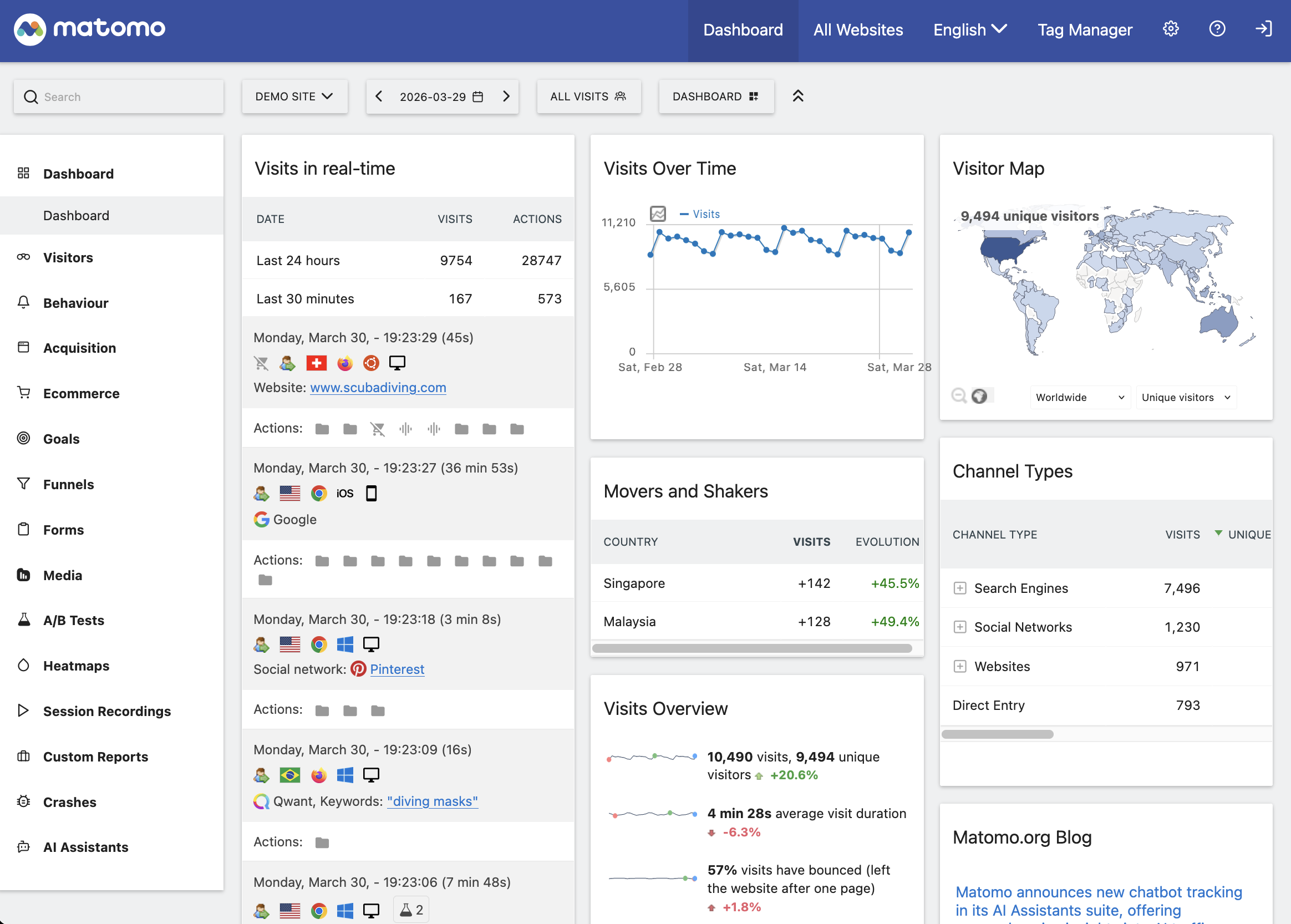
Matomo fits teams that want a broad analytics suite with self-hosting and data control. It can handle traffic sources, campaign parameters, events, ecommerce, funnels, cohorts, custom dimensions, and imports from Google Analytics.
Pick Matomo when your team has technical ownership for hosting, updates, privacy settings, and plugin choices. Your team can answer AI-source questions with a configured Matomo setup, but the tool asks for more maintenance than Swetrix, Plausible, Fathom, or Simple Analytics.
Create a segment for AI referrers, then build goal funnels around landing page, CTA click, signup, activation, and purchase. For regulated teams, confirm your cookie, IP, and retention settings before you remove a consent banner.
4. Plausible
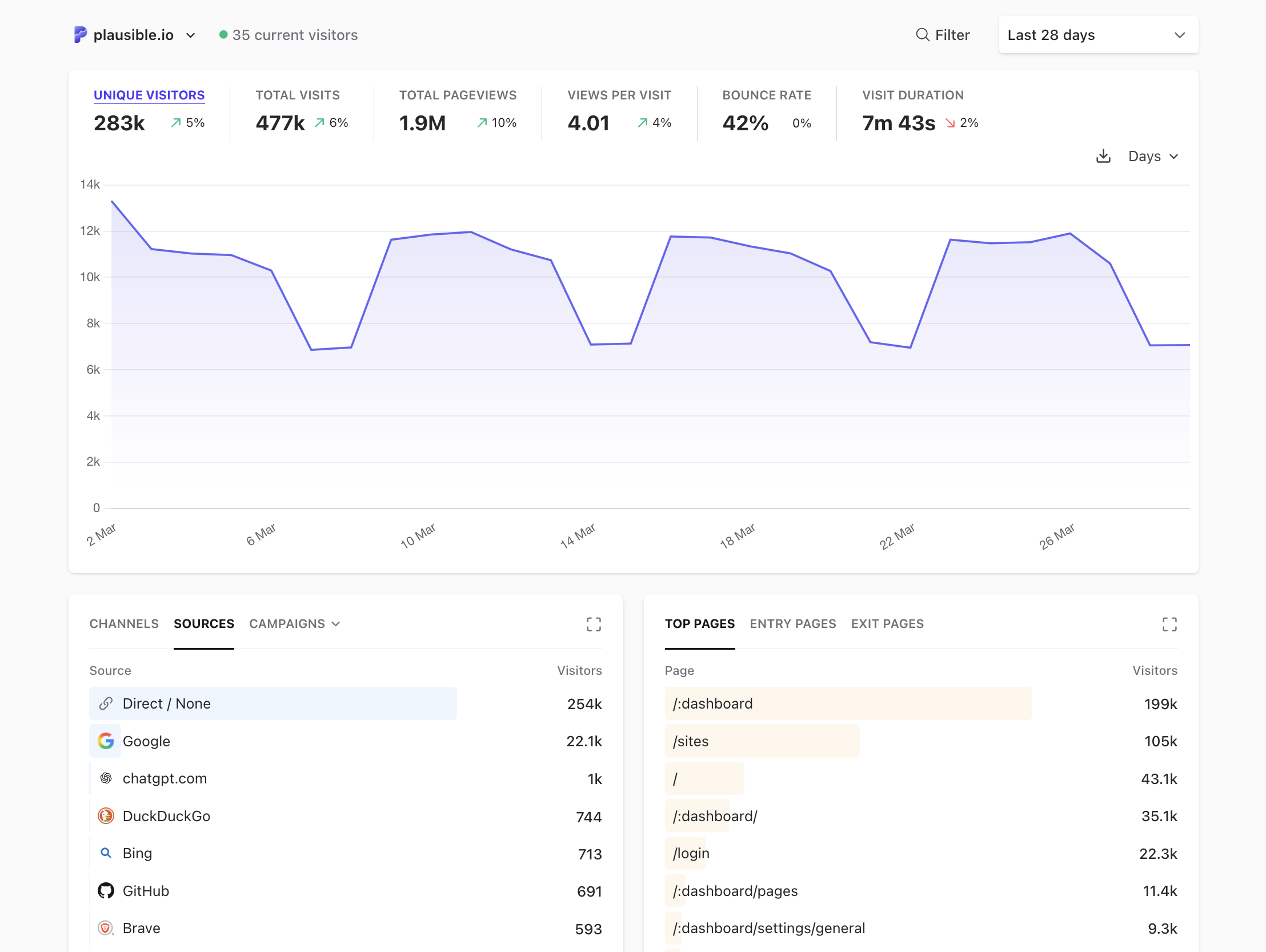
Plausible works well for marketing sites that want clean traffic reporting with goals, funnels, user journeys, and ecommerce revenue attribution. It tracks referrers and UTMs without the GA4 learning curve.
Choose Plausible if your AI-search workflow centers on content pages, signup CTAs, and purchase events. Add custom events for ai_cta_clicked, signup_started, and purchase, then build funnels from source landing pages.
Swetrix offers stronger product analysis around user sessions, user flows, performance, errors, experiments, feature flags, revenue integrations, and AI Chat. Plausible wins when the team wants fewer controls and a narrow reporting surface.
5. PostHog
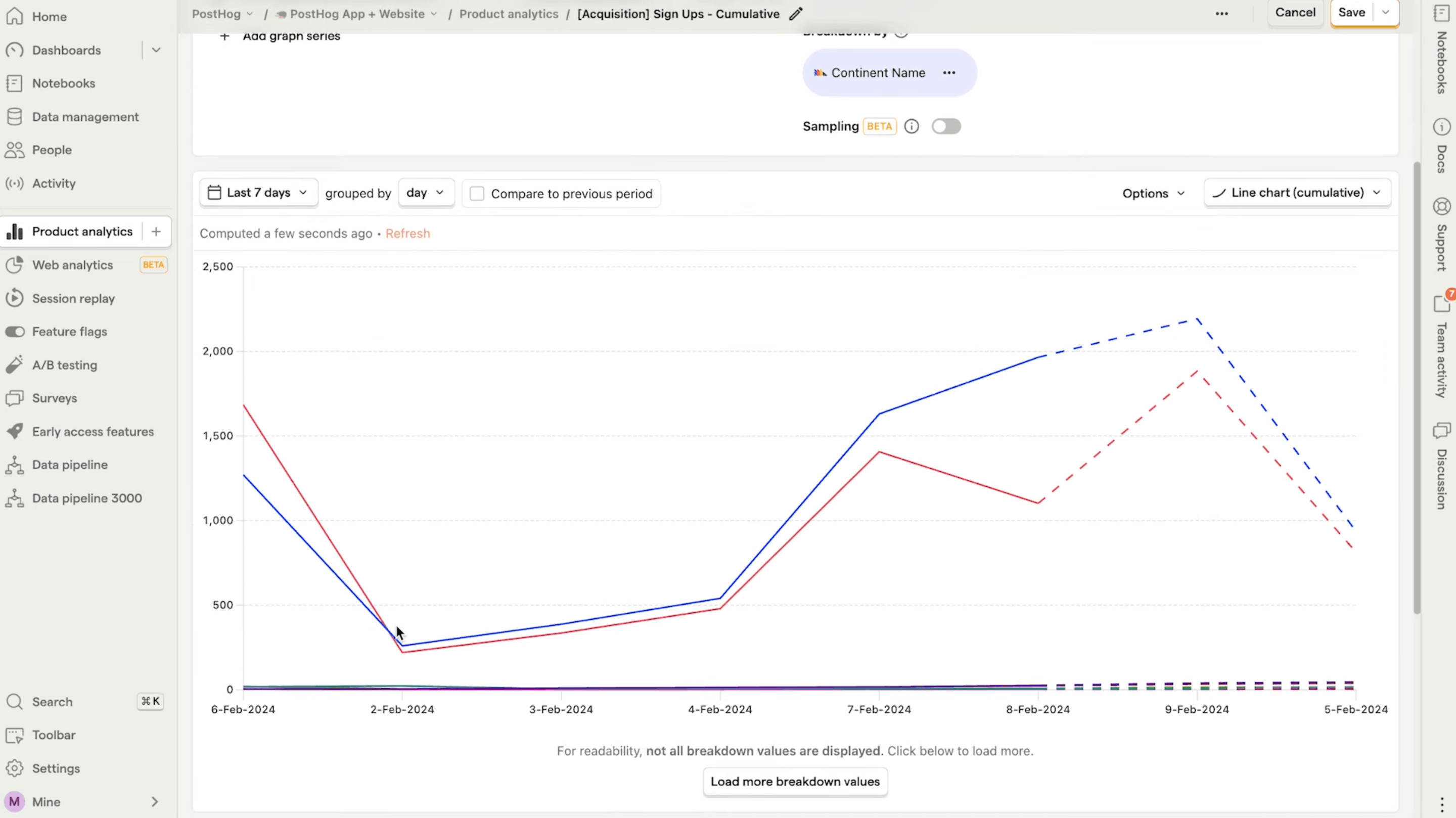
PostHog fits product engineering teams that want product analytics, web analytics, funnels, paths, heatmaps, session replay, feature flags, experiments, warehouse data, and AI-assisted work. It can track AI-source behavior well when your team invests in event design.
Use PostHog for AI search when the main question involves product adoption: which AI-referred users activate, retain, use features, or churn. Add source properties to events and build cohorts for ai_chatgpt, ai_perplexity, and ai_google_search.
Content and agency teams can find PostHog too heavy. If your team wants to compare landing pages, goals, funnels, errors, and revenue without managing a product data model, Swetrix gives a faster route.
6. Pirsch
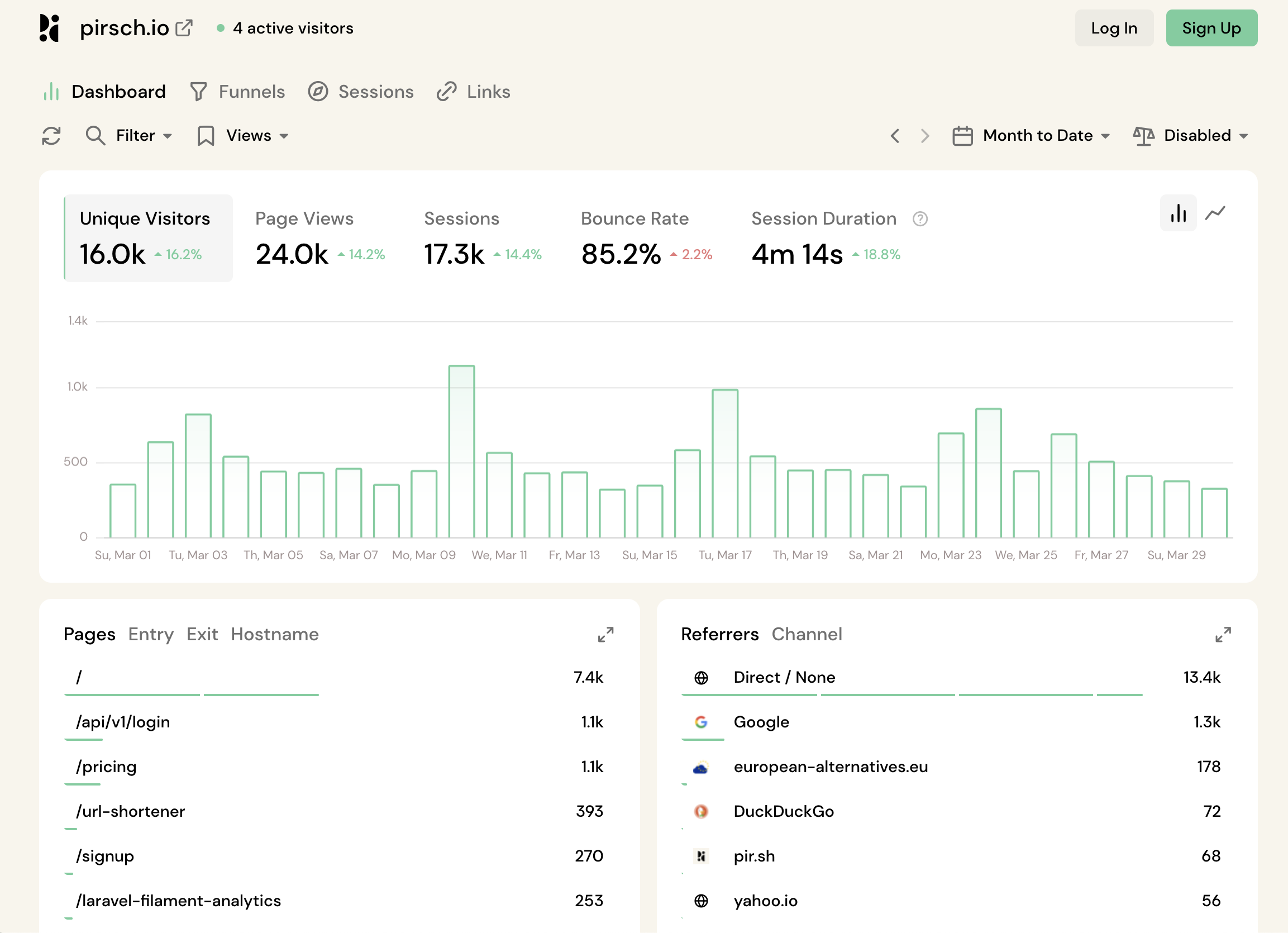
Pirsch gives privacy-first web analytics with referrers, UTM parameters, conversion goals, events, custom metrics, funnels, server-side tracking, and EU hosting. It suits teams that want a clean dashboard with more depth than a pageview counter.
Use Pirsch if your AI search plan centers on source groups, conversion goals, and client-facing reports. Add one funnel for AI landing page to conversion and use tags for source confidence.
Swetrix has the edge when you also need performance monitoring, error tracking, user flows, feature flags, A/B experiments, AI Chat, and open source self-hosting without an Enterprise license.
7. Umami
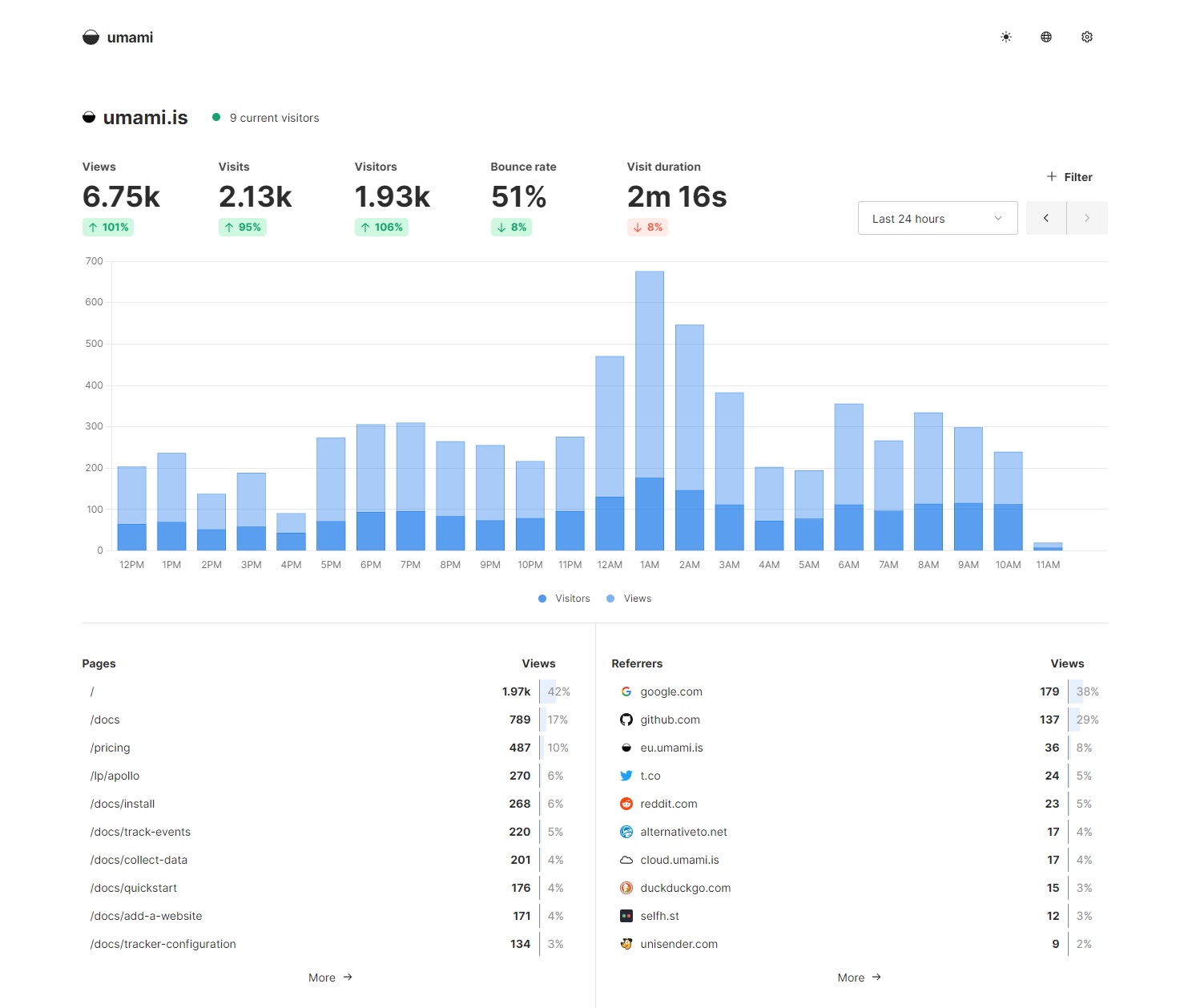
Umami works for developers who want open source, self-hosted analytics with no cookies, referrers, custom events, UTMs, goals, funnels, user journeys, retention, and sessions. It keeps the dashboard small and the deployment path familiar.
Choose Umami when your team can maintain the app and prefers self-hosting over vendor depth. Track AI sources with referrer filters and pass source group metadata into custom events.
Revenue takes more care. If you want Stripe, Paddle, or API revenue beside AI-source funnels out of the box, Swetrix asks less from your team.
8. Simple Analytics
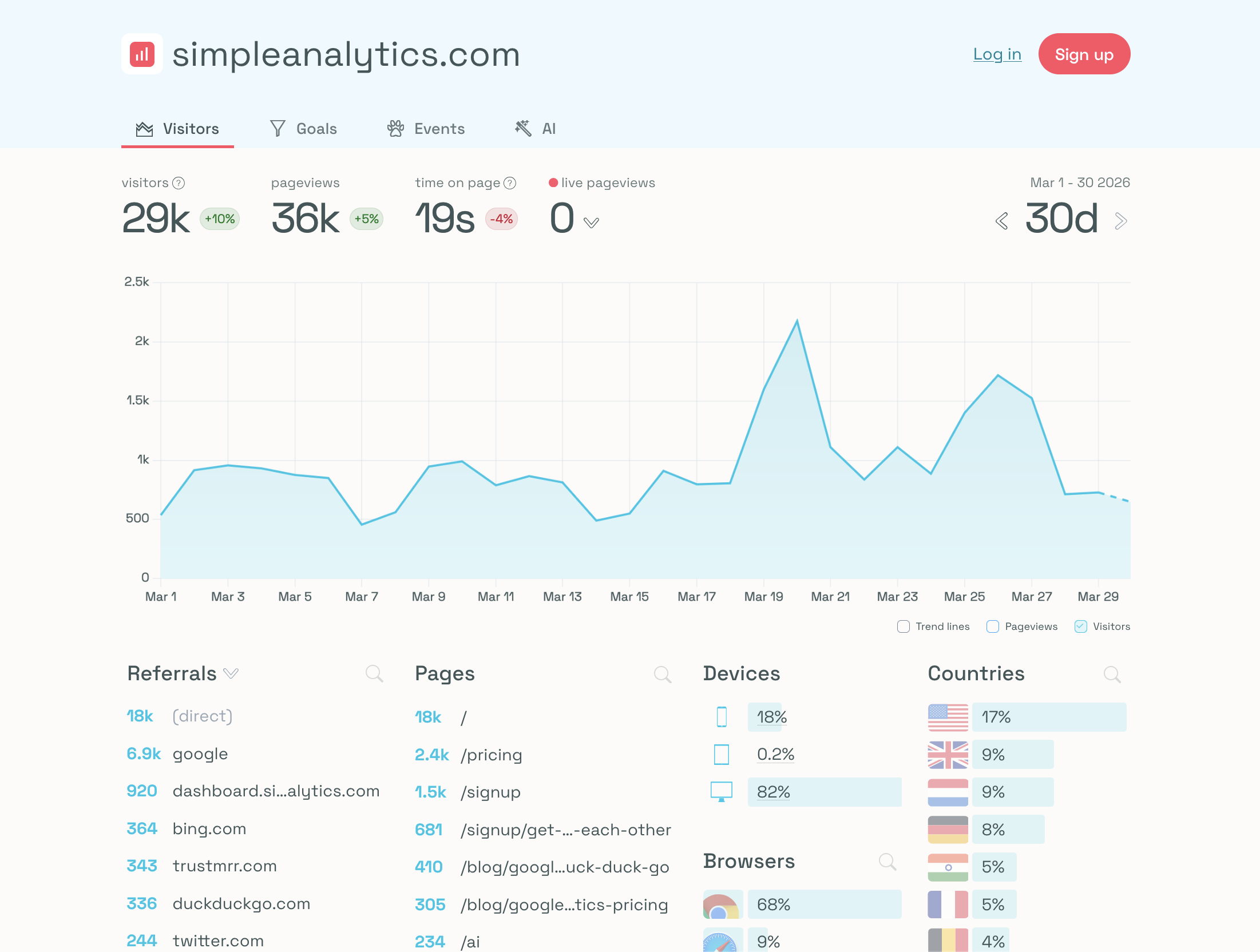
Simple Analytics fits marketers who want traffic, referrers, UTM filters, events, goals, funnels, exports, embeds, and privacy-first reporting without setup drag. It gives agencies and content teams a calm way to report AI referrals.
Use it when your AI-search question stays close to website outcomes: visits, landing pages, goals, and simple funnels. Add events for pricing clicks, form submits, and downloads.
Pick Swetrix instead when you need user/session analysis, user flows, performance monitoring, error tracking, revenue integrations, experiments, feature flags, self-hosting, or AI Chat.
9. Fathom
Fathom suits small teams and agencies that want fast setup, clean dashboards, referrers, UTM campaign reports, and event goals. It works well for AI source monitoring on brochure sites, blogs, and simple lead-gen pages.
Create events for ai_cta_clicked, demo_requested, and purchase_completed, then review them by referrer and campaign. For multi-step funnels and revenue operations, expect to use another tool or a spreadsheet.
Swetrix gives you more depth for SaaS and ecommerce workflows because you can connect source groups to funnels, user flows, errors, performance, and payment data in one place.
10. Cloudflare Web Analytics
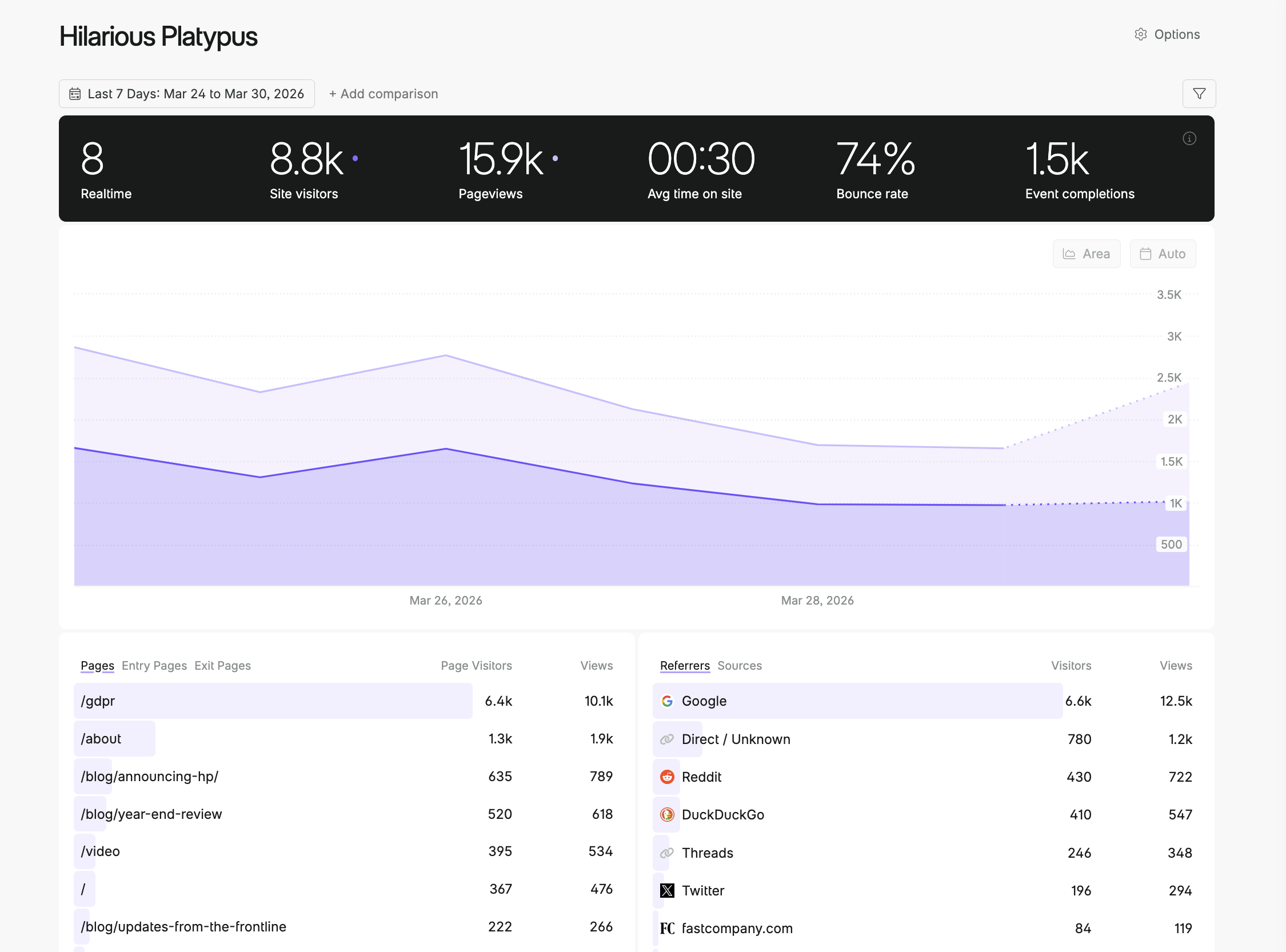
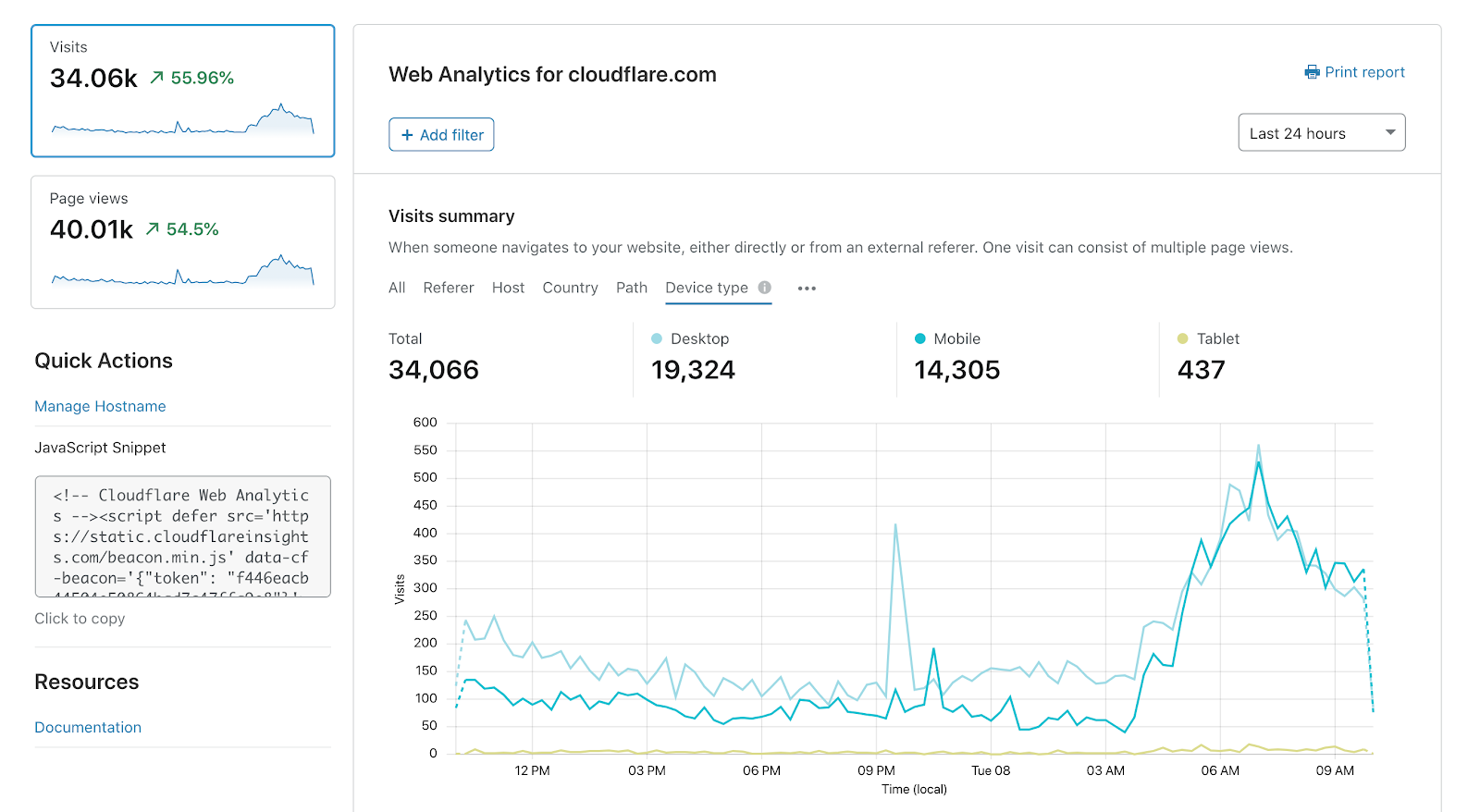
Cloudflare Web Analytics works as a free traffic and performance layer. Use it to see page views, visitors, Web Vitals, and simple source patterns across sites that already use Cloudflare.
Avoid using it as your main AI-search attribution tool. The missing UTM and custom event layer means you cannot connect chatgpt.com or perplexity.ai visits to signup starts, demo requests, product activation, or revenue without another system.
Cloudflare still has a place in the stack. Pair it with Swetrix if your engineering team wants Cloudflare RUM data and your growth team needs referrers, events, funnels, and revenue.
Setup Checklist
Run this checklist before you migrate or add a new tool:
- Create source groups for ChatGPT, Perplexity, Claude, Gemini, Copilot, Google AI, and suspected direct traffic.
- Track one event for each step: CTA click, signup start, activation, demo request, and paid conversion.
- Build one AI-search funnel from landing page to revenue.
- Add form text that asks how the user heard about you.
- Review AI source groups beside organic search, paid search, referral, and direct traffic.
- Check errors and page speed on AI landing pages before rewriting copy.
Add this event pattern on pages that receive AI traffic:
const aiSourcePatterns = [
  ["ai_chatgpt", /chatgpt\.com|chat\.openai\.com|utm_source=chatgpt\.com/i],
  ["ai_perplexity", /perplexity\.ai/i],
  ["ai_claude", /claude\.ai/i],
  ["ai_gemini", /gemini\.google\.com/i],
  ["ai_copilot", /copilot\.microsoft\.com|bing\.com/i],
];

const sourceText = `${document.referrer} ${location.search}`;
const matchedSource = aiSourcePatterns.find(([, pattern]) => pattern.test(sourceText));

if (matchedSource) {
  swetrix.track({
    name: "ai_referral_visit",
    meta: {
      source_group: matchedSource[0],
      landing_page: location.pathname,
    },
  });
}
Keep prompts, emails, names, raw IPs, and pasted chats out of event metadata. Source group, landing page type, plan name, and funnel step give your team enough context without storing personal data.
Final Recommendation
Choose Swetrix first if you want the most balanced web analytics tool for AI-search traffic in 2026. It covers cookieless tracking, referrers, UTMs, events, goals, funnels, user/session analysis, user flows, performance, errors, shared dashboards, organisations, revenue analytics, AI Chat, open source code, self-hosting, and EU-hosted Cloud without personal data collection.
GA4 fits teams that need Google's ad stack and BigQuery. Matomo works when self-hosted Google Analytics-style depth matters more than speed. Plausible, Fathom, Simple Analytics, Umami, and Pirsch suit simpler privacy-first analytics. PostHog fits products where feature adoption, retention, experiments, and replay matter more than web reporting.
Measure AI search through outcomes. Start with source groups, then connect landing pages, events, funnels, revenue, errors, and performance. The tool that helps you act on that chain deserves the dashboard slot.
Try the Swetrix 14-day free trial and compare AI-search sources, funnels, and revenue before you switch your main analytics dashboard.

The web analytics your site deserves.
Tired of bloated dashboards, privacy concerns, and data you can't trust? Switch to Swetrix and get simple, powerful analytics that respects your users.