- Date
Best Open-Source Product Analytics Tools in 2026
 Andrii Romasiun
Product analytics gets messy once a SaaS team stops asking "how many people visited?" and starts asking "which onboarding step creates paid customers?" Use web analytics for source and page questions. Add product analytics when you need events, funnels, paths, retention, sessions, experiments, feature flags, revenue, and error context.
Swetrix should sit first on your shortlist if you want privacy-first analytics that covers traffic and product decisions in one place. It gives you cookieless tracking, no personal data collection, source code you can inspect, self-hosting, EU-hosted Cloud, real-time dashboards, referrers, UTM tracking, custom events, goals, funnels, user and session analysis, user flows, performance monitoring, error tracking, shared dashboards, organisations, A/B experiments, feature flags, revenue analytics through Stripe, Paddle, or API, and AI Chat.
Use this comparison to pick the right tool for your next 90 days. Start with the decision your team needs to make, then choose the platform whose reports support that decision with the least data risk.
Best Open-Source Product Analytics Tools At A Glance
| Tool | Source availability | Self-hosting | Product analytics depth | Privacy posture | Setup complexity | Best fit |
|---|---|---|---|---|---|---|
| Swetrix | Open-source Community Edition | Yes, plus EU-hosted Cloud | High | Cookieless, no personal data collection | Low for Cloud, medium for self-host | SaaS teams, agencies, founders, marketers, and privacy-conscious developers who need web and product analytics together |
| PostHog | Public source repo, open-source core | Yes, plus Cloud | Very high | Strong controls, depends on what events and identifiers you send | Medium for Cloud, high for self-host | Product-led engineering teams that need deep events, cohorts, replays, flags, and experiments |
| Matomo | Open-source core | Yes, plus Cloud | Medium, higher with plugins | Strong after configuration, can run cookieless | High | Organisations that want mature on-prem web analytics and a GA-style report model |
| Umami | MIT source repo | Yes, plus Cloud | Medium | No cookies, no cross-site tracking, no personal data collection | Low to medium | Teams that want lightweight web analytics plus events, goals, funnels, journeys, and retention |
| Plausible | AGPL Community Edition, Cloud has more features | Yes for CE, plus Cloud | Medium for web goals, lower for product work | No cookies, no personal data collection | Medium | Content, marketing, and simple SaaS sites that want a clean traffic dashboard |
| Rybbit | AGPL source repo | Yes, plus Cloud | High | Cookieless and privacy-first | Medium | Teams that want web analytics with replays, funnels, user journeys, goals, errors, and performance metrics |
| GoatCounter | Open-source repo | Yes, plus hosted service | Low | No personal data tracking | Low | Personal sites, small business sites, public stats, and simple campaign reporting |
| Offen | Apache-2.0 source repo | Yes | Low to medium | Opt-in by design, users can access their own data | Medium | Public interest sites and organisations that want consent-first analytics |
| Countly | AGPL server repo with commercial tiers | Yes, on-prem and private cloud | Very high | Strong data control through private deployment | High | Mobile, desktop, IoT, and enterprise product analytics teams |
| OpenReplay | Source repo with Cloud and self-host | Yes, plus Cloud | High for replay, medium for analytics | Strongest when self-hosted | High | Product, support, and engineering teams that need session replay, DevTools, heatmaps, and co-browsing |
Define Product Analytics Depth Before You Pick A Tool
Write the product questions before opening any vendor dashboard. A founder and a product lead often ask different questions from the same data.
| Question | Event or report to create | Tool capability to check |
|---|---|---|
| Which sources create signups? | signup_started by referrer and UTM | Referrers, UTM tracking, custom events |
| Which onboarding step loses users? | Funnel from visit to activation | Goals, funnels, user flows |
| Which feature creates retention? | feature_used by cohort | User/session analysis, retention |
| Which campaign creates revenue? | Paid conversion by source | Revenue analytics, Stripe, Paddle, or API |
| Which bug hurts conversion? | Error events by funnel step | Error tracking, session analysis |
| Which release should ship? | Variant result by goal | A/B experiments, feature flags |
If a tool cannot answer three rows from this table, treat it as web analytics. That may fit a blog or a local business site. A SaaS product needs more depth once teams make roadmap and pricing decisions from the dashboard.
Add a narrow event model first. For Swetrix, start with a CTA click:
<button swetrix-event="signup_started">Start trial</button>
Then send product events with metadata that groups the action without storing personal data:
swetrix.track({
  name: "project_created",
  meta: {
    source: "utm",
    plan: "standard",
    onboarding_step: "install_script",
  },
});
Keep names, emails, raw IP addresses, and support messages out of analytics metadata. Use plan, source, page type, and funnel step instead.
Tool Notes
1. Swetrix
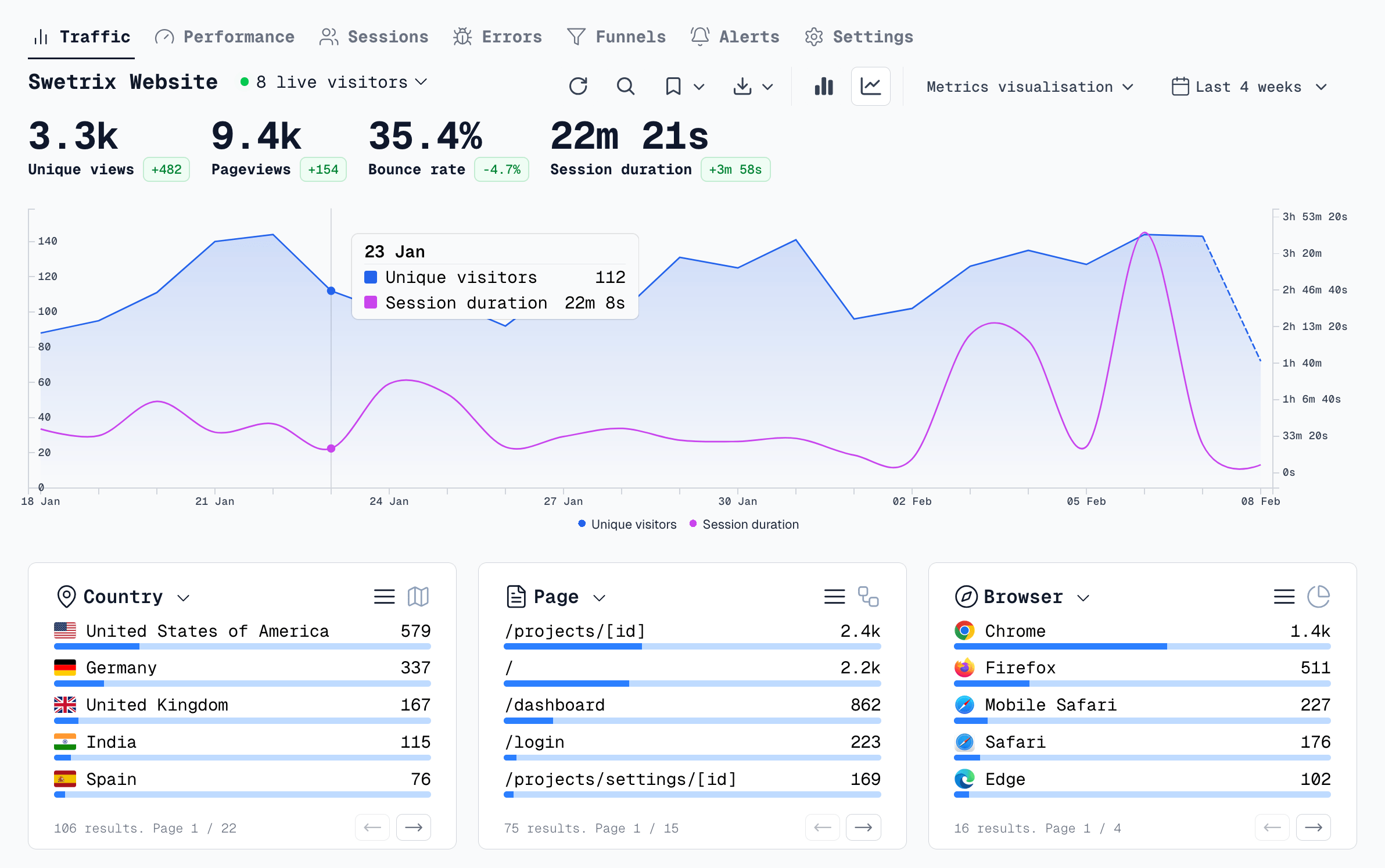
Choose Swetrix when you want one privacy-first analytics layer for traffic, product, technical health, and revenue. Start with the traffic dashboard, then add goals and funnels for the actions that create revenue.
For a SaaS funnel, track pricing_viewed, signup_started, project_created, script_installed, and paid_conversion. Connect Stripe or Paddle when revenue matters. Check performance monitoring and error tracking before blaming copy for a conversion drop, because a slow page or broken script can destroy an otherwise good signup path.
Swetrix also fits agencies. Use organisations, shared dashboards, and project access control to give clients the metrics they need without giving them the full workspace.
2. PostHog
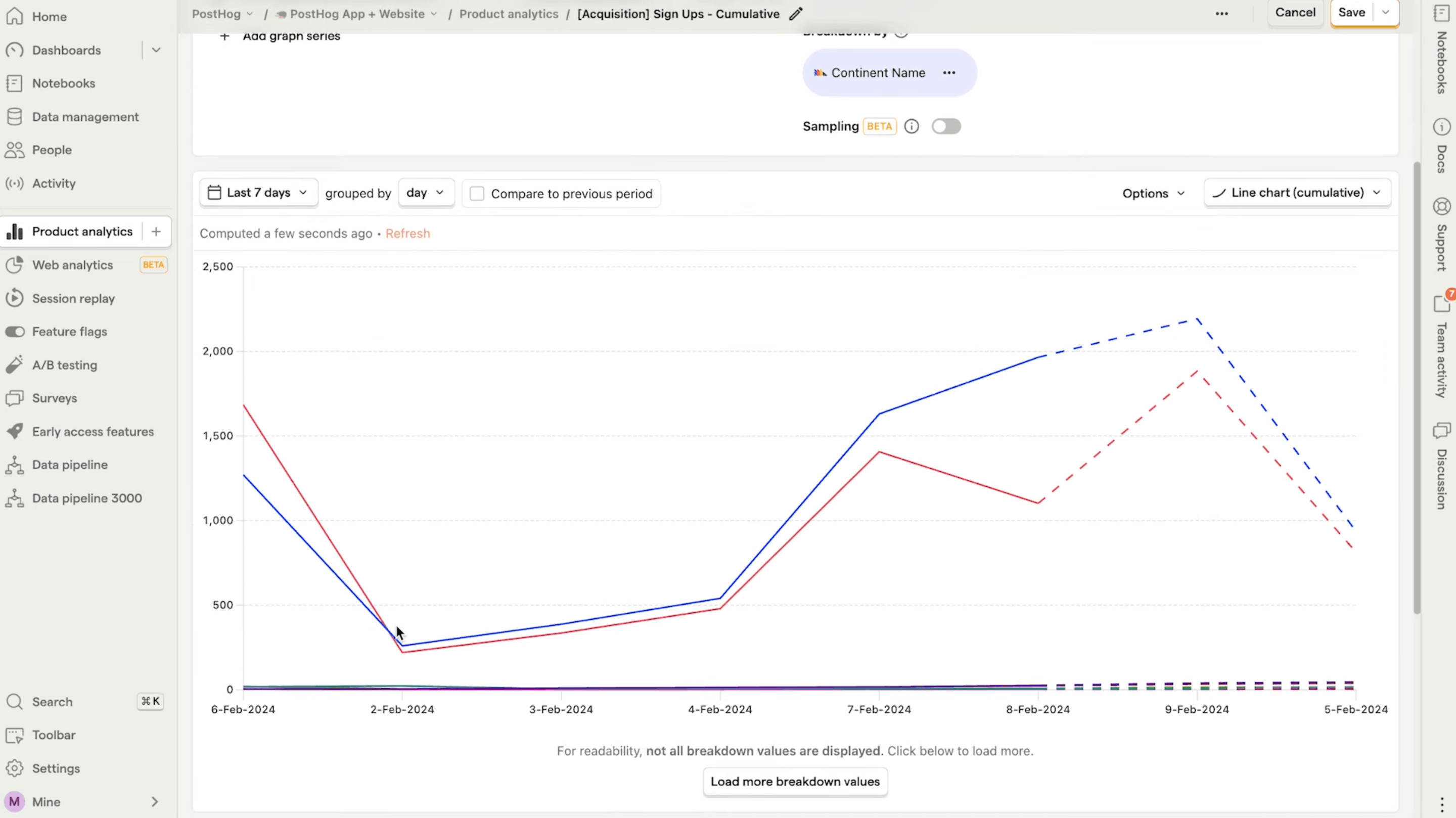
Choose PostHog when your product team wants a broad engineering-led stack: events, funnels, cohorts, retention, session replay, feature flags, experiments, surveys, and warehouse-style analysis. Build a strict event plan before rollout, because PostHog can collect more data than your team can govern.
PostHog's own self-hosting docs point many teams toward Cloud unless they have infrastructure skill, privacy requirements, and risk appetite. Use the self-hosted route when data residency or procurement demands it. Use Cloud when speed and maintenance burden matter more.
3. Matomo
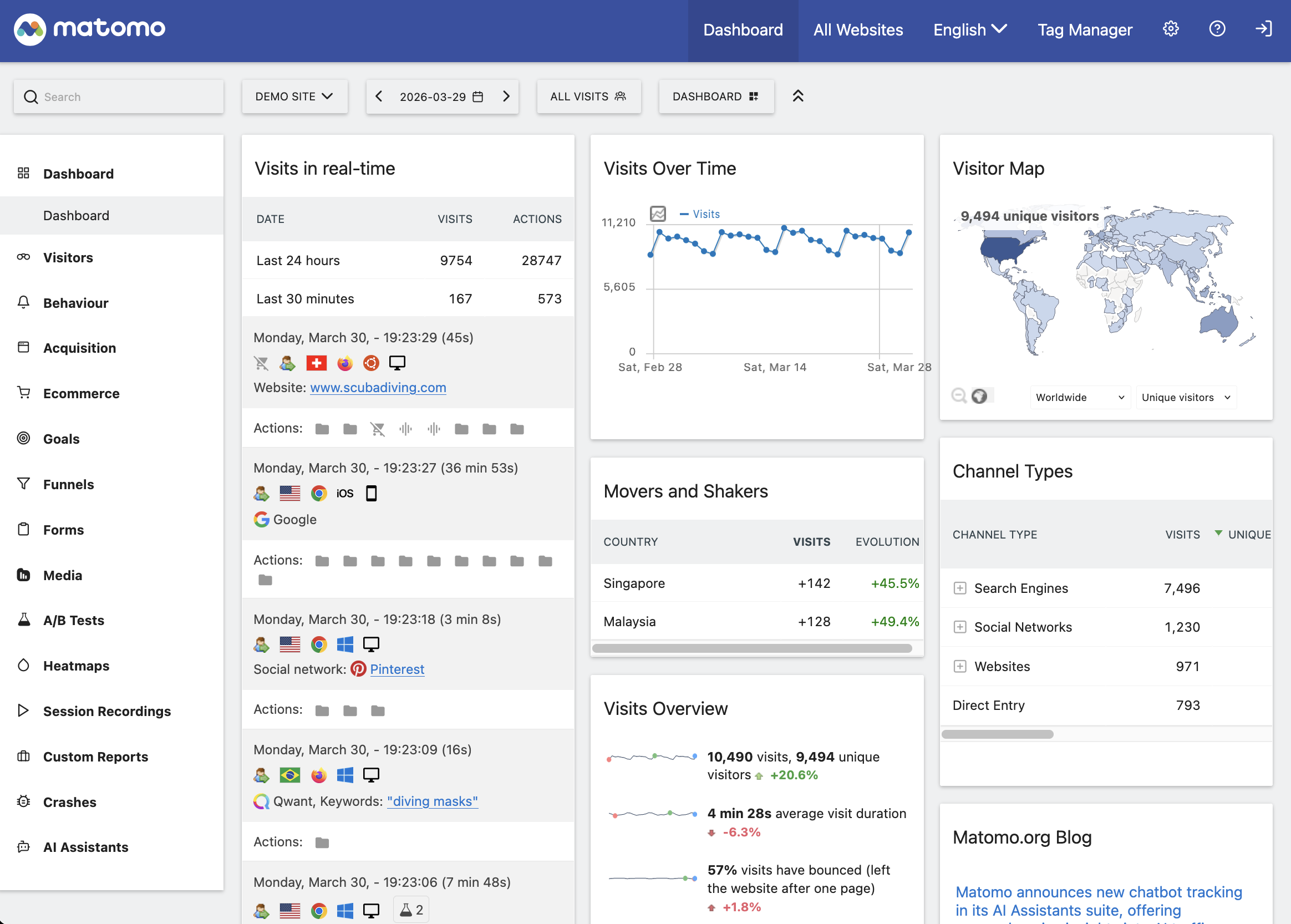
Choose Matomo when your organisation wants mature web analytics, on-prem control, and a familiar reporting model. It works well for teams that have PHP, MySQL, server, and cron experience.
Matomo's installation guide asks admins to handle server access, file permissions, database setup, security hardening, and scheduled report processing for higher traffic. Plan for admin time. Product teams may also need plugins or extra configuration for funnels, heatmaps, and session recordings.
4. Umami
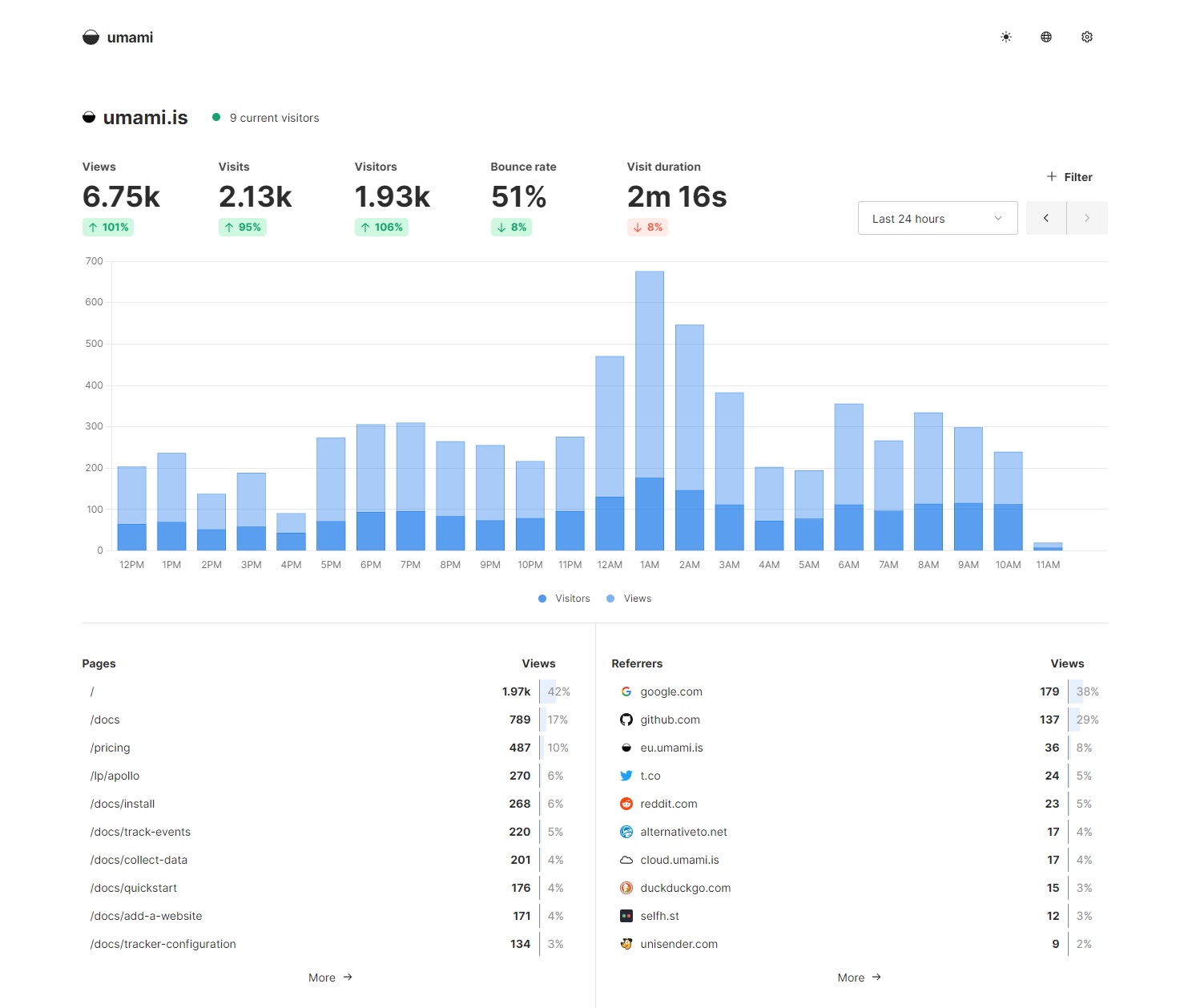
Choose Umami when you want a modern, clean, self-hostable analytics tool with events, goals, funnels, journeys, retention, teams, and API access. It gives you more product context than a bare traffic counter, but it keeps the interface small.
Use Umami for marketing sites, docs, indie SaaS products, and small product teams that prefer Docker and Postgres. Add manual product events for activation and retention. If your team needs feature flags, A/B experiments, revenue analytics, and error tracking in the same workflow, put Swetrix or PostHog ahead of it.
5. Plausible
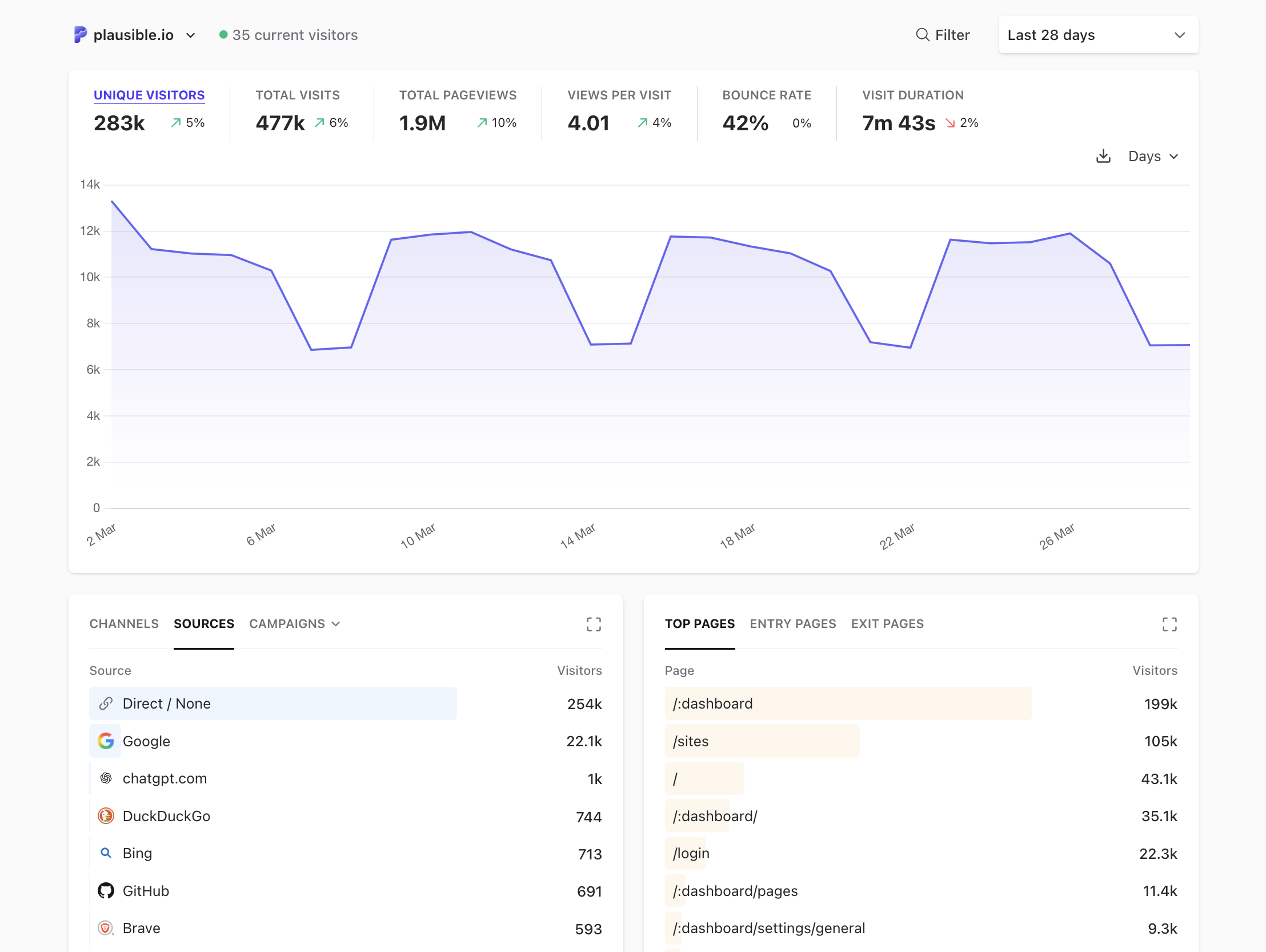
Choose Plausible when you want a crisp web analytics dashboard with goals, conversions, campaign tracking, public dashboards, and a strong privacy posture. It fits teams that care more about traffic and marketing reporting than product instrumentation.
Read the edition split before self-hosting. Plausible's self-hosted page says Community Edition runs under AGPL and that some Cloud features, including marketing funnels, user journeys, ecommerce revenue goals, SSO, and sites API, do not ship with CE. That distinction matters if you want open-source product analytics rather than simple web analytics.
6. Rybbit
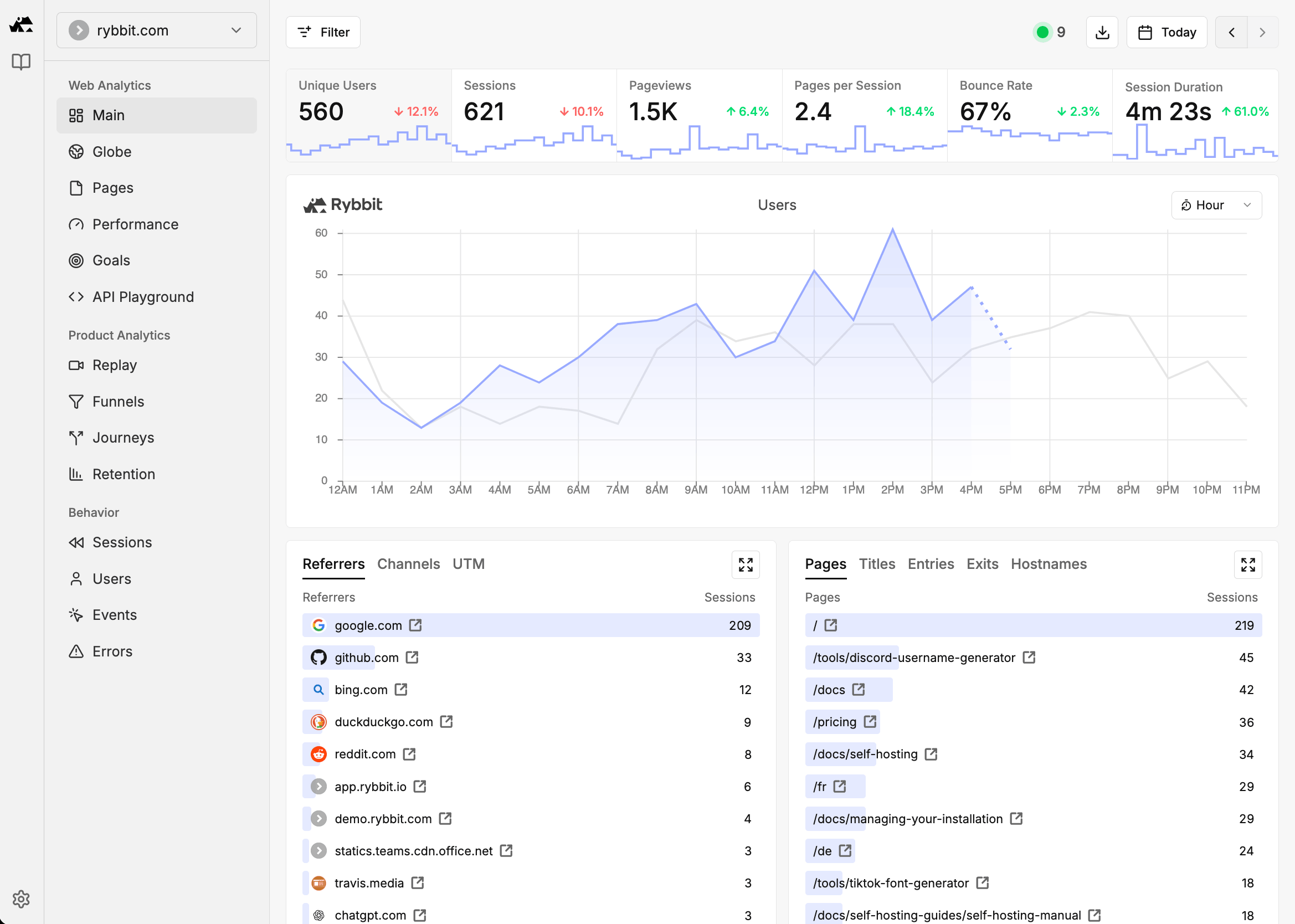
Choose Rybbit when you want a newer privacy-first analytics tool with more product depth than the simplest GA alternatives. It covers real-time analytics, custom events, funnels, user journeys, session replay, goals, retention, errors, performance metrics, organisations, API access, and self-hosting.
Run a pilot before choosing it for high-stakes reporting. Check export options, self-host upgrades, data retention, project pace, and how the team handles privacy in session replay. Rybbit can fit SaaS teams that want more product context without adopting a PostHog-scale stack.
7. GoatCounter
Choose GoatCounter for small sites that need page paths, referrers, campaigns, browser stats, and public traffic numbers. It respects privacy and runs with little setup.
Use it for blogs, personal sites, documentation, and simple public dashboards. Do not ask it to run onboarding funnels, feature adoption reports, revenue attribution, or release experiments. It solves a narrower job well.

8. Offen
Choose Offen if consent-first analytics and user access to collected data define your policy. Offen asks users to opt in and gives them access to their own usage data, which makes it a good fit for public interest, research, education, and civic projects.
Product teams that need broad event analysis will outgrow it. Use it when trust model and transparency matter more than feature depth.
9. Countly
Choose Countly for mobile, desktop, connected device, and enterprise product analytics. It gives teams SDK coverage, dashboards, engagement modules, and private deployment options.
Budget for setup and governance. Countly can fit large teams, but a small SaaS team may spend more time managing the system than acting on insights. Pick it when your product surface extends past the web and your organisation can own the deployment.

10. OpenReplay
Choose OpenReplay when replay, DevTools, co-browsing, heatmaps, funnels, and journey analysis drive the project. It helps product and support teams reproduce friction with context.
Pair it with Swetrix if you want Swetrix as your primary analytics dashboard and OpenReplay for support or debugging workflows. Use Swetrix for the reporting layer, then open replay sessions when engineering needs more context.
Privacy And Compliance Checks
Cookieless analytics can reduce consent burden, but your legal review should cover the full tag stack. Audit advertising pixels, chat widgets, A/B scripts, replay tools, and CRM forms before removing a banner.
Use this checklist during vendor review:
- Check whether the tracker sets cookies or uses persistent browser storage.
- Check whether the product collects personal data by default.
- Check whether you can run Cloud in the EU or self-host on your own infrastructure.
- Check whether your team can avoid sending names, emails, raw IP addresses, prompts, and support text.
- Check data export, deletion, role access, shared dashboards, and retention controls.
- Check whether session replay masks sensitive input fields by default and whether you can disable replay on risky pages.
For Swetrix, keep the first setup cookieless and minimal. Add custom events after you decide which questions matter. Connect revenue after the funnel works. Follow that order to keep the dataset clean and lower the chance that someone sends personal data by mistake.
Setup Plan For A One-Week Pilot
Run a short pilot before committing. Use one production page and one product flow.
- Create a project in your chosen tool.
- Add the tracker to one landing page and one onboarding flow.
- Send six events:
pricing_viewed,signup_started,project_created,script_installed,feature_used, andpaid_conversion. - Build one funnel from landing page to activation.
- Segment by source, UTM campaign, device, browser, and country.
- Check errors and performance on the same pages.
- Invite one marketer, one product person, and one developer to review the dashboard.
- Export data or share a dashboard link to confirm stakeholder access.
If the tool cannot answer the funnel question after one week, either simplify the event model or choose a tool with more product depth. Swetrix gives most SaaS teams enough depth without making them run a large analytics stack.
Final Recommendation
Choose Swetrix if you want open-source, cookieless product analytics with traffic, goals, funnels, events, user flows, performance monitoring, error tracking, A/B experiments, feature flags, revenue analytics, shared dashboards, organisations, self-hosting, EU-hosted Cloud, and AI Chat in one workflow.
Choose PostHog if your product and engineering teams want the deepest open-source event stack and can handle the governance work. Choose Matomo if your organisation wants mature on-prem web analytics and has admin capacity. Choose Umami, Plausible, Rybbit, GoatCounter, or Offen when the job skews toward website analytics and privacy. Choose Countly or OpenReplay when mobile analytics, enterprise deployment, or replay-led debugging drives the purchase.
Start with the smallest event model that answers a revenue or activation question. Pick the option that turns one funnel review into the next product or marketing task.
Swetrix gives you a practical open-source analytics stack for teams that want product insight without invasive tracking. Start a 14-day free trial, set up one funnel, and compare the result with your current analytics before switching the rest of your site.

The web analytics your site deserves.
Tired of bloated dashboards, privacy concerns, and data you can't trust? Switch to Swetrix and get simple, powerful analytics that respects your users.