- Date
Best Free Web Analytics Tools for 2026
 Andrii Romasiun
Finding the best free web analytics setup requires defining what kind of free you expect. A platform might offer a permanent hosted tier with strict traffic limits, provide open-source software you manage on your own server, or offer a time-limited cloud trial. Because lightweight traffic dashboards, product-analytics platforms, and session-replay tools solve different tracking problems, their pricing models reflect those differences. Weighing these options means matching your reporting needs against the infrastructure you want to manage. If you need referrers and landing pages, a basic counter works. If you track conversion journeys, event funnels help, while behavioral replays show where users get stuck.
Compare the Top Free Analytics Options
| Tool | Primary Strength | Hosting Model | Published Free Limit | Data Retention | Cookie / Consent Default |
|---|---|---|---|---|---|
| Swetrix | Privacy-first analytics and technical SEO | Self-hosted (Community Edition) | Server capacity | Controlled by host | Cookieless out of the box |
| Google Analytics 4 | Broad conventional traffic reporting | Cloud hosted | Standard properties | 2 or 14 months | Uses cookies; consent mode configurable |
| Cloudflare | Quick traffic and performance checks | Cloud hosted | 10 non-proxied sites | Not specified | Cookie-free; no personal data collected |
| Umami | Simple privacy-focused site dashboard | Cloud hosted (Hobby) or Self-hosted | 100k events/mo, 1 site (Hobby) | 6 months (Hobby) | Cookieless out of the box |
| PostHog | Event funnels and session replays | Cloud hosted | 1M events, 5k recordings/mo | 1 year (events), 1 month (recordings) | Cookies by default; cookieless optional |
| Microsoft Clarity | Heatmaps and behavioral recordings | Cloud hosted | Up to 100k sessions/project/day | 30 to 90 days | Uses first-party cookies |

1. Swetrix: Best for Self-Hosted, Privacy-First Analytics
If you can run your own infrastructure, Swetrix offers a robust bridge from basic traffic counting to deep product insight. The Community Edition is entirely free, open-source software you can self-host. If you prefer to skip server maintenance, the cloud service offers a 14-day trial requiring a payment method, but it does not include a permanent free hosted plan.
Hosting Swetrix gives you full ownership of a privacy-first tracking environment. The platform tracks website traffic, user events, and marketing campaigns without setting cookies or collecting personally identifiable information. Instead of fingerprinting visitors, it relies on a secure, anonymized hash that rotates daily, which lets you track returning visitors within a 24-hour window without storing persistent user data across sessions.
This cookieless foundation supports a robust suite of tools usually reserved for enterprise platforms. You can configure custom events to track specific button clicks or form submissions, build conversion funnels to isolate where users drop off, and watch session replays to diagnose confusing interface elements. Swetrix also includes error monitoring to catch client-side JavaScript failures, alongside an A/B testing module for optimizing page layouts.
Beyond user behavior, the platform integrates directly with Google Search Console and includes specialized webmaster utilities such as an AI search LLM crawlability checker, SEO migration redirect validators, and server-side performance monitors. If you run an agency evaluating analytics for clients, Swetrix offers API access, embedded dashboards, and white-labeling capabilities. You can configure client separation, permissions, and project limits based on your deployment strategy.
2. Google Analytics 4: Best for Broad Reporting
If you're looking for a free analytics option, Google Analytics is worth considering. Google provides standard properties for free, which let you bring website data together for insights.

Operating GA4 requires a significant learning curve because the interface caters to data analysts who build custom explorations rather than publishers looking for a quick top-line summary. You configure events to track everything from page views to purchases, giving you granular control over your measurement strategy. That flexibility comes with complexity, meaning you will spend time setting up tags, triggers, and custom definitions.
Privacy configuration in GA4 relies heavily on consent mode. Basic consent mode blocks Google tags entirely until a visitor interacts with a consent interface and accepts tracking. Advanced consent mode operates differently, sending anonymous cookieless pings back to Google when analytics storage is denied so Google can model missing conversions. Because consent mode acts purely as a configuration mechanism, you remain responsible for obtaining user choices through a compliant banner and accurately passing those signals to the analytics tags.
3. Cloudflare Web Analytics: Best for Traffic and Performance
Cloudflare offers a privacy-first alternative if you mainly need page views, visitor counts, and real-user performance metrics. The platform collects these metrics without requiring the site to proxy its traffic through Cloudflare's network.
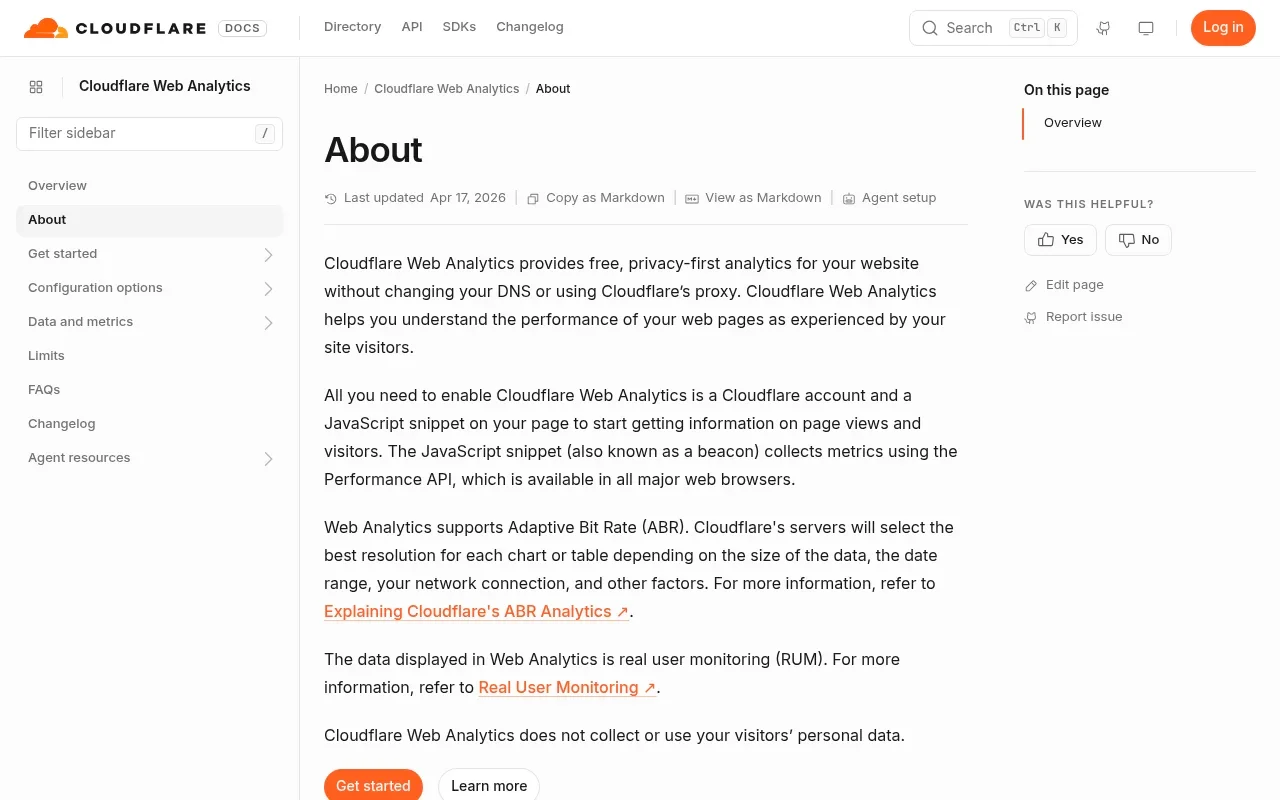
This service targets privacy and speed. Cloudflare documentation states that the tool does not collect or use personal data and operates without setting cookies. You receive a fast, single-page dashboard showing top referrers, paths, countries, and browsers. A performance tab displays real-user metrics for Largest Contentful Paint, First Input Delay, and Cumulative Layout Shift, helping you spot rendering issues affecting your audience.
Cloudflare Web Analytics serves a specific function, omitting the conversion funnels, custom event tracking, and session replays found in product analytics suites. If you manage multiple clients, note a specific architectural limit: Cloudflare restricts free accounts to 10 sites that are not proxied through its service, while proxied sites do not face this published boundary.
4. Umami: Best for Privacy-Focused Site Analytics
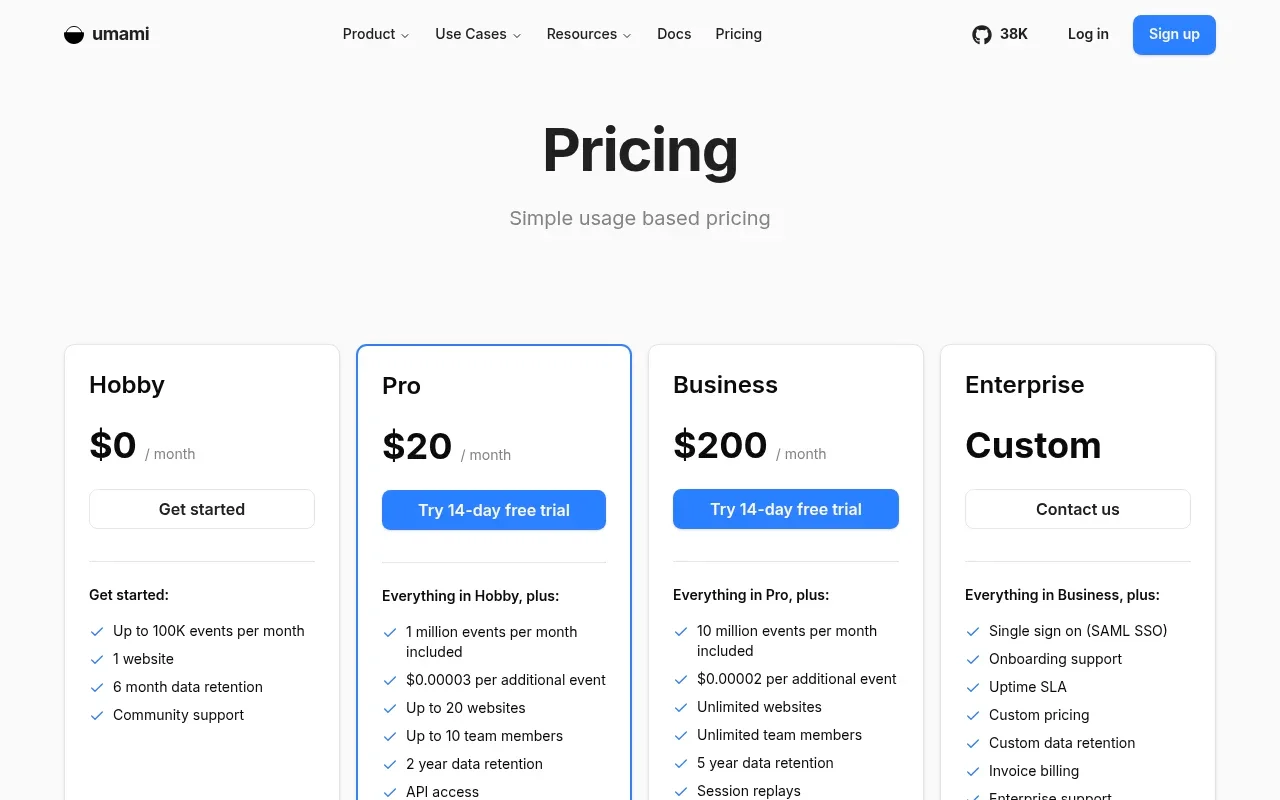
Umami serves projects needing a privacy-focused dashboard with a bit more room than a basic hit counter. The project offers two distinct models: you can self-host the open-source software for free, or you can use the managed cloud service. The hosted Hobby plan costs nothing and includes an allowance of 100,000 events per month, support for one website, and six months of data retention.
The default Umami tracker operates without cookies, relying instead on a hashed signature to measure unique visitors. The interface presents a clean, readable summary of traffic sources, pages, and visitor demographics. To track custom events like file downloads or outbound link clicks, you add a short data attribute to your HTML elements.
While the self-hosted version unlocks capacity limited only by your database, operating the service yourself requires server management. The hosted Hobby plan handles the infrastructure but enforces the one-website cap. This managed tier excludes advanced behavioral tools like session replays and heatmaps, keeping the focus strictly on traffic and event counting.
5. PostHog: Best for Funnels and Product Analytics
For pricing, PostHog lists monthly free tiers across its products, with usage-based pricing after those tiers.
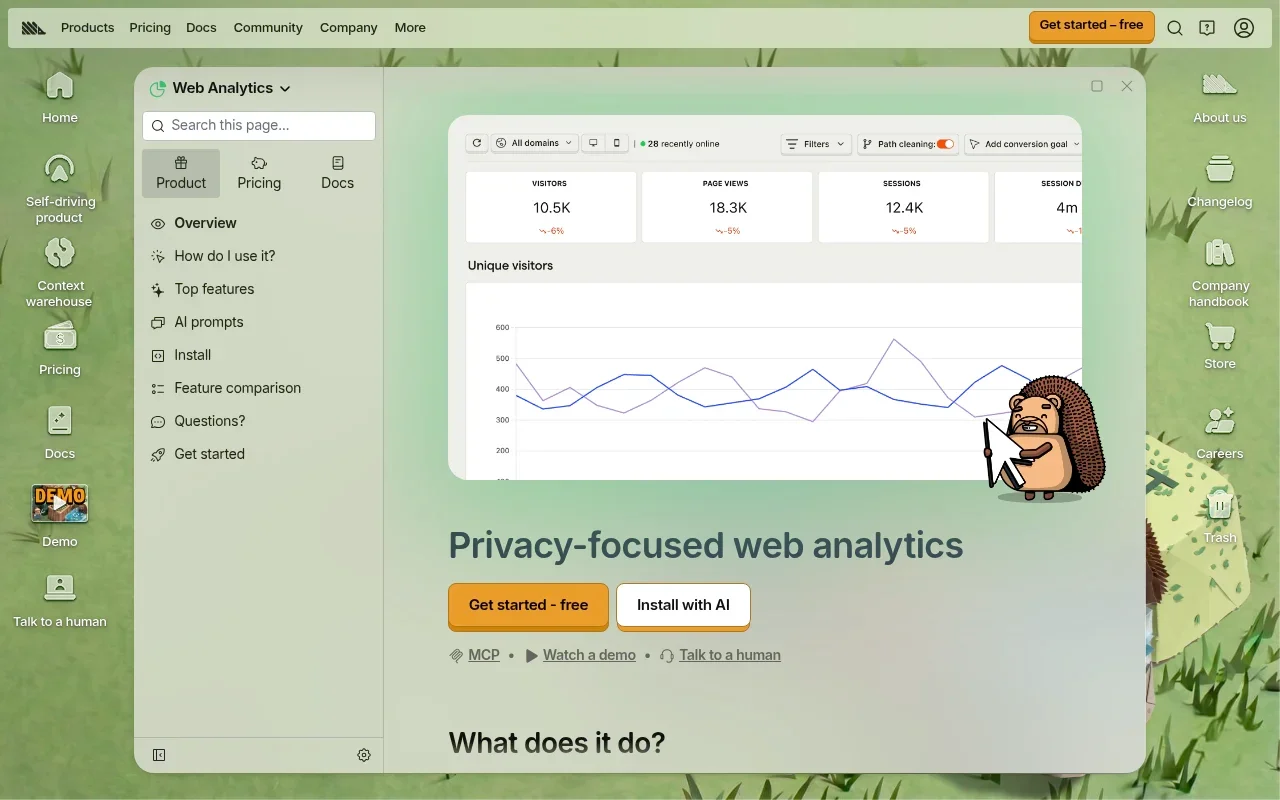
PostHog steps far beyond traffic reporting by providing a full product analytics suite where you can build multi-step conversion funnels, analyze user retention cohorts, and define complex user paths. If you remain on the free plan and exceed the monthly allowance, PostHog drops the excess events until the next billing cycle begins, so a sudden traffic spike can push usage past the allowance.
By default, PostHog sets cookies to track users reliably across multiple sessions and devices. You can configure the library for cookieless tracking by disabling persistence, though doing so limits the accuracy of long-term retention reports and cross-session funnels. Because PostHog is built for software applications and complex conversion flows, it feels too heavy for a basic blog but highly effective for an interactive product.
6. Microsoft Clarity: Best for Heatmaps and Recordings
Microsoft Clarity functions differently from the other tools on this list, operating as a behavioral-analysis companion designed to run alongside a traditional traffic tracker. Microsoft advertises free access to heatmaps and session recordings, with a capacity capable of processing up to 100,000 sessions per project per day.
Clarity reveals how users interact with your page layouts. The heatmap tool highlights clicks, scroll depth, and rage clicks, showing you where visitors focus their attention and where they encounter friction. A session recording feature captures mouse movements and text input, allowing you to watch the visitor experience unfold. You can filter these recordings by referral source or browser type to isolate specific technical issues.
Deploying Clarity requires thoughtful privacy management. The platform sets first-party cookies to connect individual page views into coherent sessions, meaning it does not operate as a cookieless tool. For visitors arriving from the EEA, the UK, and Switzerland, Microsoft requires a valid consent signal to enable full functionality starting October 31, 2025. You remain responsible for integrating your consent banner with the Clarity tracking script.

Choose by Use Case, Not by "Unlimited Free" Claims
Marketing copy often obscures the operational limits of free software. Evaluating an analytics platform requires matching the tool's architecture to the questions you need to answer, the traffic volume you expect, and the privacy regulations governing your audience.
Match the Tool to the Measurement Job
The right platform depends on your role and your site's complexity. A personal site checking traffic sources needs a different setup than a commercial application analyzing user onboarding. Cloudflare offers the fastest route for a quick check of referrers and real-user performance, while Umami provides a clean, privacy-focused dashboard that scales easily for independent developers.
For broader conventional reporting, GA4 delivers deep integrations with advertising platforms, provided you have the patience for its interface. Teams building software applications or multi-step checkout flows benefit from PostHog and its event-based funnels. If you already maintain a traffic dashboard but want to see where visitors scroll and click, Microsoft Clarity provides the necessary behavioral recordings.
If you manage analytics for clients, campaign attribution, UTM parameter parsing, and client-readable reports often take priority. Companies evaluating analytics to offer to their own end users require deeper infrastructure capabilities. Check the requirements for tenant separation, client permissions, embedded dashboards, API access, and white-labeling on your intended platform, rather than assuming a free tier supports multi-tenant commercial use.
Check Limits, Privacy, and Client Boundaries
Free plans differ in what they count, how long they store data, and what happens when you hit a ceiling. Umami caps its free hosted plan by event count and restricts it to one website, whereas PostHog stops processing data when you exceed one million events in a month.
Hosting models dictate your maintenance burden. A permanent cloud tier requires no server administration, but self-hosted software demands patching, database management, and infrastructure costs. The Community Edition of Swetrix operates as free software, though you still pay for the Linux server that runs it.
Privacy defaults also differentiate these platforms. Cloudflare and Swetrix operate without cookies out of the box, while PostHog and Clarity rely on cookies by default to stitch sessions together. GA4 requires explicit configuration through consent mode to alter its tagging behavior. Understanding these defaults prevents accidental compliance violations when deploying a new script.
Compare Trends During a Migration
Moving from one analytics tool to another rarely produces identical visitor totals, so if you switch platforms, run both tracking scripts in parallel for two weeks.
Compare the broader trends rather than demanding exact matching numbers, because different tools define sessions differently. One platform might close a session after 30 minutes of inactivity, while another might tie a returning visitor to a new session based on a custom cookie configuration. Consent settings also change what a script collects. Cookieless tools rely on daily hashes that treat a visitor crossing the midnight boundary as two separate users, while a persistent cookie counts them as one. Because these technical mechanisms vary, focusing on the directional accuracy of your page views and conversion rates yields better insights.

Free Web Analytics FAQs
What Is the Best Free Analytics Tool for a Blog?
Traffic volume and reporting needs vary widely among publications. Cloudflare Web Analytics serves publishers who only need to monitor top referrers, page views, and Core Web Vitals without slowing down their site. Umami offers a highly readable, privacy-focused dashboard that tracks custom events without setting cookies. GA4 suits properties that need deep historical reporting and integration with Google Search Console, provided you invest time in learning the interface.
Which Free Tools Offer Funnels or Session Recordings?
PostHog provides extensive free product analytics, including event-based funnels and session replays up to its monthly limits. Microsoft Clarity offers session recordings and heatmaps at high volume, though it lacks the event-funnel architecture of a product analytics platform. If you possess the technical skill to deploy self-hosted software, you can use the Swetrix Community Edition to access custom funnels, error monitoring, and session replays on your own infrastructure.
Is Self-Hosted Analytics Free?
The open-source software itself costs nothing, but operating it carries expenses. You pay to rent a virtual private server, manage database backups, configure SSL certificates, and apply security patches. Self-hosting gives you complete ownership of your data and removes arbitrary event limits, trading a monthly subscription fee for infrastructure costs and your maintenance time.
Does Cookieless Analytics Always Mean No Consent Banner?
Cookie behavior alone does not determine your legal obligations regarding consent banners. While tools like Swetrix and Cloudflare operate without cookies or persistent local storage, regional laws evaluate data processing based on privacy impacts rather than technical storage methods alone. GA4 requires you to gather consent and pass it through consent mode, and Microsoft Clarity explicitly requires a valid consent signal for European traffic by late 2025. Compare each product's documented defaults with the rules in your jurisdiction.
Can a Free Analytics Plan Support Multiple Client Sites?
For client work, compare each plan's site limits and tenant separation features. Cloudflare limits free accounts to 10 non-proxied sites, while the Umami free Hobby plan permits exactly one website. If you need to manage dozens of client properties, provision separate user access, or embed white-labeled reports into a custom portal, you generally need to self-host an open-source platform or upgrade to a commercial agency tier.
Upgrading your analytics setup means finding a tool that balances deep insight with user privacy. Swetrix provides a cookieless, privacy-focused platform that tracks traffic, measures campaigns, and delivers product analytics like session replays and funnels. Start your 14-day trial or explore the open-source Community Edition at Swetrix.