- Date
How to Generate UTM Links That Supercharge Your Analytics
 Andrii Romasiun
When you generate a UTM link, you're essentially adding a few bits of text—called UTM parameters—to the end of a regular URL. Think of these tags, like utm_source and utm_campaign, as little notes for your analytics tool. They tell it exactly where a visitor came from, taking the guesswork out of your traffic reports.
Why UTM Links Are a Marketer's Secret Weapon
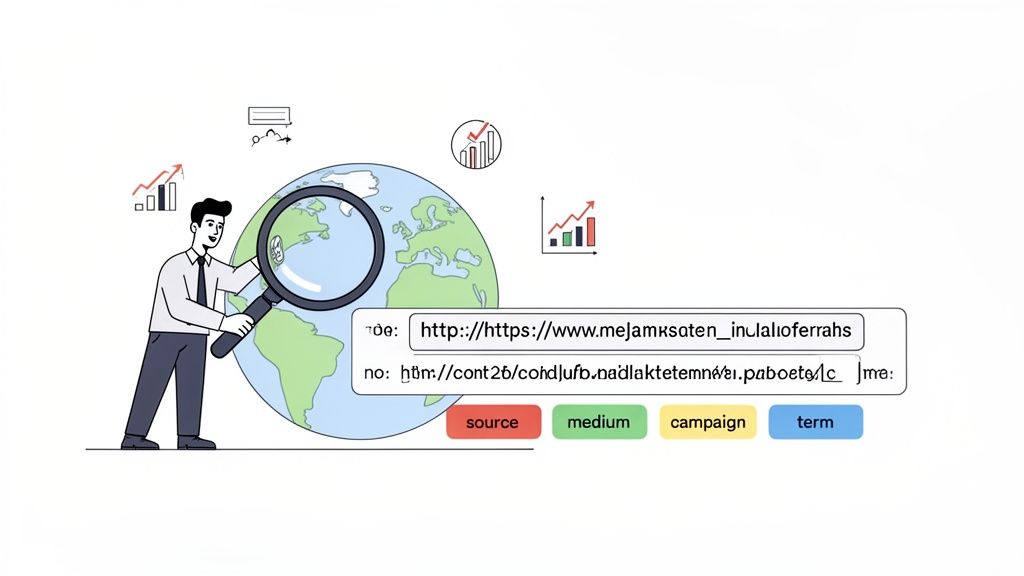
Have you ever stared at your analytics, scratching your head over a sudden jump in "direct" traffic? It’s a common frustration, and that’s precisely the problem UTM links solve. They create a clear digital breadcrumb trail, giving you undeniable proof of where every single click originated. Without them, you're just marketing in the dark.
This isn't just about knowing you got a visitor; it's about understanding the story behind that visit. Was it the link in your Instagram bio that did the heavy lifting? A specific ad in your latest Facebook campaign? Or that new call-to-action button in your weekly newsletter? UTMs give you those answers, loud and clear.
The Power of Precise Data
This clarity isn't just for curiosity's sake—it fuels smarter, data-driven decisions that directly impact your bottom line. Once you start consistently generating UTM links for all your marketing efforts, you'll see a few major benefits:
- Pinpoint Top Performers: You can instantly tell which channels, campaigns, and even individual ad creatives are bringing in the most valuable traffic and conversions.
- Justify Marketing Spend: Tying specific marketing actions to website traffic and user behavior makes proving ROI to stakeholders a whole lot easier.
- Optimize Future Campaigns: You learn what actually works. Maybe you find that your audience on LinkedIn loves video ads, but your email list responds better to simple, text-based links. This is the kind of insight that shapes winning strategies.
This isn't a small improvement. Proper UTM use can slash attribution errors by as much as 70%, turning that murky traffic data into actionable intelligence. Without it, some businesses misclassify up to 40% of their traffic, which can lead to a massive waste of ad spend.
One of the biggest mistakes I see is people thinking UTMs are only for big, paid advertising campaigns. The truth is, they're just as powerful for tracking clicks from your organic social media posts, influencer collaborations, or even a QR code on a printed flyer.
Ultimately, getting comfortable with UTMs is a foundational skill for any serious marketer. To get a better handle on the underlying mechanics, our guide on what UTM tracking is and how it works is a great place to start. It’s the first step in turning your analytics from a simple report card into a strategic playbook.
Two Proven Ways to Generate a UTM Link
Alright, let's get into the nuts and bolts of creating your first UTM-tracked link. There are really two ways to go about it, and knowing both will set you up for success whether you're tracking a quick social media post or a massive ad campaign.
You can always build the link by hand. This means taking your base URL and tacking on the UTM parameters yourself. You start with a question mark (?) after the URL, add your first parameter, and then separate any additional ones with an ampersand (&).
It would look something like this: yourwebsite.com/blog-post?utm_source=linkedin&utm_medium=social. Getting your hands dirty like this is a great way to understand exactly how the URL is structured.
For Speed and Accuracy, Use a UTM Link Builder
While building links manually is a good learning exercise, in the real world, you'll want to use a dedicated tool. A UTM builder is your best friend for creating clean, error-free links every single time. It's just a simple form where you plug in your details, removing any chance of a typo wrecking your tracking.
Tools like Google's Campaign URL Builder are the gold standard for a reason. You just enter your website URL and fill in the fields for source, medium, and campaign. The tool does the heavy lifting and spits out a perfectly formatted URL.
Here's a look at what a typical builder interface looks like. You fill in the boxes, and the tool assembles the final link for you.
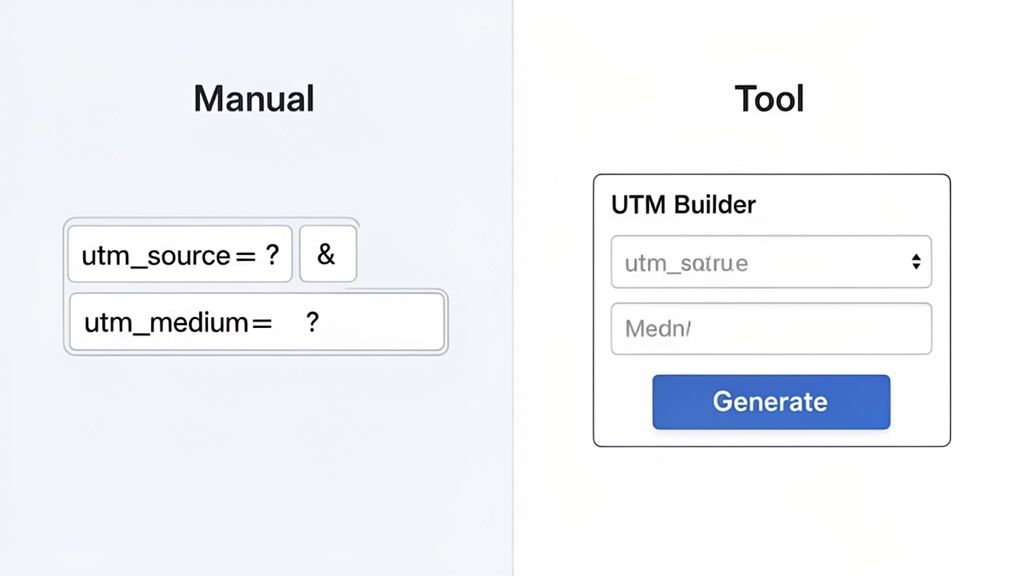
As you can see, the final URL is generated at the bottom, ready to copy and paste. No guesswork, no syntax errors.
A tiny mistake, like using a second question mark instead of an ampersand, can break the whole thing. A UTM builder completely eliminates that risk, making sure your data is always clean and reliable. It’s a simple preventative measure that saves you from massive data headaches down the line.
Many analytics platforms also have their own tools built right in. For example, you can use a free UTM generator from Swetrix to create links on the fly. This is perfect for teams that need to stay consistent with their naming conventions across dozens or even hundreds of links without all the manual effort.
Building a Naming Convention That Actually Works
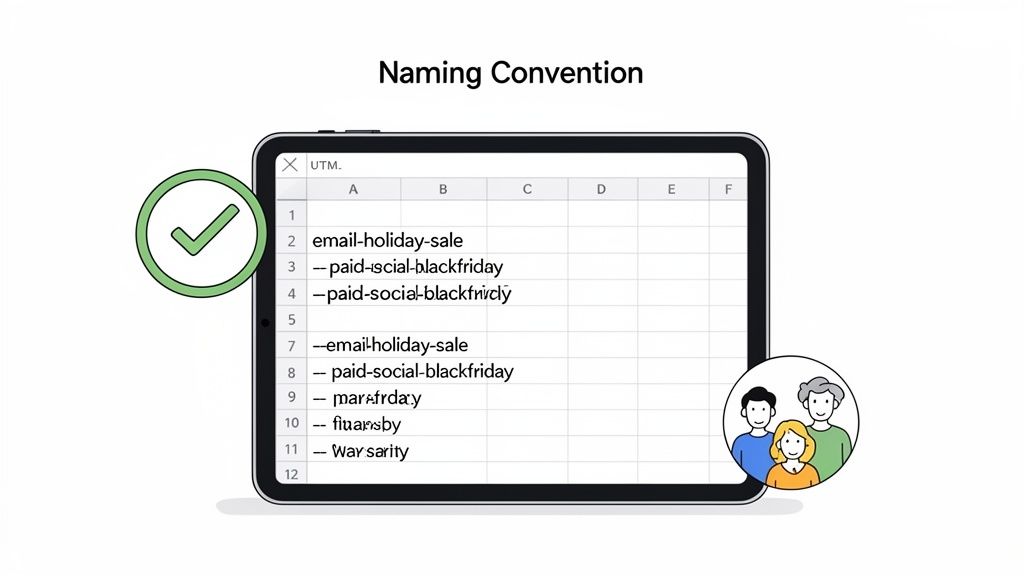
Anyone can slap together a UTM link. The real trick—and where most marketers stumble—is keeping your data clean and scalable over time. Without a consistent naming convention, your analytics reports will quickly devolve into a confusing mess of duplicate entries. Getting a clear picture of what’s actually working becomes nearly impossible.
This is where a simple, shared framework makes a world of difference.
The first, non-negotiable rule is to always use lowercase. UTM parameters are case-sensitive, which means Facebook and facebook will show up as two entirely different sources in your analytics. Sticking to lowercase from day one is the easiest win you'll ever get for preventing messy, fragmented data.
Along the same lines, pick one separator and stick with it. I always recommend dashes (-) over underscores (_) or spaces. Spaces are a no-go; they often break URLs or get encoded into ugly strings like %20. A clean, readable tag like holiday-sale-2024 is always better than Holiday Sale 2024.
Creating a Team-Wide System
The only way a naming convention succeeds long-term is if everyone on your team is on board. The best way I've found to manage this is with a simple, shared spreadsheet. It acts as a central hub where you can define your rules and, more importantly, log every single UTM link your team creates. This document becomes your single source of truth.
Let's say you're running a big holiday sale across a few different channels. Here’s what a solid, consistent naming structure would look like in practice:
- Email Newsletter:
utm_source=newsletter,utm_medium=email,utm_campaign=holiday-sale-2024 - Paid Social Ad:
utm_source=instagram,utm_medium=cpc,utm_campaign=holiday-sale-2024 - Influencer Post:
utm_source=influencer-jane,utm_medium=social,utm_campaign=holiday-sale-2024
The magic here is keeping the
utm_campaignvalue identical across every channel. By doing this, you can easily filter your analytics to see the total, aggregated impact of the "holiday-sale-2024" initiative in one clean view. That's how you move from just collecting data to making truly informed decisions.
This kind of structured approach transforms your UTMs from basic tracking tags into a powerful, organized dataset. If you're ready to go even deeper, be sure to check out our detailed guide on using UTM parameters for more advanced tips and real-world examples.
Common UTM Mistakes That Wreck Your Data
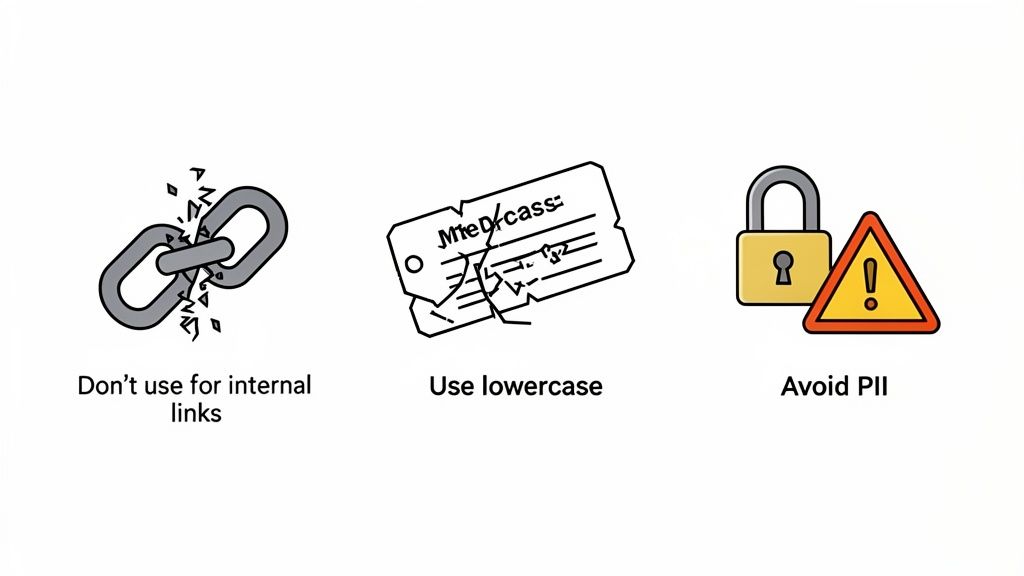
So, you know how to generate a UTM link. That's a great start, but a few simple mistakes can completely undermine all your hard work. These common slip-ups lead to messy, unreliable data that can point your marketing strategy in the wrong direction.
The good news? They’re all easy to avoid once you know what to look for.
The absolute cardinal sin of UTMs is using them on internal links. This happens when you tag a link that goes from one page of your website to another. When a visitor clicks that link, it immediately overwrites their original source.
Imagine a user arrives from a Google ad, then clicks an internal link you tagged with UTMs. Suddenly, your analytics platform thinks their session started from your own "internal campaign," completely erasing the fact that your ad brought them there in the first place. You’ve just lost crucial attribution data.
Another classic mistake is inconsistent naming. It seems small, but it silently fractures your campaign reporting. Without a strict, shared naming convention, utm_source=facebook and utm_source=Facebook will be tracked as two entirely different sources. This forces you to manually stitch together fragmented reports for what should have been a single, unified campaign.
Keeping Your Tracking Clean and Secure
Beyond consistency, a few other pitfalls can cause even more serious problems. One of the most dangerous is putting personally identifiable information (PII) into your UTM parameters. This is a massive privacy violation that exposes sensitive user data directly in the URL for anyone to see.
Never include user-specific details like names, emails, or phone numbers in a UTM parameter. The data is not secure and is visible to anyone who can see the URL, creating a major privacy risk.
Finally, don't forget about the user experience. A long, clunky URL stuffed with UTM parameters looks spammy and untrustworthy, especially on social media where every character counts. Always run your final link through a URL shortener to create something clean and clickable before you share it.
These aren't just minor clerical errors. Marketers who ignore consistent tagging can see 50-60% of their campaign traffic incorrectly bucketed into the dreaded 'direct/none' category. This confusion can lead to up to 35% wasted ad spend on campaigns that seem like they aren't working. For a deeper dive, check out this guide on unlocking accurate campaign tracking on analyticsmates.com.
Alright, you've done the hard work of building and tagging your URLs. Now for the payoff: seeing exactly how your campaigns are performing. This is where all that careful planning with your UTM parameters really shines, and inside Swetrix, you don't have to jump through hoops to get to the good stuff.
Once people start clicking your links, Swetrix automatically picks up on the UTM tags and starts sorting the data for you. There's no need to configure custom reports or mess with special settings. The information just flows right where you need it.
This is how you go from just counting clicks to truly understanding performance. You can finally see which channels are pulling their weight, which campaigns are hitting the mark, and what content is actually getting people to engage.
Finding Your Campaign Data
To check out your UTM results, just head over to the Campaigns report in your Swetrix dashboard. This is your mission control for all tagged traffic. Everything is neatly organized into a table, broken down by the parameters you so carefully set up.
Here’s a glimpse of what that looks like. You get a clean breakdown of visitors, sessions, and bounce rates for each source and medium.
At a glance, you can spot your winners. In this example, you can see that product-hunt is a huge source of visitors, giving you immediate validation that your launch efforts there paid off.
This kind of data lets you answer the questions that actually matter for your strategy:
- Which channels are best? Is
googlebringing in more engaged visitors (with a lower bounce rate) thanlinkedin? - Are my campaigns working? Did the
summer-salecampaign actually pull in more traffic than thespring-promowe ran last quarter? - What content is hitting home? Did that link in our newsletter (
utm_medium=email) outperform our paid social ads (utm_medium=cpc)?
By putting all this information in one place, Swetrix helps you connect the dots. You can confidently decide where to double down on your budget and which campaigns need a fresh approach—all based on clear, straightforward data.
Got Questions About UTMs? We've Got Answers.
Even after you get the hang of building UTM links, a few practical questions always pop up. Let's tackle some of the most common ones we hear from marketers trying to sharpen their tracking game.
Can I Use UTMs for My Offline Marketing?
You absolutely can, and you should! UTM links are fantastic for connecting your offline efforts to your online results. Think about things like flyers, posters, or even the back of a business card.
A common and effective way to do this is with a QR code. Just create a UTM-tagged URL and turn it into a QR code. When someone scans it, you'll know exactly where they came from.
For example, imagine you're at a conference and handing out flyers. Your UTM link could look something like this:
utm_source=event-conference-2024utm_medium=qr-codeutm_campaign=booth-flyer
Now, when you check your analytics, you can see precisely how many visitors came from that specific flyer. It’s a simple way to measure the ROI of your physical marketing materials.
What's the Real Difference Between UTM Term and UTM Content?
While source, medium, and campaign are the big three, utm_term and utm_content are your secret weapons for getting more granular data, especially with paid ads or complex campaigns.
utm_term is most often used for paid search to track the specific keywords you're bidding on. If you're running a Google Ads campaign, this parameter tells you if a click came from someone who searched "privacy-first analytics" or from someone who searched "website performance monitoring." Super useful for optimizing ad spend.
utm_content is your best friend for A/B testing. It lets you tell the difference between links that point to the same page from within the same campaign. Let's say you have two CTAs in an email newsletter—a big button and a small text link. You could tag them with utm_content=cta-button and utm_content=text-link to see which one people actually click on.
Do I Really Need to Use All Five UTM Parameters Every Time?
Nope, definitely not. For the vast majority of your tracking needs, the three core parameters—utm_source, utm_medium, and utm_campaign—are perfectly sufficient. They’ll give you a solid, clear picture of where your traffic is coming from.
The goal is consistency, not complexity. It's much better to consistently use the three required parameters on every single link than it is to sporadically use all five and end up with messy, confusing reports.
Save utm_term and utm_content for when you have a specific question you need to answer. Use them when you want to know which ad creative is working best or which keyword is driving the most valuable traffic. This keeps your main reports clean and makes deep dives much more intentional.
Ready to see your campaign data in a clear, actionable dashboard? Swetrix provides a simple, privacy-first way to track your UTM campaigns without getting lost in complexity. Start your 14-day free trial today and turn your traffic into insights.