- Date
The Top 12 Tools for Free Analytics for Websites in 2026
 Andrii Romasiun
Understanding your website's traffic is fundamental to growth, but the default choice, Google Analytics, is no longer the only game in town. The shift towards user privacy, GDPR compliance, and the demand for more straightforward, actionable data has created a need for alternatives. Finding the right free analytics for websites is now a critical strategic decision, not just a technical one. Whether you're a startup founder needing lean, privacy-first metrics, a developer seeking an open-source solution to self-host, or a marketer tired of overwhelming complexity, the ideal tool for you exists.
This comprehensive guide is designed to help you navigate this landscape efficiently. We move beyond generic feature lists to provide a practical resource, comparing a dozen of the best free analytics platforms available today. We’ll cover everything from hosted free tiers with generous limits to powerful, self-hosted open-source projects that give you complete data ownership.
Inside, you will find a detailed breakdown of each tool, complete with screenshots, direct links, and a concise analysis covering:
- Key Features: What makes each platform stand out.
- Pros & Cons: An honest look at strengths and limitations.
- Best For: Specific use cases, from indie makers to digital agencies.
- Privacy Focus: Notes on GDPR/CCPA compliance and cookie-less tracking.
- Setup & Migration: Quick tips to get you started.
Our goal is to cut through the noise and provide the clarity needed to select, implement, and benefit from a free analytics solution that perfectly aligns with your project's specific needs, budget, and ethical considerations. Let’s dive in.
1. Swetrix
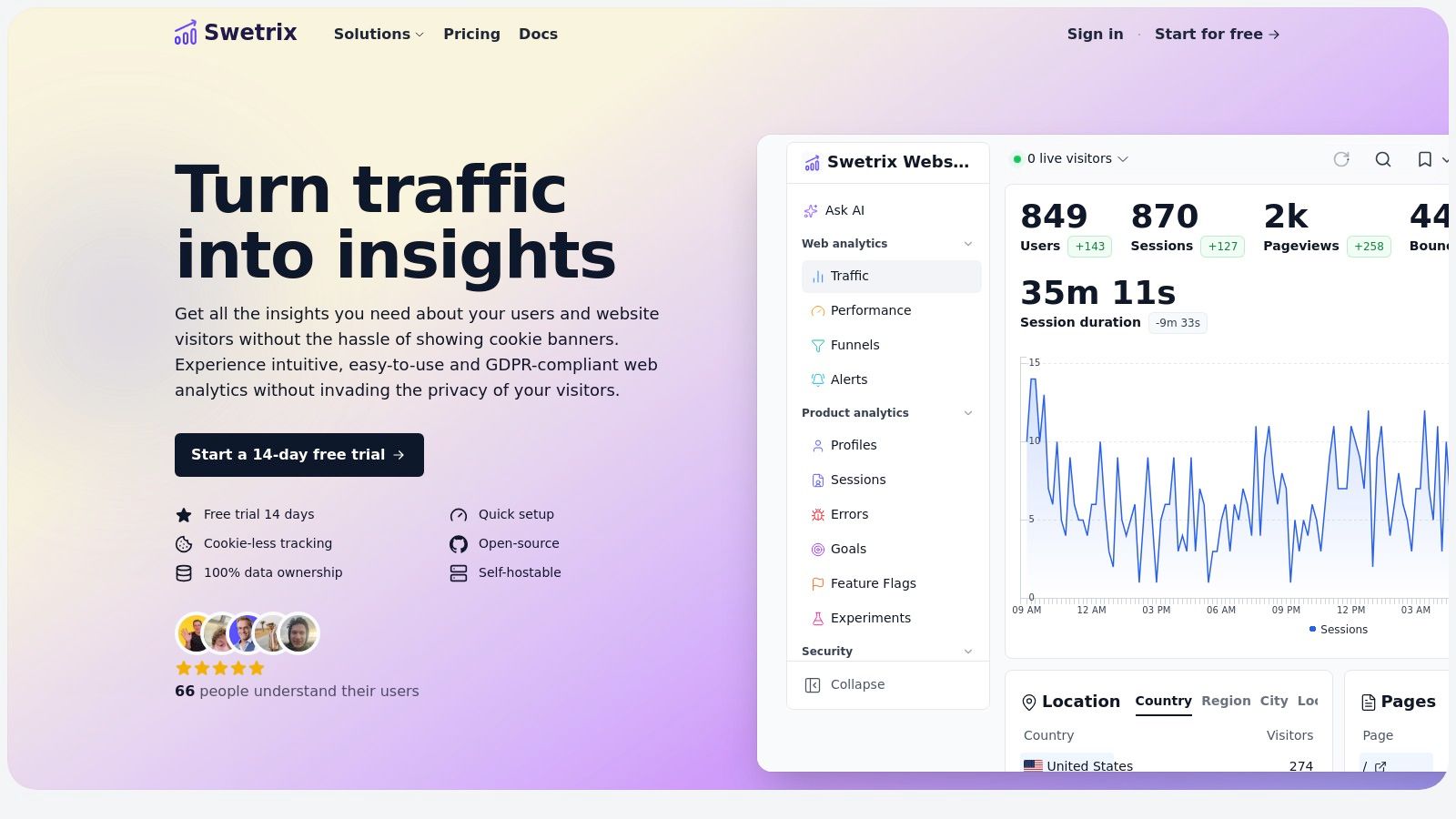
Swetrix stands out as a powerful, privacy-first web analytics platform designed for teams that refuse to compromise between deep user insights and ethical data handling. It delivers a comprehensive suite of tools that go far beyond simple pageview counts, making it a formidable choice for those looking for free analytics for websites through its open-source, self-hosted Community Edition.
This platform empowers product, growth, and engineering teams with actionable, real-time data without relying on invasive cookies. This cookieless approach means you can maintain GDPR compliance and eliminate the need for annoying cookie consent banners, directly improving the user experience from the moment a visitor lands on your site.
Why It’s a Featured Choice
Swetrix expertly balances robust functionality with a core commitment to privacy. It offers not just standard metrics like top pages, traffic sources, and geolocation, but also advanced features like session analysis, performance monitoring (Real User Monitoring), and JavaScript error tracking. This combination provides a holistic view of both user behavior and technical site health.
For growth-focused teams, Swetrix integrates essential optimization tools directly into the platform. You can track custom conversion goals, build user funnels, run statistically sound A/B tests, and even manage feature flags for safe, incremental rollouts. Furthermore, its Stripe and Paddle integrations enable direct revenue attribution, connecting marketing efforts to financial outcomes.
Core Features & Benefits
| Feature Category | Description & Benefits |
|---|---|
| Data & Privacy | Cookieless Tracking: Anonymously collects data, eliminating the need for cookie banners and simplifying GDPR/CCPA compliance. |
| Analytics Suite | Real-Time Dashboards: Monitor top pages, traffic sources, bounce rate, and UTM campaigns as they happen. |
| Advanced Tools | Error Tracking & RUM: Identify and debug front-end JavaScript errors and monitor real user performance metrics to optimize site speed. |
| Optimization | A/B Testing & Feature Flags: Run experiments and safely deploy new features from within the analytics platform. |
| Integrations | Revenue & Alerts: Connect Stripe/Paddle for revenue analytics and send alerts to Slack, Discord, or Telegram. |
| Hosting & Control | Open-Source & Self-Hostable: The Community Edition allows for 100% data ownership and free hosting on your own infrastructure. |
Practical Considerations
Pros:
- Privacy-first design eliminates cookie banners and supports compliance.
- Feature-rich suite includes error tracking, RUM, funnels, and A/B testing.
- Open-source Community Edition offers a completely free, self-hosted option.
- Revenue attribution and team management tools are built-in.
Cons:
- The hosted cloud version does not have a permanent free plan after the 14-day trial.
- Its integration ecosystem is smaller compared to industry giants like Google Analytics.
Pricing & Access
Swetrix offers two primary models. For zero-cost analytics, you can download and deploy the Community Edition on your own server for free. If you prefer a managed solution, their Cloud plans are traffic-based, starting at $19/month for 100,000 events, with a 14-day free trial that doesn't require a credit card.
Website: https://swetrix.com
2. Google Analytics 4 (GA4)
As the de-facto standard for web analytics, Google Analytics 4 (GA4) is an essential, if complex, tool in the landscape of free analytics for websites. Its event-based data model shifts focus from sessions and pageviews to user interactions, offering a more flexible framework for tracking behavior across websites and apps. This makes it powerful for businesses deeply integrated into the Google ecosystem.
What truly sets GA4 apart is the free, native integration with BigQuery. This feature democratizes data warehousing, allowing businesses to export raw, unsampled event data for deep analysis with SQL, something previously reserved for expensive enterprise-level tools. While the user interface has a steeper learning curve compared to its predecessor, its "Explorations" workspace provides advanced analysis tools like funnel exploration and path analysis directly within the platform.
GA4 is free to use, but an enterprise version, GA4 360, is available for large-scale needs. The learning curve and data-sampling on advanced reports are notable downsides. As user privacy becomes a greater concern, many are exploring alternatives to Google Analytics that offer different approaches to data collection.
Website: https://analytics.google.com/
| Feature Focus | Rating & Notes |
|---|---|
| Privacy-Focused | ⭐⭐☆☆☆ (Relies on cookies, subject to data privacy regulations like GDPR) |
| Cookie-less | No (Cookie-based by default) |
| Self-Hosting | No (Cloud-hosted only) |
| Key Metrics | Events, Conversions, User Engagement, Traffic Acquisition, Funnels, Paths |
| Best For | Businesses leveraging the Google Ads & Marketing Platform ecosystem. |
3. Microsoft Clarity
Microsoft Clarity shifts the focus from traditional traffic metrics to user behavior, making it a powerful and completely free tool for understanding the user experience. Instead of just showing you pageviews, Clarity provides qualitative insights through session recordings and heatmaps. This allows you to see exactly where users are clicking, how far they scroll, and where they encounter friction, making it an invaluable addition to any free analytics for websites toolkit. It's designed to complement, not replace, tools like GA4, and even integrates with it.
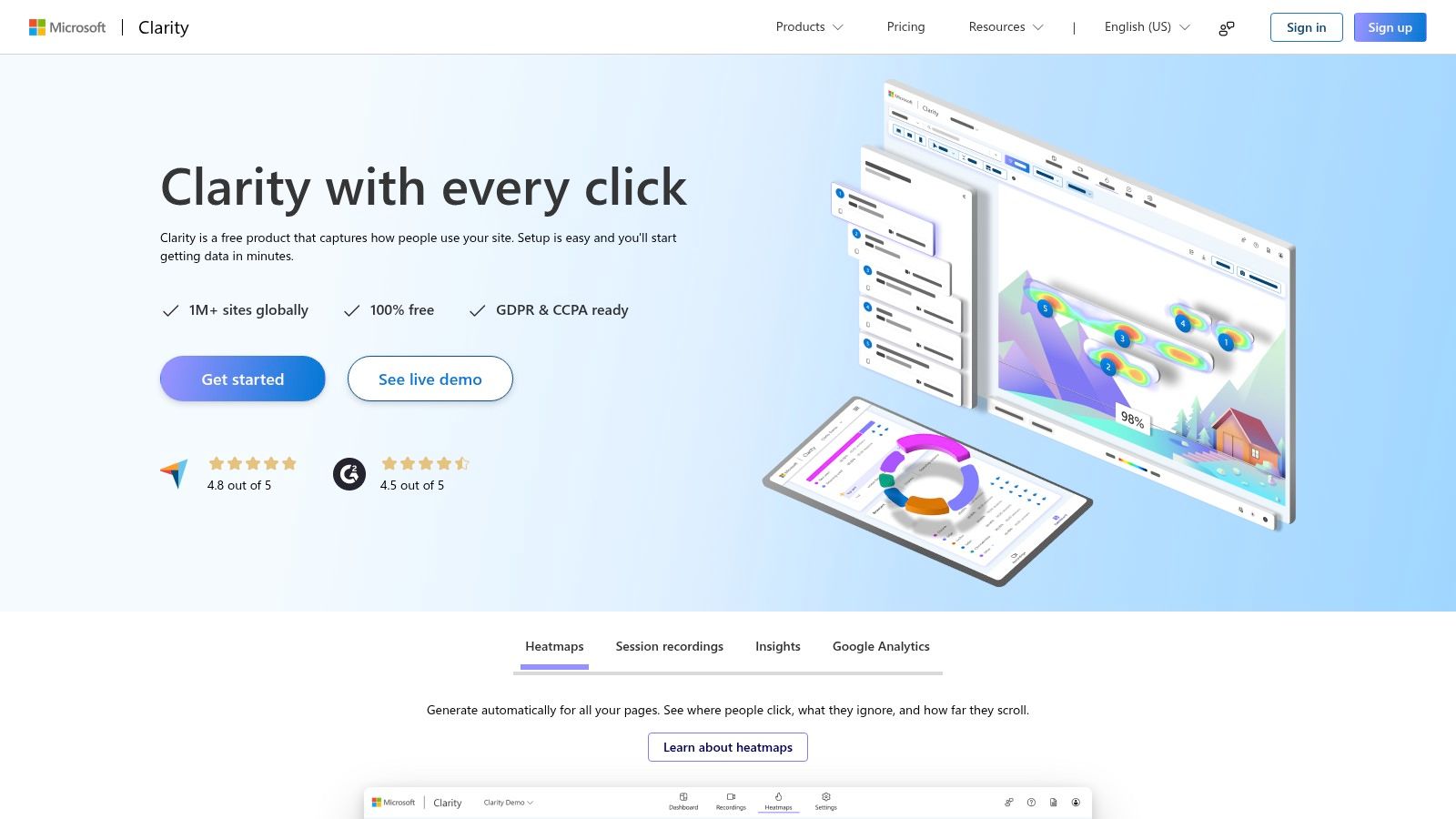
What makes Clarity stand out is its "free forever" promise with exceptionally generous limits on session recordings and heatmaps, a feature typically found in expensive paid tools. It automatically detects user frustrations like "rage clicks" (repeatedly clicking in one spot) and "dead clicks" (clicking on non-interactive elements), providing instant diagnostic data for UX improvements. The platform is built to be privacy-conscious, automatically masking sensitive content and respecting Do Not Track signals.
While it excels at behavioral analysis, it is not a comprehensive marketing analytics suite and lacks the deep traffic acquisition data found in other platforms. The primary downside is its more limited data export and control features compared to dedicated product analytics tools. However, for gaining actionable UX insights quickly and without cost, Clarity is an unmatched resource for product managers, UX researchers, and marketers focused on conversion rate optimization.
Website: https://clarity.microsoft.com/
| Feature Focus | Rating & Notes |
|---|---|
| Privacy-Focused | ⭐⭐⭐⭐☆ (GDPR & CCPA compliant; automatically masks sensitive data) |
| Cookie-less | No (Uses a first-party cookie for session tracking) |
| Self-Hosting | No (Cloud-hosted only) |
| Key Metrics | Session Replays, Heatmaps, Dead Clicks, Rage Clicks, Scroll Depth, Funnels |
| Best For | UX designers, product managers, and marketers focused on improving website usability. |
4. Cloudflare Web Analytics
For website owners prioritizing user privacy and site performance, Cloudflare Web Analytics offers a compelling, lightweight solution. This tool provides essential traffic metrics without using cookies, storing personally identifiable information, or fingerprinting visitors. Its core strength lies in its simplicity and commitment to privacy, making it an excellent choice for those who need straightforward free analytics for websites without the complexity of event-based systems.
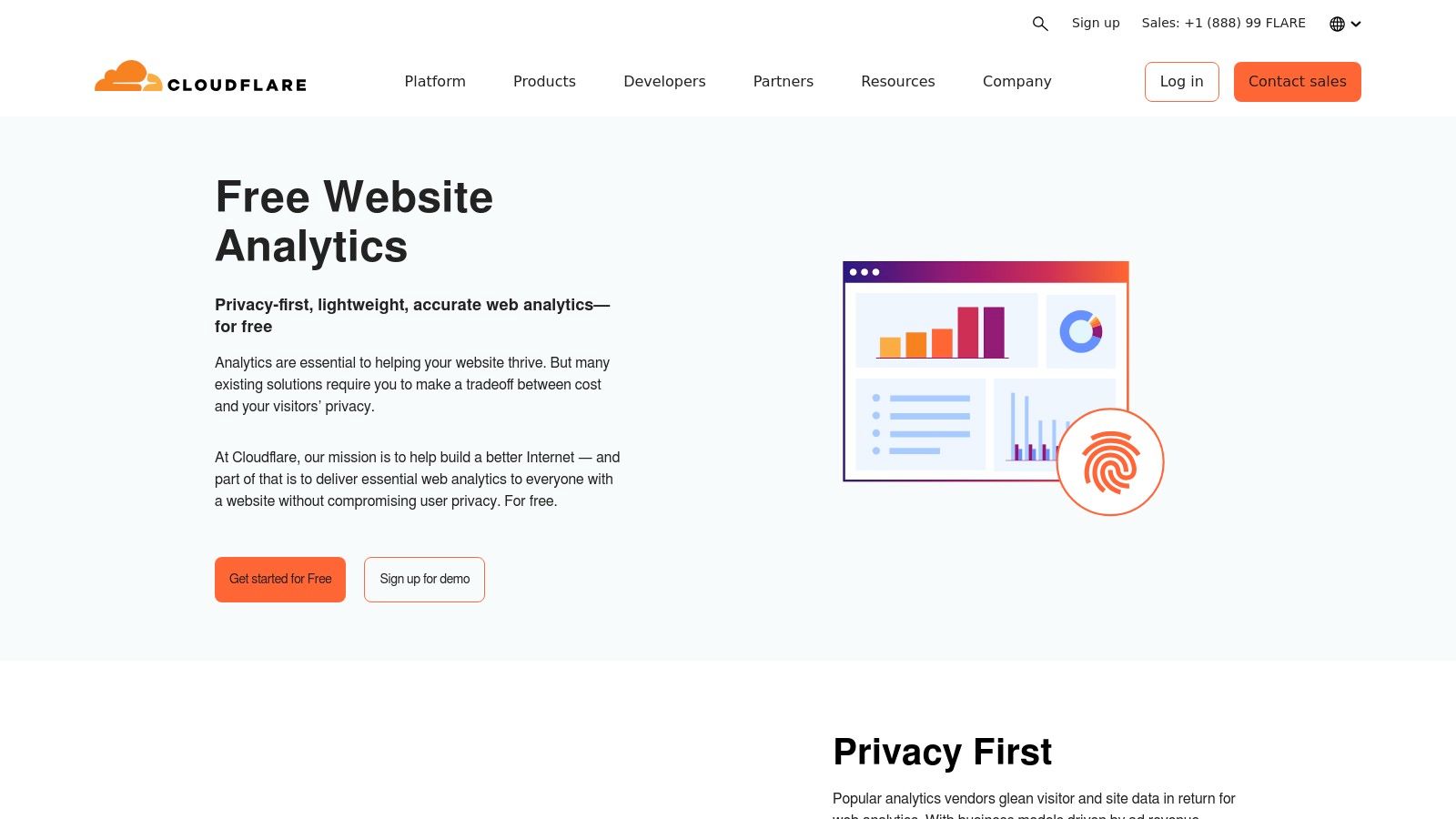
What makes Cloudflare's offering unique is its focus on Real User Monitoring (RUM) data, leveraging the browser's Performance API to provide insights into Core Web Vitals. You can see how your site actually performs for real visitors, a feature often found in paid tools. While you can use it without being a Cloudflare customer, enabling it is a one-click process if your site is already proxied through their network. This ease of setup, combined with its no-cost model, makes it incredibly accessible.
The trade-off for this simplicity is a lack of depth. Cloudflare Web Analytics focuses on page-level statistics like views, referrers, and visitor countries, intentionally avoiding complex user journey tracking, funnels, or marketing attribution. It’s not a replacement for a full-featured platform like GA4 but serves as a powerful, privacy-first tool for at-a-glance traffic and performance monitoring.
Website: https://www.cloudflare.com/web-analytics/
| Feature Focus | Rating & Notes |
|---|---|
| Privacy-Focused | ⭐⭐⭐⭐⭐ (Cookieless by design, no PII collected, GDPR compliant out-of-the-box) |
| Cookie-less | Yes (Does not use any client-side state like cookies or localStorage) |
| Self-Hosting | No (Cloud-hosted only) |
| Key Metrics | Page Views, Visits, Referrers, Core Web Vitals, Top Pages, Visitor Countries |
| Best For | Privacy-conscious site owners needing simple traffic stats and performance data. |
5. Matomo (self-hosted)
Matomo stands as a giant in the open-source analytics world, offering a comprehensive, enterprise-grade platform that you can host yourself. As a leading choice for free analytics for websites, it provides an ethical alternative to mainstream tools by granting you 100% data ownership and control. This PHP/MySQL-based application mirrors many of the advanced features found in paid platforms, including detailed event tracking, goal conversions, funnels, and user flow analysis, all without sending data to a third-party vendor.
What makes Matomo particularly compelling is its maturity and extensibility. The core platform is completely free, and its functionality can be expanded with a marketplace of both free and premium plugins for features like heatmaps, session recordings, and A/B testing. This allows you to build a customized analytics stack tailored to your specific needs while maintaining full privacy compliance. For those who want more control, exploring self-hosted web analytics is a powerful step toward data sovereignty.
The main trade-off for this power is the responsibility of server maintenance. You must manage installation, updates, and security yourself, which requires technical expertise. While the platform is robust, it can be resource-intensive compared to lighter scripts, making server choice an important consideration. A paid cloud version is also available for those who prefer a managed service.
Website: https://matomo.org/
| Feature Focus | Rating & Notes |
|---|---|
| Privacy-Focused | ⭐⭐⭐⭐⭐ (Designed for data ownership and GDPR compliance) |
| Cookie-less | Yes (Can be configured for cookieless tracking) |
| Self-Hosting | Yes (The primary deployment method for the free version) |
| Key Metrics | Visitors, Pageviews, Goals, Funnels, Events, Campaigns, E-commerce, Outlinks |
| Best For | Organizations needing full data ownership and GDPR compliance. |
6. Umami (self-hosted)
For those who prioritize speed, simplicity, and privacy, Umami is a leading open-source contender in free analytics for websites. It's a self-hosted solution that runs on Node.js and a compatible database like PostgreSQL or MySQL. Umami's core philosophy is to provide essential, actionable insights without the complexity of larger platforms, all while respecting user privacy by forgoing cookies and any personally identifiable information collection.
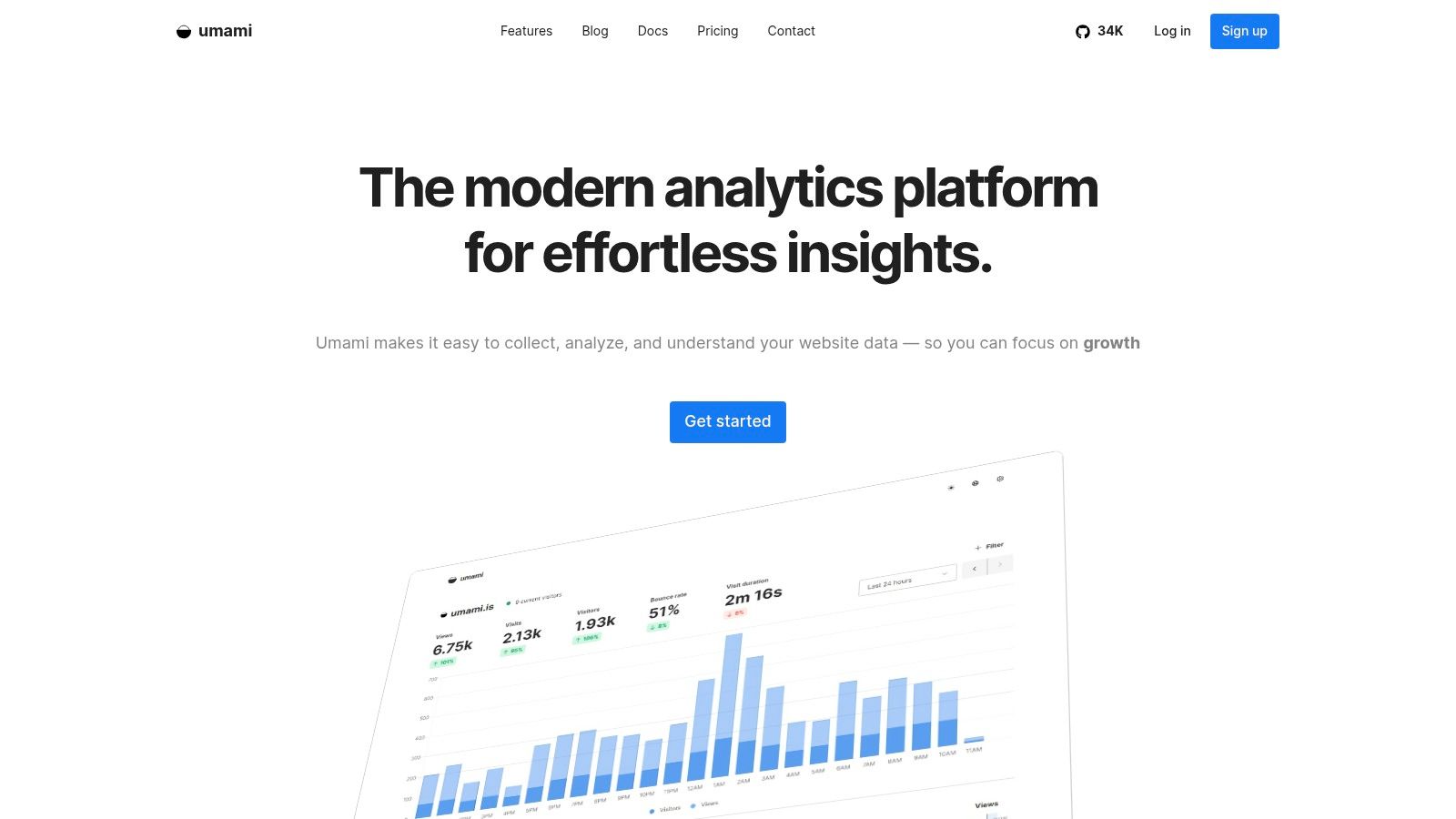
What makes Umami stand out is its incredible lightness and ease of deployment. The tracking script is less than 2KB, ensuring it has a negligible impact on your website's performance. The user interface is clean, intuitive, and presents core metrics like page views, referrers, and user retention in an easily digestible format. While it requires you to manage your own hosting, deploying it via Docker or on platforms like Vercel and Netlify is straightforward for technically-inclined users.
The free, open-source nature means you have full control over your data, a critical factor for GDPR compliance. However, this self-hosting requirement is its main drawback for non-technical users, and its feature set is intentionally more focused than enterprise-grade tools. A paid cloud version is available for those who prefer a managed service.
Website: https://umami.is/
| Feature Focus | Rating & Notes |
|---|---|
| Privacy-Focused | ⭐⭐⭐⭐⭐ (Designed for privacy; no cookies or PII collection) |
| Cookie-less | Yes (Completely cookie-less by design) |
| Self-Hosting | Yes (Primary deployment model is self-hosting) |
| Key Metrics | Pageviews, Referrers, UTMs, Funnels, Custom Events, Retention, Geolocation |
| Best For | Developers, startups, and privacy-conscious businesses needing simple, fast analytics. |
7. Plausible Analytics
Plausible Analytics offers a refreshing, privacy-first approach to web analytics, making it a strong contender for those seeking free analytics for websites through its open-source, self-hosted version. It is designed to be simple, lightweight, and compliant with privacy laws like GDPR, CCPA, and PECR without needing cookie banners. Its dashboard provides all essential metrics at a glance, from visitor counts and bounce rates to top referrers and goal conversions, all on a single, clean page.
What makes Plausible stand out is its commitment to transparency and user control. While its cloud-hosted version is a paid service, the free, open-source Community Edition allows developers to host the platform on their own infrastructure, giving them complete data ownership and control. This self-hosted option provides the full functionality of the paid product, making it an excellent free alternative for technically proficient users. For a deeper dive into how it measures up, see this detailed comparison of Plausible Analytics against other tools.
The primary drawback of the free offering is that the Community Edition is community-supported, meaning you are responsible for setup, maintenance, and troubleshooting. The paid cloud plans, hosted in the EU, offer a more hands-off experience but come at a cost after a 30-day trial.
Website: https://plausible.io/
| Feature Focus | Rating & Notes |
|---|---|
| Privacy-Focused | ⭐⭐⭐⭐⭐ (Cookieless by design, GDPR compliant, no personal data collected) |
| Cookie-less | Yes (Does not use cookies) |
| Self-Hosting | Yes (Free Community Edition is fully self-hostable) |
| Key Metrics | Unique Visitors, Pageviews, Bounce Rate, Visit Duration, Goals, UTM Campaigns |
| Best For | Privacy-conscious businesses and developers needing a simple, self-hosted solution. |
8. PostHog
PostHog positions itself as an all-in-one, open-source product analytics suite, making it a powerful option among tools offering free analytics for websites. It goes far beyond simple traffic metrics by integrating event-based analytics with session replays, feature flags, A/B testing, and user surveys into a single platform. This consolidated toolkit is designed for product and engineering teams who need to understand not just what users are doing, but why.
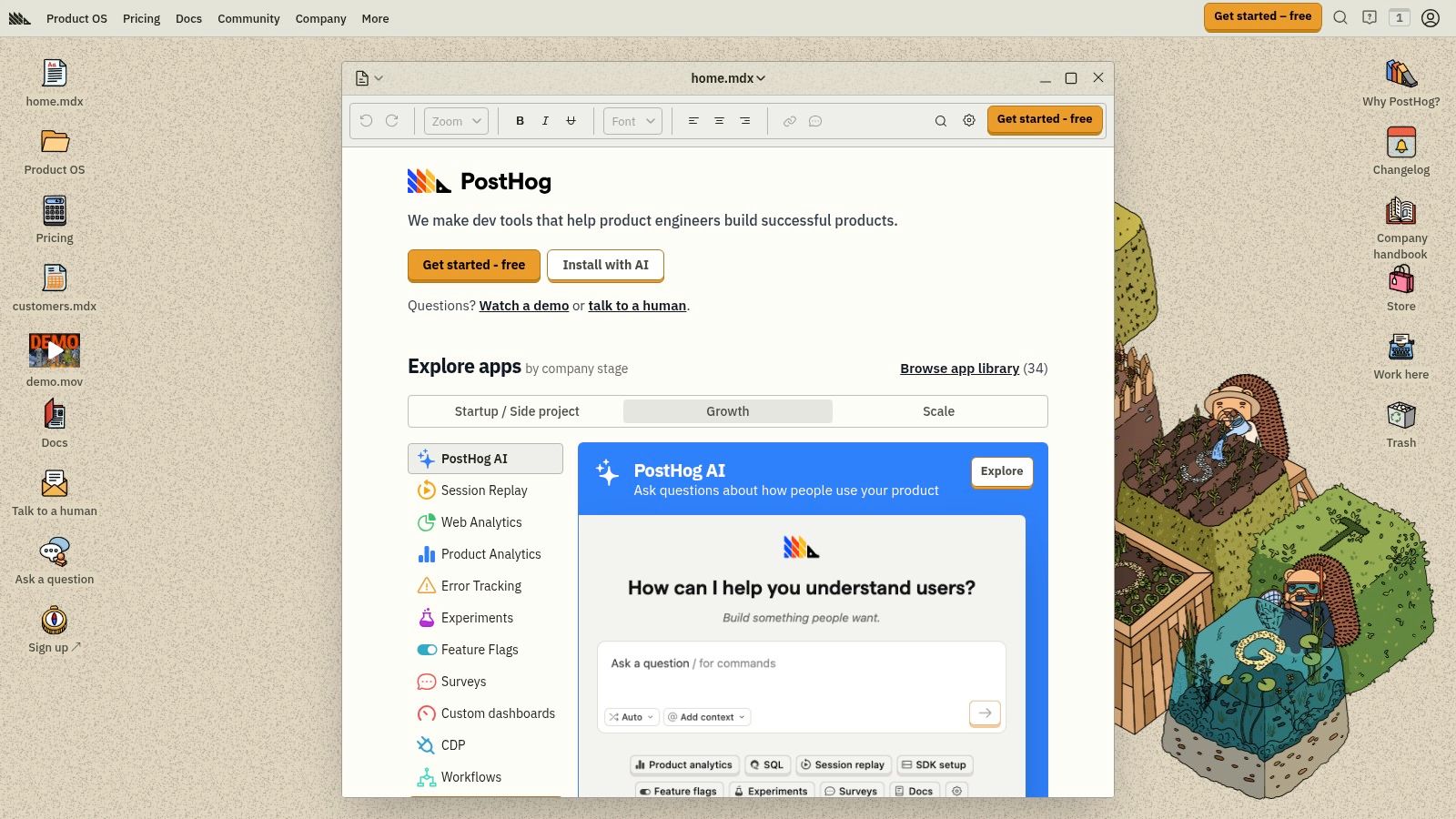
What makes PostHog unique is its flexibility. You can use its generous free cloud-hosted tier, which includes a substantial number of free events, recordings, and survey responses each month. Alternatively, you can self-host the entire platform for complete data control and ownership, a critical feature for businesses with strict data sovereignty or privacy requirements. This dual-offering caters to both startups wanting to get started quickly and larger organizations needing more control.
The platform is undeniably feature-rich, which can introduce complexity for users seeking basic website analytics. However, for teams focused on product-led growth, its integrated funnels, retention analysis, and experimentation tools provide immense value. The pricing model beyond the free tier is usage-based across its different products, allowing teams to scale their usage as they grow.
Website: https://posthog.com/
| Feature Focus | Rating & Notes |
|---|---|
| Privacy-Focused | ⭐⭐⭐⭐☆ (Self-hosting offers maximum privacy; cloud version is robust) |
| Cookie-less | Yes (Can be configured to operate without cookies) |
| Self-Hosting | Yes (Open-source and fully self-hostable) |
| Key Metrics | Events, Funnels, Retention, Session Replays, Feature Flag Adoption, A/B Tests |
| Best For | Product and engineering teams needing a unified analytics and testing stack. |
9. Mixpanel
Mixpanel positions itself as a product analytics tool rather than a traditional web traffic tracker, making it a powerful choice among free analytics for websites focused on user behavior. It excels at answering complex questions about how users interact with features, navigate conversion funnels, and what leads to long-term retention. Its event-based model is designed to track specific actions, such as "Signed Up," "Viewed Demo," or "Added to Cart," providing granular insights beyond simple pageviews.
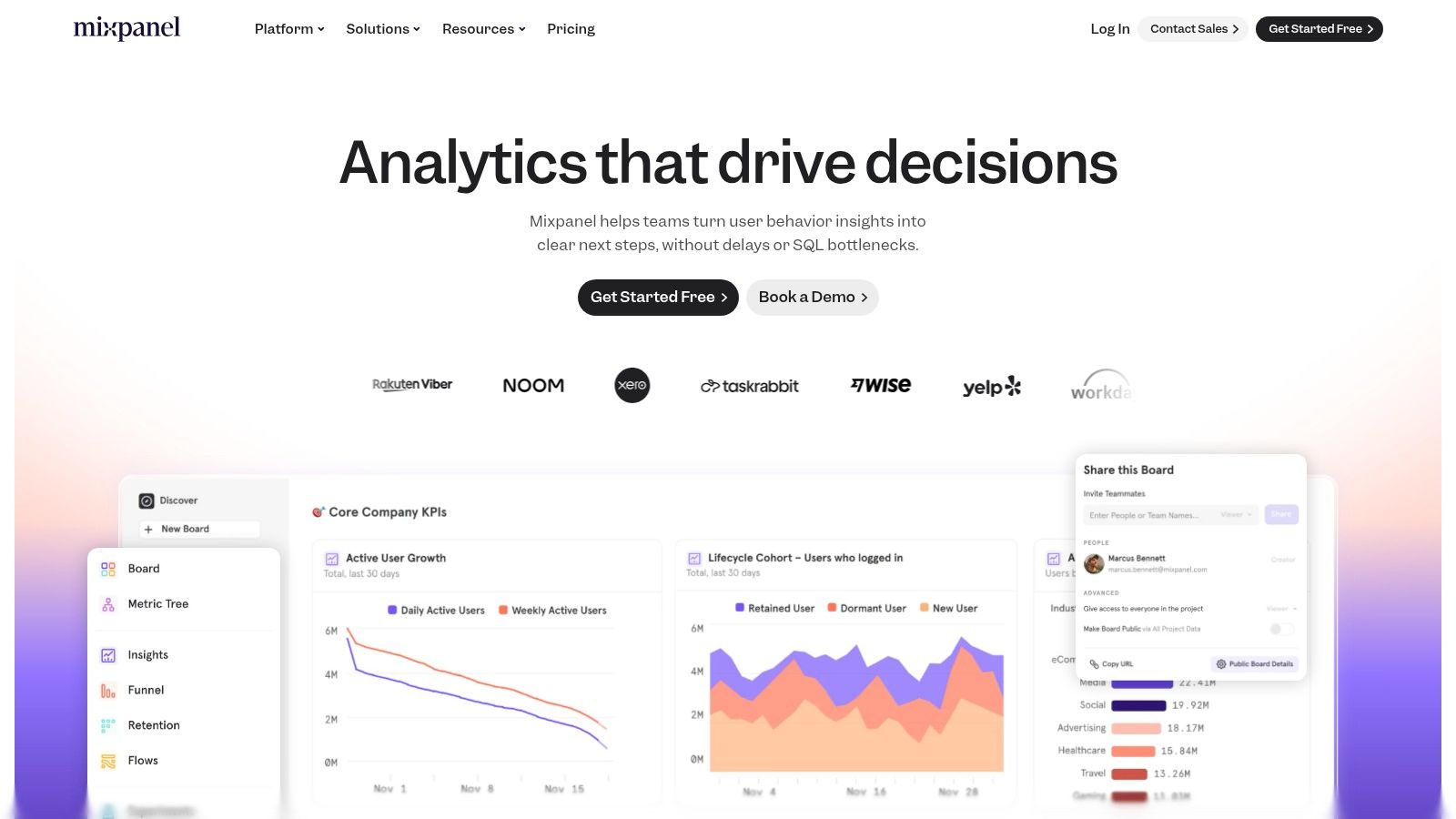
What makes Mixpanel's free tier compelling is its generosity and power. It offers up to 1 million monthly tracked events at no cost, which is substantial for early-stage products and startups. This plan includes access to core reports like funnels, flows, and retention analysis, along with a limited volume of session replays. The user interface is clean, with intuitive report builders and templates that help teams quickly visualize user journeys and identify friction points without needing a data scientist.
While the free plan limits the number of saved reports and projects, it provides a clear and scalable upgrade path. Mixpanel is less suited for those who just need to monitor raw traffic volume or bounce rates. Instead, it's the ideal free tool for product managers, marketers, and founders who want to deeply understand and improve user engagement and product adoption from day one.
Website: https://mixpanel.com/
| Feature Focus | Rating & Notes |
|---|---|
| Privacy-Focused | ⭐⭐⭐☆☆ (Offers controls for data residency and PII management, but is not privacy-first by default) |
| Cookie-less | Yes (Can be configured to operate without cookies) |
| Self-Hosting | No (Cloud-hosted only) |
| Key Metrics | Funnels, Retention, User Flows, Cohort Analysis, Session Replay, Events |
| Best For | Product teams and startups needing to analyze user behavior and feature adoption. |
10. Jetpack Stats (WordPress)
For WordPress users, Jetpack Stats offers one of the most straightforward paths to understanding website traffic without leaving the admin dashboard. As a module within the popular Jetpack plugin, it provides core metrics like views, visitors, top-performing content, and traffic referrers directly integrated into the WordPress experience. This makes it an excellent choice for bloggers, content creators, and small business owners who need a simple, at-a-glance overview of their audience.
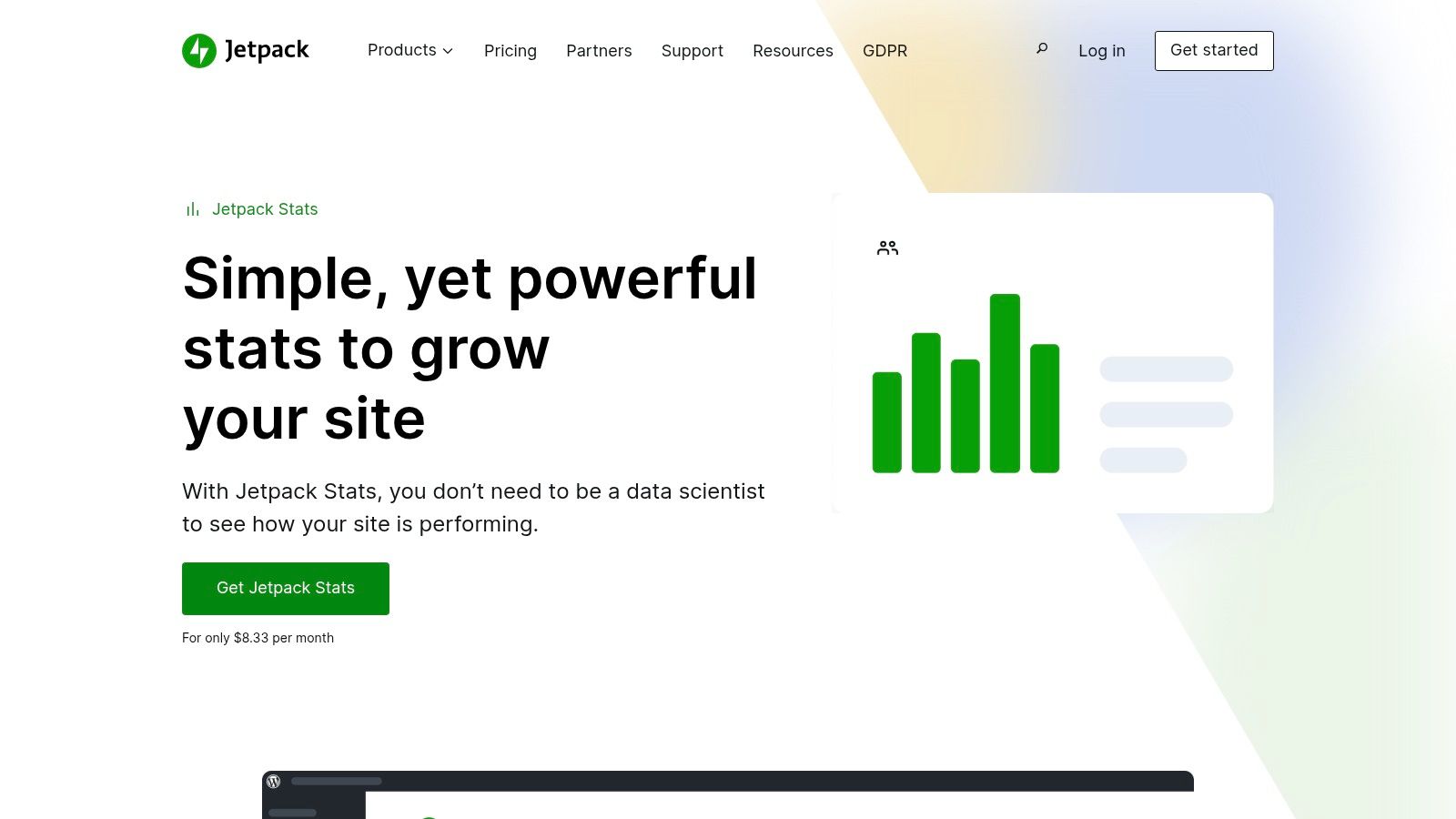
What sets Jetpack Stats apart is its seamless integration and simplicity. Unlike more complex free analytics for websites, there’s no need to handle tracking codes or configure goals. Once the Jetpack plugin is activated, the stats module begins collecting data immediately. While it lacks the deep analytical capabilities of standalone platforms, its strength lies in its convenience and minimal setup, providing essential insights with virtually no learning curve. It's designed for quick checks and trend-spotting rather than granular user journey analysis.
Jetpack Stats is free for personal and non-commercial sites, with paid plans available for commercial sites or those needing advanced features offered in the broader Jetpack suite. Its primary limitations are its basic feature set and the requirement to use the larger Jetpack plugin, which some users find bloated. However, for a no-fuss, integrated solution, it's a solid starting point for any WordPress site owner.
Website: https://jetpack.com/stats/
| Feature Focus | Rating & Notes |
|---|---|
| Privacy-Focused | ⭐⭐⭐☆☆ (Does not set identifying cookies by default; respects DNT headers) |
| Cookie-less | Yes (Does not use cookies for tracking unique users by default) |
| Self-Hosting | No (Managed by Automattic, the company behind WordPress.com) |
| Key Metrics | Views, Visitors, Top Posts & Pages, Referrers, Search Terms, Clicks, Countries |
| Best For | WordPress bloggers and small site owners needing simple, integrated stats. |
11. Statcounter
As one of the original players in web analytics, Statcounter has a long-standing reputation for simplicity and accessibility, making it a solid choice in the world of free analytics for websites. Its free "Basic" plan provides a straightforward, real-time look at website traffic, focusing on core metrics that are easy to digest. This approach strips away the complexity found in more enterprise-focused platforms, offering immediate value for small businesses, bloggers, and personal projects.
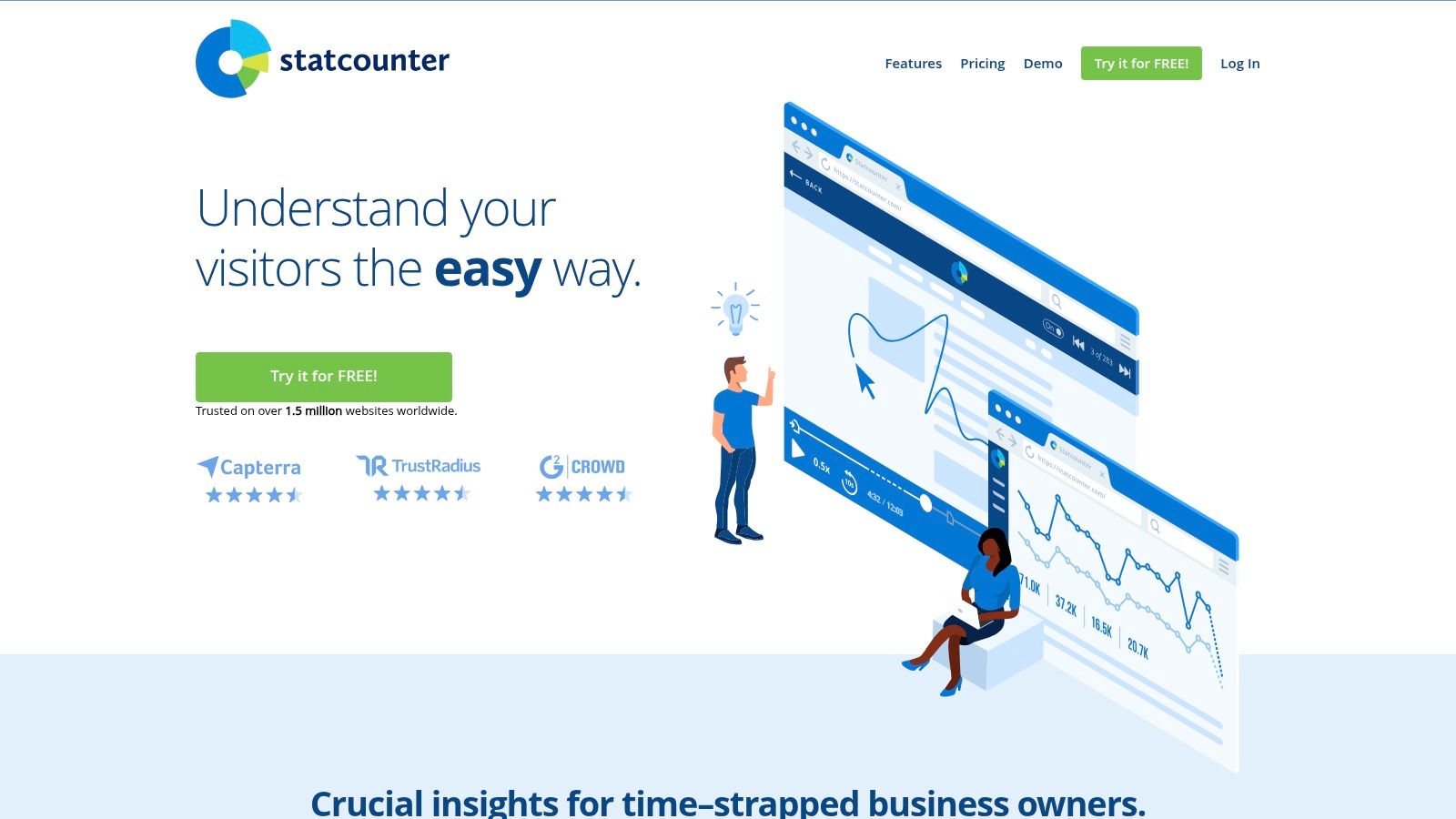
What makes Statcounter unique among free tools is its emphasis on individual visitor journeys. The real-time visitor feed allows you to see who is on your site right now, where they came from, and what pages they are viewing. While it may not offer deep data modeling, this live perspective is incredibly useful for troubleshooting, understanding immediate user flow, and getting a tangible feel for your audience's behavior as it happens.
The free plan is generous enough for small sites, but it's important to note its limitations, such as a log size capped at the last 500 pageviews. Advanced features like session replay, heatmaps, and conversion tracking are reserved for paid tiers. Nevertheless, for those who need a no-fuss, quick-to-implement analytics solution focused on recent activity, Statcounter remains a dependable and effective option.
Website: https://statcounter.com/
| Feature Focus | Rating & Notes |
|---|---|
| Privacy-Focused | ⭐⭐☆☆☆ (Cookie-based; offers privacy controls but not its primary focus) |
| Cookie-less | No (Relies on cookies for visitor tracking) |
| Self-Hosting | No (Cloud-hosted only) |
| Key Metrics | Live Visitor Feed, Recent Pageloads, Entry/Exit Pages, Referrer Tracking |
| Best For | Bloggers and small website owners wanting a simple, real-time traffic overview. |
12. Open Web Analytics (OWA)
Open Web Analytics (OWA) is a powerful, open-source contender in the world of free analytics for websites, offering a self-hosted solution that puts you in complete control of your data. Built on PHP and MySQL, OWA provides a familiar analytics experience with dashboards covering visits, pageviews, and goals. It's a robust choice for developers and businesses who prioritize data ownership and want an extensible platform without licensing fees.
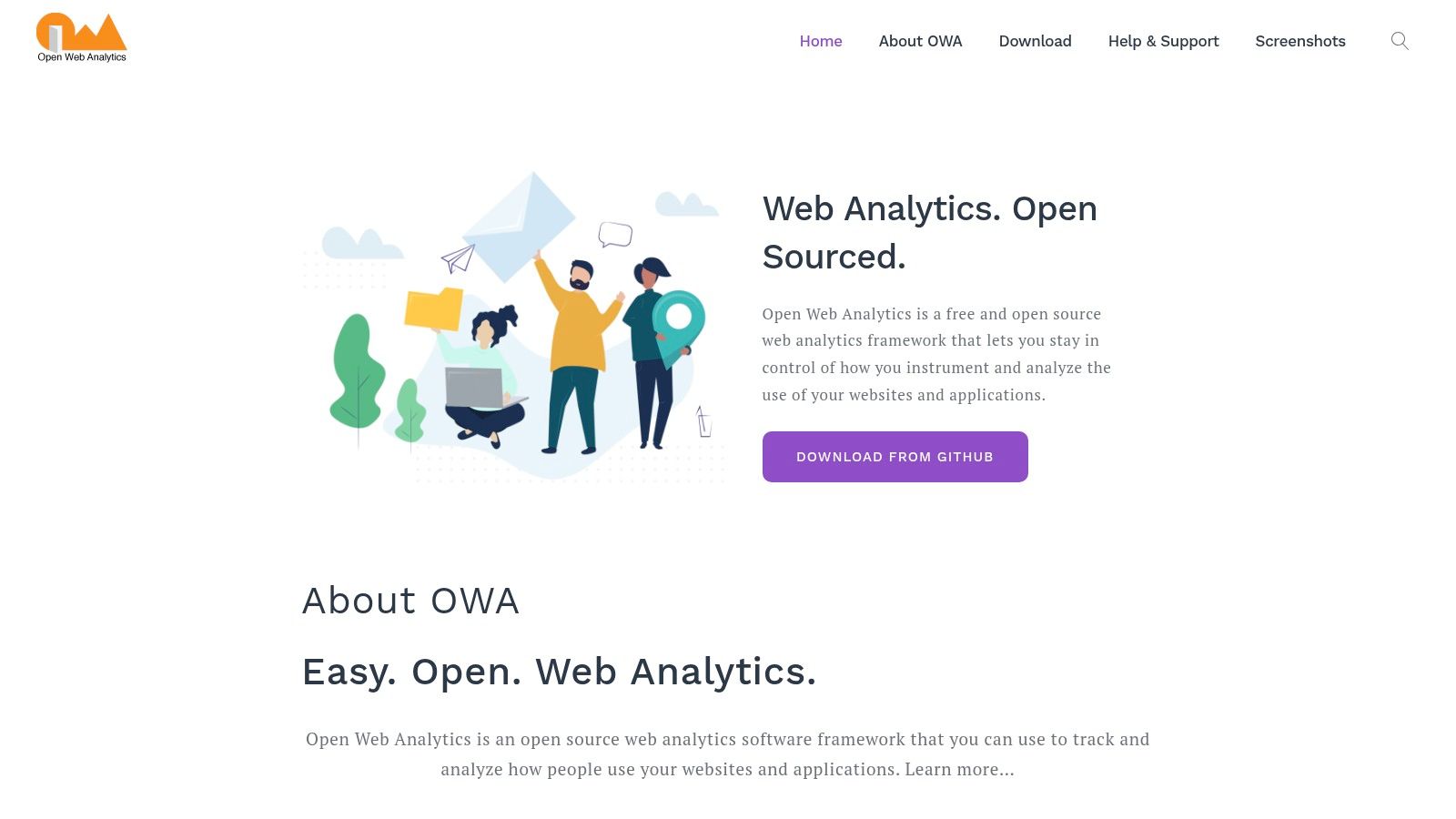
What makes OWA stand out is its inclusion of features often found in premium tools, like click heatmaps and DOM-stream session recordings. These features offer qualitative insights into user behavior, allowing you to see exactly where users click and how they navigate pages. With native integrations for platforms like WordPress and MediaWiki, and a comprehensive REST API for custom development, OWA is more than just a basic traffic counter; it's a flexible analytics framework.
The primary trade-off is the need for self-hosting, which requires server resources and technical maintenance. While the community is smaller than Matomo's, the complete lack of cost and full data sovereignty make it an attractive option for those with the technical capability to manage their own infrastructure.
Website: https://www.openwebanalytics.com/
| Feature Focus | Rating & Notes |
|---|---|
| Privacy-Focused | ⭐⭐⭐⭐☆ (Full data ownership enhances privacy; GDPR compliance is your own responsibility) |
| Cookie-less | No (Uses cookies for tracking) |
| Self-Hosting | Yes (Requires PHP/MySQL server) |
| Key Metrics | Pageviews, Visits, Goals, E-commerce, Heatmaps, Session Recordings |
| Best For | Developers and technical users wanting a free, fully-owned analytics stack. |
Free Web Analytics: 12-Tool Comparison
| Product | Core features ✨ | Privacy & Data Control | Target audience 👥 | Price & Rating 💰★ |
|---|---|---|---|---|
| 🏆 Swetrix | Real‑time dashboards, session analysis, RUM, funnels, A/B + feature flags, revenue attribution | Cookieless & anonymous, open‑source & self‑hostable — full data ownership | Startups, product/growth teams, devs, agencies | 💰 Cloud $19+/mo (traffic‑based) · 14d trial; Community self‑host free · ★★★★☆ |
| Google Analytics 4 (GA4) | Event‑based tracking, Explorations, BigQuery export | Cloud‑hosted with identifiers & modeling; less cookieless | Marketers, enterprises, ad teams | 💰 Free core; 360 enterprise · ★★★★☆ |
| Microsoft Clarity | Session replay, unlimited heatmaps, rage‑clicks, funnels | Privacy‑conscious session data; free service | UX researchers, small teams, site diagnostics | 💰 Free forever · ★★★☆☆ |
| Cloudflare Web Analytics | Lightweight RUM beacon, pages/referrers/countries, status codes | Cookieless, non‑fingerprinting, privacy‑forward | Privacy‑focused sites, Cloudflare users | 💰 Free with Cloudflare · ★★★★☆ |
| Matomo (self‑hosted) | Page/events, goals & funnels, plugins for heatmaps/recordings | Self‑hosted GDPR tools, first‑party data control | Enterprises, privacy‑minded orgs, analysts | 💰 Self‑host free; Cloud paid · ★★★★☆ |
| Umami (self‑hosted) | Tiny script (<2KB), pages/referrers/UTM, custom events, funnels | Cookieless, self‑hosted, lightweight footprint | Indie makers, small teams, privacy fans | 💰 Self‑host free; Cloud paid · ★★★★☆ |
| Plausible Analytics | Simple dashboards, UTM/events, API, public stats option | Cookieless, open‑source self‑host; EU cloud option | Small sites, nonprofits, EU orgs | 💰 Cloud paid after trial; self‑host free · ★★★★☆ |
| PostHog | Events, funnels, retention, session replay, feature flags, experiments ✨ | Self‑host option; generous free cloud tier | Product & growth teams, startups | 💰 Generous free tier; usage‑based paid · ★★★★☆ |
| Mixpanel | Funnels, retention, cohorts, flows; templates for analysis | Cloud product analytics; strong event model | Product teams, growth marketers | 💰 Free up to 1M events; scale pricing · ★★★★☆ |
| Jetpack Stats (WordPress) | Views/visitors, top posts/pages, referrers, CSV export | Runs via Jetpack (WP); basic data control | WordPress bloggers & site owners | 💰 Free personal; paid for commercial · ★★☆☆☆ |
| Statcounter | Real‑time visitor feed, path analysis, landing/conversion reports | Cloud‑hosted; basic controls & add‑ons | Small sites, bloggers, troubleshooting | 💰 Free basic; paid upgrades · ★★★☆☆ |
| Open Web Analytics (OWA) | Pageviews, goals, ecommerce, heatmaps, DOM session recordings | GPL self‑hosted — full data ownership | Devs, self‑hosters, small orgs | 💰 Free self‑host · ★★★☆☆ |
Making Your Choice: A Quick-Reference Guide to Select the Right Analytics Tool
Navigating the landscape of free analytics for websites can feel overwhelming, but the journey to data-driven insights doesn't have to be complex or expensive. As we've explored, the "best" tool is rarely a one-size-fits-all solution. Instead, your ideal choice hinges on a clear understanding of your specific goals, technical resources, and commitment to user privacy.
The era of Google Analytics being the default choice is over. Today, you have a rich ecosystem of alternatives, from powerful, privacy-first hosted services like Swetrix and Plausible to robust self-hosted platforms like Matomo and Umami. Your decision ultimately balances convenience, control, and the depth of data you genuinely need to grow.
Key Takeaways: From Data Overload to Actionable Insights
Reflecting on the dozen tools we've analyzed, several core themes emerge. First, privacy is no longer a niche feature; it's a strategic advantage. Tools that offer cookieless tracking and transparent data policies not only help with GDPR and CCPA compliance but also build trust with your audience.
Second, simplicity often trumps complexity. While platforms like GA4 and PostHog offer immense power, their steep learning curves can lead to "analysis paralysis." Sometimes, a streamlined dashboard focusing on essential metrics like page views, referrers, and bounce rates is far more effective for making quick, informed decisions.
Finally, the rise of open-source and self-hosted analytics empowers you to take full ownership of your data. This path requires more technical setup but provides unparalleled control, customization, and cost-effectiveness at scale, completely freeing you from third-party data processing.
A Practical Framework for Your Decision
To cut through the noise and select the right tool, ask yourself these three critical questions:
What is my primary goal?
- Simple traffic monitoring: If you just need to know how many people visit your site and where they come from, lightweight options like Umami, Cloudflare Web Analytics, or Plausible are excellent.
- User behavior analysis: To understand how users interact with your site, tools with heatmaps and session recordings like Microsoft Clarity or event-based platforms with opt-in replay like Swetrix are invaluable.
- Product-led growth: For deep analysis of user journeys, funnels, and feature adoption in a web app, a product analytics tool like PostHog or Mixpanel is the right choice.
What are my technical resources?
- Minimal to none: Stick with hosted solutions that offer a simple copy-paste JavaScript snippet. Swetrix, Statcounter, and Clarity are perfect examples.
- Comfortable with server management: If you have experience with Docker or managing a VPS, self-hosting Matomo or Umami gives you ultimate control and long-term cost savings.
- WordPress user: Jetpack Stats provides a deeply integrated, hassle-free starting point directly within your dashboard.
How important is data privacy and ownership?
- Top priority: Choose a privacy-first, cookieless tool. Any of the self-hosted options put you in complete control, while hosted services like Swetrix and Plausible are built on a foundation of ethical data handling.
- A balanced approach: Solutions like GA4 offer powerful features but require careful configuration of consent modes and data retention policies to align with privacy regulations.
Ultimately, the best way to find your perfect fit is to experiment. Most hosted tools offer a free tier or trial, and open-source software can be spun up on a test server. Don't be afraid to run two tools in parallel for a short period to compare their data and user experience. The insights you gain will empower you to move beyond vanity metrics and make decisions that truly drive your website's success.
Ready to embrace a modern, privacy-first approach to your website data? Swetrix combines powerful real-time analytics and user behavior insights with a simple, intuitive interface, all while respecting your users' privacy. Start making smarter decisions today with our generous free plan by visiting Swetrix.