- Date
Matomo Alternatives for Traffic and Product Analytics
 Andrii Romasiun
Matomo offers a massive suite of features, providing an independent tracking environment for teams willing to manage its complexity. That breadth often becomes a liability when you need to check daily referrers, monitor a single marketing campaign, or see where users abandon a checkout flow. Managing a dense interface or maintaining a dedicated analytics server takes time away from acting on the data itself. Finding the right Matomo alternative requires matching your technical capacity and actual reporting habits to a lighter platform, rather than installing another oversized database.
Quick answer: six Matomo alternatives by use case
Selecting a new analytics tool depends on the specific friction you want to eliminate from your current reporting workflow. You might want to remove server maintenance and dashboard clutter, or you might tolerate a complex interface if it provides deeper user journey mapping. If you run an agency, you need reporting views you can safely share with clients without exposing internal configuration panels.
Swetrix stands out if you want straightforward traffic visibility today but expect to need conversion funnels, session replays, and goal tracking as your audience grows. Other platforms narrow their focus to specific disciplines, from pageview counts to deep product telemetry.
| Alternative | Best fit | Hosting model | Standout workflow | One material caveat |
|---|---|---|---|---|
| Swetrix | Growing sites, agencies, and marketers | Managed cloud or self-hosted | Bridges traffic views with 2–10 step funnels and replays | Monthly billing scales by total event volume |
| Plausible | Content teams and bloggers | Managed cloud or self-hosted | Streamlined campaign and pageview reporting | Funnels require the Business tier plan |
| Fathom | Small businesses wanting clean data | Managed cloud | Straightforward referrer and custom event dashboard | No free plan; allowances are shared across sites |
| Umami | Developers prioritizing self-hosting | Managed cloud or self-hosted | Open-source deployment with event tracking | White-label sharing requires the Business plan |
| PostHog | Dedicated product analytics teams | Managed cloud or self-hosted | Event-based analysis and complex user paths | Interface can overwhelm web tracking needs |
| Cloudflare | Site operators monitoring performance | Managed cloud | Free pageview and real-user performance reporting | No conversion funnels or session replay |
Start by identifying what you want to change about Matomo
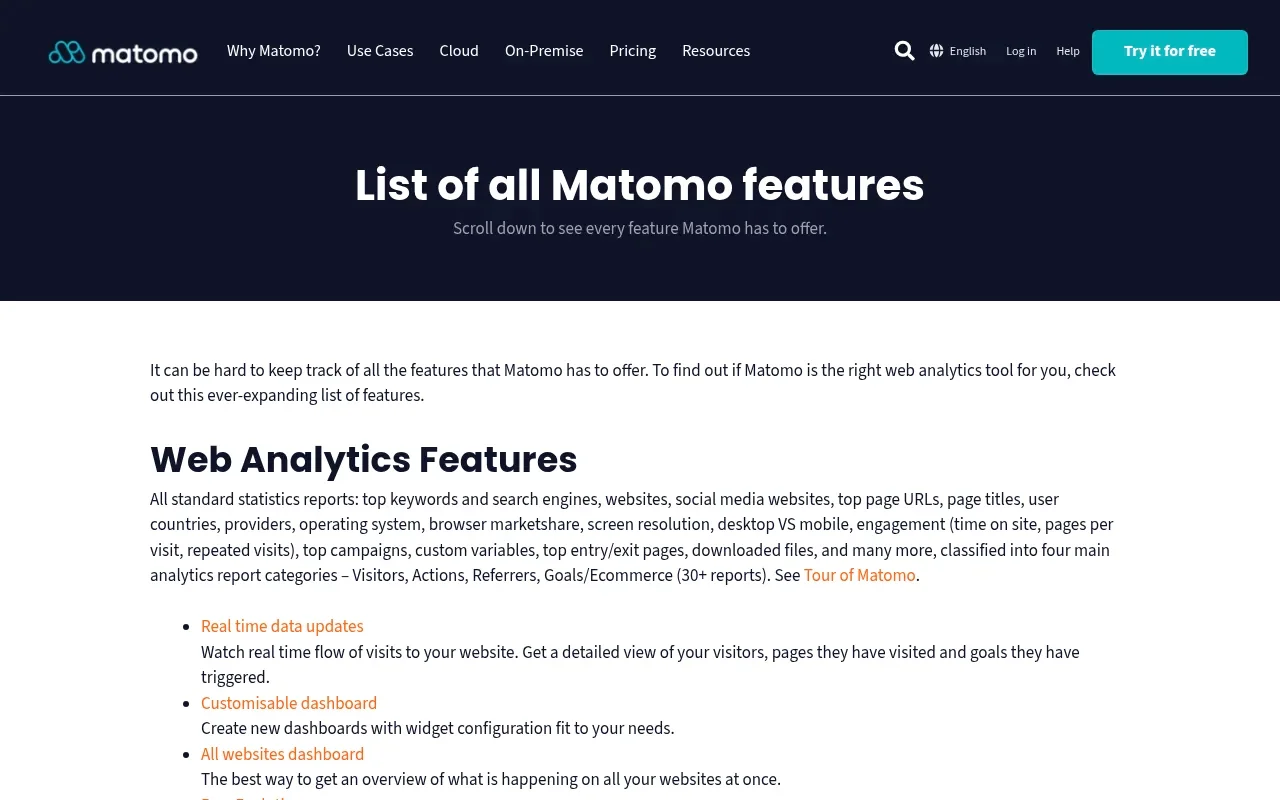
Matomo offers two deployment models, so the right alternative depends on which one you’re leaving. With On-Premise, the Community edition is free and runs on your own infrastructure, while paid bundles are also available. Cloud includes hosting, maintenance, automatic updates, and security monitoring, and its pricing structure increases with traffic tiers.
Privacy configurations also vary widely across different Matomo installations. The software uses first-party cookies by default to track returning visitors across sessions. You can disable these cookies to operate a cookieless environment, but managing those settings alongside regional privacy requirements requires ongoing attention. If you are looking for an alternative, define what is driving the switch. You might be seeking a cleaner dashboard, a zero-maintenance cloud host, built-in cookieless tracking without configuration menus, or deeper behavioral analytics that Matomo makes difficult to surface.

1. Swetrix: best for traffic and product analytics

Transitioning away from a complex platform does not require sacrificing behavioral insights for a basic pageview counter. Swetrix operates as a privacy-focused Google Analytics alternative that bridges the gap between straightforward referral reporting and advanced product diagnostics. You can start by checking daily traffic sources and campaigns, then gradually implement custom event tracking as your reporting needs mature.
Traffic reporting, goals, and funnels
The core dashboard presents a clean view of unique visitors, views, bounce rates, and active session durations without requiring custom report building. When your marketing efforts scale, you can define specific goals for newsletter signups, form submissions, or purchases. Swetrix supports ordered conversion funnels containing 2–10 ordered steps, allowing you to pinpoint where users abandon a checkout flow or registration sequence. This capability gives you the concrete drop-off data needed to improve landing pages, bridging the gap between knowing someone arrived and understanding why they left.
Replay, experiments, and implementation checks
Beyond quantitative metrics, Swetrix provides qualitative tools that help diagnose user experience issues. Session replays allow you to watch anonymized recordings of user navigation, which helps identify broken interface elements or confusing layouts that standard event tracking misses. You maintain control over this capture process, because recordings begin only when you initialize the replay script, and you can mask input fields to prevent capturing sensitive information.
The platform also includes A/B testing for comparing page variants, alongside specialized webmaster utilities. These include tools for checking on-page elements and locating missing pages that might skew your traffic data. You can connect Google Search Console to analyze search performance exports alongside your post-click analytics, providing a unified view of how search visibility translates into site engagement.
2. Plausible: best for content and campaign reporting

If you create content or run an independent blog, you might find enterprise analytics tools unsuited to your daily work. Plausible strips away the complex reporting menus to focus on pages, referrers, campaigns, and tracked actions. The dashboard fits on a single screen, making it fast to check which article gained traction overnight or which social media post delivered the most clicks.
Plausible counts outbound link clicks and file downloads as custom events, so they use part of the team's allowance. Since features differ by plan, review the plan details before committing. Its plan documentation lists funnels and user journeys as Business-tier features and says pageviews and custom events are totaled across all sites in a team, so a spike on one site adds to that team's usage.
3. Fathom: best for a clean traffic dashboard

If you prioritize a straightforward, fast-loading traffic view for a small business, you might prefer Fathom. The platform delivers what its interface promises: a single page showing visitors, views, average time on site, referrers, and campaign performance. You can set up custom events to monitor basic conversions, such as clicking a contact email or submitting a form, and these metrics appear alongside your traffic charts.
Fathom's pricing page says there is no free plan and that pageviews and custom events share an allowance across all sites; it also advertises that no cookie banners are required with any plan. That product claim does not settle the requirements for every configuration, so check the rules that apply to your site.
4. Umami: best for self-hosting and flexibility

If you want to maintain ownership of your tracking infrastructure, you might replace Matomo with Umami. While it offers a managed Cloud tier, the open-source version is popular for self-hosting on personal servers or cloud platforms like Vercel. Deploying it yourself requires managing a database and handling application updates, but it provides control over where your visitor data lives.
Umami v3 extends beyond hit counting, and its documentation covers custom events, funnels, retention analysis, and session replays. The Cloud white-label guide describes branded share pages for sharing analytics dashboards with clients or stakeholders and says the feature is available on Umami Cloud's Business plan, so check the plan limits before committing.
5. PostHog: best for product analytics teams
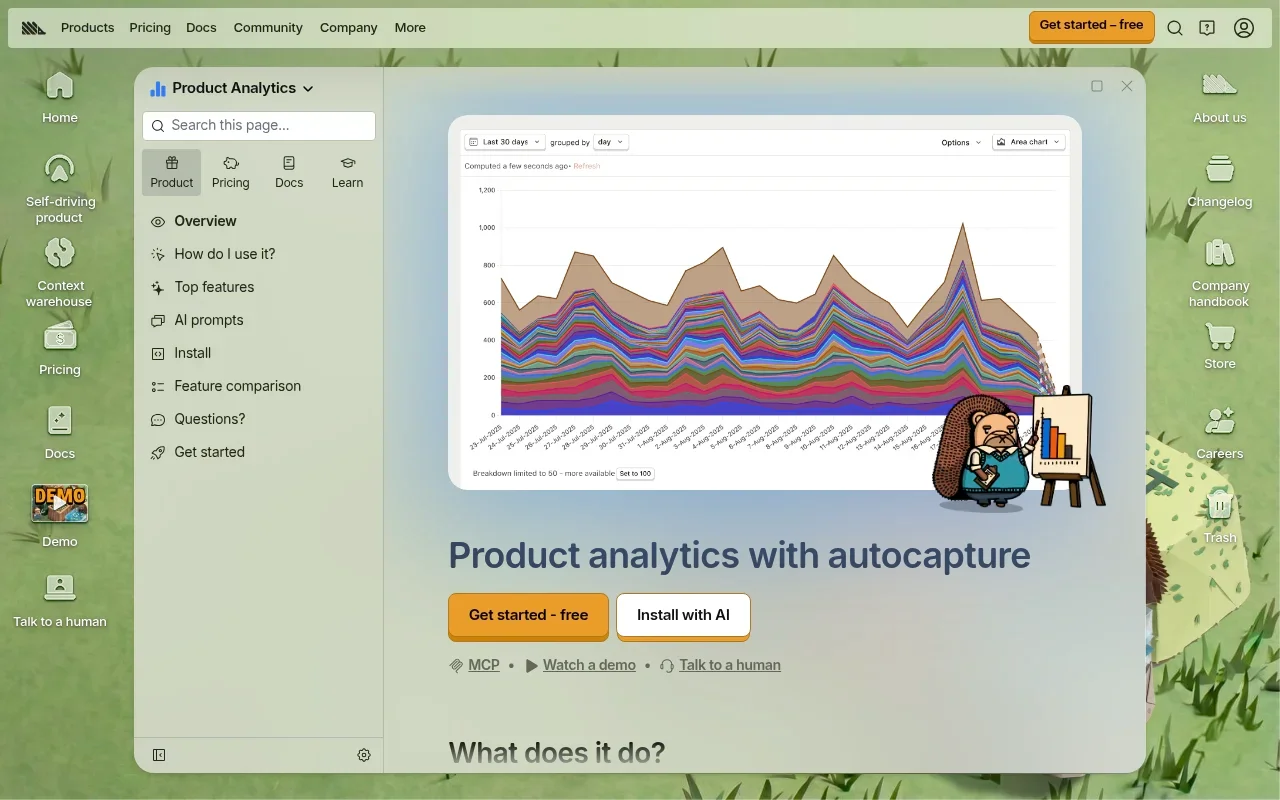
When building a complex web application, understanding the marketing funnel is the first step. PostHog is designed for teams that need event-based analysis of how users interact with software features. PostHog's web analytics dashboard covers standard traffic sources, channels, and UTM parameters, but its primary strength lies in product telemetry.
You can construct complex user paths, monitor feature flag rollouts, and correlate specific button clicks with long-term retention. Session replay is integrated alongside these event logs. This depth makes it a powerful replacement for teams hitting the limits of Matomo's behavioral tracking, but it comes with a steep learning curve. If you need to know how many people read your latest blog post, deploying a product analytics platform will introduce unnecessary friction.
6. Cloudflare Web Analytics: best for simple traffic and performance
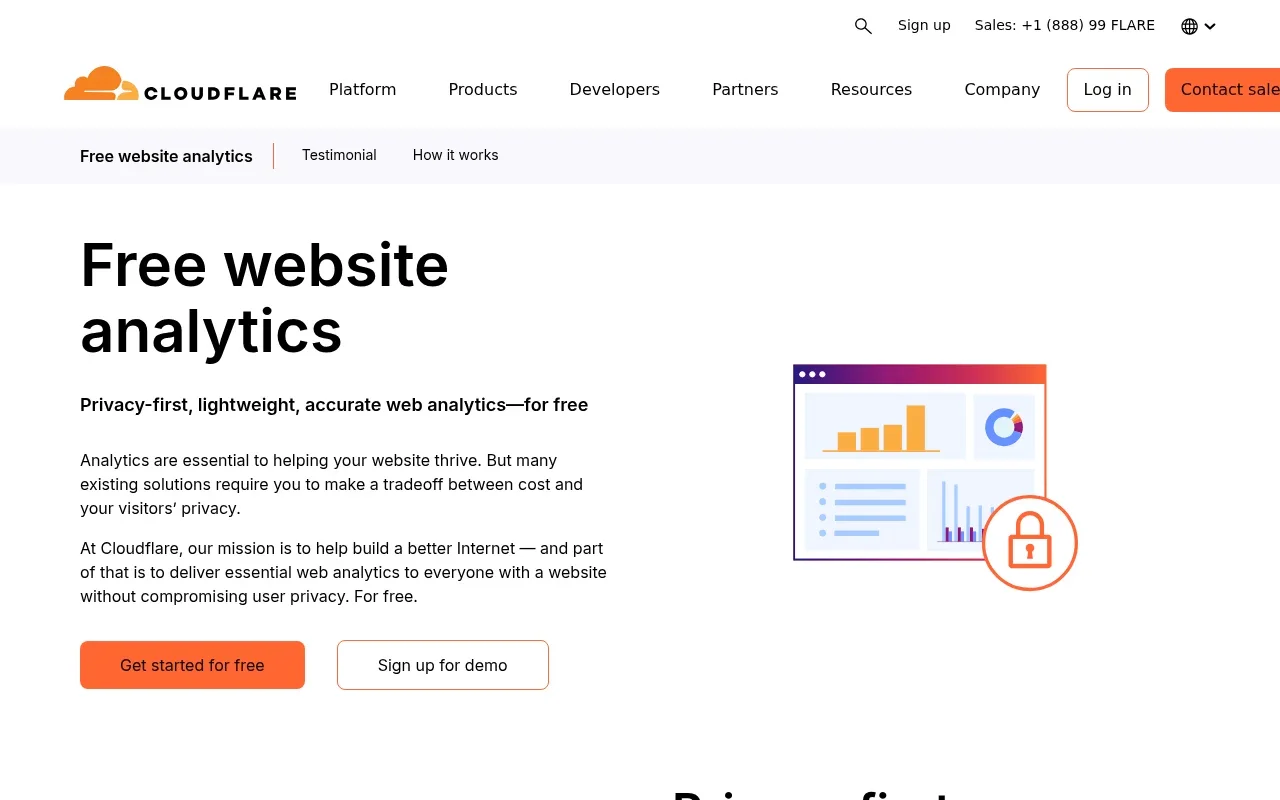
Cloudflare Web Analytics offers a free service for pageviews and real-user performance monitoring. Its documentation says the JavaScript beacon uses the browser's Performance API, does not require Cloudflare's proxy, and does not collect or use visitors' personal data.
Because the tool focuses on web performance and basic pageviews, it serves a distinct niche. Teams that need conversion funnels, custom event tracking, or session replays should look at a separate product analytics platform. If your primary goal is checking site speed and confirming overall visitor volume, Cloudflare Web Analytics offers a lightweight option.
Choose by workflow, ownership, and total cost
Selecting the right replacement means evaluating the questions your team tries to answer each week, mapping those to the correct feature depth, and calculating the cost of the billing model. Moving from one mismatched platform to another recreates the original problem under a new brand name.
Buying product analytics features is unnecessary if your team optimizes marketing copy rather than software logic. Fast, readable campaign reporting without requiring a data science background is a better fit for content marketing, making tools like Plausible or Fathom appealing. When your decisions involve finding drop-off points in a multi-step checkout or diagnosing broken forms, you need tools like Swetrix that offer ordered funnels and session replays alongside standard traffic metrics. If your daily work involves rolling out new software features, comparing user cohorts, and mapping non-linear product journeys, PostHog provides the necessary event-driven architecture.
Headline pricing rarely tells the whole story, so understanding what unit the vendor counts is important. Matomo Cloud charges based on monthly traffic tiers. Swetrix calculates its billing based on total monthly event volume, encompassing both pageviews and tracked custom interactions. Plausible and Fathom count pageviews and custom events across the sites in a team or account, so a spike on one domain can use more of the shared allowance. Check each vendor's overage policy before assuming that every spike changes your plan.
Self-hosting avoids SaaS subscription fees, but it shifts the cost to server hosting, database storage, and engineering time. Using Umami Cloud or Swetrix Plus requires checking how session replay and A/B testing affect plan limits, since their allowances may differ from standard pageview tracking. Estimating your normal monthly pageviews, custom events, and replay capture volume helps clarify the current live pricing and feature gates before you make a commitment.
For privacy reviews, treat cookieless tracking as a technical setting, then review the data your setup collects and the rules that apply. Session replay, precise location data, and persistent identifiers can raise separate privacy questions, so check how each platform masks or anonymizes information and review the requirements that apply to your site.
If you run an agency, dashboard sharing matters alongside data collection. Umami offers white-labeled share pages on its Business plan with your logo, display name, and link, so decide whether those pages meet your client reporting needs before promising a branded analytics experience.

Switch from Matomo with a parallel-run plan
Treating migration as a validation project works better than flipping a single switch overnight. Ripping out an old tracking script and installing a new one guarantees a gap in your data, destroying your ability to check if the new platform counts visitors accurately.
Begin by inventorying your current Matomo setup. Document the custom events you rely on, the UTM conventions your marketing team uses, the specific time zone applied to your reporting, and any IP exclusions set up to filter out internal company traffic. Once you have this list, configure the new platform to match those rules. Rebuild your primary goals and set the new tracker to ignore the same internal IP addresses.
Deploy the new script alongside Matomo and let both trackers run simultaneously for at least two weeks. This parallel run provides a representative sample of weekday and weekend traffic. After the test period, open both dashboards, set identical date ranges, and compare the trends. Absolute counts can differ between analytics tools because they may apply different bot filters and session timeouts. Compare trends and conversion ratios during the parallel run, and investigate large discrepancies before switching. Once you see the new data flows correctly, export any historical Matomo reports you need to keep, and remove the old script from your codebase.
Matomo alternatives FAQ
Evaluating alternative analytics platforms often raises questions about historical data retention, compliance, and specific workflow capabilities. Finding the correct answer depends on your current tracking configuration and your team's technical resources.
Is Matomo still a good choice?
Matomo remains a strong choice for enterprise teams, government agencies, and organizations that require control over a large, self-hosted data set. If you have the engineering resources to maintain the servers and a data team that uses its extensive feature catalog, the platform provides clear value. The friction usually arises for smaller teams or agencies that do not need its full complexity and want a lighter, more focused reporting tool.
Which Matomo alternative is easiest for bloggers?
Independent content creators generally prefer Plausible or Fathom. Both platforms distill analytics down to a single, readable dashboard focusing on referrers, popular pages, and basic campaign clicks, eliminating dense navigation menus. If you expect to start selling digital products and need to track conversion funnels or monitor technical search visibility, Swetrix provides a smooth upgrade path without reintroducing enterprise-level clutter.
Which alternatives can be self-hosted?
If you want to maintain your own servers, you have several robust options beyond Matomo On-Premise. Umami provides a modern, developer-friendly open-source package that is popular in the self-hosting community. Swetrix offers a Community Edition that you can deploy on your own infrastructure, provided you set up S3-compatible storage if you intend to capture session replays. PostHog also offers an open-source version for teams needing self-hosted product analytics.
Do funnels and session replays cost extra?
Advanced behavioral tools are frequently tied to specific plan tiers or usage limits. Plausible gates its funnel analysis behind its Business plan. Swetrix includes session replays and A/B experiments in its Plus tier, and running replays self-hosted requires appropriate storage architecture. For Umami Cloud, check the current event and replay limits before enabling extensive capture. Checking the live feature list of your target plan clarifies what is included.
Does cookieless analytics mean no consent banner is needed?
Whether a cookieless setup needs a consent banner depends on the information collected, how it is used, and the rules that apply to your site. URL parameters and unmasked replay inputs may expose identifying information, so review the platform's privacy controls and local requirements before deciding what notice is appropriate.
Can you import historical Matomo data?
Assuming your historical data will transfer cleanly is a mistake. While some platforms offer specific importers, such as Swetrix providing documentation for importing GA4 history into its Community Edition, there is no universal button to migrate years of Matomo databases into a new SaaS platform. The most reliable approach is to export your critical historical reports from Matomo as CSV files for long-term storage, run a parallel test to check your new setup, and start fresh with the new tracker.
Replacing a complex analytics dashboard requires finding a privacy-first platform that scales with your growth. Explore how Swetrix bridges the gap between traffic reporting and advanced product funnels.